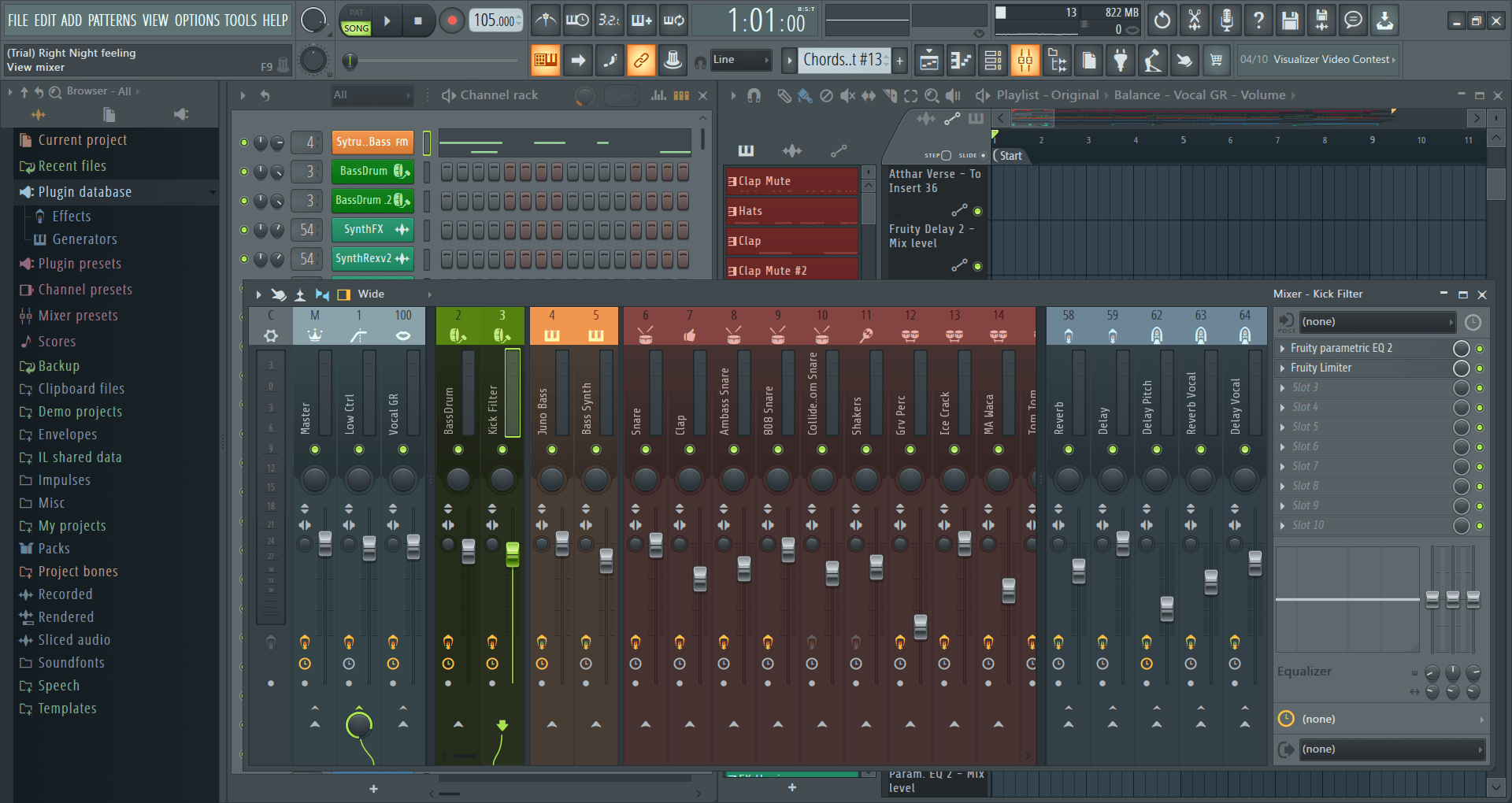
FL Studio is your one-stop digital audio workstation. It is a complete package, and you will not need anything more once you get started on this software to edit all of your music projects effortlessly. If you are a music producer or somebody who is getting started with music, FL Studio might be the application for you.
Target audience
Now, when you come to the application itself, it is suited for everyone from students and hobbyists to professional chart-topping producers. Medium and large-scale production studios can also utilize the application, though it is more commonly known for electronic composition rather than multi-track live band recording.
With FL Studio being a veteran application that has only gotten better with every version, any user, ranging from beginner-level to expert-level, will have a great time working on this digital audio workstation.Trial and versions
There’s a trial version that any user can get started on before finalizing the decision to purchase the full version. The trial version has more than enough features to get you started, but keep in mind that while you can save projects, you cannot re-open them until you buy a license.
The features include composing music, mixing, arranging, equalizers, and more. There are four versions when it comes to paid ones: Fruity, Producer, Signature Bundle, and All Plugins Edition. It is worth noting that the entry-level "Fruity Edition" does not allow audio recording. The prices vary depending on your region and any ongoing discounts/promotions.Interface and usability
The major reason behind choosing this application is its ability to be suited to all the users out there, from beginners to experts. If you prefer working from the comfort of your home on your computer, FL Studio will make you feel at home in no time with its modern yet intuitive interface and a never-ending list of features.Verdict
Any singer or musician can start editing their music on FL Studio with the most basic understanding of the features and how it works. With a state-of-the-art digital audio workstation, FL Studio stands head and shoulders above any other application when it comes to music production.
So what are you waiting for? Download FL Studio. Import your music and instruments, start editing, and put your songs out there in no time. Overlays, drag and drop, loops, editing the tracks, and using equalizers, all of these features are available in FL Studio. While our suggestion is to download it immediately if you are looking for something like this, but if you are not easily impressed, why don’t you try it out yourself?