

Kuvaus
AlphaZC Technology Image Gallery lets you upload, manage, and display images directly from /wp-content/uploads/technology/. It includes:
- Shortcodes for a grid or carousel view
- SwiperJS-based responsive carousel
- Admin panel to upload and delete images
- Customizable gallery options from settings
- Lightweight and simple interface
No media library bloat — just a clean, focused image management plugin.
Shortcodes:
– [alphazc_tech_gallery] — display images in a responsive grid
– [alphazc_tech_gallery_carousel] — display images in a Swiper carousel
Credits
- SwiperJS: https://swiperjs.com/
License
This plugin is licensed under the GPLv2 or later.
Kuvankaappaukset

Admin settings panel 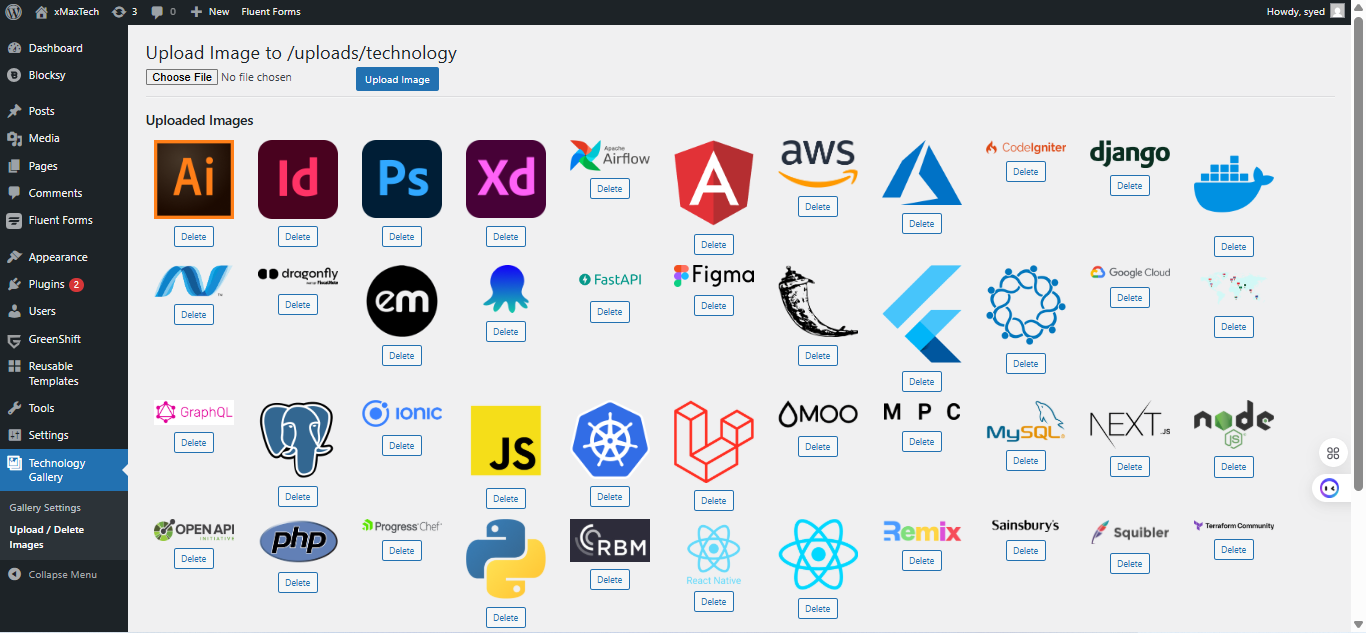
Admin Image Upload/delete 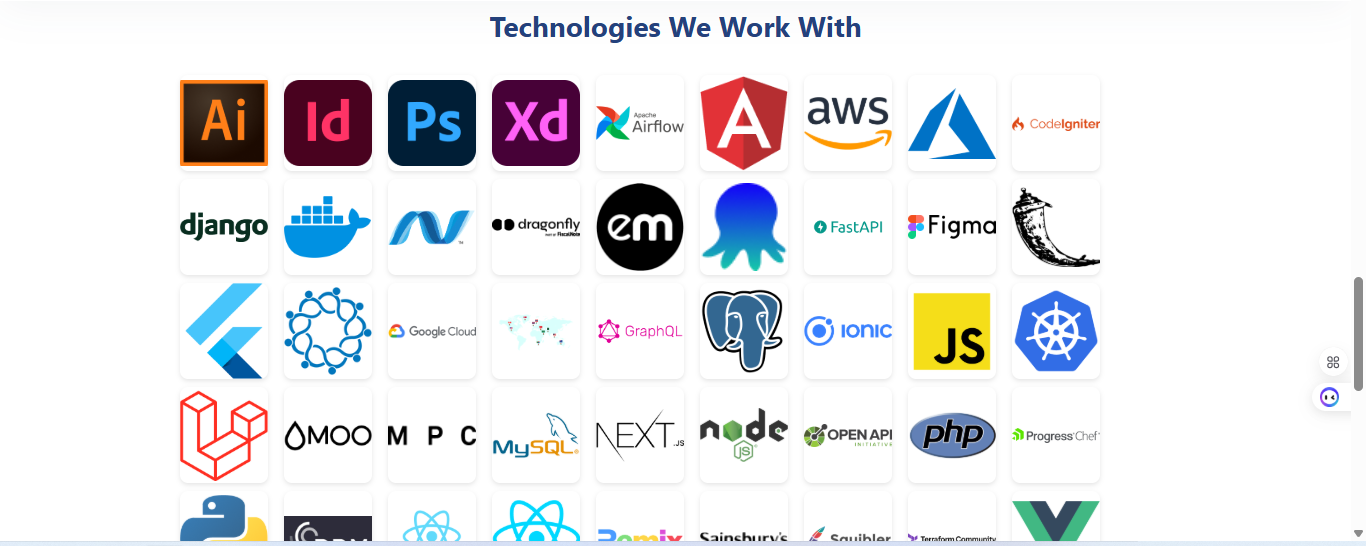
Output of alphazc_tech_gallery 
Output of alphazc_tech_gallery_carousel
Asennus
- Upload the plugin to the
/wp-content/plugins/directory or install via WordPress dashboard. - Activate the plugin through the ’Plugins’ menu in WordPress.
- Navigate to ”Technology Gallery” in the admin sidebar.
- Upload your images.
- Use shortcodes
[alphazc_tech_gallery]or[alphazc_tech_gallery_carousel]in any post or page.
UKK
-
Where are the images stored?
-
In a custom folder:
/wp-content/uploads/technology/ -
Can I use this plugin with other gallery plugins?
-
Yes, but this plugin uses its own custom upload folder and is independent.
-
Does it support multiple image uploads?
-
Not yet — currently supports one-at-a-time uploads.
-
Can I customize carousel settings?
-
Yes! Go to AZC Technology Gallery > Gallery Settings to adjust slide size, spacing, autoplay, and more.
Arvostelut


Avustajat & Kehittäjät
“AlphaZC Technology Image Gallery” perustuu avoimeen lähdekoodiin. Seuraavat henkilöt ovat osallistuneet tämän lisäosan kehittämiseen.
Avustajat
Käännä “AlphaZC Technology Image Gallery” omalle kielellesi.
Oletko kiinnostunut kehitystyöstä?
Browse the code, check out the SVN repository, or subscribe to the development log by RSS.
Muutosloki
1.6
- Initial public release
- Added grid and carousel shortcodes
- SwiperJS integration
- Admin interface for uploading and deleting images
- Basic settings panel for customization