

توضیحات
This is the easiest way to add custom css and/or javascript to your site. Two large windows with css and javascript syntax highlighting makes it super easy to read and write code.
JK Development console also uses AJAX to save the css and javascript data – meaning that the page won’t reload and you can keep on working without have to look for that last spot you edited.
Hope you like it! 🙂
Syntax highlightning by ACE (http://ace.c9.io/).
عکسهای صفحه
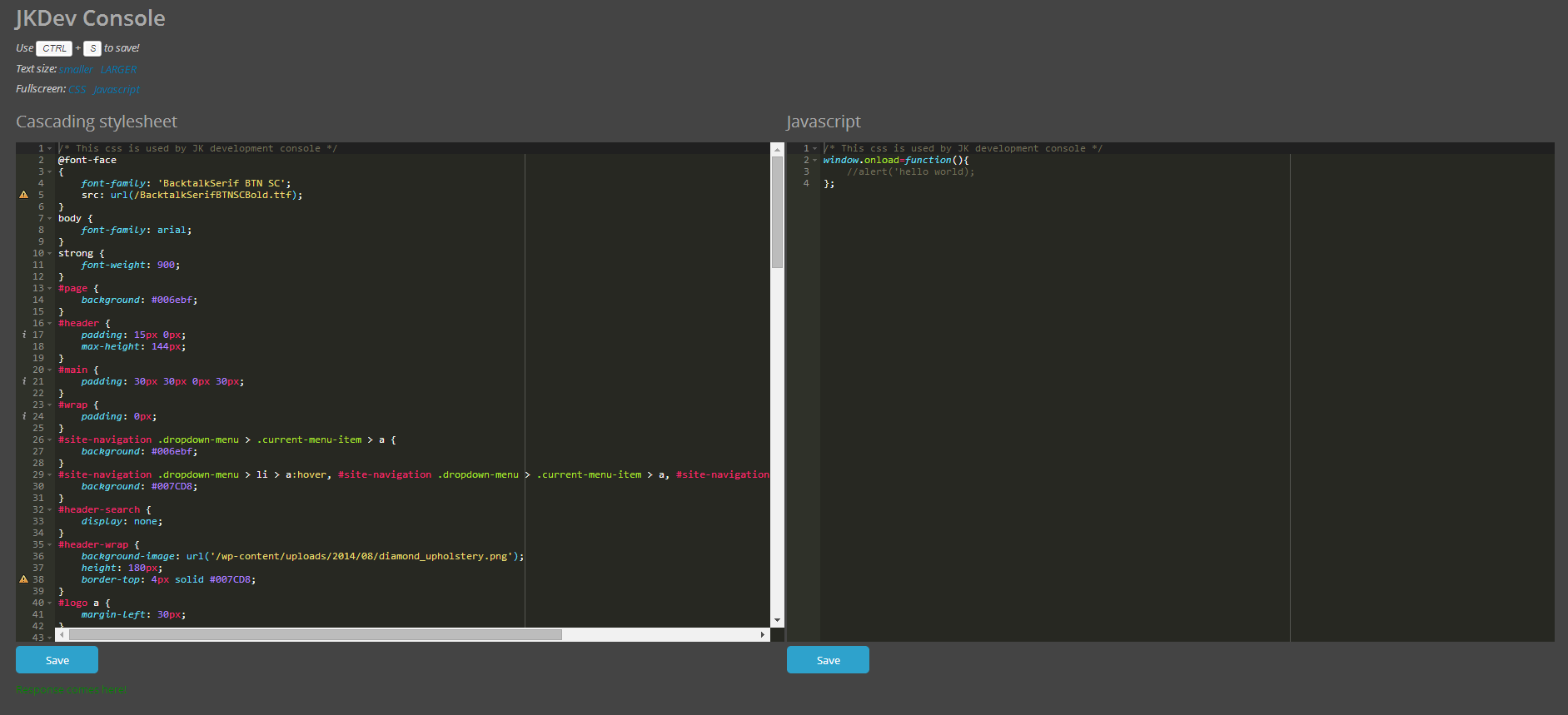
Screenshot from first release.
نصب
- Upload the zip-file content to the
/wp-content/plugins/directory - Activate the plugin through the ‘Plugins’ menu in WordPress
- Navigate to JK Dev console, found in the menu to the left.
- Add some CSS and/or Javascript, hit Save (or press CTRL+S on your keyboard) to save.
- Reload your wordpress site and behold your changes!
سوالات متداول
- Does the hotkey command work for Mac?
-
Yes, it does! Simply use CMD+S to save!
نقد و بررسیها
نقد و بررسیای برای این افزونه یافت نشد.
توسعه دهندگان و همکاران
“JK Development Console” نرم افزار متن باز است. افراد زیر در این افزونه مشارکت کردهاند.
مشارکت کنندگان
ترجمه “JK Development Console” به زبان شما.
علاقه مند به توسعه هستید؟
Browse the code, check out the SVN repository, or subscribe to the development log by RSS.
گزارش تغییرات
1.0
- First official release