

توضیحات
ووکامرس is the open-source ecommerce platform for WordPress.
بستر اصلی ما رایگان، انعطاف پذیر و تقویت شده توسط یک جامعه جهانی است. آزادی منبع آزاد به این معنی است که مالکیت کامل محتوا و دادههای فروشگاه خود را برای همیشه حفظ کنید.
خواه در حال راه اندازی تجارت باشید، خرده فروشی یا در حال توسعه سایت هایی برای مشتری، از ووکامرس برای فروشگاهی استفاده کنید که محتوا و تجارت را به شدت با یکدیگر مخلوط می کند.
- Create beautiful, enticing storefronts with themes suited to your brand and industry.
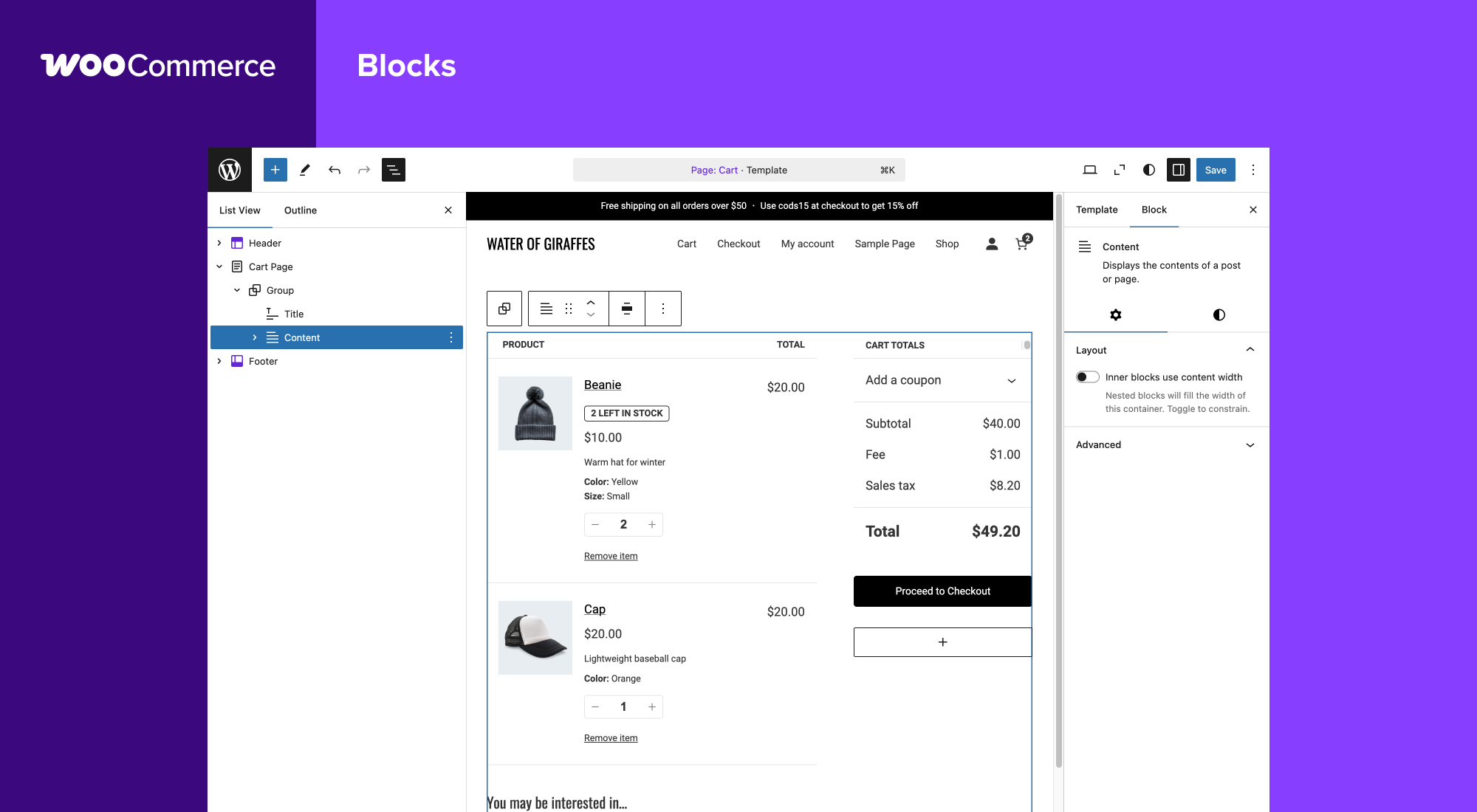
- Increase revenue with an optimized shopping cart experience that converts.
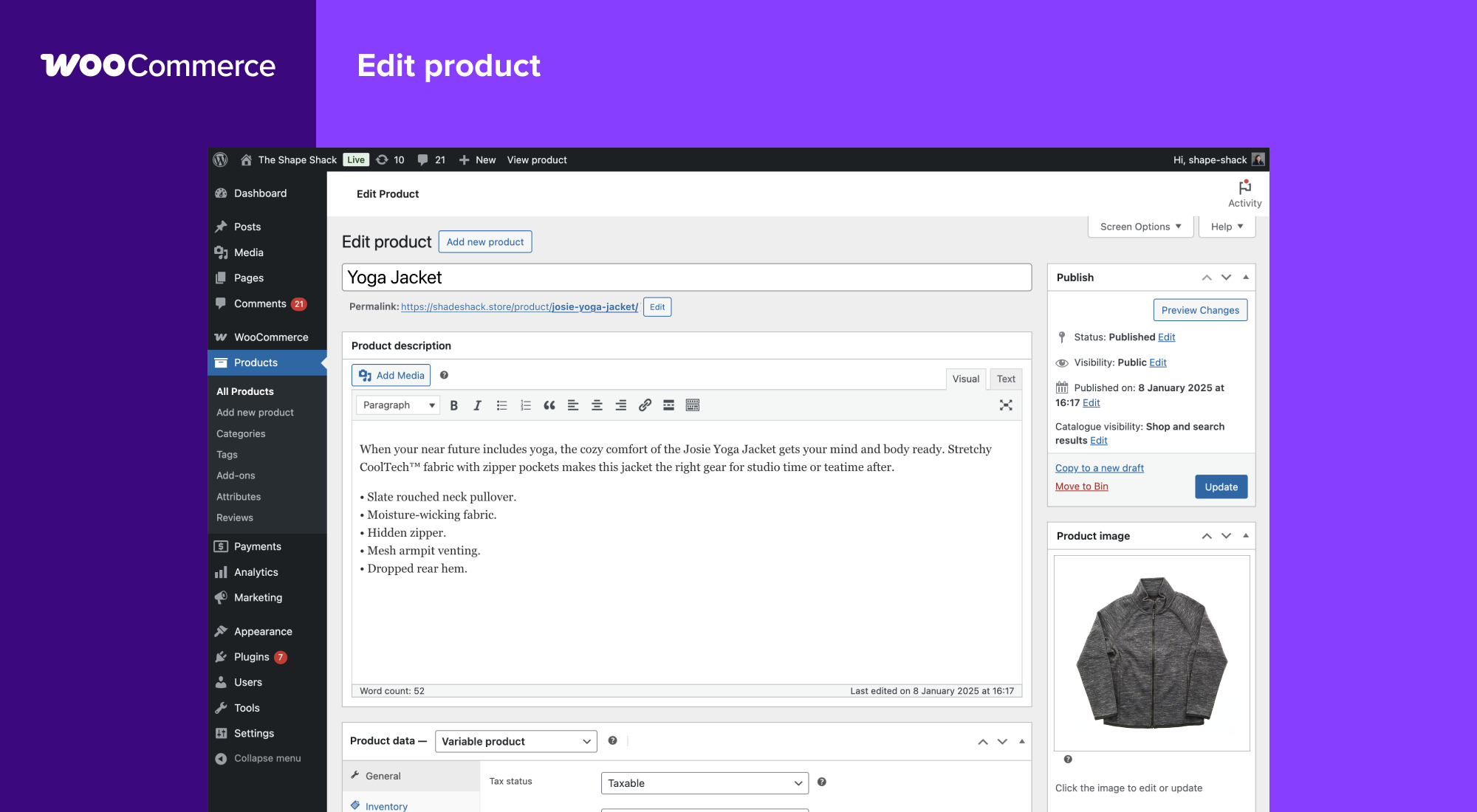
- Customize product pages in minutes using modular product blocks.
- کالاهای فیزیکی و دیجیتالی، تغییرات محصول، تنظیمات سفارشی، دانلودهای فوری و موارد وابسته را به نمایش بگذارید.
- Sell subscriptions, bookings, or memberships, with our developer-vetted extensions.
- با استفاده از اهرم مزیت بهینهسازی موتور جستجو در وردپرس به صدر نتایج جستجو در موتورهای جستجو بروید.
- Build on a platform that scales. Get flexible ecommerce for high-volume stores.
تمام ابزارهایی که برای فروش نیاز دارید
Built-in tools and popular integrations help you efficiently manage your business operations. Many services are free to add with a single click via the optional Setup Wizard.
- Choose how you want to get paid. Conveniently manage payments from the comfort of your store with WooPayments (Available in the U.S., U.K., Ireland, Australia, New Zealand, Canada, Spain, France, Germany, and Italy). Securely accept credit cards, mobile wallets, bank transfers, and cash thanks to 100+ payment gateways – including Stripe, PayPal, and Square.
- Configure your shipping options. Print USPS labels right from your dashboard and even schedule a pickup with WooCommerce Shipping (U.S.-only). Connect with well-known carriers such as UPS and FedEx – plus a wide variety of delivery, inventory, and fulfillment solutions for your locale.
- Simplify sales tax. Add WooCommerce Tax or similar integrated services to make automated calculations a reality.
کسب و کار خود را رشد دهید، ویژگیها را اضافه کنید و در عین حال بر فروشگاه خود نظارت کنید
WooCommerce means business. Keep tabs on the performance metrics most important to you with a powerful and flexible central dashboard built into WooCommerce.
Expand your audience across marketing and social channels with Google Ads, HubSpot, Mailchimp, and Facebook integrations. You can always check out the in-dashboard Marketing Hub for fresh ideas and tips to help you succeed.
Enhance store functionality with hundreds of free and paid extensions from the WooCommerce Marketplace. Our developers vet each new extension and regularly review existing extensions to maintain Marketplace quality standards. We are actively looking for products that help store builders create successful stores.
Manage your store from anywhere with the free WooCommerce mobile app (Android and iOS). Spoiler alert: Keep an ear out for the slightly addictive “cha-ching” notification sound each time you make a new sale!
دادههای فروشگاه خود را مالکیت و کنترل کنید – برای همیشه
With ووکامرس, your data belongs to you. Always.
If you opt to share usage data with us, you can feel confident knowing that it’s anonymized and kept secure. Choose to opt-out at any time without impacting your store.
برخلاف راهحلهای تجارت الکترونیک میزبان، دادههای فروشگاه ووکامرس ضد آینده هستند. شما آزاد هستید که تمام محتوای خود را صادر کنید و سایت خود را به هر پلتفرمی که انتخاب می کنید ببرید. بدون محدودیت.
چرا توسعهدهندگان ووکامرس را انتخاب میکنند و آن را دوست دارند
Developers can use ووکامرس to create, customize, and scale a store to meet a client’s exact specifications, making enhancements through extensions or custom solutions.
- Leverage hooks and filters to modify or create functionality.
- Integrate virtually any service using a robust REST API and webhooks.
- با React بلوکهای محتوای سفارشی را طراحی کنید و بسازید.
- Inspect and modify any aspect of the core plugin code.
- Speed up development with a lightning-fast CLI.
بستر اصلی به طور دقیق و غالباً مورد آزمایش قرار می گیرد و توسط یک تیم توسعهدهنده اختصاصی که در مناطق مختلف کار می کنند پشتیبانی می شود. اسناد جامع با هر نسخه بهروز میشوند و به شما امکان می دهند دقیقاً فروشگاه مورد نیاز خود را بسازید.
جزئی از جامعه بینالمللی در حال رشد ما باشید
ووکامرس دارای یک انجمن بزرگ و پرشور است که به تجار کمک می کند تا موفق شوند – و به سرعت در حال رشد است.
There are WooCommerce Meetups in locations around the world that you can attend for free and even get involved in running. These events are a great way to learn from others, share your expertise, and connect with like-minded folks.
ووکامرس همچنین به طور منظم در وردکمپها در سراسر جهان حضور دارد – ما دوست داریم شما را ملاقات کنیم.
مشارکت و ترجمه
ووکامرس توسط اتوماتیک، سازندگان WordPress.com و جت پک ایجاد شده و پشتیبانی می شود. ما همچنین صدها مشارکت کننده مستقل داریم و همیشه جای بیشتری وجود دارد. به مخزن گیتهاب ووکامرس بروید تا بفهمید چگونه می توانید در سایت خود قرار دهید .
ووکامرس به چندین زبان از جمله دانمارکی، اوکراینی و فارسی ترجمه شده است. با افزودن زبان، به بومیسازی ووکامرس کمک کنید – به ترجمه wordpress.org مراجعه کنید.
Connection to WooCommerce.com
You can connect your store to WooCommerce.com to manage your subscriptions on WooCommerce Marketplace and receive product updates without leaving WordPress admin. Connection also enables installation of purchased products right from WooCommerce.com and streamlines access to technical support. If you’d like to learn about what data is gathered and how it is used, please refer to our Privacy Policy.
عکسهای صفحه
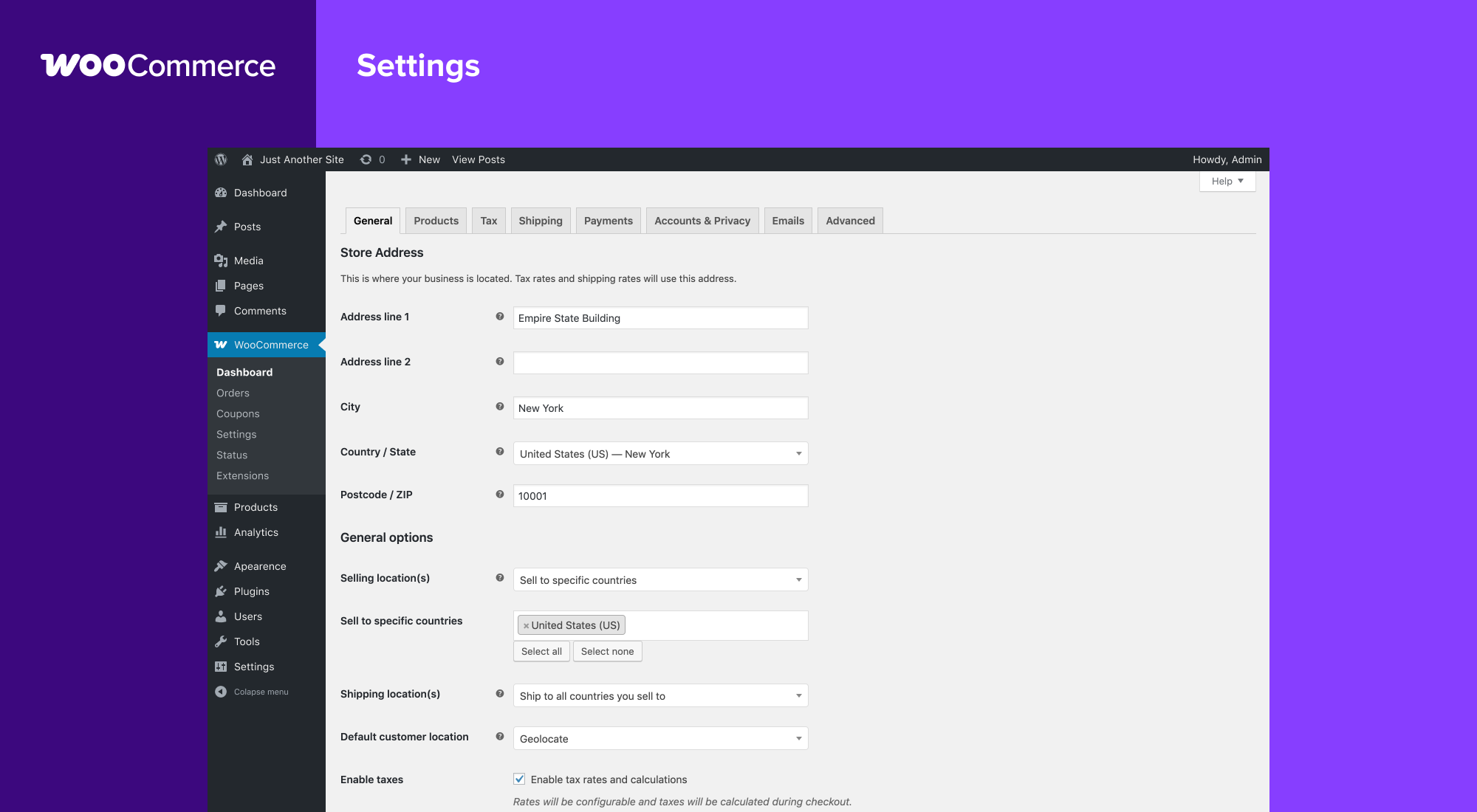
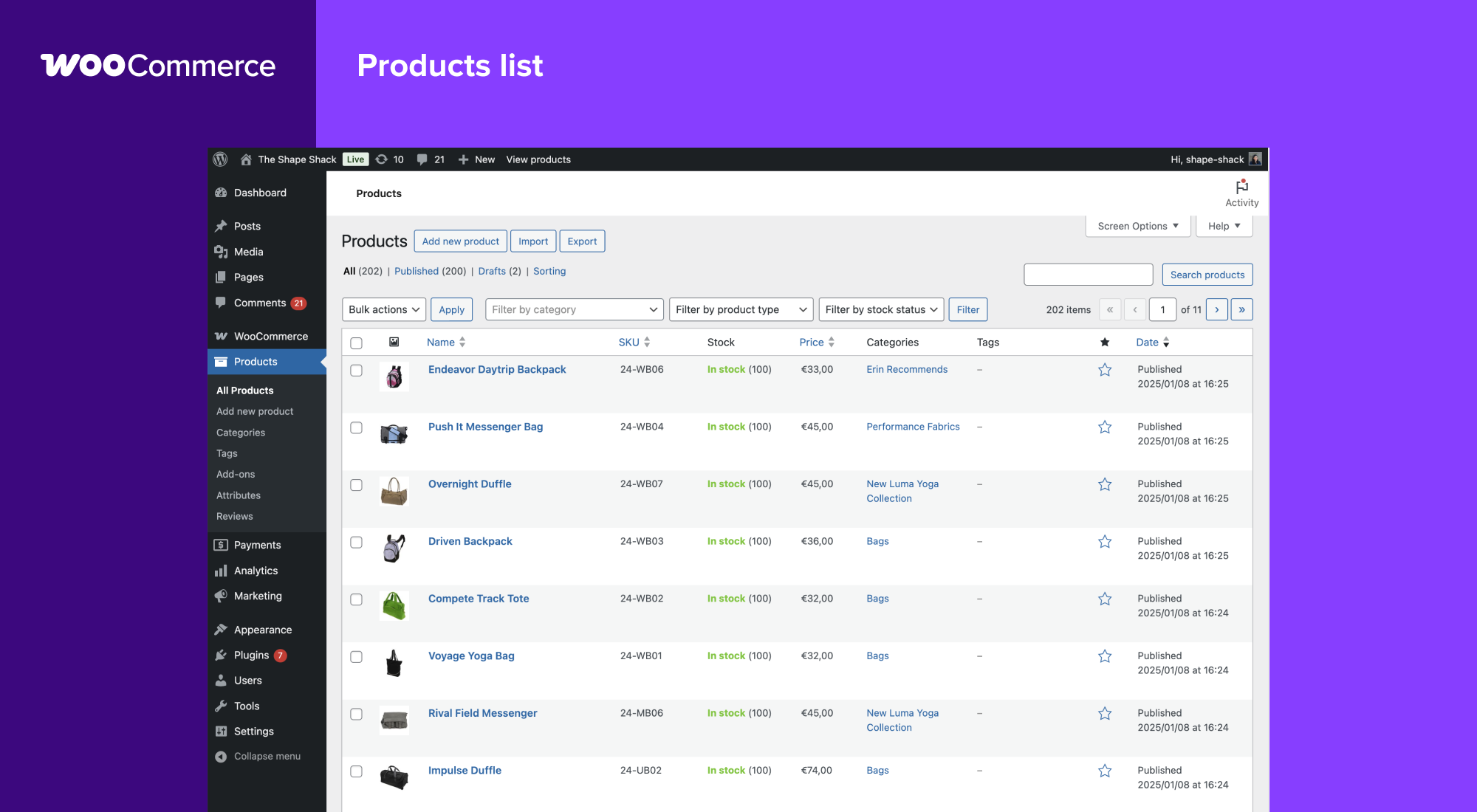
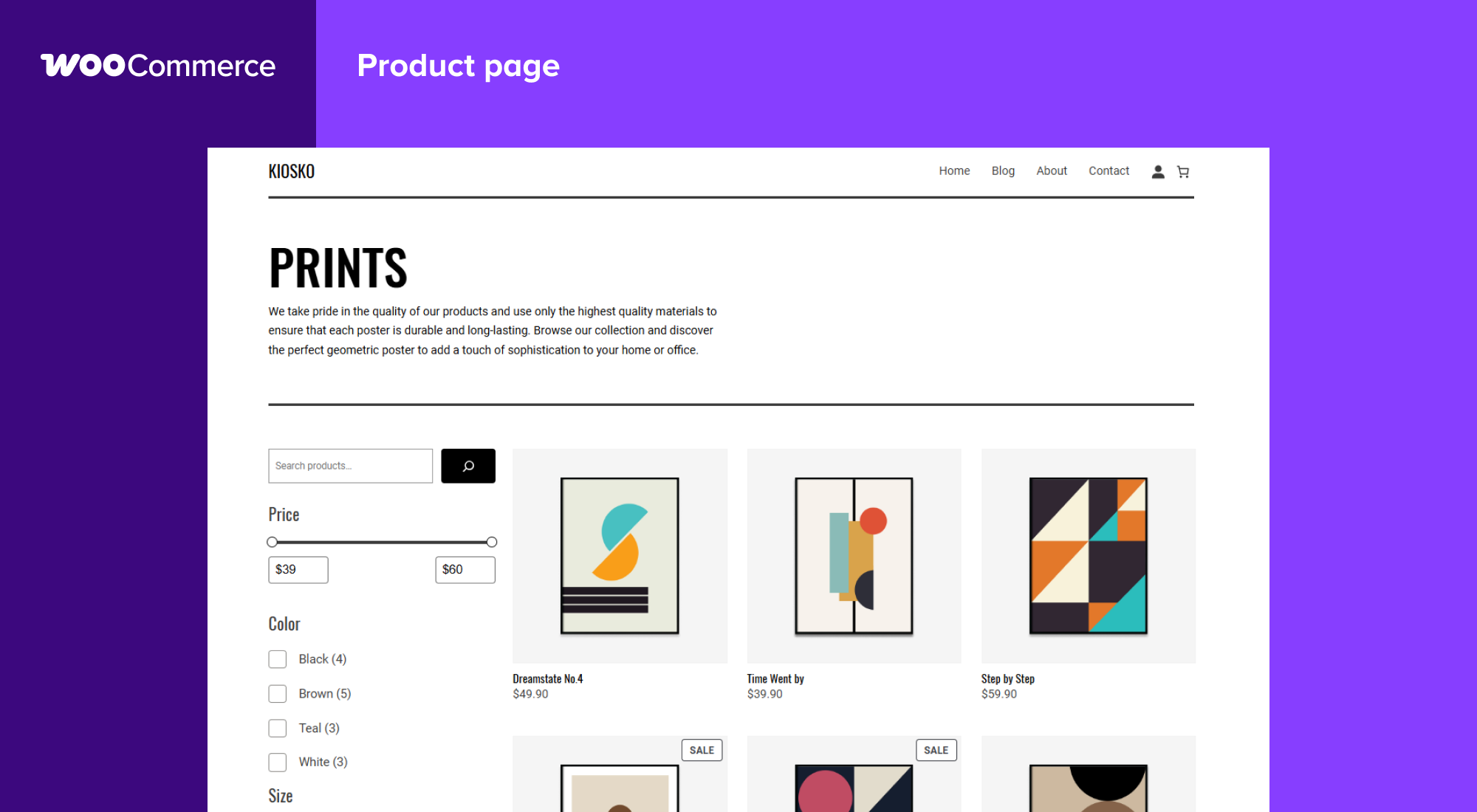
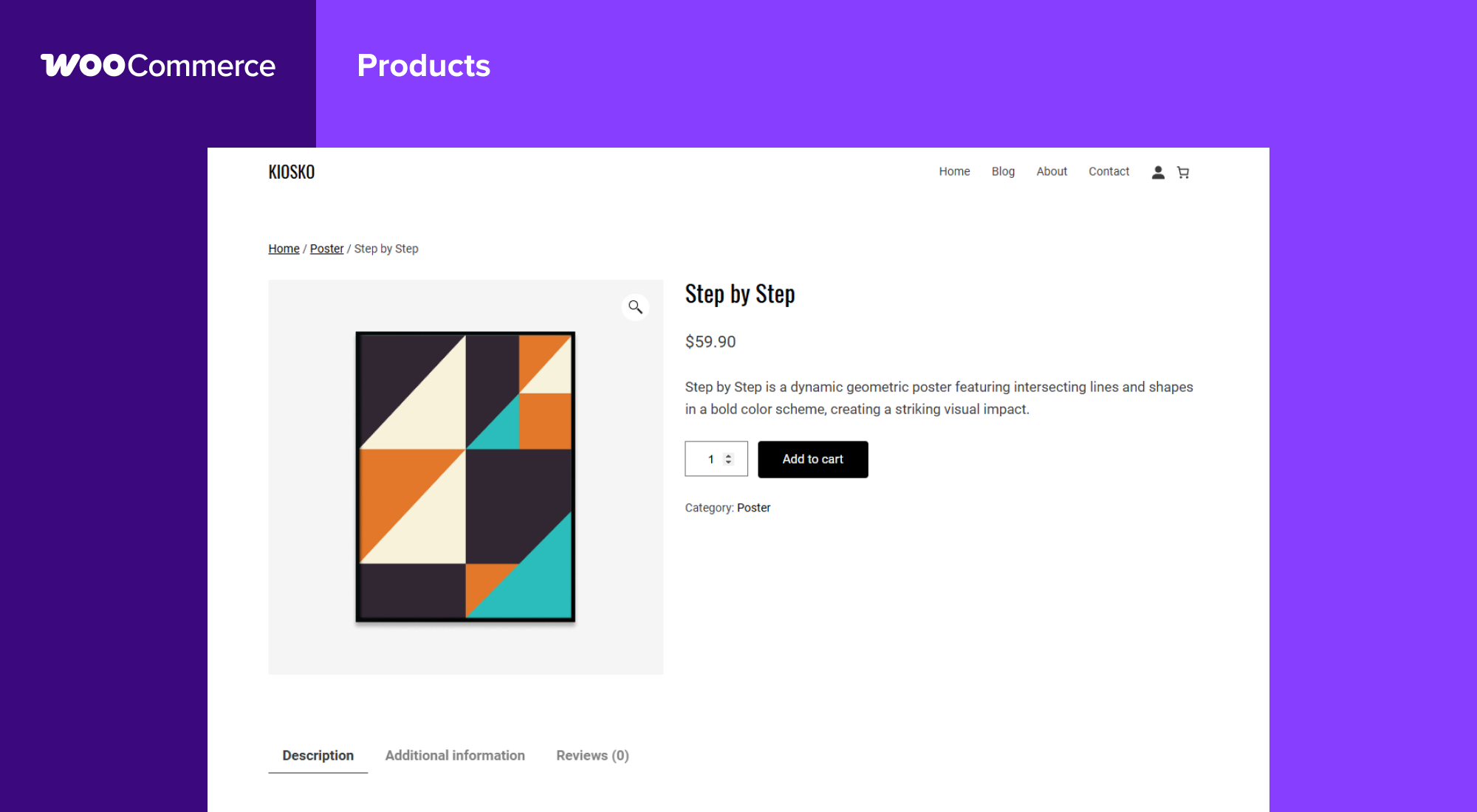
بلوکها
این افزونه 1 بلوک ارائه میدهد.
- Coming Soon
نصب
حداقل نیازمندی ها
- نیازمند PHP 7.4 یا بالاتر است (PHP 8.0 یا بالاتر پیشنهاد میشود)
- MySQL 5.5.5 or greater, OR MariaDB version 10.1 or greater, is required
- WordPress 6.9 or greater
- (Recommended) WordPress memory limit of 256 MB or greater.
- (Recommended) HTTPS support.
نصب خودکار
نصب خودکار ساده ترین گزینه است — وردپرس انتقال فایل را انجام می دهد و شما نیازی به ترک مرورگر وب خود ندارید. برای نصب خودکار ووکامرس، وارد پیشخوان وردپرس خود شوید، به فهرست افزونهها بروید و روی «افزودن جدید» کلیک کنید.
در قسمت جستجو، «WooCommerce» را تایپ کنید، سپس «جستجوی افزونهها» را کلیک کنید. وقتی ما را پیدا کردید، می توانید جزئیات مربوط به آن مانند انتشار نقطه، رتبهبندی و توضیحات را مشاهده کنید. البته از همه مهمتر، میتوانید آن را نصب کنید! روی «اکنون نصب شود» کلیک کنید و وردپرس آن را نصب میکند.
نصب دستی
روش نصب دستی مستلزم دانلود افزونه ووکامرس و آپلود آن در وب سرور خود از طریق برنامه FTP مورد علاقه خود است. کدکس وردپرس حاوی دستورالعملهایی درباره نحوه انجام این کار در اینجا است.
به روز کردن
بهروزرسانیهای خودکار باید بدون مشکل کار کنند، اما ما همچنان توصیه می کنیم از سایت خود پشتیبان تهیه کنید.
اگر پس از بهروزرسانی در صفحات فروشگاه /دسته با مشکلی روبرو شدید، با رفتن به پنل مدیریت > تنظیمات > پیوند های یکتا، سپس ذخیره را بفشرید. و پس از آن تمام لینک های سایت به درستی نمایش داده می شوند.
داده نمونه
WooCommerce comes with some sample data you can use to see how products look; import sample_products.xml via the WordPress importer. You can also use the core CSV importer or our CSV Import Suite extension to import sample_products.csv
سوالات متداول
-
کجا می توانم مستندات ووکامرس و راهنمای کاربر را پیدا کنم؟
-
For help setting up and configuring WooCommerce, please refer to Getting Started and the New WooCommerce Store Owner Guide.
For extending or theming WooCommerce, see our documentation, as well as the Plugin Developer Best Practices.
-
از کجا می توانم در مورد هسته ووکامرس کمک بگیرم یا با کاربران دیگر صحبت کنم؟
-
If you get stuck, you can ask for help in the WooCommerce Support Forum by following these guidelines, reach out via the WooCommerce Community Slack, or post in the WooCommerce Community group on Facebook.
-
از کجا میتوانم برای افزونههایی که از WooCommerce Marketplace خریداری کردهام کمک بگیرم؟
-
For assistance with paid extensions from the WooCommerce Marketplace: first, review our self-service troubleshooting guide. If the problem persists, kindly log a support ticket via our helpdesk. Our dedicated Happiness Engineers aim to respond within 24 hours.
-
I’m having trouble logging in to WooCommerce.com – what now?
-
First, troubleshoot common login issues using this helpful step-by-step guide. Still not working? Get in touch with us.
-
آیا ووکامرس با قالب من کار می کند؟
-
Yes! WooCommerce will work with any theme but may require some additional styling. If you’re looking for a theme featuring deep WooCommerce integration, we recommend Storefront.
-
چگونه میتوانم ووکامرس را بروز کنم؟
-
We have a detailed guide on How To Update WooCommerce.
-
سایت من خراب شد – چه کاری انجام دهم؟
-
Start by diagnosing the issue using our helpful troubleshooting guide.
اگر پس از بهروزرسانی یک پوسته یا افزونه متوجه خطا شدید، ممکن است مشکلات سازگاری بین آن و ووکامرس وجود داشته باشد. اگر این مسئله پس از به روزرسانی ووکامرس ظاهر شود، ممکن است بین ووکامرس و یک پوسته یا افزونه قدیمی تداخلی وجود داشته باشد.
In both instances, we recommend running a conflict test using Health Check (which allows you to disable themes and plugins without affecting your visitors) or troubleshooting the issue using a staging site.
-
از کجا می توان مشکلات را گزارش داد؟
-
خطاها را در مخزن گیتهاب ووکامرس گزارش کنید. همچنین می توانید از طریق انجمن پشتیبانی ما، به ما اطلاع دهید – حتماً در انجمن ها جستجو کنید تا مطمئن شوید که خطا قبلاً گزارش نشده است.
-
از کجا می توانم ویژگیها ، پوستهها و برنامههای افزودنی جدید را درخواست کنم؟
-
Request new features and extensions and vote on existing suggestions on our official feature request board. Our Product teams regularly review requests and consider them valuable for product planning.
-
ووکامرس فوق العاده ست! چطوری می تونم مشارکت کنم؟
-
بله، میتوانید! به مخزن گیتهاب ما بپیوندید و وبنوشت توسعه را دنبال کنید تا در مورد هر آنچه در این پروژه بهروز میشود مطلع باشید.
-
کجا می توانم مستندات Rest API را پیدا کنم؟
-
مستندات گسترده REST API ووکامرس در گیتهاب در دسترس است.
-
سوال من در اینجا ذکر نشده است. از کجا می توانم پاسخ های بیشتری پیدا کنم؟
-
Check out Frequently Asked Questions for more.
نقد و بررسیها


توسعه دهندگان و همکاران
“ووکامرس” نرم افزار متن باز است. افراد زیر در این افزونه مشارکت کردهاند.
مشارکت کنندگان-
Automattic
-
WooCommerce
-
Mike Jolley
-
James Koster
-
Claudio Sanches
-
Rodrigo Primo
-
Peter Fabian
-
Vedanshu – Urumi.AI
-
Julia Amosova
-
obliviousharmony
-
Néstor Soriano Vilchez
-
sadowski
-
Ron Rennick
-
royho
-
Barry
-
Claudiu Lodromanean
-
Tiago Noronha
-
Kelly Choyce-Dwan
-
levinmedia
-
Albert Juhé Lluveras
-
Darren Ethier (nerrad)
-
Joshua Wold
-
Nadir Seghir
-
Rua Haszard
-
Michael P. Pfeiffer
-
Niels Lange
-
Raluca
-
tjcafferkey
-
danielwrobert
-
patriciahillebrandt
-
albarin
-
Tung Du
-
Manish Menaria
-
Karol Manijak
-
sunyatasattva (a11n)
-
Alexandre Lara
-
Luigi Teschio
-
danieldudzic
-
Sam
-
Alex Florisca
-
opr18
-
tarunvijwani
-
Paulo Arromba
-
Saad T.
-
Boro Sitnikovski
-
Gerhard Potgieter
-
Corey McKrill
-
Jorge A. Torres
-
Leif Singer
-
Ján Mikláš
“ووکامرس” به 71 زبان ترجمه شده است. با تشکر از مترجمین برای همکاری و کمکهایشان.
علاقه مند به توسعه هستید؟
کد را مرور کنید, را بررسی کنید مخزن SVN, یا مشترک شوید گزارش توسعه توسط RSS.
گزارش تغییرات
10.8.1 2026-05-27
ووکامرس