

توضیحات
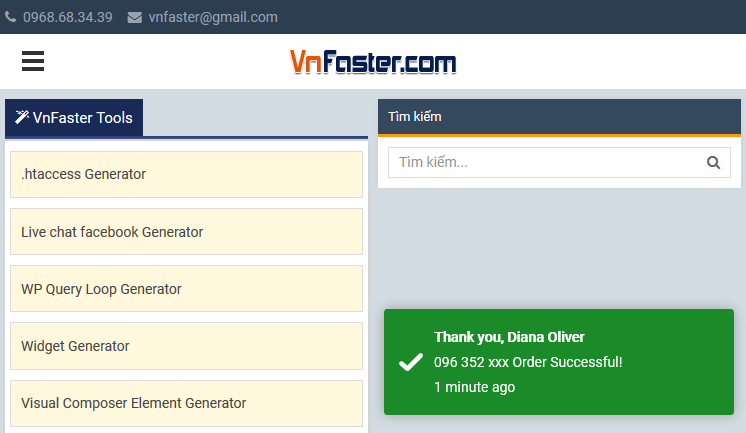
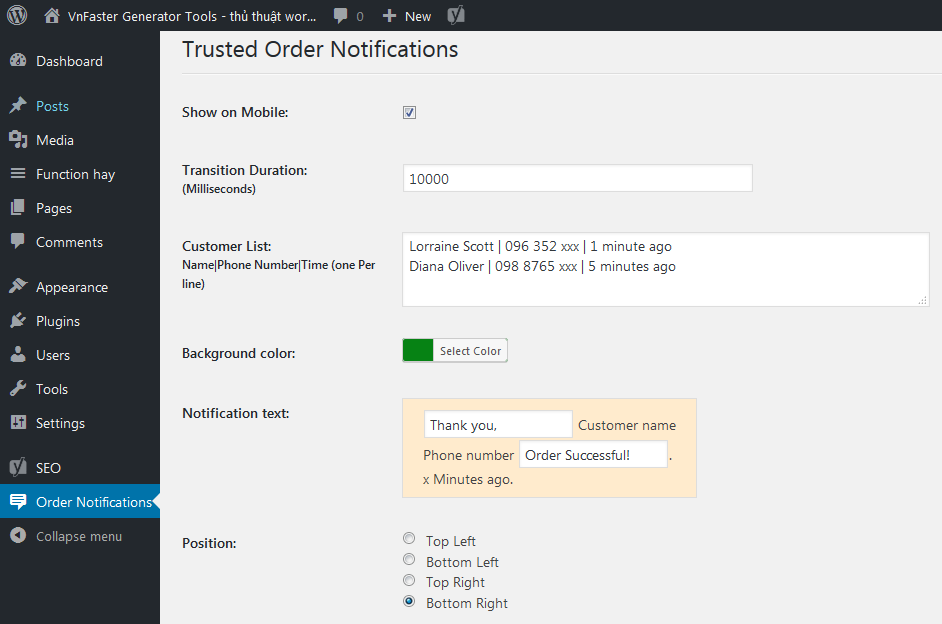
Trusted Order Notifications on Ecommerce Site.
From within WordPress
- Visit ‘Plugins > Add New’
- Search for ‘Trusted Order Notifications’
- Activate Trusted Order Notifications from your Plugins page.
Manually
- Upload the
trusted-order-notificationsfolder to the/wp-content/plugins/directory - Activate the Trusted Order Notifications plugin through the ‘Plugins’ menu in WordPress
- Go to “after activation” below.
عکسهای صفحه
سوالات متداول
You’ll find answers to many of your questions on (https://vnfaster.com).
نقد و بررسیها

آکتوبر 16, 2021
Cảm ơn ! Đang cần giải pháp này !

آکتوبر 26, 2018
Fantastic plugin!
توسعه دهندگان و همکاران
“Trusted Order Notifications” نرم افزار متن باز است. افراد زیر در این افزونه مشارکت کردهاند.
مشارکت کنندگان
ترجمه “Trusted Order Notifications” به زبان شما.
علاقه مند به توسعه هستید؟
کد را مرور کنید, را بررسی کنید مخزن SVN, یا مشترک شوید گزارش توسعه توسط RSS.
گزارش تغییرات
3.0.0
- Fixed Conflict with Minify HTML plugin.
1.0.0
- First release.