
Deskripzioa
FaeCursor adds interactive cursor, keyboard, and screen effects to your WordPress website, designed for engaging visual feedback without compromising performance.
Create smooth trails, sparkles, particles, and subtle motion effects that enhance user interaction while keeping your site lightweight and responsive.
Unlike effect packs that load everything globally, FaeCursor uses a structured module system so you can enable only what you need.
Modular Architecture
FaeCursor is built as a controlled interaction system, not a collection of random animations.
Cursor Effects
Add refined visual feedback that follows pointer movement. Includes multiple presets with adjustable size, speed, and color controls.
Keyboard Effects
Display subtle interaction feedback during typing. Ideal for forms, comment sections, and interactive experiences.
Screen Effects
Optional screen-based visual layers such as particle systems and motion backgrounds that enhance atmosphere without interfering with usability.
Each module can be enabled or disabled independently.
Key Features
• Independent interaction layers
• Conditional asset loading (disabled modules do not load scripts)
• Real-time live preview in the admin dashboard
• Adjustable performance and animation controls
• Mobile and touch device filtering
• Compatible with Elementor, Divi, Bricks, Gutenberg, and any WordPress themes
• Lightweight and optimized for modern browsers
Why FaeCursor?
FaeCursor focuses on performance, control, and clean integration:
• Enable only the effects you need
• Avoid unnecessary frontend bloat
• Maintain compatibility with modern themes and builders
• Keep full control over visual behavior
FaeCursor Pro
FaeCursor Pro extends the toolkit with advanced control options:
• Page-level and post-level targeting
• Role-based visibility rules
• Extended customization controls (size, speed, opacity, triggers)
Want even more control over your interaction effects?
Explore everything FaeCursor Pro has to offer: FaeCursor Pro
License
This plugin is licensed under the GPLv2 or later.
Pantaila-argazkiak
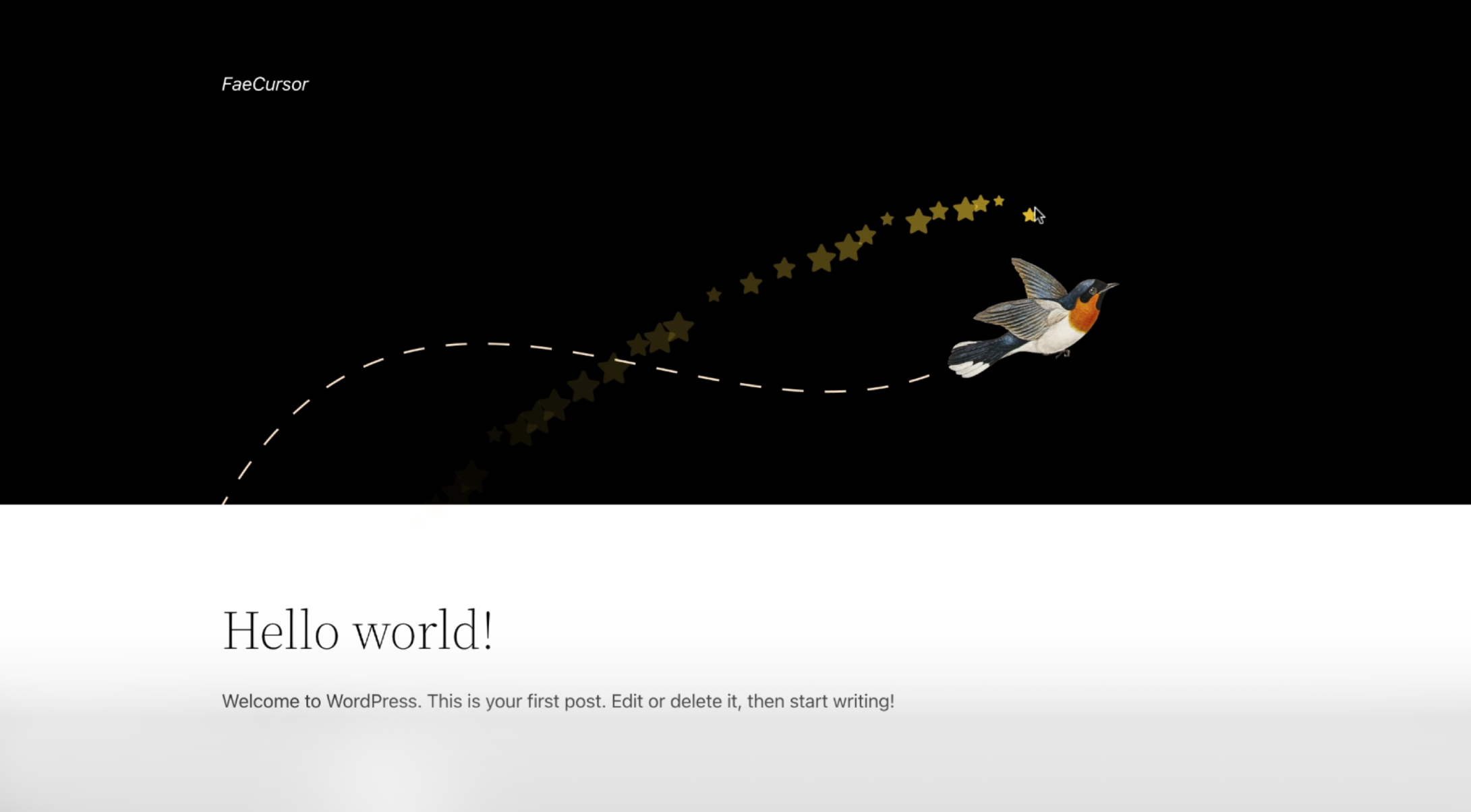
Plugin Settings Screen screenshot-1.png 
Sparkle Effect screenshot-2.png 
Keyboard Interaction Effects screenshot-3.png 
Screen Particle Effects screenshot-4.png
Instalazioa
- Upload the
faecursorfolder to the/wp-content/plugins/directory. - Activate the plugin through the ‘Plugins’ screen in WordPress.
- Go to the FaeCursor settings page in your WordPress dashboard to configure effects.
MEG
-
Will FaeCursor slow down my site?
-
No. Only enabled modules load their assets. Disabled effects do not enqueue scripts or styles.
-
Can I disable effects on mobile devices?
-
Yes. You can disable specific modules on touch devices while keeping others active.
-
Does it work with page builders?
-
Yes. FaeCursor works with Elementor, Divi, Bricks, Gutenberg, and most any WordPress themes.
Berrikuspenak
Ez dago berrikuspenik plugin honentzat.
Laguntzaileak eta Garatzaileak
“FaeCursor – Interaction Effects Toolkit” software librea da. Ondoko pertsonek egin dizkiote ekarpenak plugin honi.
Laguntzaileak

Itzul zaitez FaeCursor – Interaction Effects Toolkit zure hizkuntzara.
Garapena interesatzen zaizu?
Araka kodea, begiratu SVN biltegia edo harpidetu garapen erregistrora RSS bidez.
Aldaketen loga
20 Feb 2026 – ver 1.2.1
- Improved WordPress Coding Standards compliance for better code quality.
- Enhanced security with proper input sanitization and nonce verification.
- Fixed compatibility issues for WordPress.org submission.
- Code optimization and performance improvements.
05 Feb 2026 – ver 1.2.0
- Updated admin UI with enhanced usability and live preview.
- Added new cursor, keyboard, and screen effects.
- Optimized performance for modern browsers and WordPress versions.
25 Oct 2025 – ver 1.1.0
- Updated admin UI for a more intuitive settings experience.
- Added new cursor icons for greater customization.
- Fixed Safari browser issue with the dual circle cursor effect.
23 Oct 2024 – ver 1.0.0
- Initial release of FaeCursor.
- Added star trail, sparkle, and magic aura effects.