

Description
Code Snippets Block is a lightweight Gutenberg plugin that lets you display programming code in WordPress with syntax highlighting, copy-to-clipboard functionality, and customizable themes.
Code Snippets Block | Pricing | Support | Live Demos
It helps developers, bloggers, and educators present code snippets in a clean and readable format. Visitors can quickly copy code with a single click, making it perfect for coding tutorials, documentation, and developer blogs.
The block supports multiple programming languages and modern color themes to improve readability. It is fully responsive and works smoothly inside the WordPress block editor.
Whether you are publishing development tutorials, technical documentation, or sharing reusable code snippets, this plugin makes code presentation simple and professional.
Key Features – Free Version
-
One-Click Copy Button: Allow visitors to copy code instantly using a convenient copy-to-clipboard button.
-
Syntax Highlighting for Multiple Languages: Display programming code with proper syntax highlighting for better readability.
-
Seven Modern Color Themes: Choose from multiple built-in themes to customize the appearance of your code snippets.
-
Clean Code Presentation: Show code in a structured and readable layout that improves user experience.
-
Gutenberg Block Integration: Easily insert code snippets using a dedicated Gutenberg block.
-
Shortcode Support: Embed code snippets anywhere on your site using shortcodes.
-
Responsive Design: Code snippets automatically adapt to all screen sizes and devices.
Code Snippets Block Pro – Unlock More Customization
Upgrade to the Pro version for additional layout and styling controls.
What’s Included in the Pro Version?
-
Custom Copy Button Position: Place the copy button exactly where you want within the code block.
-
Premium Header Layouts: Use advanced header layouts to enhance the code snippet design.
-
Exclusive Premium Themes: Access additional professionally designed color themes.
-
Header Padding & Background Control: Adjust spacing and background styles for the code block header.
-
Custom Code Block Background: Apply custom background styles for better visual presentation.
-
Formatted Output Section: Display formatted output along with the code snippet.
Try the Code Snippets Block – Unlock all premium features now!
How to Use Code Snippets Block – Step-by-Step Guide
Getting started with the Code Snippets Block is quick and easy!
Step-by-Step Instructions
-
Install and activate the Code Snippets Block plugin.
-
Open the Gutenberg editor in WordPress.
-
Add the Code Snippets Block from the block inserter.
-
Paste your code into the block.
-
Select the programming language and theme from the block settings.
Your code snippet will now appear with syntax highlighting and a copy button.
- For installation help click on Installation Tab
Live Demos | Get Code Snippets Block PRO
Why Use Code Snippets Block?
✔ Improve readability of code in blog posts
✔ Allow visitors to copy code instantly
✔ Display syntax highlighted code professionally
✔ Perfect for coding tutorials and documentation
✔ Fully responsive across all devices
Common Use Cases
The plugin is useful for many types of WordPress websites:
✔ Programming tutorials
✔ Developer documentation
✔ Coding blogs
✔ Technical knowledge bases
✔ Educational coding resources
Feedback
- Liked that plugin? Hate it? Want a new feature? Send me some feedback
⭐ Check out the Parent Plugin of this plugin-
🔥 b Blocks – Best gutenberg blocks collections for WordPress.
⭐ Check out our other WordPress Plugins-
🔥 Html5 Audio Player – Best audio player plugin for WordPress.
🔥 Html5 Video Player – Best video player plugin for WordPress.
🔥 PDF Poster – A fully-featured PDF Viewer Plugin for WordPress.
🔥 StreamCast – A fully-featured Radio Player Plugin for WordPress.
🔥 3D Viewer – Display interactive 3D models on the webs.
Screenshots

Code Snippets Admin Dashboard 
Add New FAQ (ShortCode) 
Default Theme 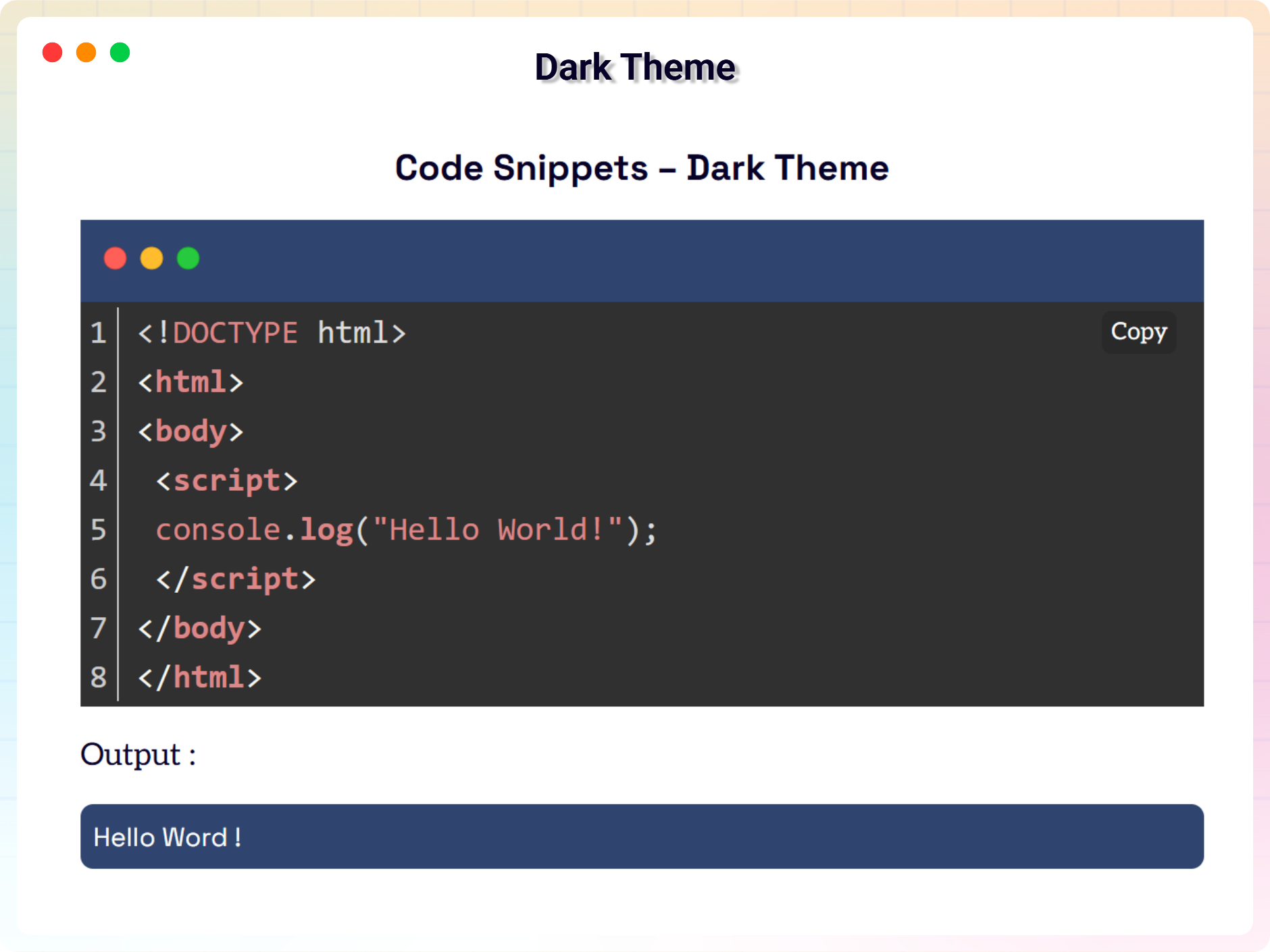
Dark Theme 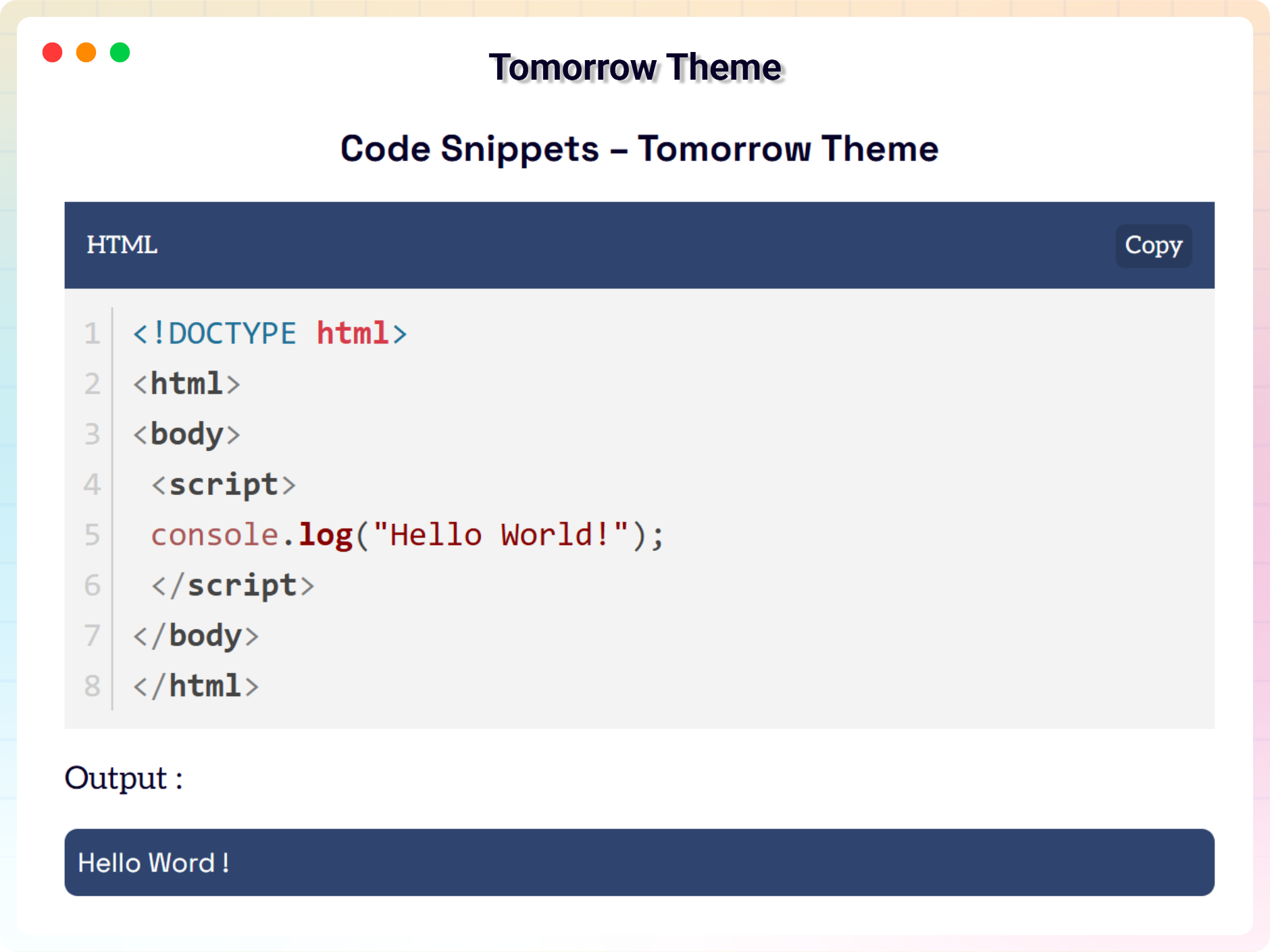
Tomorrow Theme 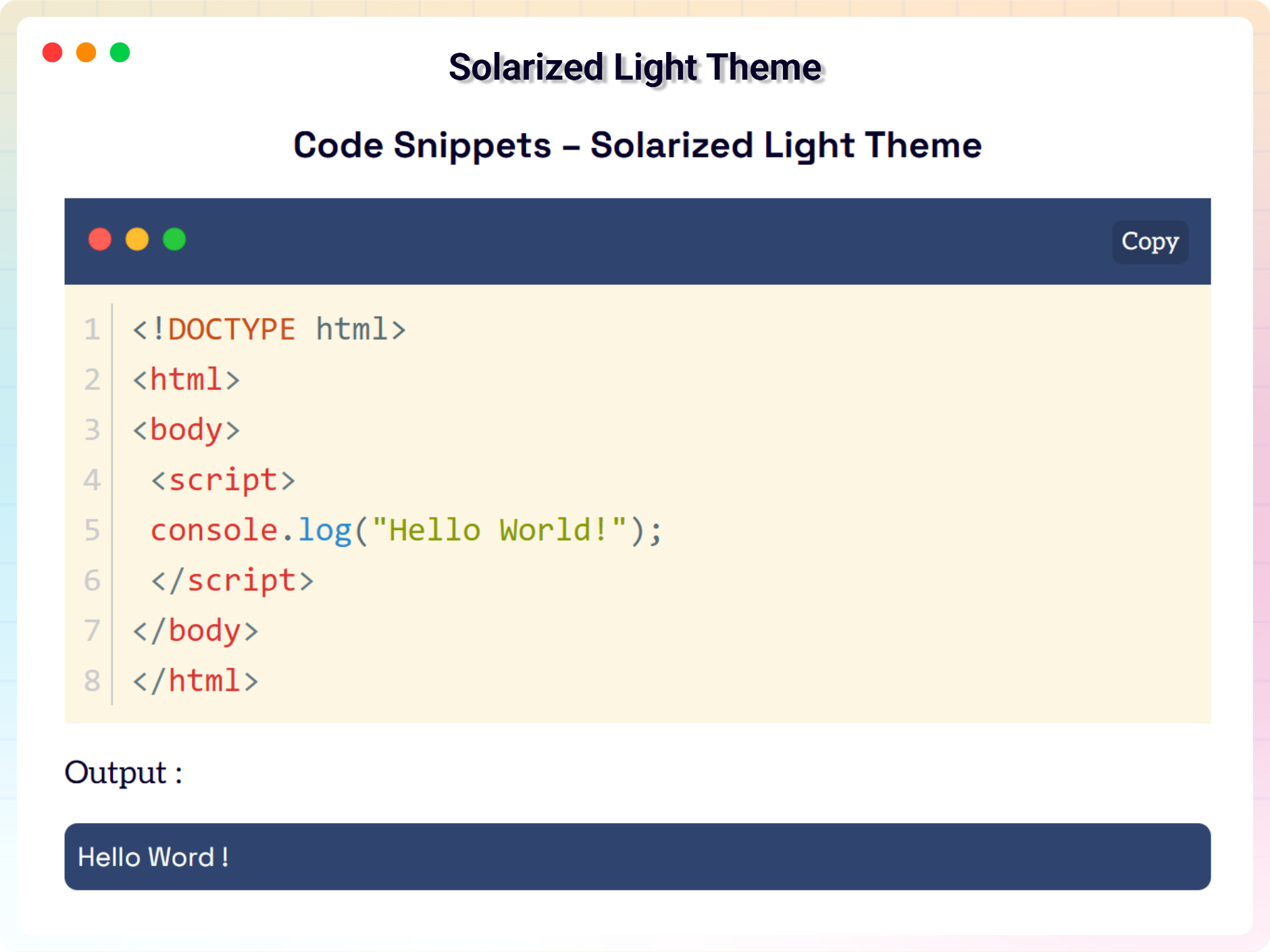
Solarized Light Theme 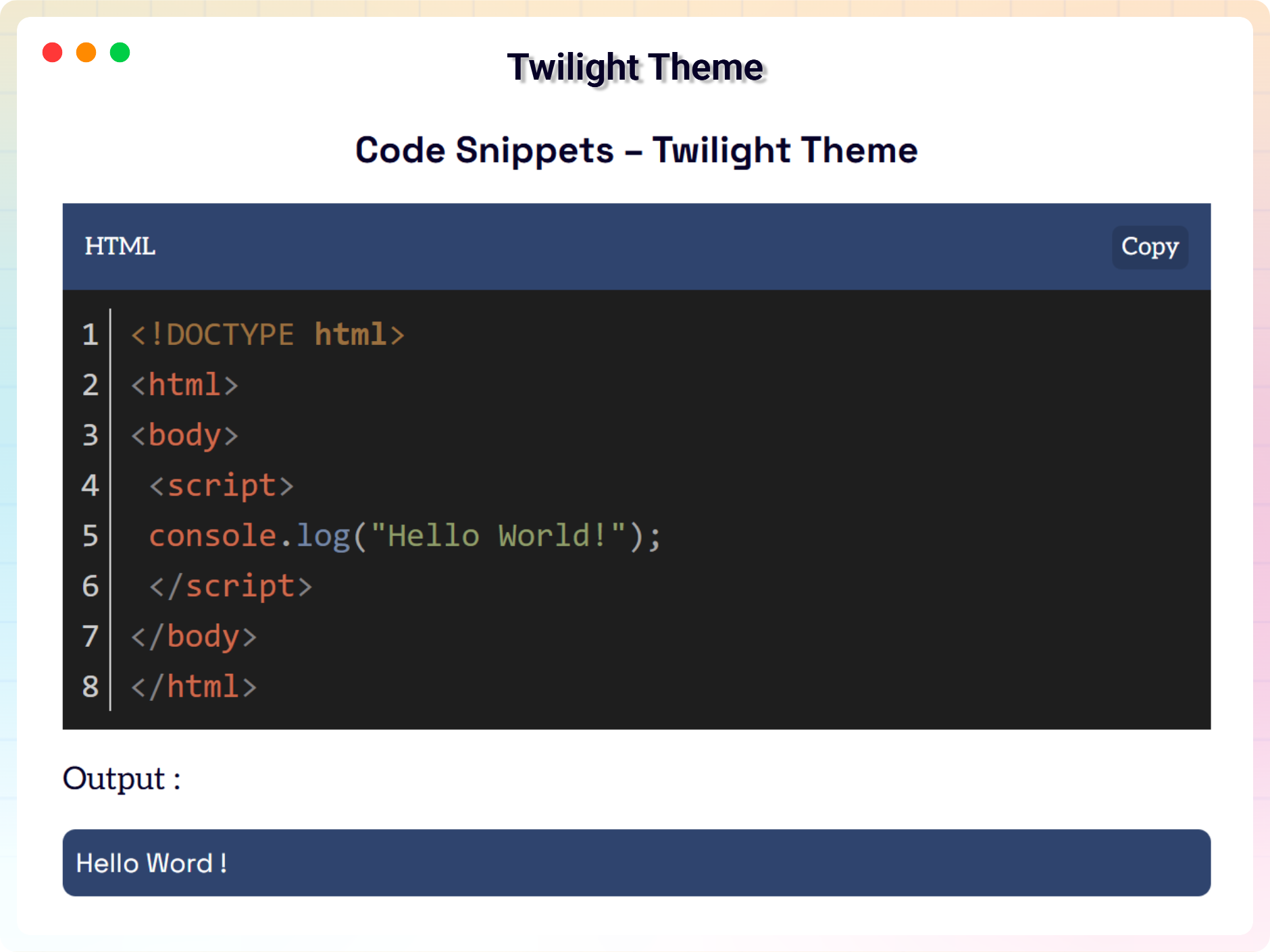
Twilight Theme 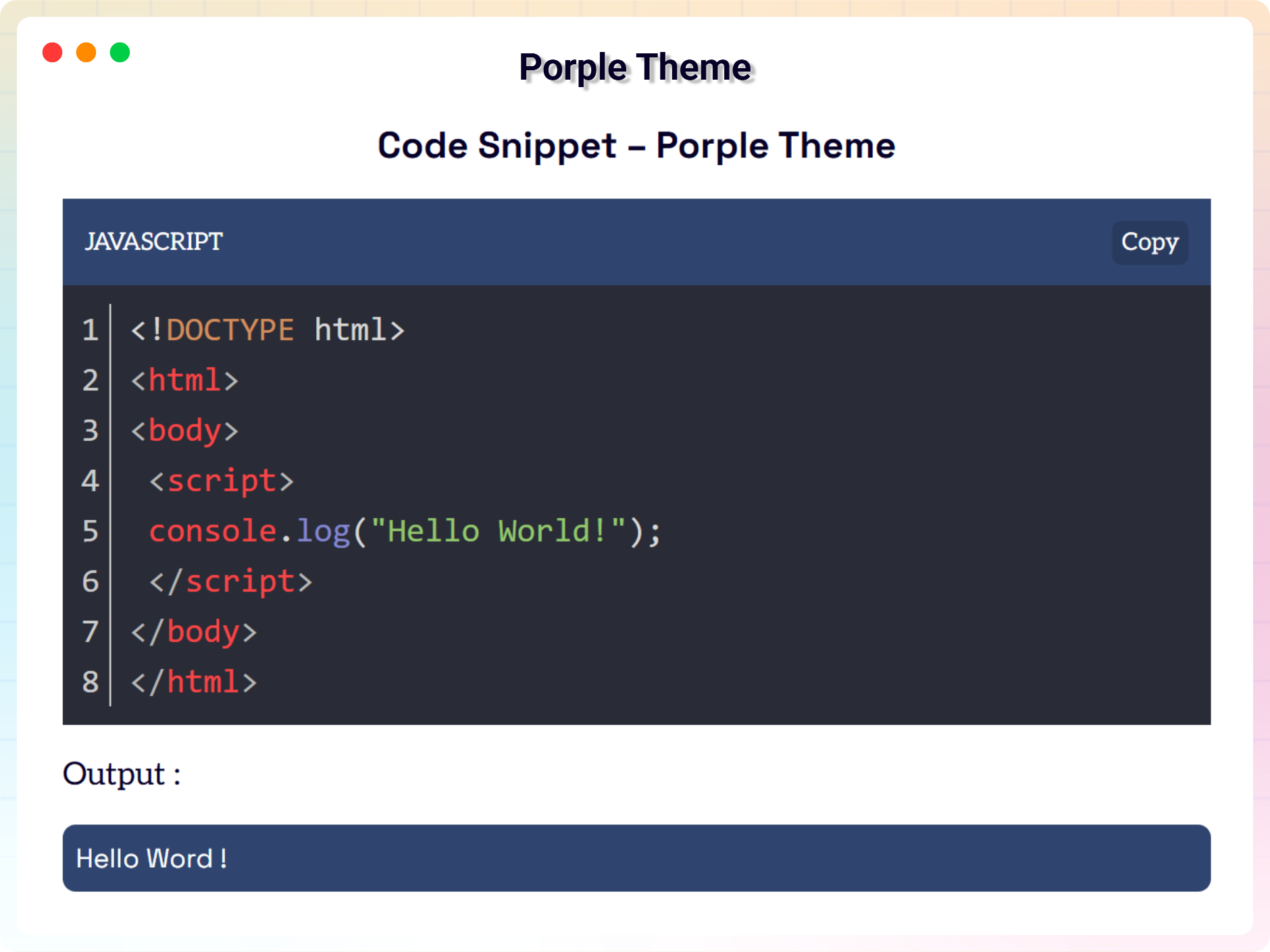
Porple Theme 
White Theme 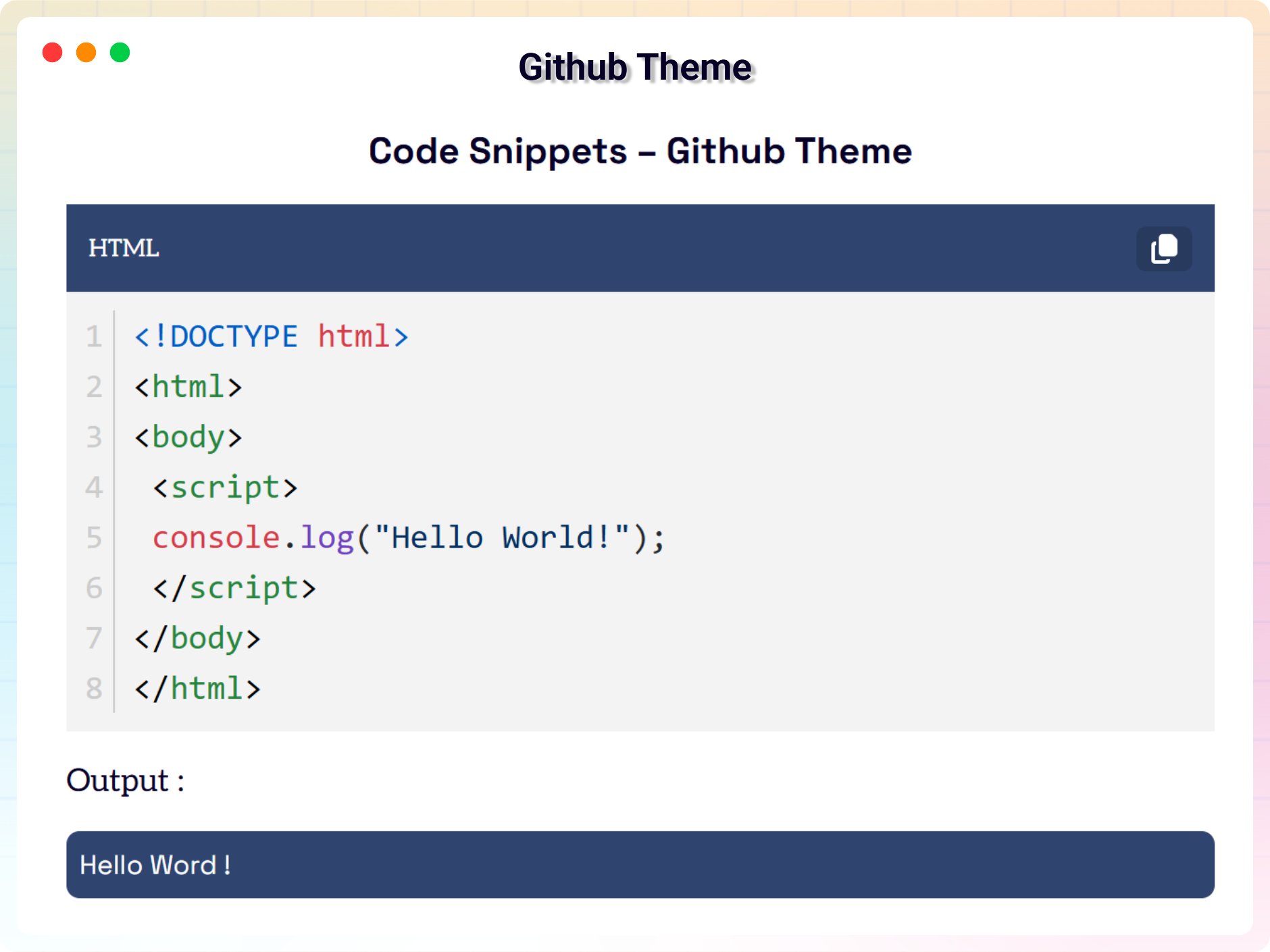
Github Theme 
Gradient-Light Theme 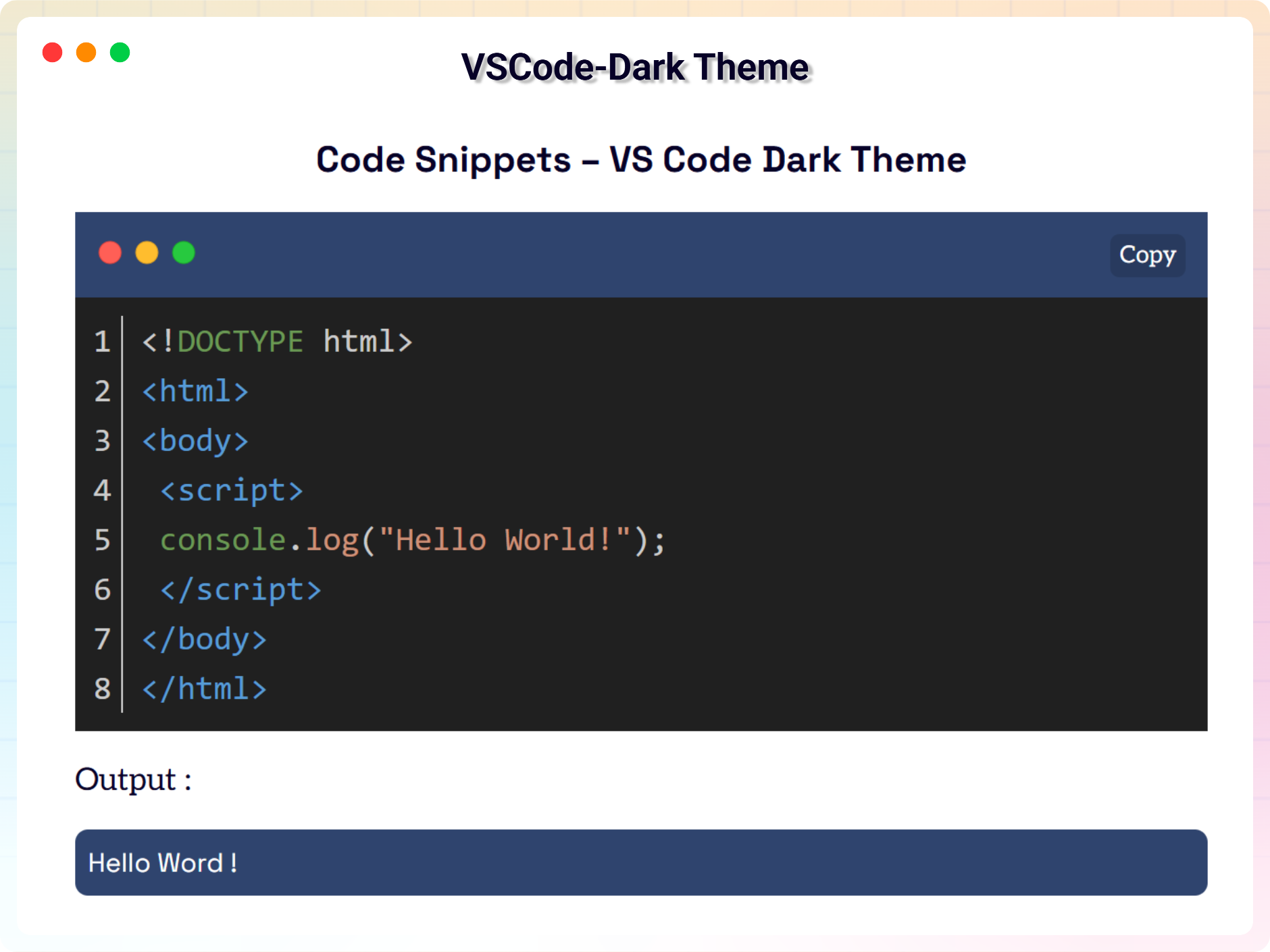
VSCode-Dark Theme 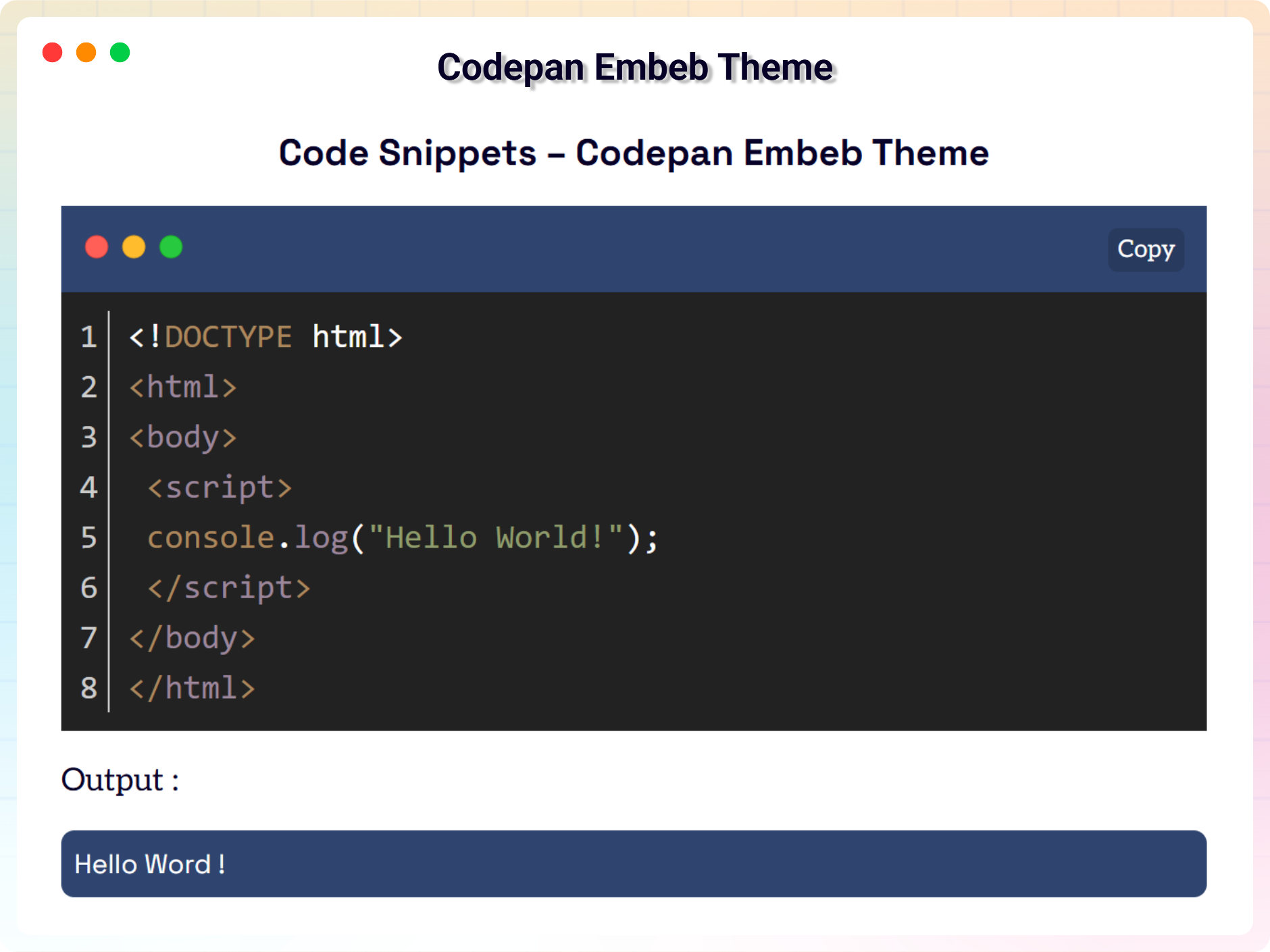
Codepan Embeb Theme 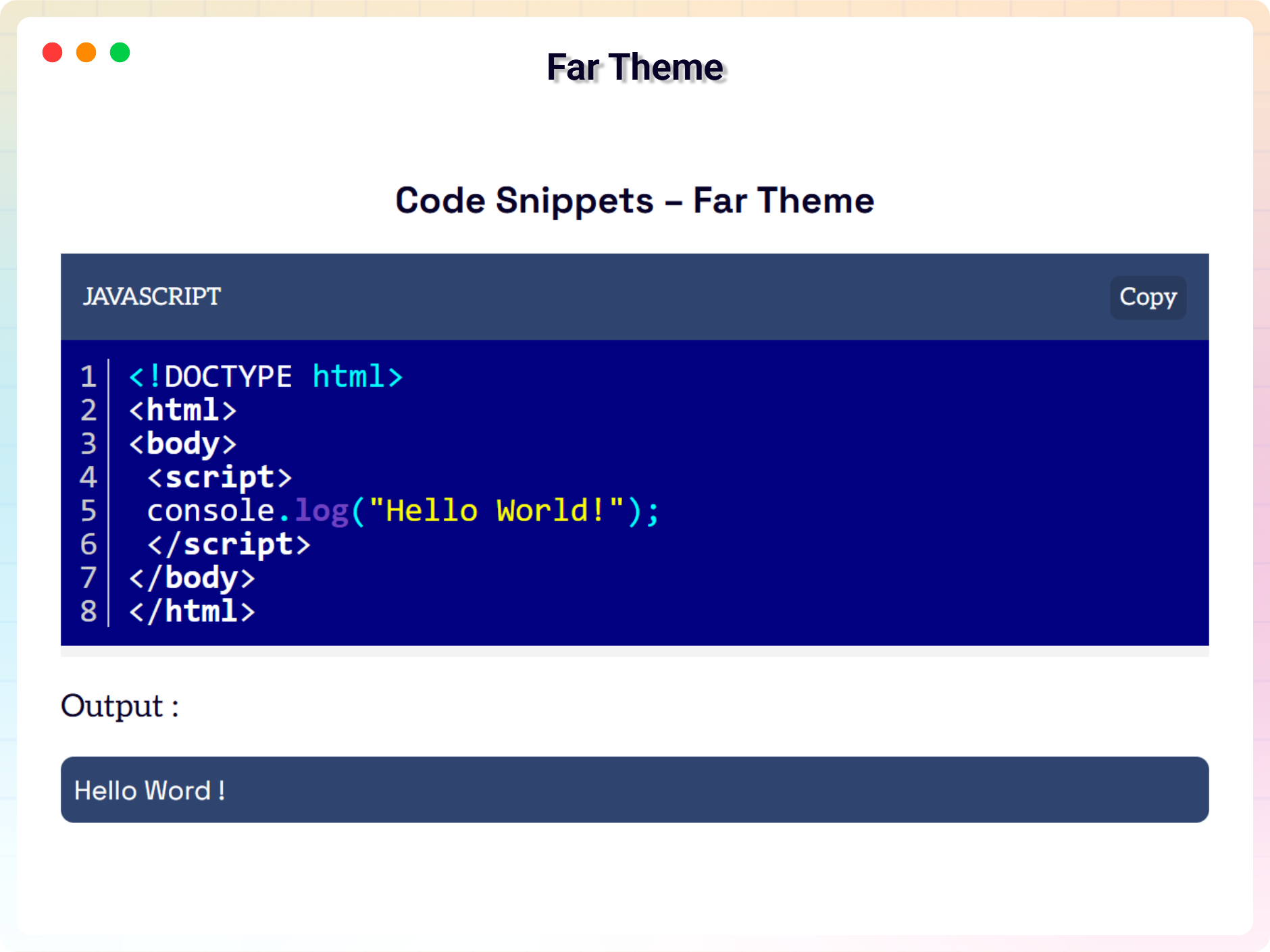
Far Theme 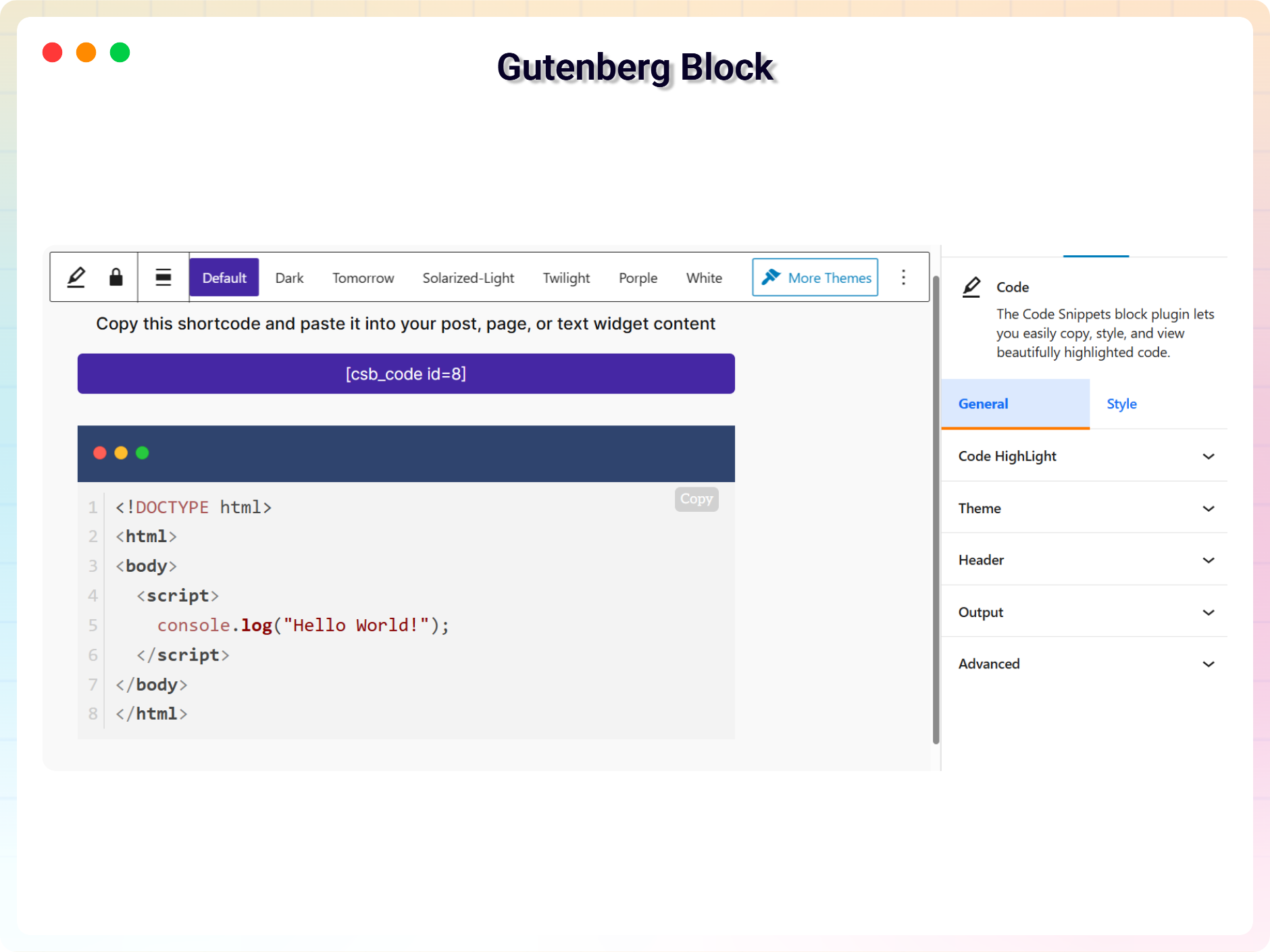
Gutenberg Block Support 
Gutenberg Block Settings
Blocks
This plugin provides 1 block.
- Code The Code Snippets block plugin lets you easily copy, style, and view beautifully highlighted code.
Installation
From Gutenberg Editor:
- Go to the WordPress Block/Gutenberg Editor
- Search For Code Snippets
- Click on the Code Snippets to add the block
Download & Upload:
- Download the Code Snippets Block plugin (.zip file)
- In your admin area, go to the Plugins menu and click on Add New
- Click on Upload Plugin and choose the
code-snippets-block.zipfile and click on Install Now - Activate the plugin and Enjoy!
Manually:
- Download and upload the Code Snippets Block plugin to the
/wp-content/plugins/directory - Activate the plugin through the Plugins menu in WordPress
FAQ
-
Is Code Snippets Block free?
-
Yes, Code Snippets Block is a free Gutenberg block plugin.
-
Does it work with any WordPress theme?
-
Yes, it will work with any standard WordPress theme.
-
Can I change block settings?
-
Yes, you can change block settings from the Gutenberg block editor’s right sidebar.
-
How many times can I reuse a block?
-
You can use unlimited times as you want.
-
Where can I get support?
-
You can post your questions on the support forum here
Reviews
There are no reviews for this plugin.
Contributors & Developers
“Code Block – Embed Code with One-Click Copy Feature” is open source software. The following people have contributed to this plugin.
Contributors


Translate “Code Block – Embed Code with One-Click Copy Feature” into your language.
Interested in development?
Browse the code, check out the SVN repository, or subscribe to the development log by RSS.
Changelog
1.0.3 – 14 Oct, 2025
- remove extra double “
1.0.2 – 27 April, 2025
- border issues fixed;
- Plugin title change, block title change and some assets updated;
1.0.1 – 22 April, 2025
- Some issues fixed;
- assets added;
1.0.0
- Initial Release