
Descripción
LiteImage is a lightweight, developer-friendly WordPress plugin that optimizes images using dynamic thumbnail generation, WebP support, and accessibility enhancements. With a fully refactored object-oriented architecture, LiteImage gives full control over responsive image rendering and disk space management.
Features
- Dynamic Thumbnails: Generate only the sizes you need on demand using the
liteimage()function - WebP Support: Convert images to WebP automatically using Intervention Image library
- Responsive Images: Serve the right image for the right device with media queries
- Mobile-Specific Images: Serve a dedicated mobile MOBILE-specific image for viewports under 768px
- Accessibility: Add alt, aria-label, and other HTML attributes
- Clean Thumbnails: Delete LiteImage or WordPress-generated thumbnails from Toolsower
- Debug Logging: Track plugin activity when logging is enabled
- OOP Architecture: Fully class-based core with backward compatibility
Arc Credits
Developed by Oleksandr Gryshko.
Powered by Intervention Image.
Capturas

LiteImage Settings page 
Thumbnail cleanup options 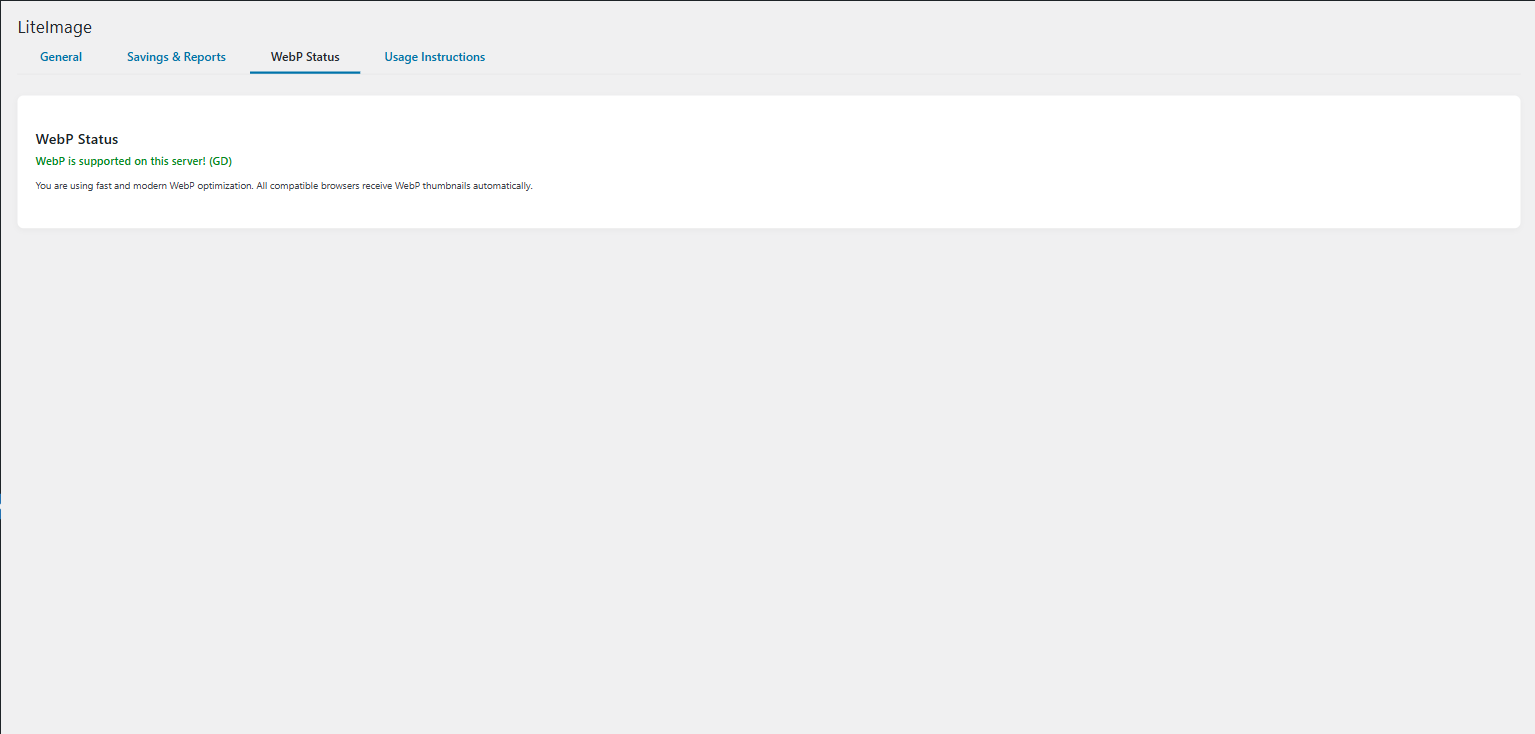
Media Library showing dynamic sizes 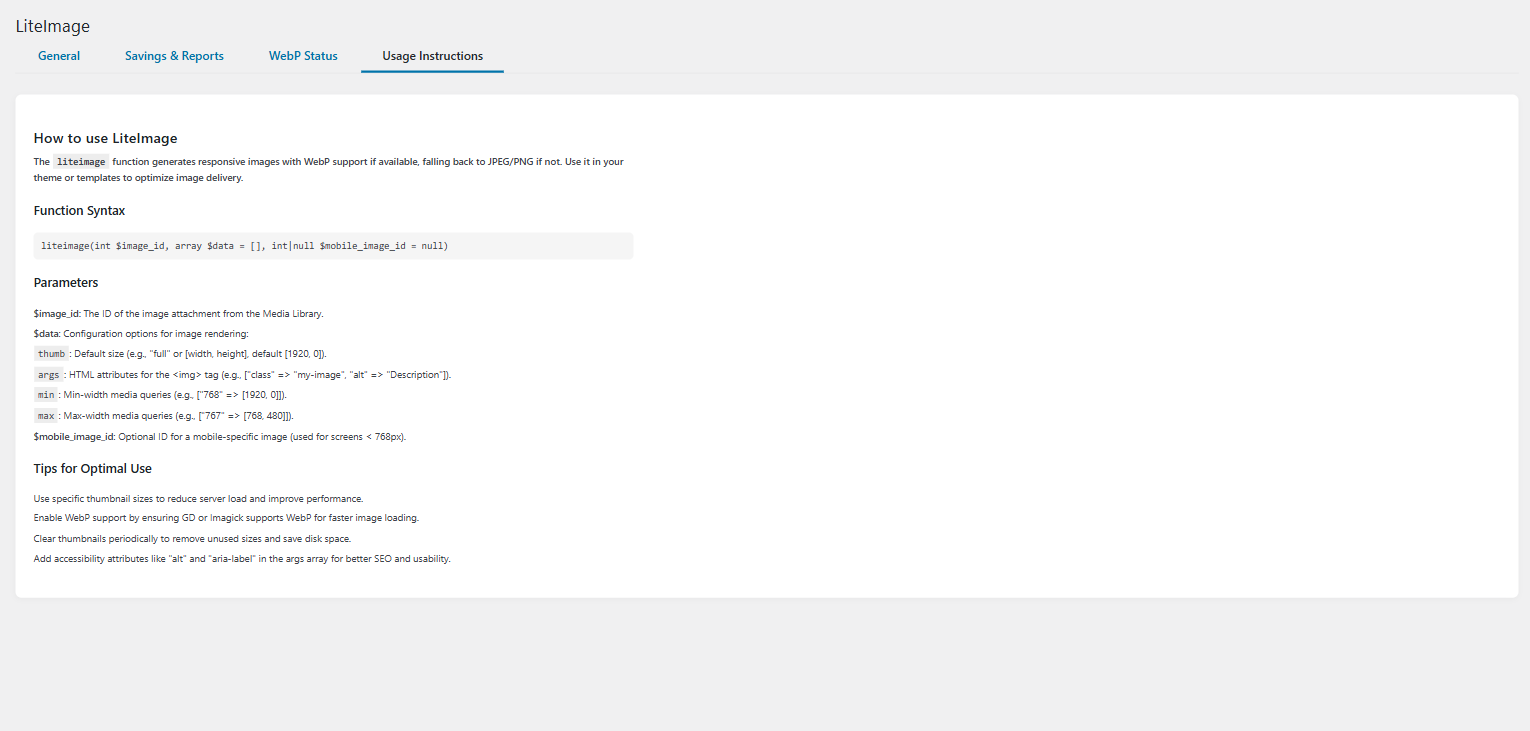
Bloques
Este plugin proporciona 1 bloque.
- LiteImage Image Responsive image block powered by LiteImage renderer with full breakpoint control.
Instalación
- Upload the
liteimagefolder to/wp-content/plugins/ - Activate the plugin in WordPress admin
- Run
composer installin the plugin directory - Go to Tools > LiteImage Settings to configure
FAQ
-
Does LiteImage support WebP?
-
Yes, if Intervention Image is installed and GD or Imagick supports WebP.
-
Can I use different images for mobile?
-
Yes. Use the third parameter in
liteimage()function for mobile-specific image. -
How do I clear thumbnails?
-
Go to Tools > LiteImage Settings and use the available cleanup buttons.
Reseñas
No hay reseñas para este plugin.
Colaboradores y desarrolladores
"LiteImage" es un software de código abierto. Las siguientes personas han colaborado con este plugin.
Colaboradores
Traduce "LiteImage" a tu idioma.
¿Interesado en el desarrollo?
Revisa el código , echa un vistazo al repositorio SVN o suscríbete al registro de desarrollo por RSS.
Registro de cambios
3.3.1
- Fixed: Thumbnail filename conflicts when multiple images share the same filename. Added attachment ID to thumbnail filenames to ensure uniqueness.
- Fixed: Format changed from
{filename}-{size_name}.{ext}to{filename}-{attachment_id}-{size_name}.{ext}for all thumbnail variants (WebP, original format, and retina @2x versions).
3.3.0
- Added: Gutenberg block LiteImage Image with full responsive controls for desktop/mobile sources, breakpoints, and HTML attributes.
- Added: PHPUnit smoke test covering block attribute sanitization.
- Added: Automatic 2x retina variants for all generated LiteImage sizes, including Gutenberg block output.
- Changed: Refreshed plugin icon to match the new brand palette.
- Changed: Updated documentation with block usage instructions and retina guidance.
3.2.1
- Fixed: Unescaped output in admin tab navigation (WordPress.org Plugin Check compliance)
- Fixed: Removed deprecated load_plugin_textdomain() call (WordPress auto-loads translations since 4.6)
- Fixed: Updated readme.txt headers to match plugin requirements (Tested up to: 6.8, Requires at least: 5.8)
- Fixed: Added phpcs:ignore comments for necessary direct database queries in transient cleanup
- Fixed: WordPress.org Plugin Check compliance – all errors and warnings resolved
- Improved: Code standards compliance for WordPress.org submission
3.2.0
- Complete OOP refactoring with PHP namespaces
- PSR-4 autoloading implementation
- Performance improvements (up to 50% faster)
- Security enhancements (rate limiting, validation)
- Moved logs to uploads directory
- Proper JavaScript enqueuing
- Comprehensive documentation
3.1.0
- Refactored to OOP architecture
- Improved maintainability
- Added Intervention Image support
2.1.0
- Added buttons to clear thumbnails
- Improved cleanup logic
2.0.0
- Added WebP support status display
- Codebase refactor
1.0.0
- Initial release