

Descripción
This plugin will perform a number of checks on your WordPress installation to detect common configuration errors and known issues, and also allows plugins and themes to add their own checks.
La sección de depuración, que te permite recopilar información sobre tu WordPress y la configuración del servidor que puede compartir fácilmente con los representantes de soporte para temas, plugins o en los foros oficiales de soporte de WordPress.org.
Troubleshooting allows you to have a clean WordPress session, where all plugins are disabled, and a default theme is used, but only for your user until you disable it or log out.
The Tools section allows you to check that WordPress files have not been tampered with, that emails can be sent, and if your plugins are compatible with any PHP version updates in the future.
Para obtener un ejemplo más extenso de cómo usar eficientemente el plugin Health Check, consulta la Página del manual del equipo de soporte de WordPress.org acerca de este plugin.
Feedback is welcome both through the WordPress.org forums, the GitHub project page, or on Slack in either #forums or #core-site-health.
Capturas
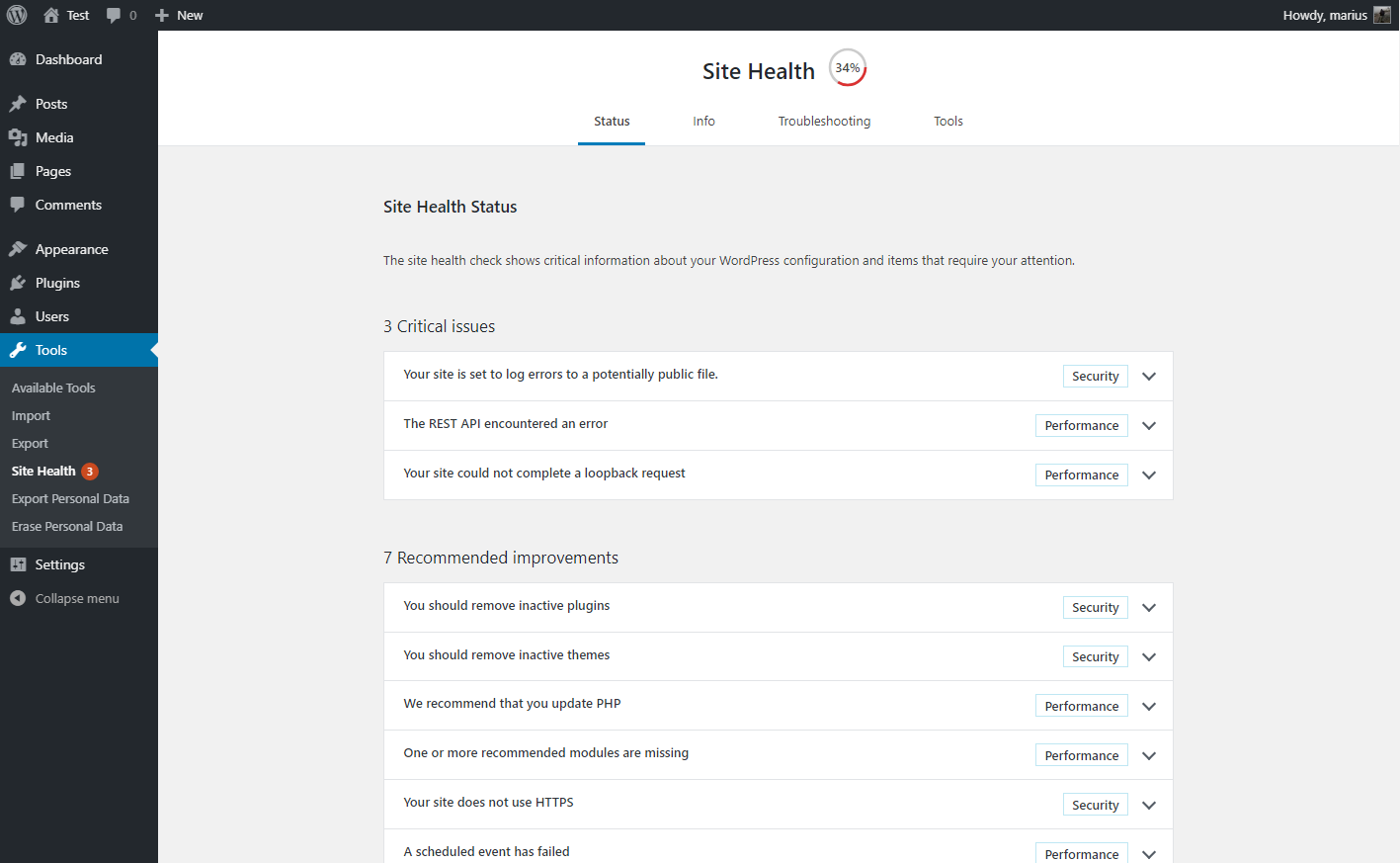
La pantalla de health check después de que las pruebas automatizadas han pasado por el sistema. 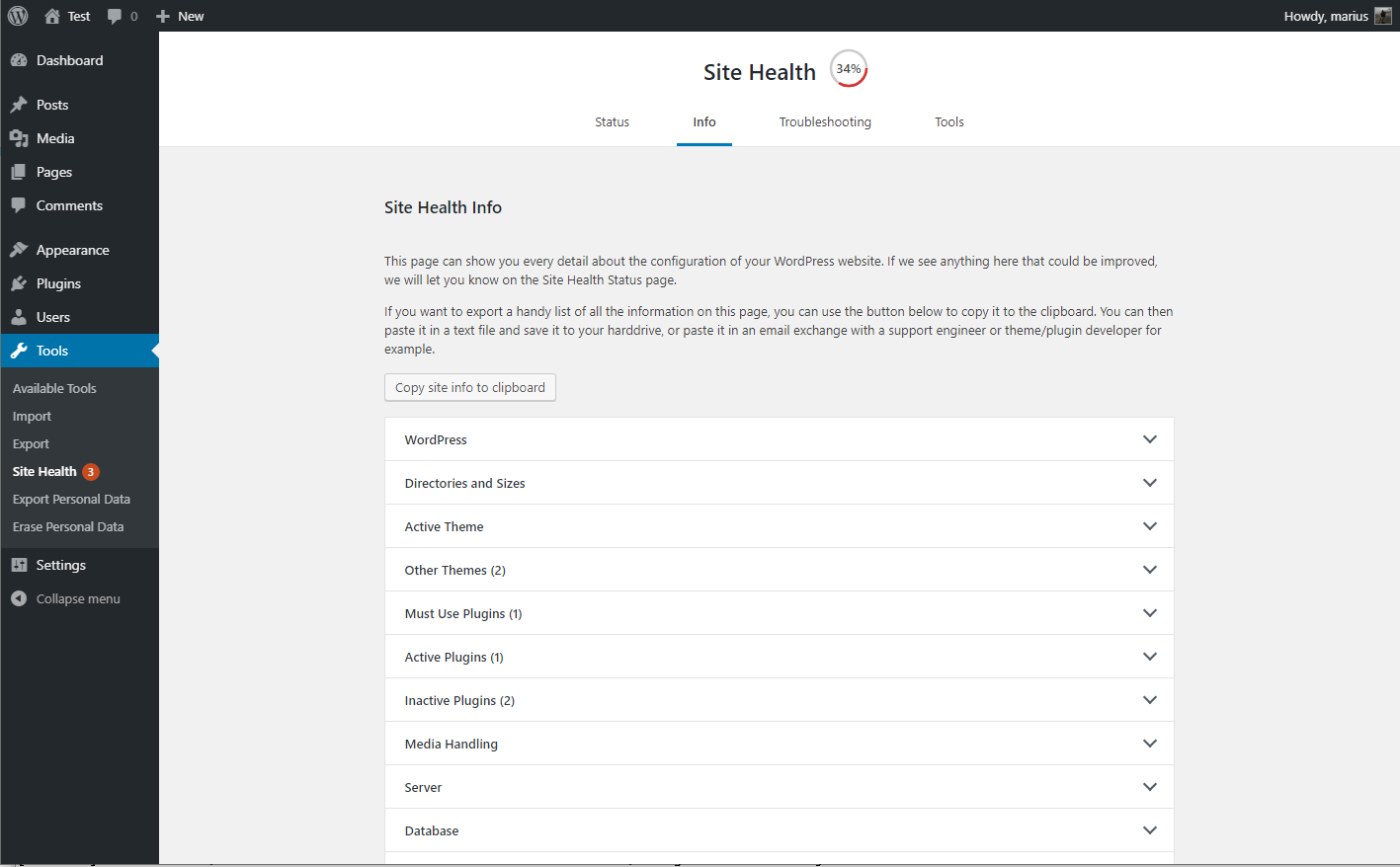
La información de depuración, con el campo copiar y pegar expandido. 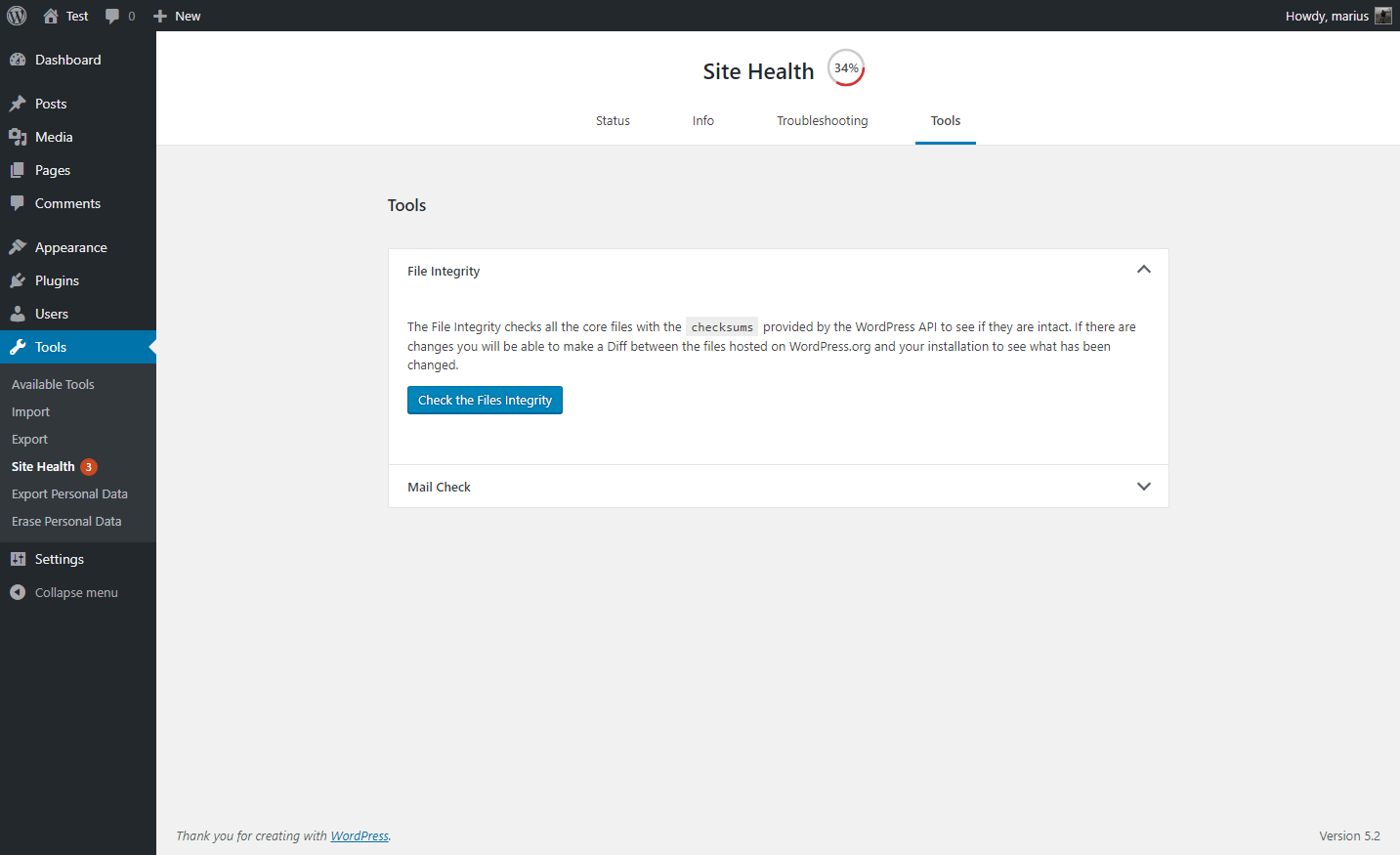
A selection of tools that can be ran on your site. 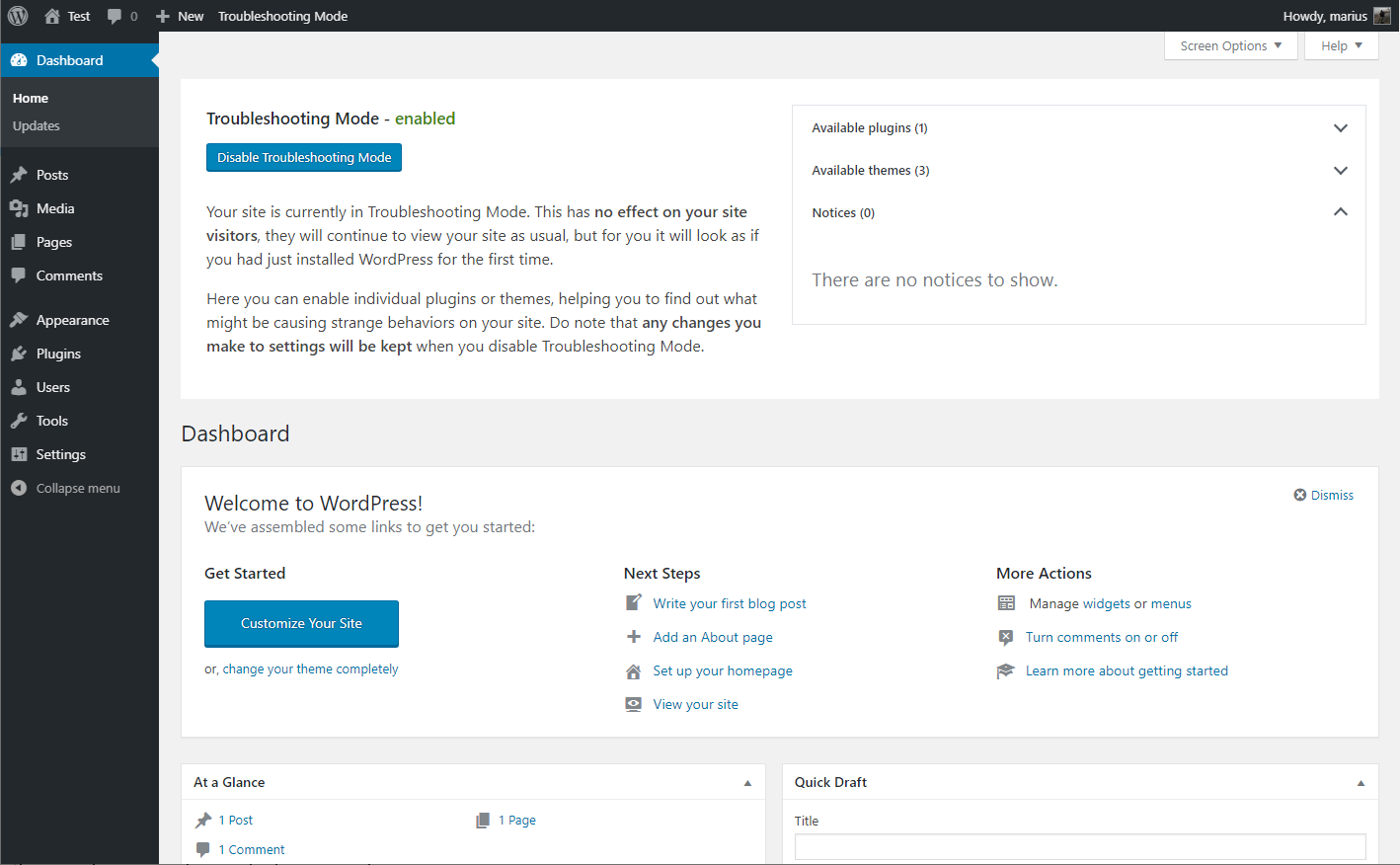
Troubleshooting mode enabled, showing your website Dashboard
Preguntas frecuentes
-
No ha sido posible acceder a mi sitio después de activar troubleshooting.
-
Si por algún motivo te encontrás trancado en el Modo Troubleshooting, podés desactivarlo fácilmente eliminando las cookies.
¿Estás familiarizado con la forma de vaciar los cookies? No te preocupes, también podés cerrar todas las ventanas de tu navegador o realizar un reinicio de tu ordenador y vaciara este cookie específico automáticamente.
-
The PHP compatibility says this plugin only work with PHP version X?
-
The plugin is made to be a support tool for as many users as possible, this means it needs code that is written for older sites as well.
Tools that check for PHP compatibility do not know how to separate this code from the real code, so it will give a false positive response.
At this time, the plugin has been tested with every version of PHP from 5.2 through 7.3, and works with all of these.
-
Where can I report security bugs?
-
The Site Health team and WordPress community take security bugs seriously. We appreciate your efforts to responsibly disclose your findings, and will make every effort to acknowledge your contributions.
To report a security issue, please visit the WordPress HackerOne program.
Reseñas


Colaboradores y desarrolladores
“Health Check & Troubleshooting” es un software de código abierto. Las siguientes personas han colaborado con este plugin.
Colaboradores


“Health Check & Troubleshooting” ha sido traducido a 32 idiomas. Gracias a los traductores por sus contribuciones.
Traduce “Health Check & Troubleshooting” a tu idioma.
¿Interesado en el desarrollo?
Revisa el código , echa un vistazo al repositorio SVN , o suscríbete al log de desarrollo por RSS .
Registro de cambios
1.7.1 (2024-07-25)
- Security: Prevent a potential information disclosure from the screenshot beta feature, reported independently by Jarko Piironen.
- Security hardening: Make each screenshot delete nonce unique to that image.
- Security hardening: Add a capability check alongside the nonce validation when toggling beta features on or off.
- General: Updated the
Tested up totag. - General: Added notice about future changes to the Troubleshooting and Tools sections.
- Added Twenty Twenty Four as a known and valid default theme.
- Tools: Fixed a PHP warning when checking for PHP version compatibility and no data was found.
- Tools: Fixed a PHP warning when
WP_DEBUGis disabled, or nothing has been written to the logfile yet. - Tools: Improved the description for the
robots.txtfile viewer.
1.7.0 (2023-08-06)
- General: Improved styling inconsistency between the plugin and WordPress core.
- General: Fixed an issue with plugin translations where language strings would get mixed when using third party language plugins, or a separate profile language.
- Troubleshooting Mode: Fixed the URL used when disabling elements and having a subdirectory installation.
- Troubleshooting Mode: Fixed a deprecation warning when disabling troubleshooting mode on PHP version 8.3 or higher.
- Troubleshooting Mode: Added reference on how to troubleshoot as different users when testing scenarios.
- Tools: Fixed integration with WPTide for the PHP Compatibility checker.
- Tools: Added a viewer that will display debug log output when enabled.
- Tools: Added a warning to the File Integrity tester if unexpected files are mixed in with WordPress core files.
- Tools: Added a warning if sending emails is taking longer than expected.
- Tools: Added beta feature toggle for those who wish to test new functionality that may not be fully ready yet.
- CLI: Fixed the CLI commands, you can now
wp health-check statusto your hearts content! - Beta feature: Added a new beta feature, making it easier for non-technical users to grab screenshots of issues on their site, and share them.