-
-
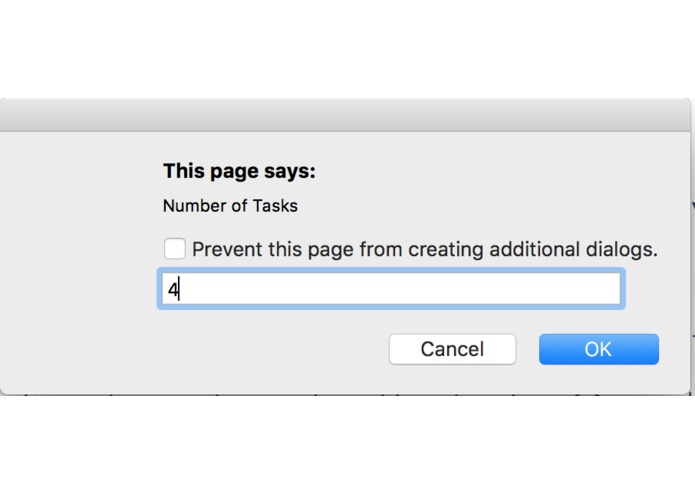
The number of tasks is then asked for.
-
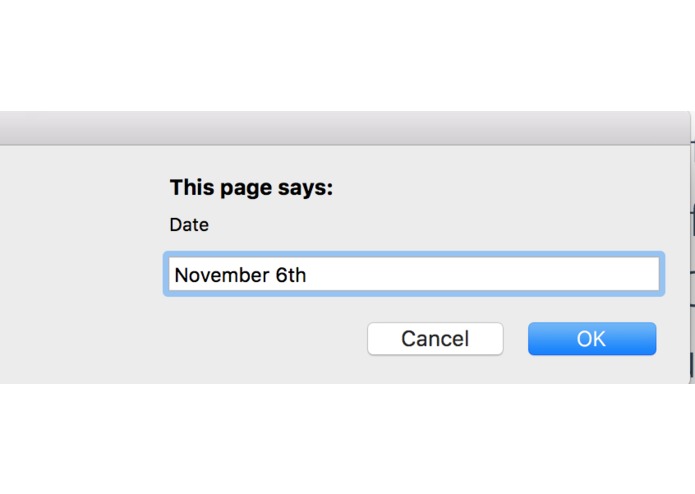
When starting to input tasks and the date & task button is pressed the date is asked for.
-

This is how it looks when the tasks are inputted
-
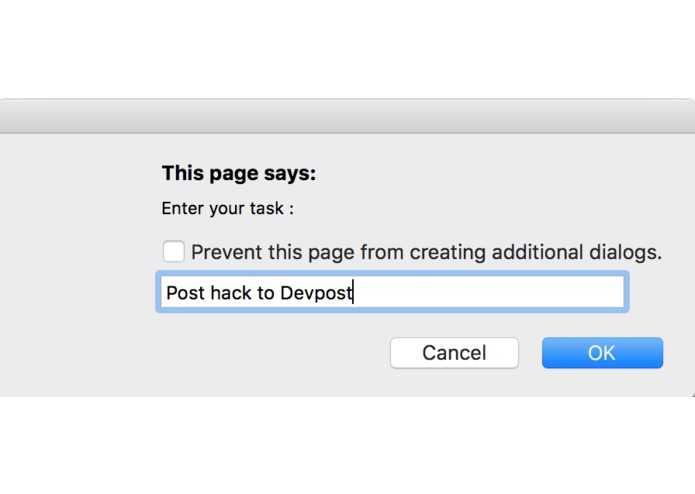
Then you must enter what the task is.
-
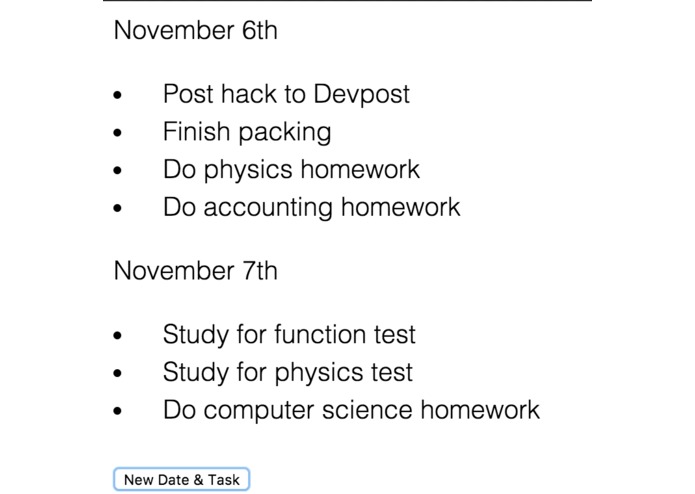
This is how it looks when another date/tasks are added.
-
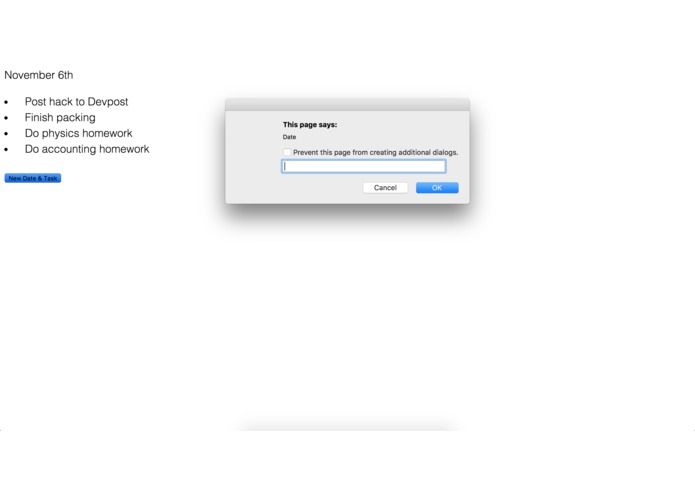
If you want to add more tasks press the same button and repeat the process.
-
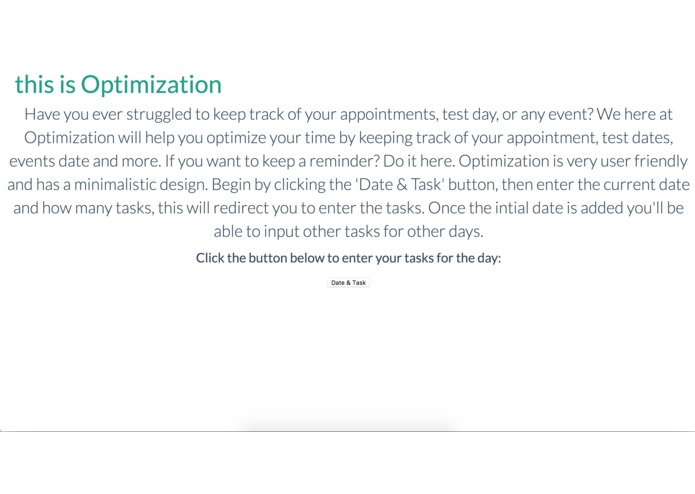
This is home page.


Inspiration
Many calendar app's such as Google Calendar aren't ideal as when you went to see the events planned for the month you are unable to because it is confined in the calendar template, I decided to change that. I wanted to make a website that would allow users like me to put appointments, tests, and events on the website and view other events in that month.
What it does
It's quite user-friendly and has a simple UI, you click the date & task button: type the date, enter a number of tasks for the day and then you input those tasks. If you need to add more tasks for another day repeat.
How I built it
I had several issues throughout the hackathon such as a loop for prompts and so on but at the end of the day, I was able to overcome the challenges and complete my website to the extent I could.
Challenges I ran into
When uploading my website the CSS wouldn't appear, unfortunately, the CSS is still not on the website but I do have a video and picture of the program with it.
Accomplishments that I'm proud of
This was my very first hackathon and one of my first coding projects. I went solo on this project and I think I did decent.
What I learned
I learned quite a lot while coding this. I learned a lot of tips's to make my program look nicer in code, how to loop a prompt, etc.
What's next for Optimization
There are many future steps for Optimization such making it an app for IOS and Andriod. Two useful tools on the website would be having a button that would allow you add more tasks to one day and a button that would get rid of completed tasks. Something very useful would also be to include a login page so the website remembers everything as well.

Log in or sign up for Devpost to join the conversation.