-
-
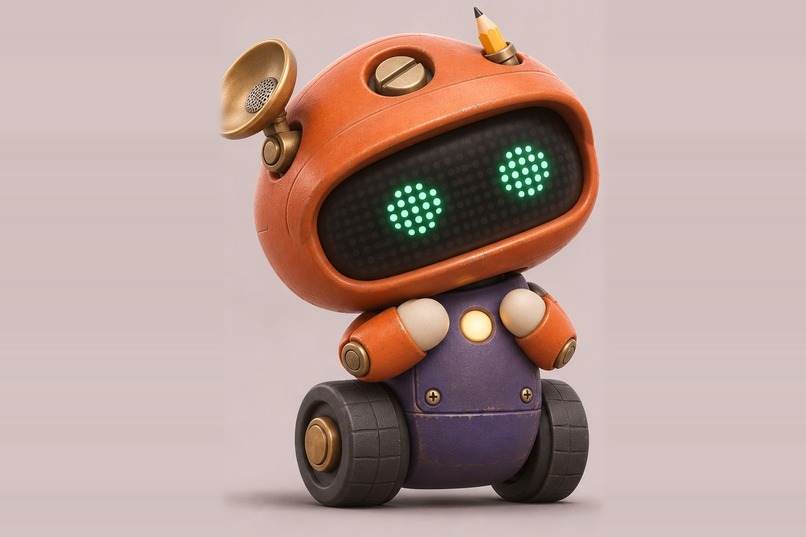
clanky - your companion CAD engineer
-
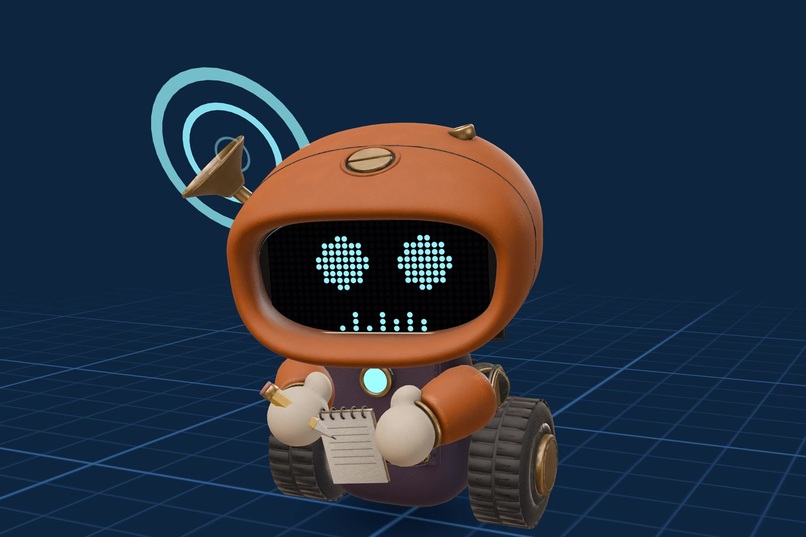
Clanky is listening. It doesn’t talk, so its LED face shows what it’s doing.
-
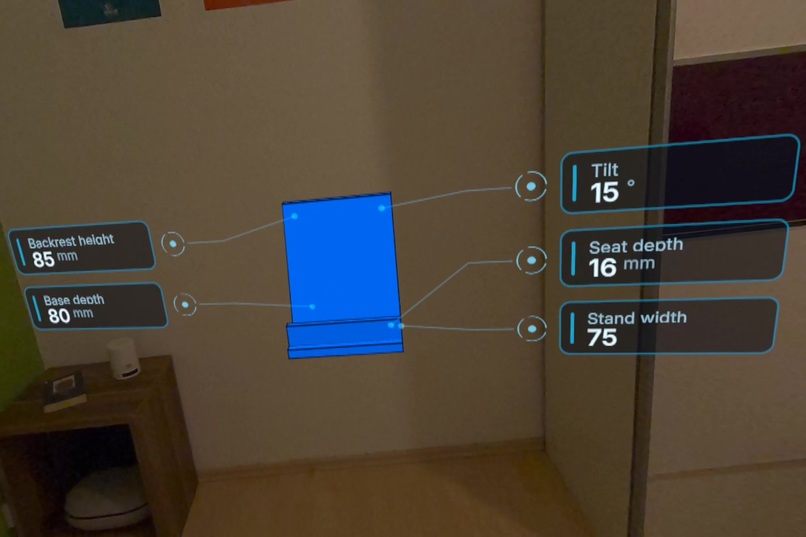
The CAD model appears at full size in your room, with a label for each parameter.
-
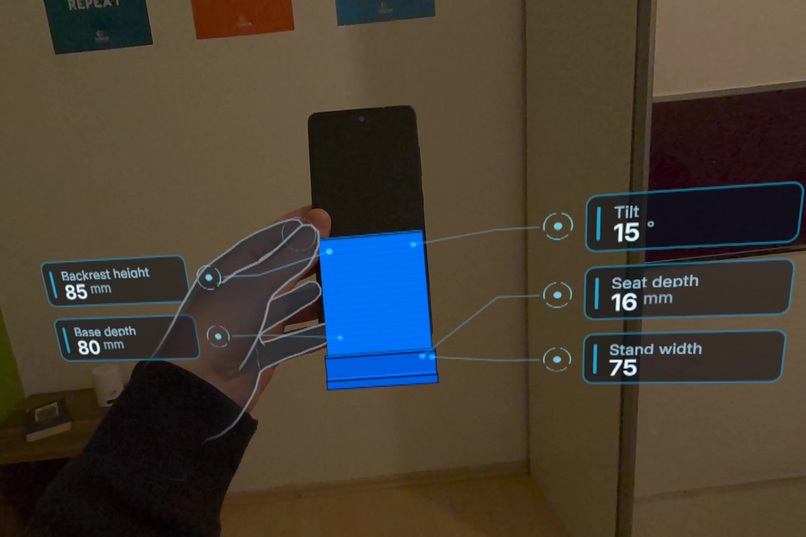
You can hold your real phone against the model to check the fit.
-
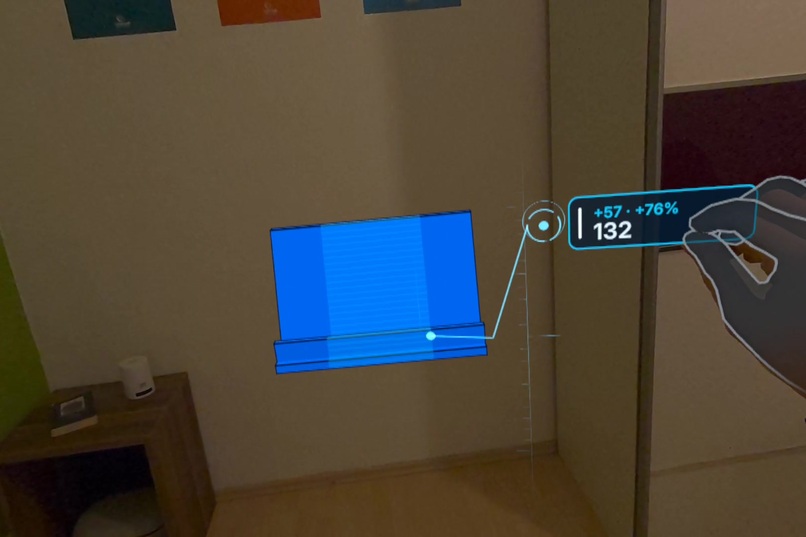
Pinch a label and pull. The stand gets wider right away, without asking the AI.
-
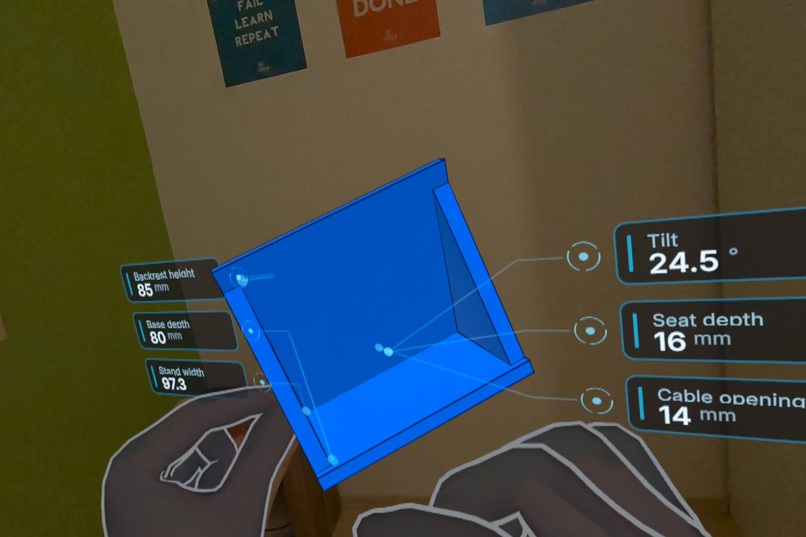
Ask Clanky for a cable slot, then grab the stand with both hands to turn it and take a look.
-
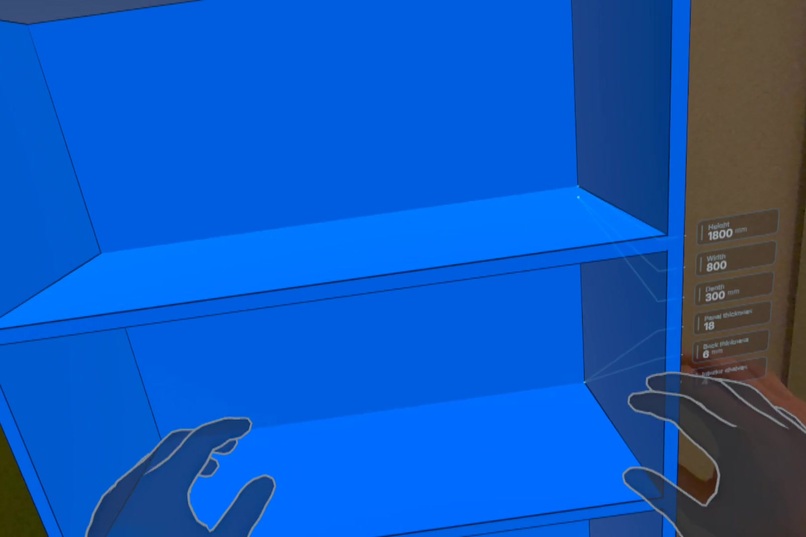
Say “new design” and go bigger: a 1.8 m bookshelf at full size, right where it would stand.
-
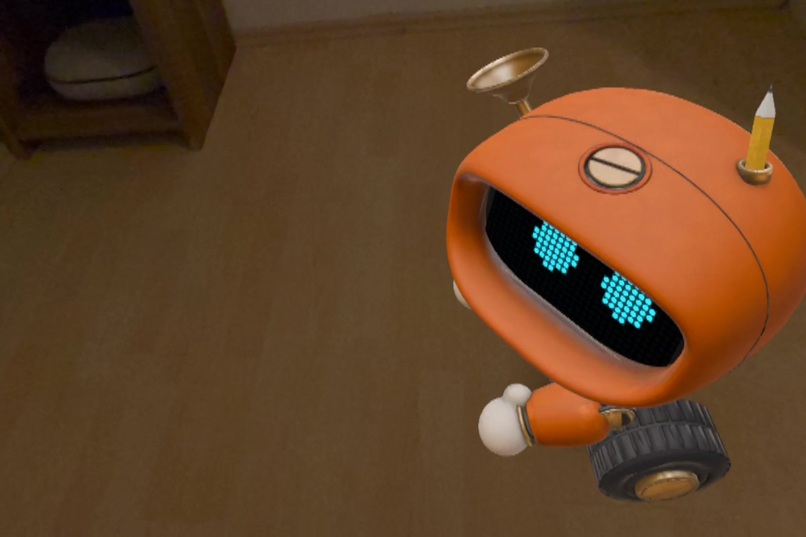
Clanky rolls around your floor in passthrough, and sometimes into your furniture.
-
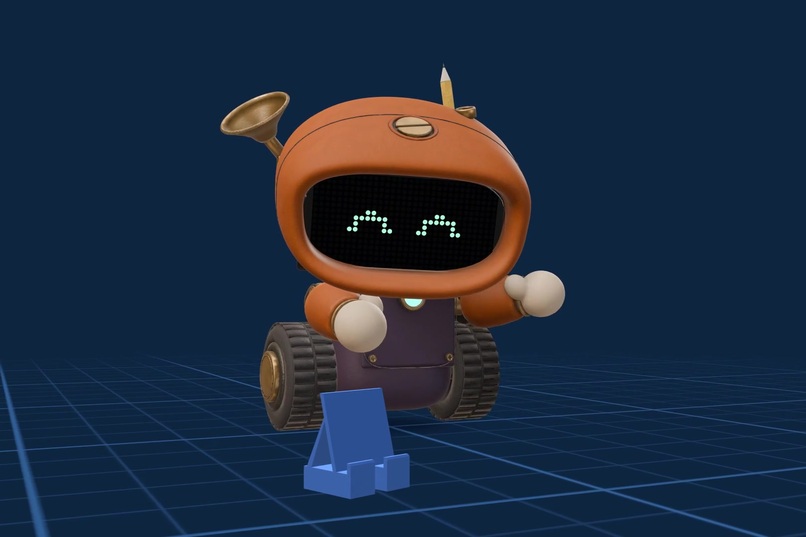
Done. Clanky with the finished model. Ready for 3D printing.
-
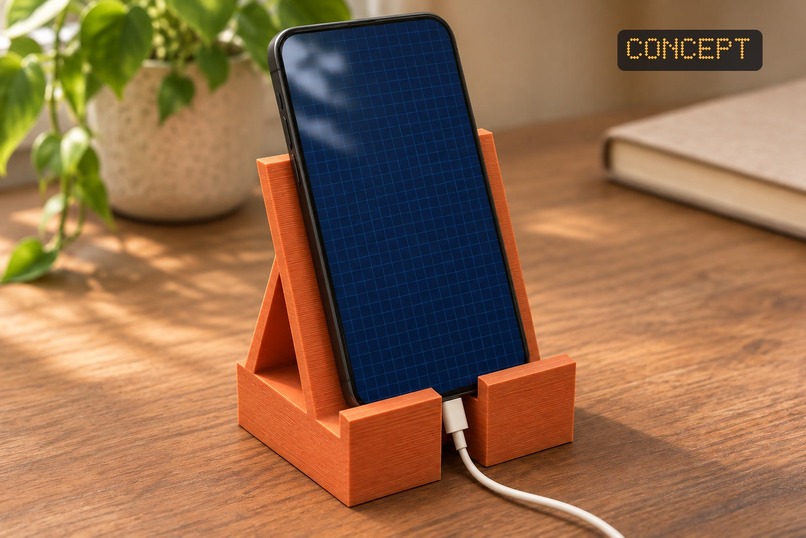
Concept: the stand after printing. You export the scripted CAD source to make the print file.
-
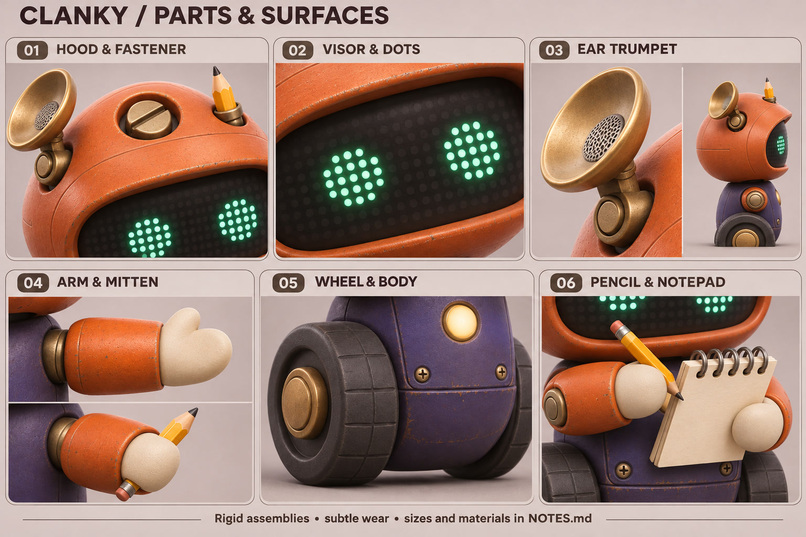
Clanky’s design sheet
-
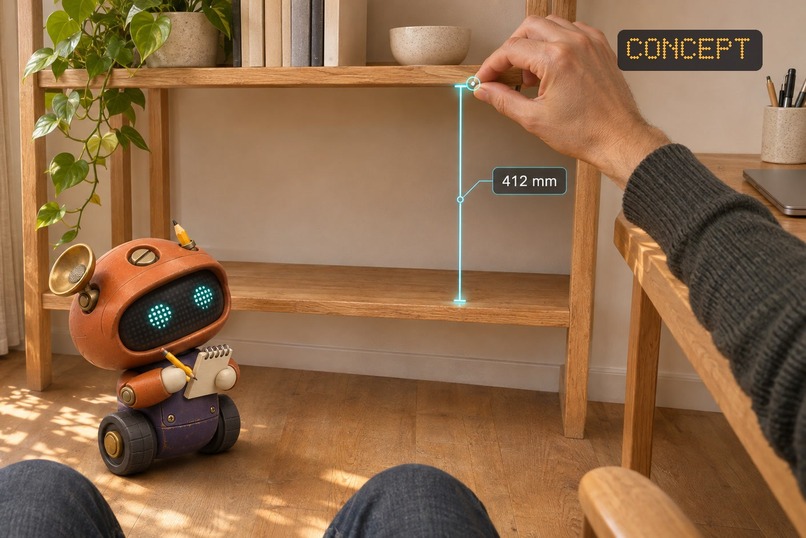
Concept for what’s next: measure real things in your room and use the sizes in your design.


clankerCAD started as a question: what would it be like to make a CAD model by talking to a small robot, then shape it with your hands at full size in your room? It's an experiment, and it was a lot of fun to build.
What it does
Put on a Meta Quest and you'll find Clanky rolling around your floor. It's a little brass robot that doesn't talk. It shows what it's doing with its LED eyes, the way it moves and a few chirps. It sulks when it bumps into a chair.
Look at Clanky and pinch to call it, then say what you want: "a phone stand, tilted back a little." Clanky takes notes while you talk, works on a hologram for a moment, and hands you the stand at full size. You can hold your real phone next to it.
The stand is a parametric, scripted CAD model. Each number in it gets a small label next to the model. Pinch a label and pull it, and the part changes right away without asking the AI. For anything else, ask Clanky again: "add a slot for the charging cable." Every change becomes a new revision, and you can export the source to make an STL for printing.
How I built it
The project has three parts, all in Unity 6.
Scripted CAD in Unity. A runtime reads the scripted CAD format and builds the geometry with a Unity port of Manifold, the mesh boolean library. It runs on the Quest itself, which made performance one of the core challenges. A hand edit only feels direct if the part rebuilds while you pull, on a mobile chip that also renders passthrough at full frame rate. Burst and the Job System do the heavy geometry work across all cores and off the main thread. Without that, the whole idea of shaping a model with your hands wouldn't work.
The CAD agent. A separate package holds the agent loop. The AI gets tools to read and change the design. The app checks every attempt before it becomes a revision, and errors go back to the AI so it can fix them. Sessions are saved, so an interrupted run can continue.
The AI companion. Clanky is the face of the agent. I designed, modeled and animated it in Blender, and it uses the Meta XR SDKs for passthrough, hand tracking and room data. A small Cloudflare Worker handles sign-in, model access and speech-to-text.
What I learned
AI models write CAD that looks right much more often than CAD that works. Each check I moved from the AI into the app made the results better. Some mistakes still only show up when you print the part, which is a good reason to keep your hands in the loop.
I also learned how much a character changes the experience. Waiting for a model in a chat window is dull. Watching a small robot scribble notes and fuss over a hologram is something people enjoy.
What's next
Next I'd like Clanky to look at real things through the headset cameras. Hold up your Quest controller and say "make a wall dock for these." Clanky measures the controller from the camera images and builds a dock that fits it, with the measured sizes as parameters you can still pull and adjust. Or lay your tools on the desk and get a drawer insert with a pocket for each one.
The hard part is accuracy. A dock that's 3 mm off doesn't hold anything, so the measurements have to be good enough to print without a second try.
Built With
- 3dprinting
- android
- c#
- cad
- claude
- cloudflare-durable-objects
- cloudflare-workers
- codex
- gpt-4o-mini-transcribe
- gpt-6.2-sol
- manifold
- meta-mixed-reality-utility-kit-(mruk)
- meta-quest
- meta-xr-sdk
- openai
- openai-responses-api
- openscad
- openxr
- scriptedcad
- tools.doji.scad
- typescript
- unity
- unity-xr-hands


