-
-
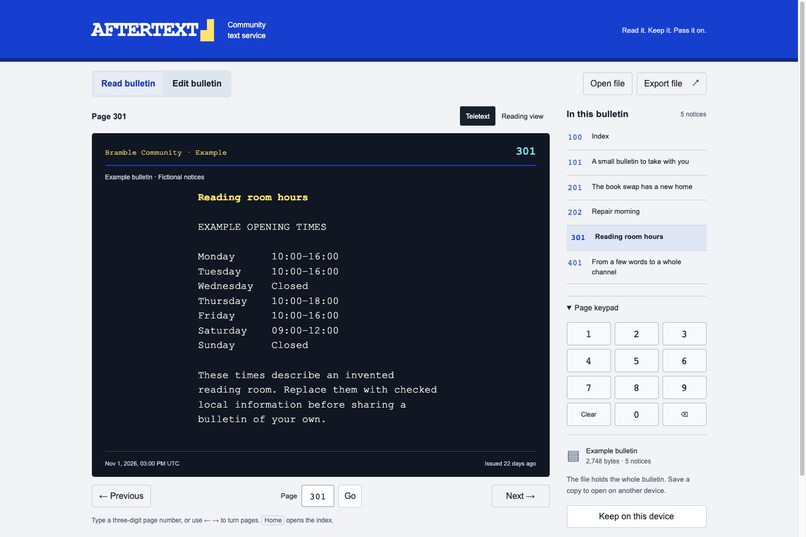
The fictional reading-room timetable on page 301 in the 40-column Teletext view, beside the contents and keypad.
-
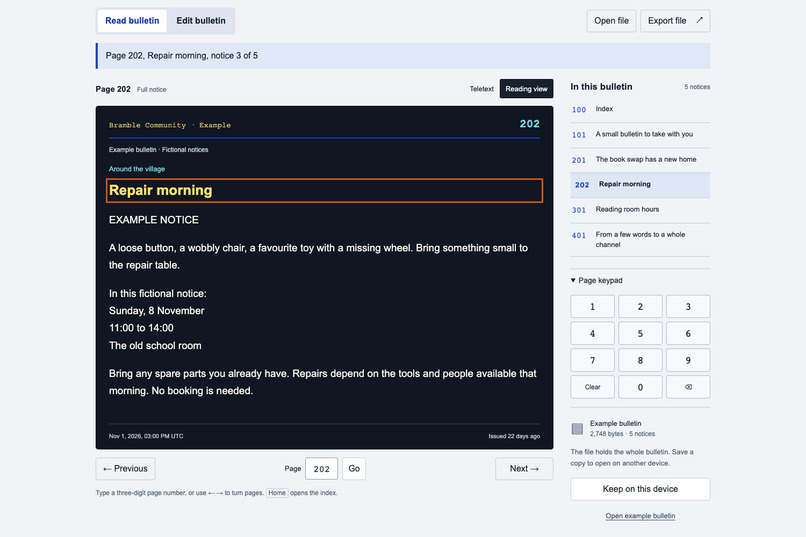
Reading view on page 202 after keyboard navigation, with focus on “Repair morning” and the status line reporting notice 3 of 5.
-
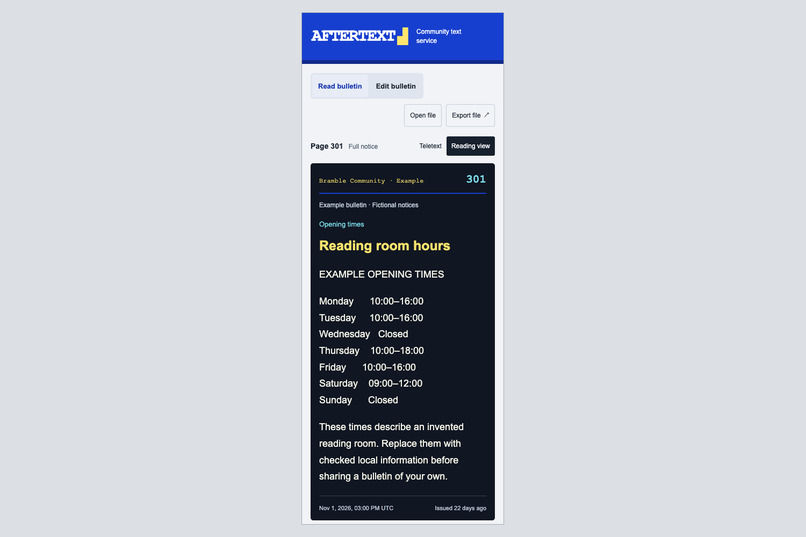
Page 301 in Reading view at a 375 CSS-pixel app width, centered on a plain background.
-
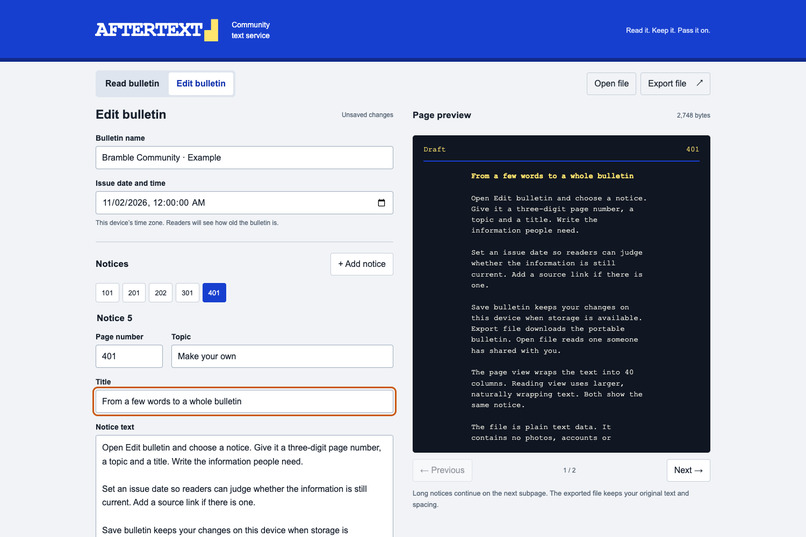
An unsaved title edit on example page 401 appears in the live preview on subpage 1 of 2.
-
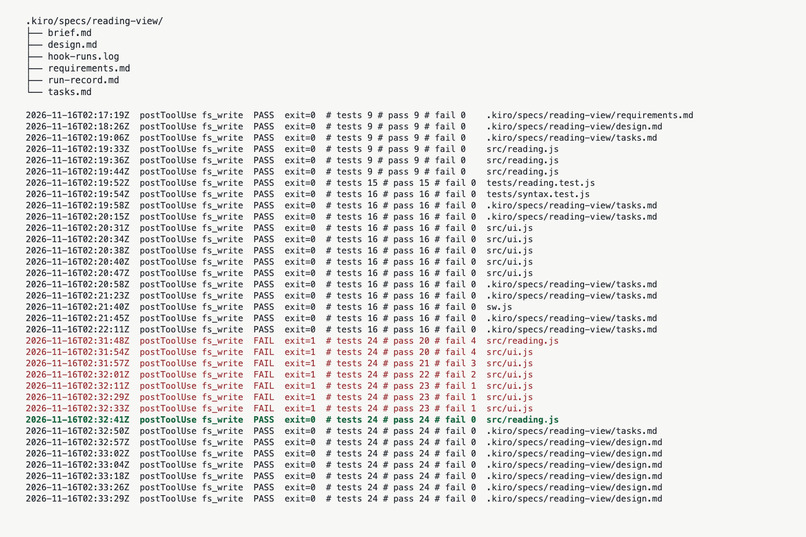
The Reading view spec tree and all 35 entries from the November 16 hook log, including seven failures followed by a 24-of-24 pass.


Inspiration
Aftertext is for volunteers who put out notices for community halls, reading rooms and neighbourhood groups, and for readers who want to keep a timetable or event notice handy offline. Someone can point to a notice by number: “The reading-room hours are on 301.”
For the Resurrection category, we brought back teletext's 40-column grid, numbered pages and subpages in a browser. The bulletin bundled with the app is fictional.
What it does
Open a notice from the contents, with the keypad, or by typing its three-digit page number. Long notices continue across subpages. Reading view shows the whole notice as wrapped text and opens by default on a narrow phone. The app remembers which view you choose. When you move between notices in Reading view, focus moves to the new heading and the status line gives the page, title and position.
The editor lets you see each subpage as you write. Save the bulletin on your device, or export it as a JSON file for someone else to open in Aftertext. After a successful first load, a service worker keeps the app available offline. Each copy shows its issue date. An author can send an updated file when a notice changes.
A bulletin can hold up to 32 notices and 256,000 bytes. The app needs no account, server-side publishing service or runtime AI.
How it was built with Kiro
The first Kiro CLI custom agent, spec, wrote the original specification, retained in .kiro/specs/aftertext/. Kiro also generated the first input validator. Codex reviewed the spec, revised the validator and built the first compiler, reader, editor and tests. That review also added an app-shell cache and separated the original text from the padding used to draw the grid. The concept notes predate the event; the application and Kiro specifications were made during the submission period.
On November 16, a second Kiro CLI agent, spec-build, loaded the product and engineering steering files, wrote the Reading view requirements, design and tasks, then carried out six implementation tasks and a review fix. It had file tools and no shell. Its write hook ran npm test and saved the result for the agent to read. Kiro wrote src/reading.js, its first tests and changes to the reader UI and service worker.
Claude Code wrote the Reading view brief, the engineering steering file, the agent configuration and the hook script. In review it found three gaps: the heading could not take focus, the position could be wrong when notices were stored out of order, and the Teletext status line dropped the subpage. It added eight review tests. The hook ran 35 times across the November 16 sessions; seven runs failed during the fix before the suite reached 24 of 24. The original log is in .kiro/specs/reading-view/hook-runs.log.
In the current src/, 321 of 758 non-blank lines (42.35%) match recorded Kiro output; by size, that is 12,155 of the 39,738 bytes on non-blank lines (30.59%). That covers 244 lines of validate.js, all 52 non-blank lines of reading.js and 25 lines of ui.js. The count compares exact text with the validator output and the Reading view patch; patch context, tests, specs, hooks and the service worker are excluded.
Challenges and checks
The 40-column grid keeps grapheme clusters intact and records the source text separately so padding does not change the original. Character widths in the grid are an approximation. Reading view lets the browser wrap the original text.
The 24 Node tests cover validation, source reconstruction, 150 deterministic mixed-text cases, status text, focus rules and JavaScript syntax. Six browser checks cover navigation, editing, actual file export and import, a rejected import, offline reload with the ordinary HTTP cache cleared, and the 375-pixel layout. In Chromium we also checked the Reading view keyboard path, focus, status text, the accessibility tree and 320- and 375-pixel layouts. Chromium is the only engine checked. We have not run a screen reader or tested the app with a community group.
The 116-second demo was recorded on November 7 with synthetic narration. It shows actual browser interactions, including a disconnected reload, and predates the November 16 Reading view update.
Testing instructions
- Open the app in a fresh desktop browser session. Press Tab to reach Skip to bulletin and Enter to move focus into the reader. Press Shift+Tab to reach Reading view, then Enter. The heading of the current page takes focus.
- Press Right Arrow and Left Arrow. Check that the focus outline moves to the new heading and the status text changes. Press Home to return to page 100, or type 201 outside a form field to open the book-swap notice.
- Choose Edit bulletin, change a notice and choose Save bulletin. Select Export file. In a fresh browser session, choose Open file and select the exported JSON.
- Once the app says App available offline on this device, disconnect and reload. Open a notice from the imported bulletin.
What comes next
We would like to try the file handoff with bulletin editors and readers, and check the reader with screen readers and in other browser engines.
Built With
- claude-code
- css3
- html5
- javascript
- kiro
- openai-codex
- service-worker
