
Beskrivelse
Converts post/page and comments date from Gregorian Date to Bongabdo Date. It is based on Dr. Muhammed Shahidullah’s Bangla calendar approved by People’s Republic of Bangladesh. Once you activate the plugin, automatically date and time will be changed to Bongabdo date for all posts and comments. You can show it in both English and Bangla language.
Skærmbilleder
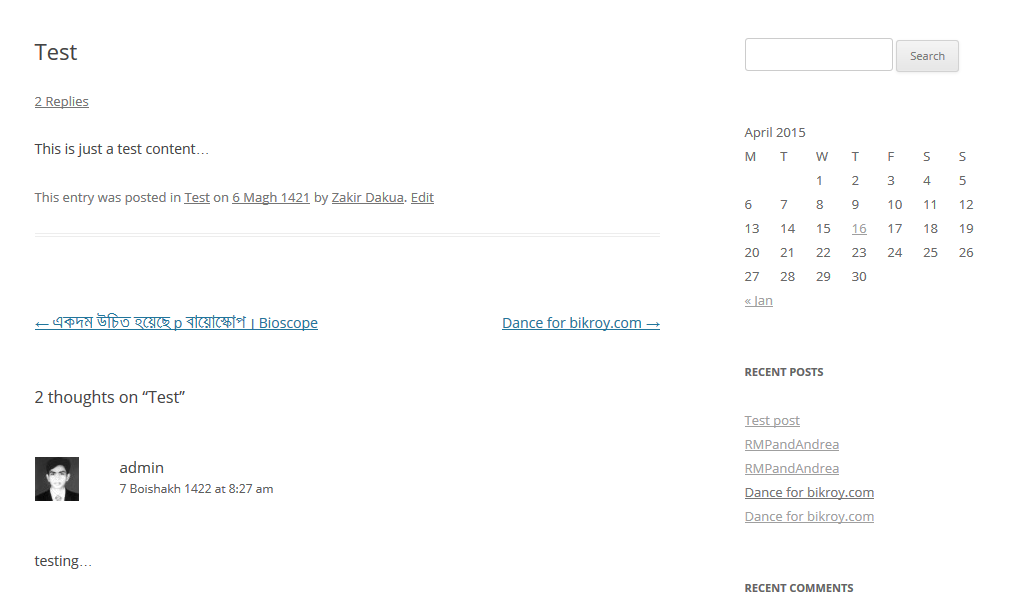
Date showing in Englisg 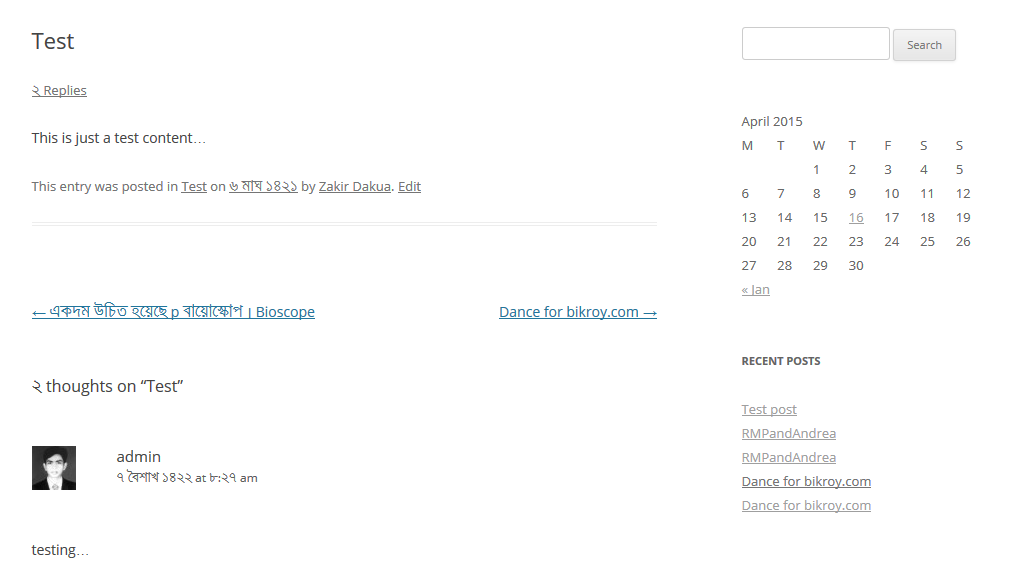
Date showing in Bangla 
Settings.
Installation
- Method#1:
- Navigate to: Plugins -> Add new -> Search.
- Search for “WP Bongabdo Date”.
- Install and activate plugin.
- Go to: Settings -> WP Bongabdo Date.
- Method#2:
- Download plugin (zip file).
- Upload and install.
- Activate plugin.
- Go to: Settings -> WP Bongabdo Date.
Usage
- Install and activate the plugin.
- Navigate to: Settings -> WP Bongabdo Date.
FAQ
- Can I show month name in my own language?
-
Yes, using language pack and uncheck the first checkbox in settings page where it says “Monthname in Bangla”.

Bidragsydere & udviklere
“WP Bongabdo Date” er open source-software. Følgende personer har bidraget til dette plugin.
Bidragsydere
Oversæt “WP Bongabdo Date” til dit eget sprog.
Interesseret i udvikling?
Gennemse koden, tjek SVN repository, eller abonner på udviklerloggen via RSS.
Ændringslog
13.0
- Initial Release.