

Beskrivelse
WooCommerce is the open-source ecommerce platform for WordPress.
Our core platform is free, flexible, and amplified by a global community. The freedom of open-source means you retain full ownership of your store’s content and data forever.
Whether you’re launching a business, taking brick-and-mortar retail online, or developing sites for clients, use WooCommerce for a store that powerfully blends content and commerce.
- Create beautiful, enticing storefronts with themes suited to your brand and industry.
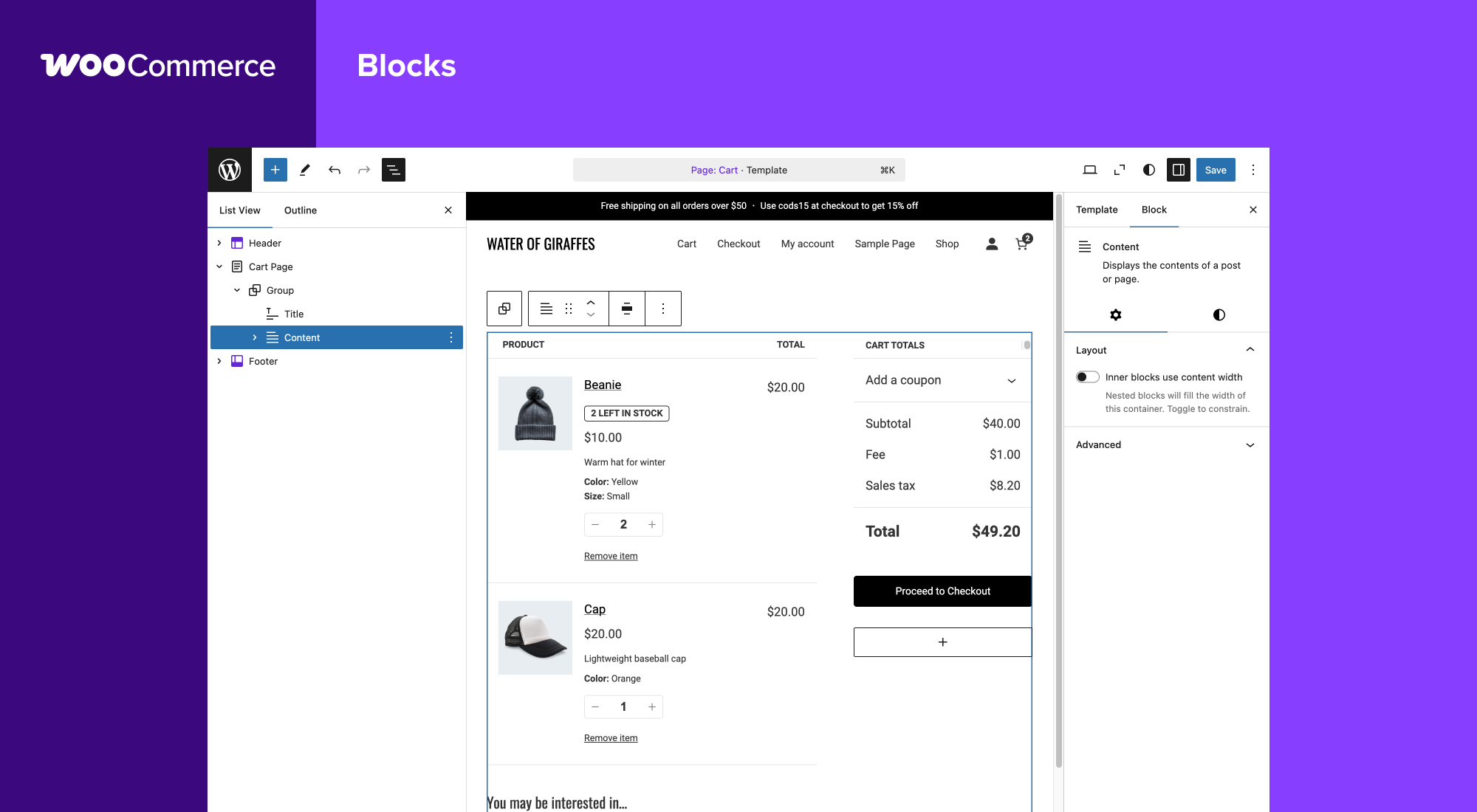
- Increase revenue with an optimized shopping cart experience that converts.
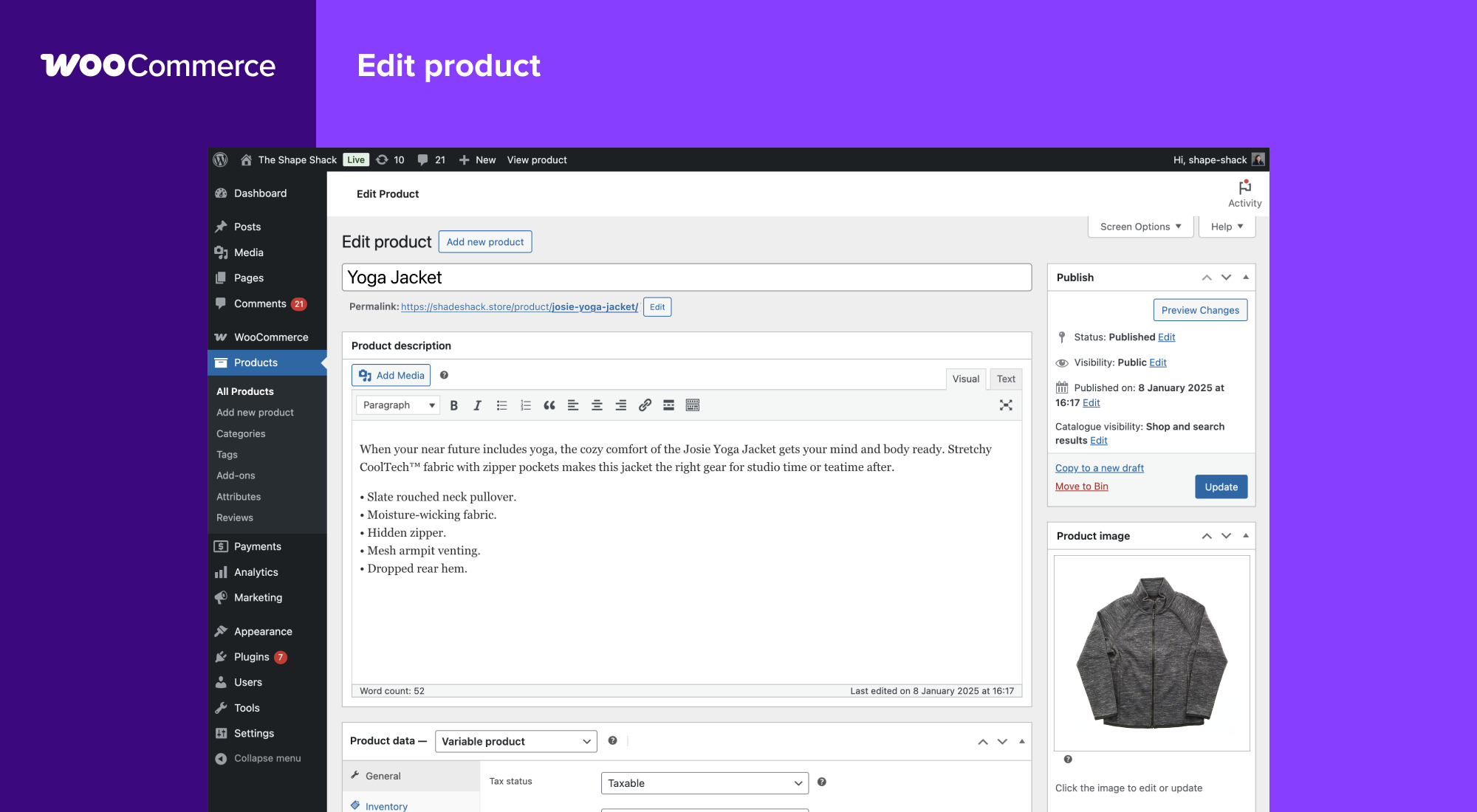
- Customize product pages in minutes using modular product blocks.
- Showcase physical and digital goods, product variations, custom configurations, instant downloads, and affiliate items.
- Sell subscriptions, bookings, or memberships, with our developer-vetted extensions.
- Rise to the top of search results by leveraging WordPress’ SEO advantage.
- Build on a platform that scales. Get flexible ecommerce for high-volume stores.
ALL THE TOOLS YOU NEED TO SELL
Built-in tools and popular integrations help you efficiently manage your business operations. Many services are free to add with a single click via the optional Setup Wizard.
- Choose how you want to get paid. Conveniently manage payments from the comfort of your store with WooPayments (Available in the U.S., U.K., Ireland, Australia, New Zealand, Canada, Spain, France, Germany, and Italy). Securely accept credit cards, mobile wallets, bank transfers, and cash thanks to 100+ payment gateways – including Stripe, PayPal, and Square.
- Configure your shipping options. Print USPS labels right from your dashboard and even schedule a pickup with WooCommerce Shipping (U.S.-only). Connect with well-known carriers such as UPS and FedEx – plus a wide variety of delivery, inventory, and fulfillment solutions for your locale.
- Simplify sales tax. Add WooCommerce Tax or similar integrated services to make automated calculations a reality.
Grow your business, add features, and monitor your store on the go
WooCommerce means business. Keep tabs on the performance metrics most important to you with a powerful and flexible central dashboard built into WooCommerce.
Expand your audience across marketing and social channels with Google Ads, HubSpot, Mailchimp, and Facebook integrations. You can always check out the in-dashboard Marketing Hub for fresh ideas and tips to help you succeed.
Forøg webshoppens funktionalitet med hundredvis af gratis og betalte udvidelser fra WooCommerce Marketplace. Vores udviklere vurderer hver ny udvidelse og gennemgår regelmæssigt eksisterende udvidelser for at opretholde markedspladsens kvalitetsstandarder. Vi er aktivt på udkig efter produkter, der hjælper shopbyggere med at skabe succesfulde webshops.
Manage your store from anywhere with the free WooCommerce mobile app (Android and iOS). Spoiler alert: Keep an ear out for the slightly addictive “cha-ching” notification sound each time you make a new sale!
Own and control your store data – forever
With WooCommerce, your data belongs to you. Always.
If you opt to share usage data with us, you can feel confident knowing that it’s anonymized and kept secure. Choose to opt-out at any time without impacting your store.
Unlike hosted ecommerce solutions, WooCommerce store data is future-proof; you’re free to export all your content and take your site to any platform you choose. No restrictions.
Why developers choose (and love) WooCommerce
Developers can use WooCommerce to create, customize, and scale a store to meet a client’s exact specifications, making enhancements through extensions or custom solutions.
- Leverage hooks and filters to modify or create functionality.
- Integrate virtually any service using a robust REST API and webhooks.
- Design and build custom content blocks with React.
- Inspect and modify any aspect of the core plugin code.
- Speed up development with a lightning-fast CLI.
The core platform is tested rigorously and often, supported by a dedicated development team working across time zones. Comprehensive documentation is updated with each release, empowering you to build exactly the store required.
Bliv en del af vores voksende internationale community
WooCommerce has a large, passionate community dedicated to helping merchants succeed – and it’s growing fast.
There are WooCommerce Meetups in locations around the world that you can attend for free and even get involved in running. These events are a great way to learn from others, share your expertise, and connect with like-minded folks.
WooCommerce also has a regular presence at WordCamps across the globe – we’d love to meet you.
Bidrag og oversæt
WooCommerce is developed and supported by Automattic, the creators of WordPress.com and Jetpack. We also have hundreds of independent contributors, and there’s always room for more. Head to the WooCommerce GitHub Repository to find out how you can pitch in.
WooCommerce is translated into multiple languages, including Danish, Ukrainian, and Persian. Help localize WooCommerce even further by adding your locale – visit translate.wordpress.org.
Connection to WooCommerce.com
You can connect your store to WooCommerce.com to manage your subscriptions on WooCommerce Marketplace and receive product updates without leaving WordPress admin. Connection also enables installation of purchased products right from WooCommerce.com and streamlines access to technical support. If you’d like to learn about what data is gathered and how it is used, please refer to our Privacy Policy.
Skærmbilleder
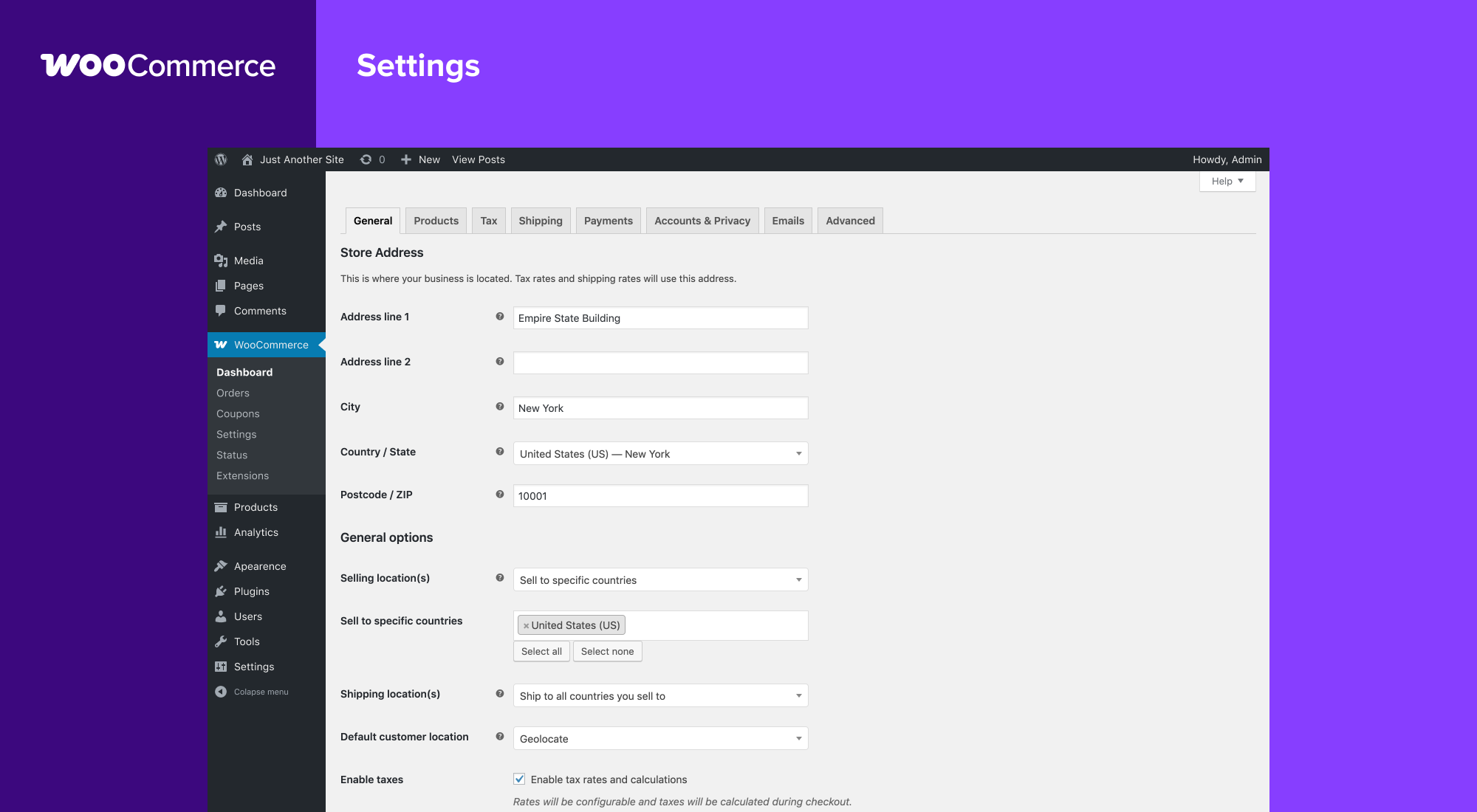
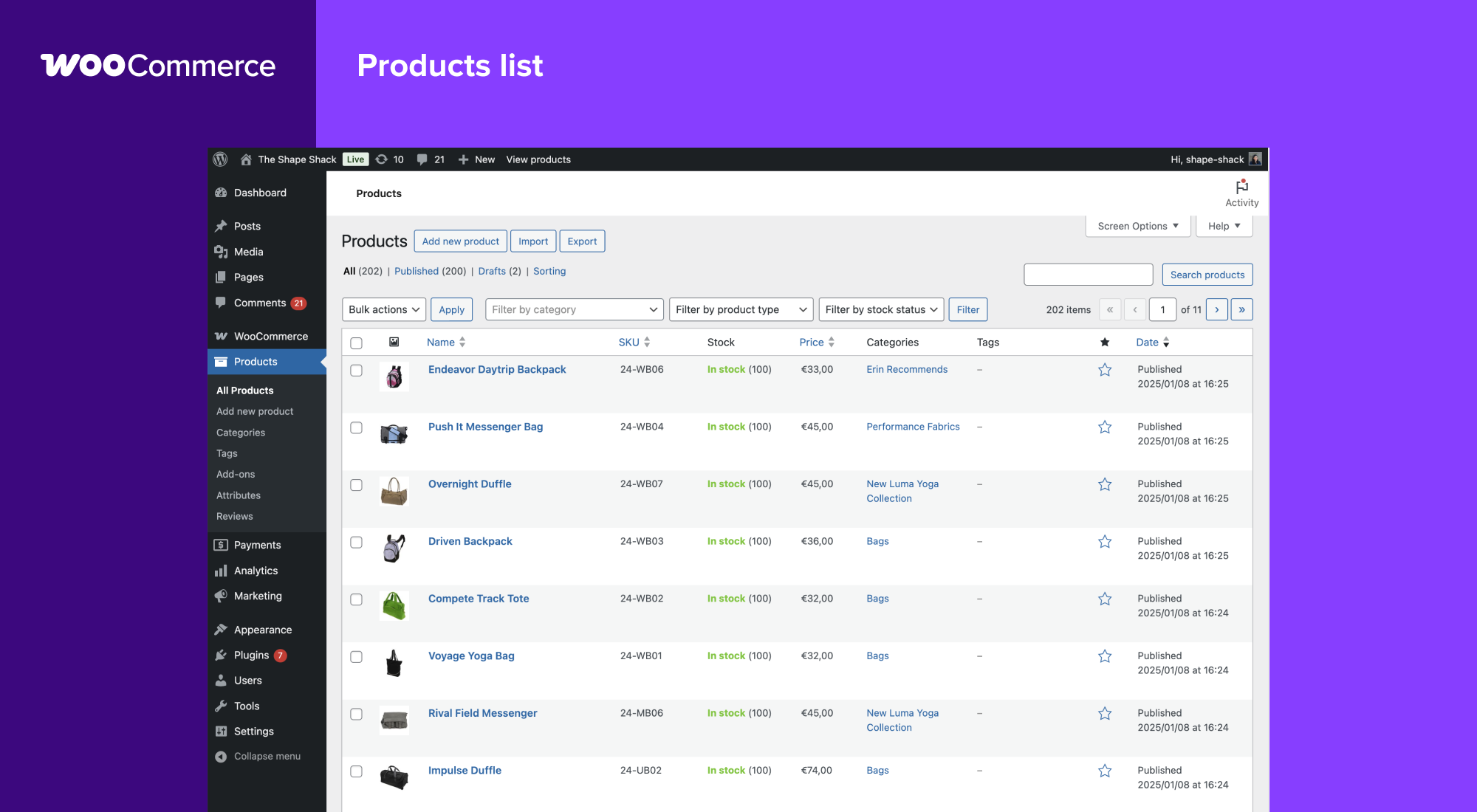
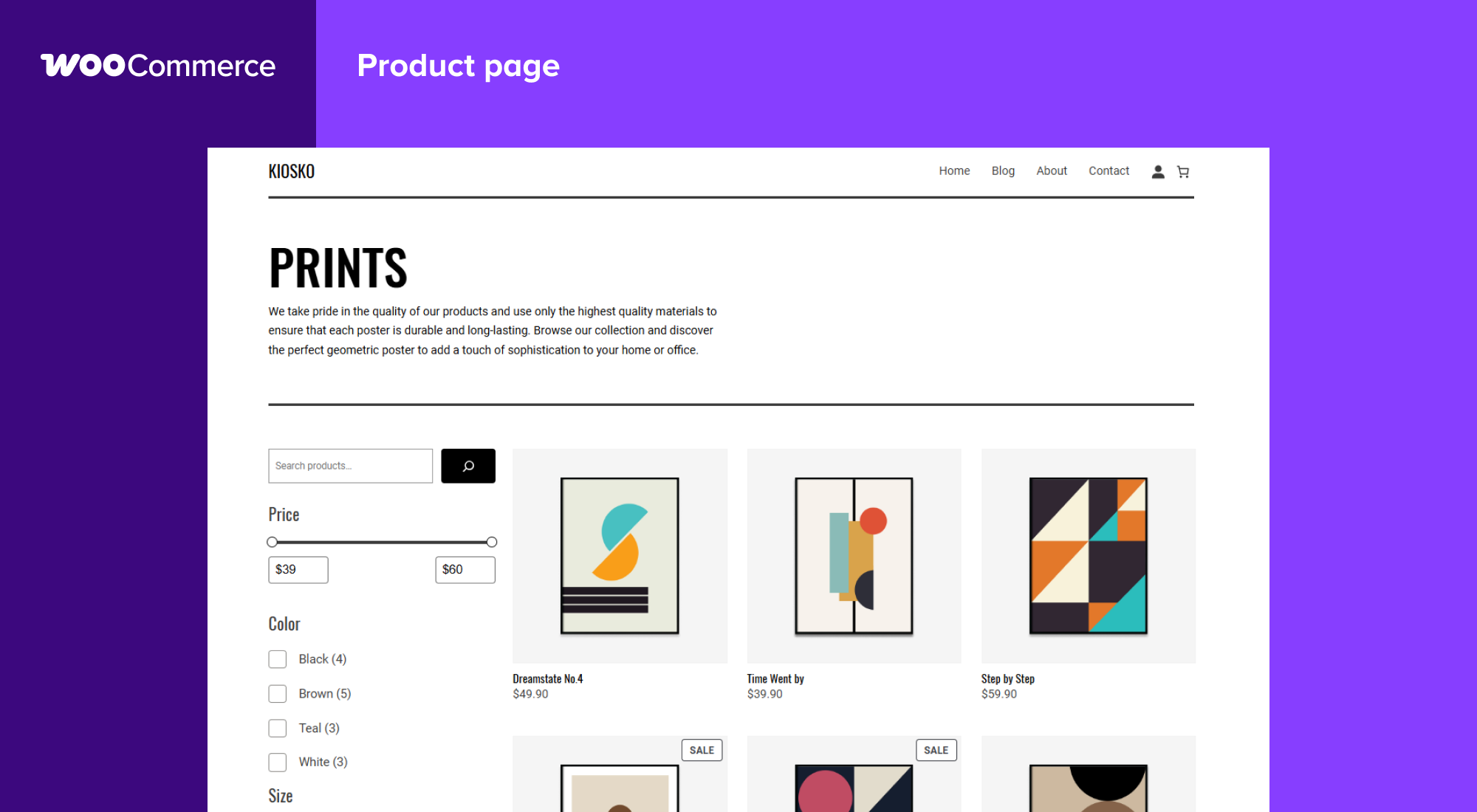
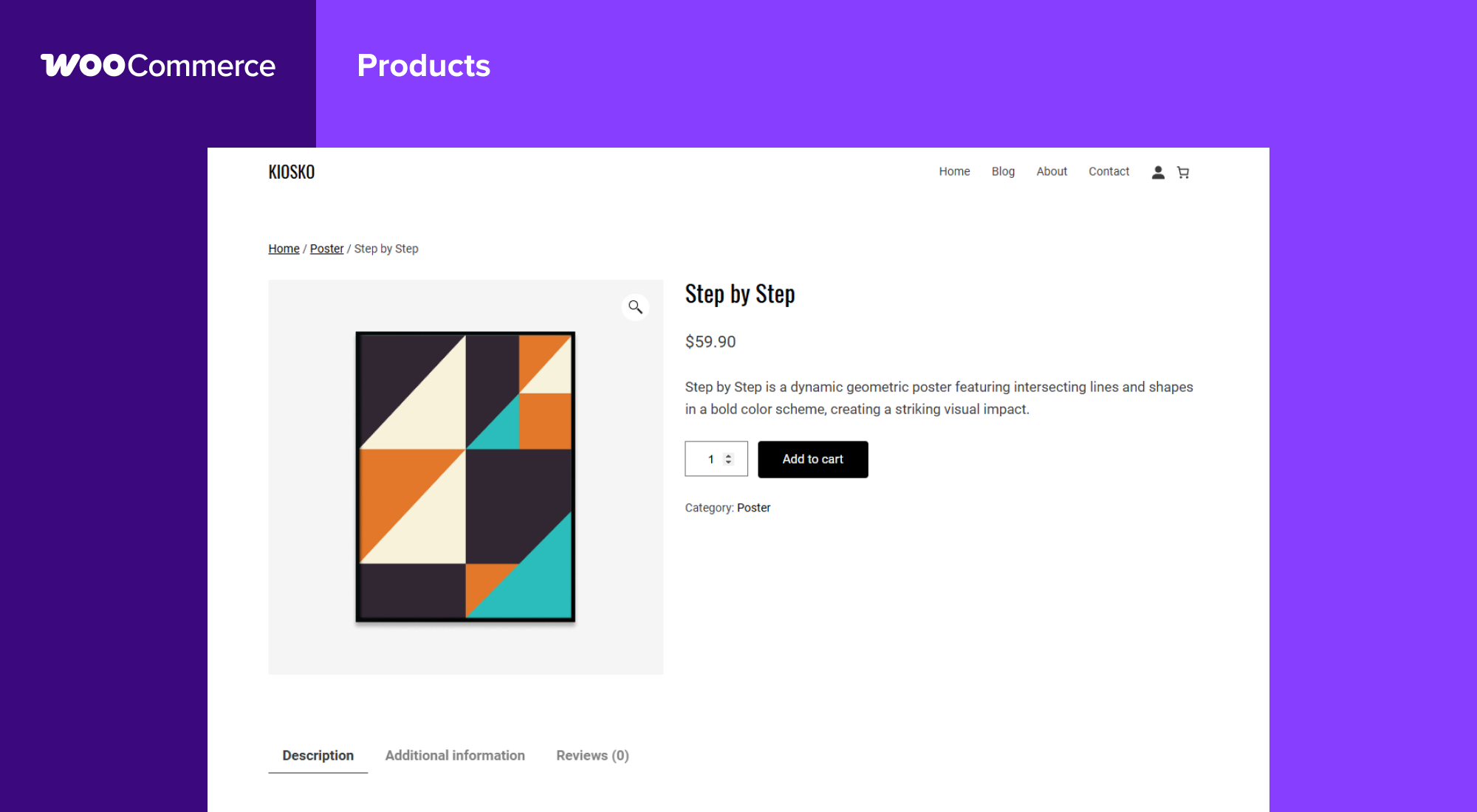
Blokke
Dette plugin giver 1 blok.
- Coming Soon
Installation
Minimumskrav
- PHP 7.4 or greater is required (PHP 8.0 or greater is recommended)
- MySQL 5.5.5 eller nyere, eller MariaDB version 10.1 eller nyere, er påkrævet.
- WordPress 6.9 or greater
- (Recommended) WordPress memory limit of 256 MB or greater.
- (Recommended) HTTPS support.
Automatisk installation
Automatisk installation er den nemmeste løsning, da WordPress håndterer filoverførsler selv, og du ikke behøver at forlade din browser. For at oprette en automatisk installation af WooCommerce, log ind på dit WordPress kontrolpanel, navigér til menuen Plugins og klik på “Tilføj ny”.
Skriv “WooCommerce” i søgefeltet og klik derefter på “Søg plugins.” Når du har fundet os, kan du se detaljer, såsom udgivelse, vurdering og beskrivelse. Men vigtigst af alt er selvfølgelig, at du kan installere det! Klik “Installer nu”, og WordPress vil installere det valgte til din pluginliste.
Manuel installation
Den manuelle installationsmetode kræver download af WooCommerce plugin og upload af det til din webserver via et FTP program. WordPress codex indeholder instruktioner om, hvordan du gør dette.
Opdaterer
Automatisk opdatering skulle gerne virke, men vi vil anbefale at du tager en backup af din hjemmeside.
Hvis du støder på problemer med webshoppen og/eller kategorisider efter en opdatering, skal du gemme dine permalinks igen. Det gør du ved at gå til WordPress > Indstillinger > Permalinks og trykke “gem”. Det bør få dine links til at virke igen.
Prøvedata
WooCommerce comes with some sample data you can use to see how products look; import sample_products.xml via the WordPress importer. You can also use the core CSV importer or our CSV Import Suite extension to import sample_products.csv
FAQ
-
Hvor kan jeg finde WooCommerce dokumentation og brugerguider?
-
For help setting up and configuring WooCommerce, please refer to Getting Started and the New WooCommerce Store Owner Guide.
For extending or theming WooCommerce, see our documentation, as well as the Plugin Developer Best Practices.
-
Where can I get help or talk to other users about WooCommerce Core?
-
If you get stuck, you can ask for help in the WooCommerce Support Forum by following these guidelines, reach out via the WooCommerce Community Slack, or post in the WooCommerce Community group on Facebook.
-
Where can I get help for extensions I have purchased from the WooCommerce Marketplace?
-
For assistance with paid extensions from the WooCommerce Marketplace: first, review our self-service troubleshooting guide. If the problem persists, kindly log a support ticket via our helpdesk. Our dedicated Happiness Engineers aim to respond within 24 hours.
-
I’m having trouble logging in to WooCommerce.com – what now?
-
First, troubleshoot common login issues using this helpful step-by-step guide. Still not working? Get in touch with us.
-
Vil WooCommerce virke med mit tema?
-
Yes! WooCommerce will work with any theme but may require some additional styling. If you’re looking for a theme featuring deep WooCommerce integration, we recommend Storefront.
-
How do I update WooCommerce?
-
We have a detailed guide on How To Update WooCommerce.
-
My site broke – what do I do?
-
Start by diagnosing the issue using our helpful troubleshooting guide.
If you noticed the error after updating a theme or plugin, there might be compatibility issues between it and WooCommerce. If the issue appeared after updating WooCommerce, there could be a conflict between WooCommerce and an outdated theme or plugin.
In both instances, we recommend running a conflict test using Health Check (which allows you to disable themes and plugins without affecting your visitors) or troubleshooting the issue using a staging site.
-
Where can I report bugs?
-
Report bugs on the WooCommerce GitHub repository. You can also notify us via our support forum – be sure to search the forums to confirm that the error has not already been reported.
-
Hvor kan jeg foreslå nye funktioner, temaer og udvidelser?
-
Request new features and extensions and vote on existing suggestions on our official feature request board. Our Product teams regularly review requests and consider them valuable for product planning.
-
WooCommerce er fedt! Kan jeg bidrage?
-
Yes, you can! Join in on our GitHub repository and follow the development blog to stay up-to-date with everything happening in the project.
-
Hvor kan jeg finde REST API dokumentation?
-
Extensive WooCommerce REST API Documentation is available on GitHub.
-
My question is not listed here. Where can I find more answers?
-
Check out Frequently Asked Questions for more.
Anmeldelser


Bidragsydere & udviklere
“WooCommerce” er open source-software. Følgende personer har bidraget til dette plugin.
Bidragsydere-
Automattic
-
WooCommerce
-
Mike Jolley
-
James Koster
-
Claudio Sanches
-
Rodrigo Primo
-
Peter Fabian
-
Vedanshu – Urumi.AI
-
Julia Amosova
-
obliviousharmony
-
Néstor Soriano Vilchez
-
sadowski
-
Ron Rennick
-
royho
-
Barry
-
Claudiu Lodromanean
-
Tiago Noronha
-
Kelly Choyce-Dwan
-
levinmedia
-
Albert Juhé Lluveras
-
Darren Ethier (nerrad)
-
Joshua Wold
-
Nadir Seghir
-
Rua Haszard
-
Michael P. Pfeiffer
-
Niels Lange
-
Raluca
-
tjcafferkey
-
danielwrobert
-
patriciahillebrandt
-
albarin
-
Tung Du
-
Manish Menaria
-
Karol Manijak
-
sunyatasattva (a11n)
-
Alexandre Lara
-
Luigi Teschio
-
danieldudzic
-
Sam
-
Alex Florisca
-
opr18
-
tarunvijwani
-
Paulo Arromba
-
Saad T.
-
Boro Sitnikovski
-
Gerhard Potgieter
-
Corey McKrill
-
Jorge A. Torres
-
Leif Singer
-
Ján Mikláš
“WooCommerce” er blevet oversat til 71 sprog. Tak til oversætterne for deres bidrag.
Oversæt “WooCommerce” til dit eget sprog.
Interesseret i udvikling?
Gennemse koden, tjek SVN repository, eller abonner på udviklerloggen via RSS.
Ændringslog
10.8.1 2026-05-27
WooCommerce