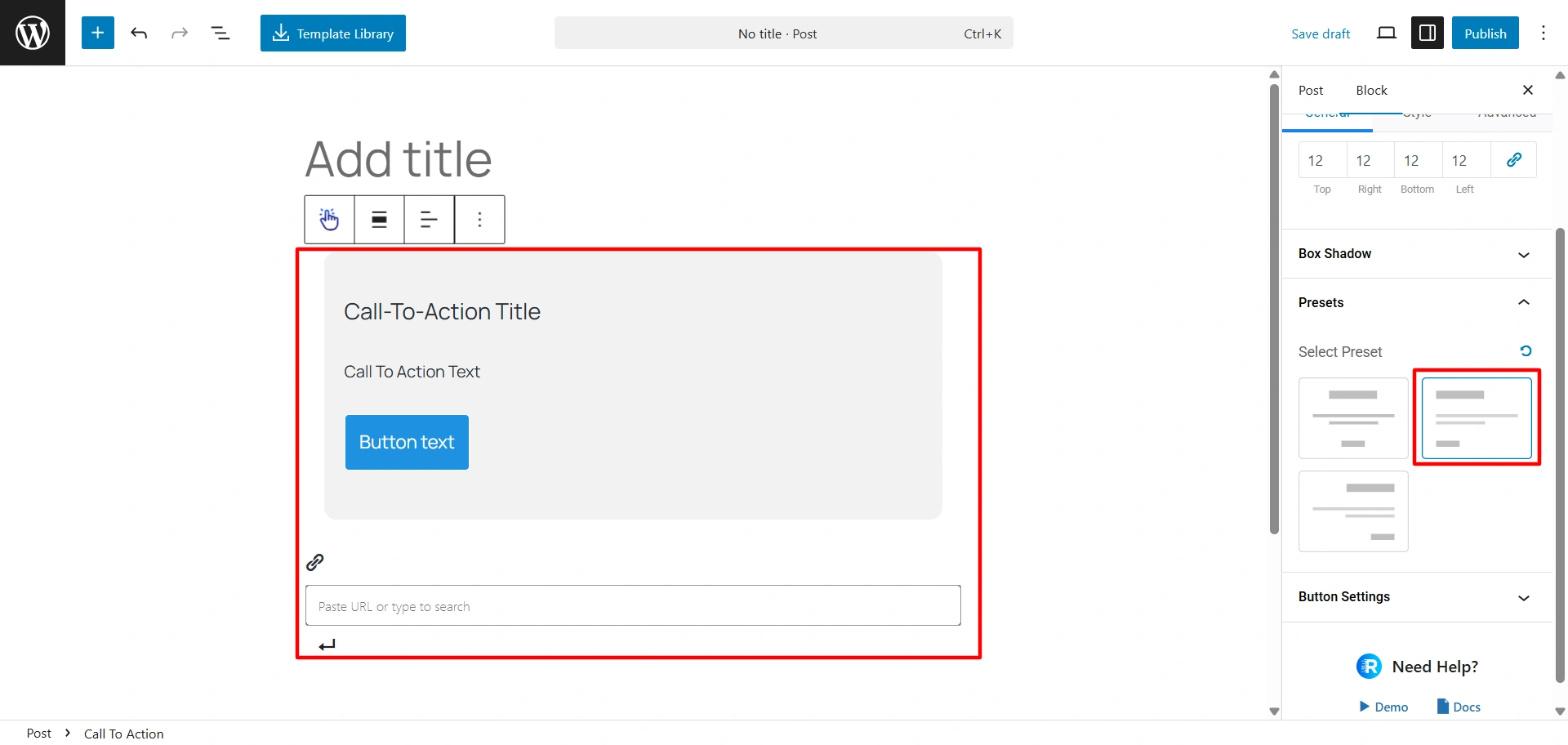
The Responsive Blocks presets are a great way to give your website a professional appearance. This feature allows you to choose from a variety of pre-made building blocks for different parts of your site.
In this article, we’ll look at block presets you get with Responsive Blocks.
What are Responsive Blocks Presets?
Responsive Blocks plugin presets allows you to modify your elements’ styles with only a couple of clicks. It gives you the ability to move through the design process at an accelerated pace.
The plugin provides presets for various blocks including, Info Block, Countdown, Accordion, Post Carousel, Team.
Let’s see some examples.
Presets for Buttons Block
Click on the + icon in the top left corner to see the list of blocks provided. When you drag-and-drop Buttons block you will see Presets under the General tab.

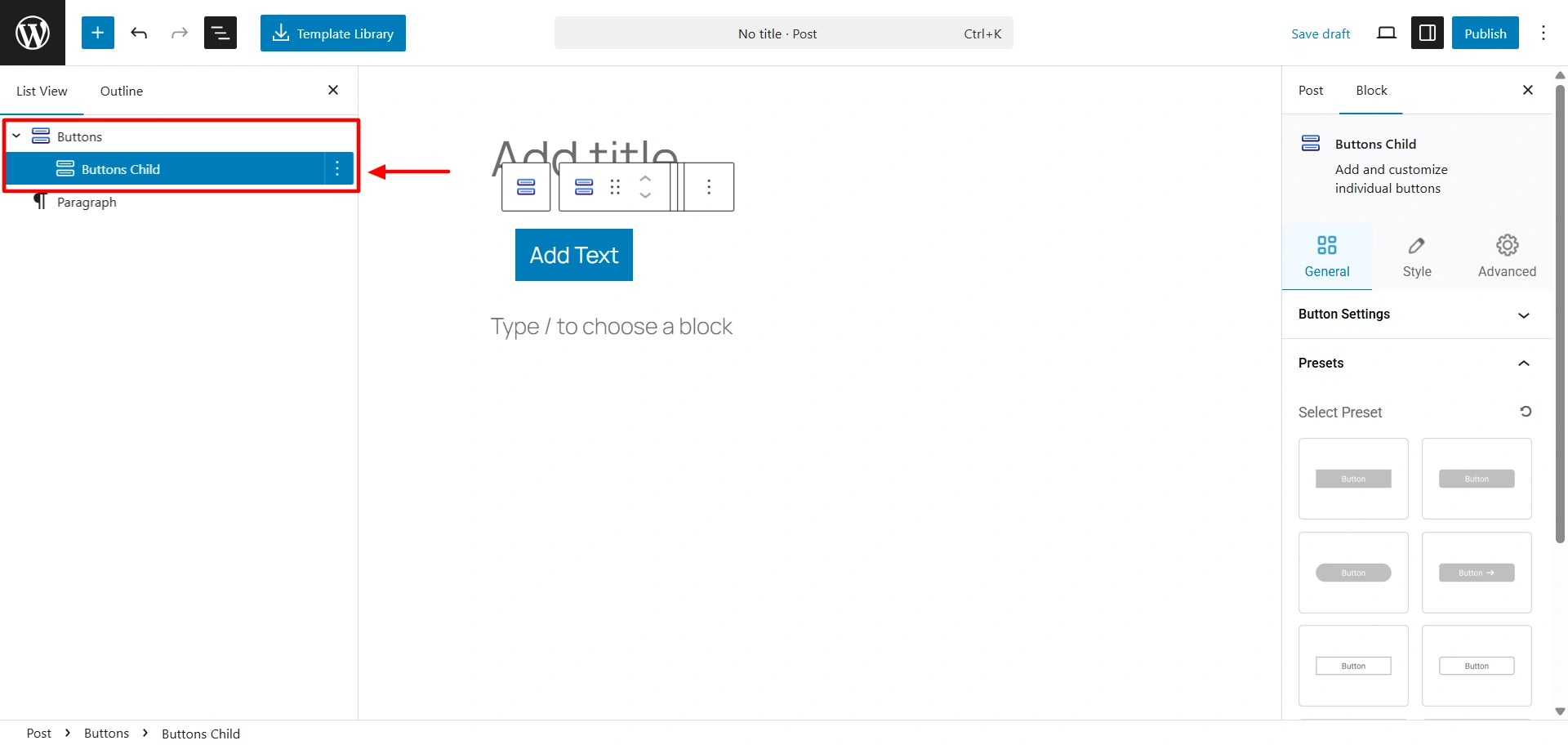
The Buttons block comes with a Buttons Child. You can access the button presets after you click onto the Buttons Child.
Presets For Call To Action Block
After you drag-and -drop you get to see the presets under the General tab. You can select the preset of your choice from there.
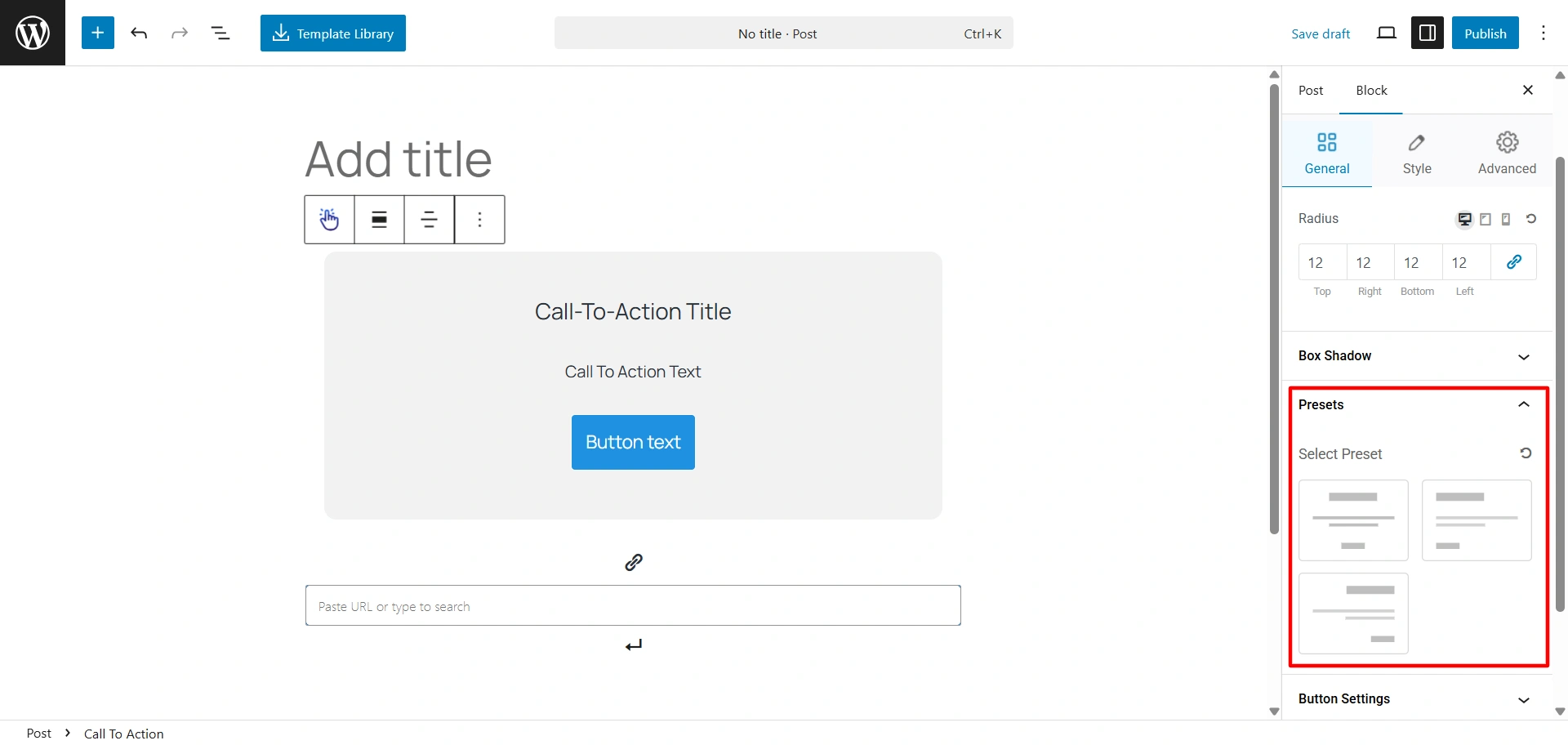
After you select one of these presets, it will change the alignment of your block.