

Disgrifiad
🛡️ Professional WordPress Security & Maintenance That Prevents Problems Before They Happen
Every day, WordPress sites are compromised through supply chain attacks – when even trustworthy developers have their accounts hacked and malicious code pushed as “updates.” Fuerte-WP protects you when developers can’t protect their own update systems.
🚨 CRITICAL SUPPLY CHAIN PROTECTION
Supply chain attacks occur when attacker’s compromise developer accounts and push malicious updates that thousands of sites auto-install within hours. Fuerte-WP’s Blocked Updates feature lets you freeze plugins at safe versions instantly when you learn of attacks, protecting your site while others are compromised.
The developer is a victim too. Their credentials were stolen, systems breached. Fuerte-WP gives you control when even the best developers can’t protect their own update systems.
⚡ SMART AUTO-UPDATE MANAGEMENT
- Scheduled Updates: Choose update frequency (6, 12, 24, or 48 hours)
- Selective Control: Enable/disable auto-updates for core, plugins, themes, translations separately
- Deferred Updates: Exclude specific plugins from auto-updates while keeping manual control
- Blocked Updates: Completely freeze compromised plugins during supply chain attacks
- Zero Performance Impact: Background processing doesn’t slow down your site
👑 ADMINISTRATOR OVERSIGHT
- Super User Access: Designate who has full control while restricting other administrators
- Access Control: Prevent other admins from installing unstable plugins or making dangerous changes
- Menu Management: Hide sensitive WordPress settings from inexperienced users
- Account Protection: Protect your admin accounts from being modified by others
🔒 LOGIN SECURITY (Optional)
- Rate Limiting: Block IPs after too many failed login attempts
- Lockout Protection: Progressive penalties for repeated security violations
- Custom Login URLs: Hide your login page from automated bots
- Real-Time Monitoring: Live dashboard shows login attempts and security events
📊 WHY CHOOSE FUERTE-WP?
✅ Prevents Problems – Stops plugin conflicts and supply chain attacks before they break your site
✅ Intelligent Control – Granular update management for every plugin and theme
✅ Admin Oversight – Control what other administrators can modify
✅ Performance Optimized – Won’t slow down your website
✅ Self-Protecting – Cannot be disabled by non-super users
✅ Multisite Compatible – Works on single sites and WordPress networks
✅ Developer Friendly – File-based configuration for mass deployment
🎯 PERFECT FOR:
* Agencies managing client websites
* E-commerce stores requiring maximum uptime
* Educational institutions with multiple WordPress installations
* Enterprise deployments needing strict maintenance policies
* Anyone serious about WordPress security and reliability
⚡ INSTALL IN SECONDS, PROTECT FOR YEARS
- Install and activate Fuerte-WP
- Add yourself as a super user
- Configure your update preferences
- Your site is now protected from supply chain attacks and maintenance disasters
Join thousands of smart WordPress administrators who sleep better at night knowing their sites are protected.
Lluniau Sgrin
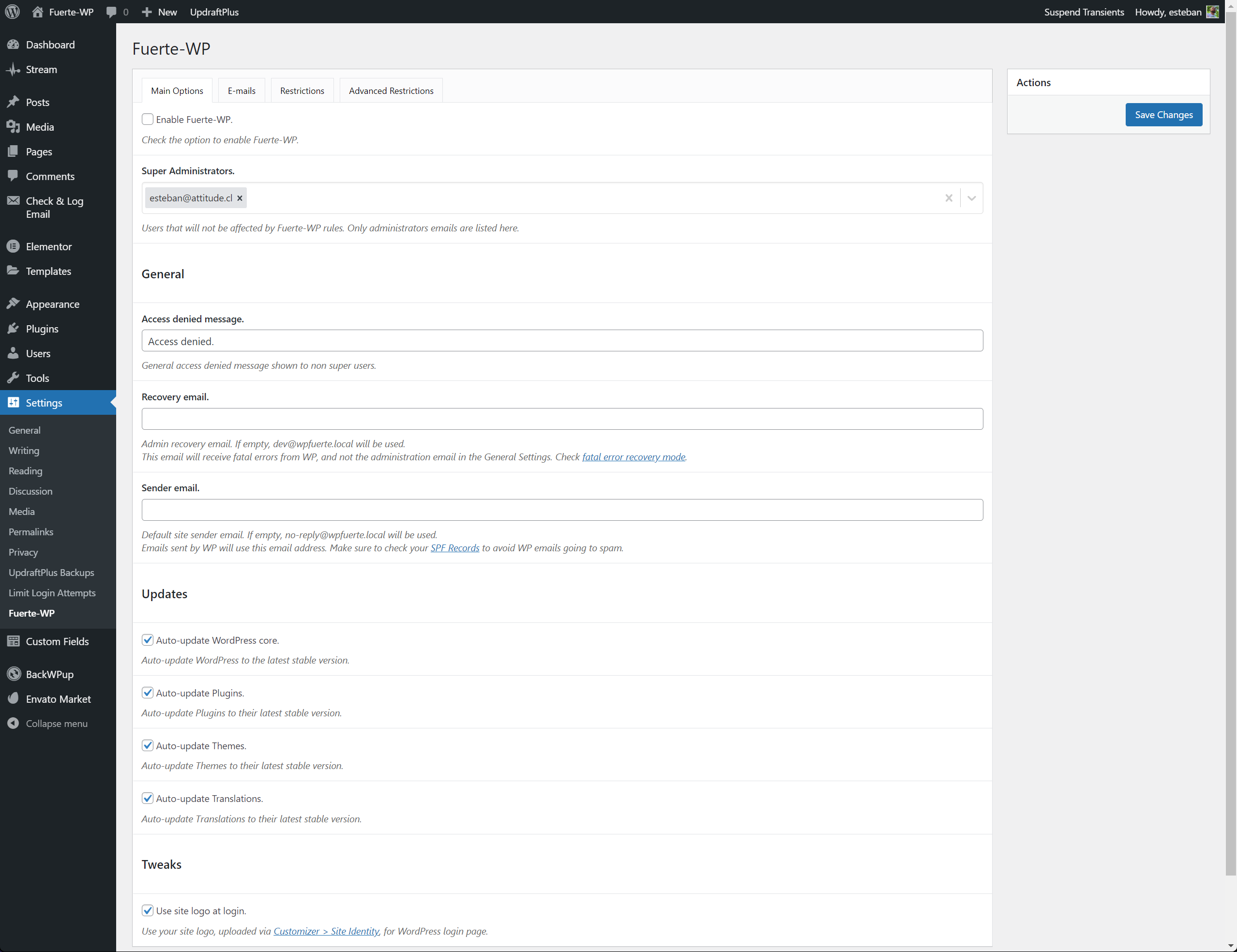
Main settings page with super user configuration 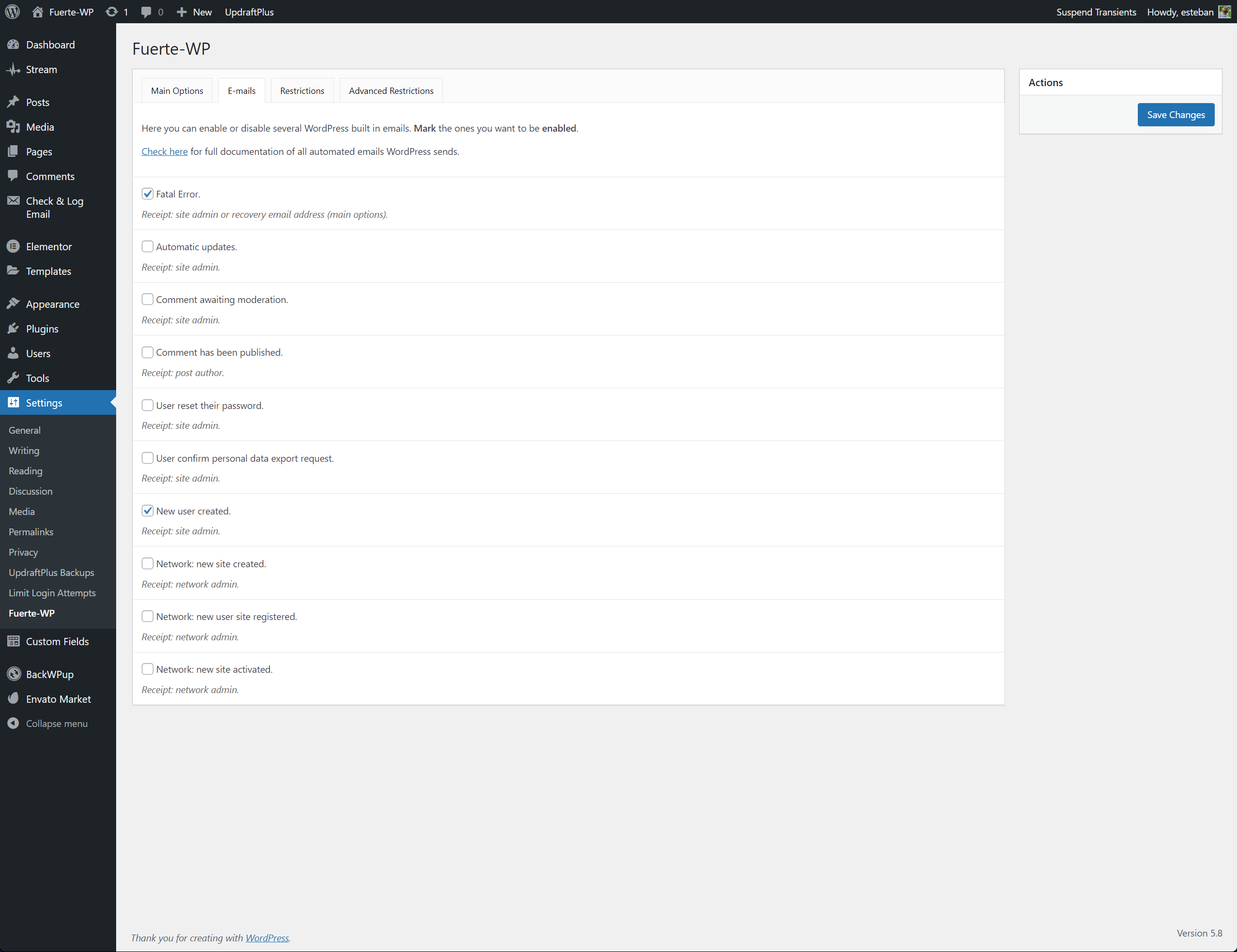
Auto-update management with scheduling options 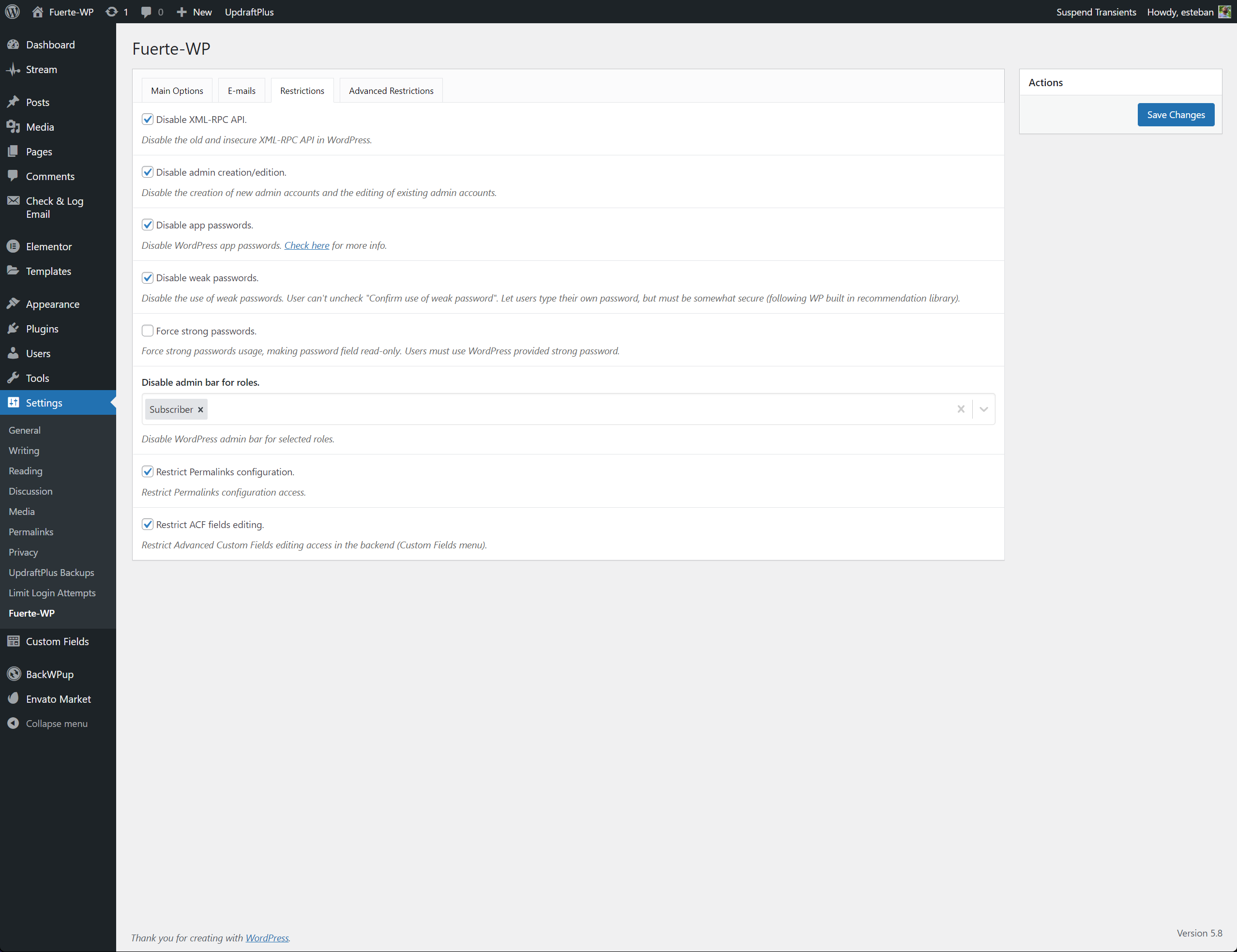
Deferred and Blocked Updates configuration 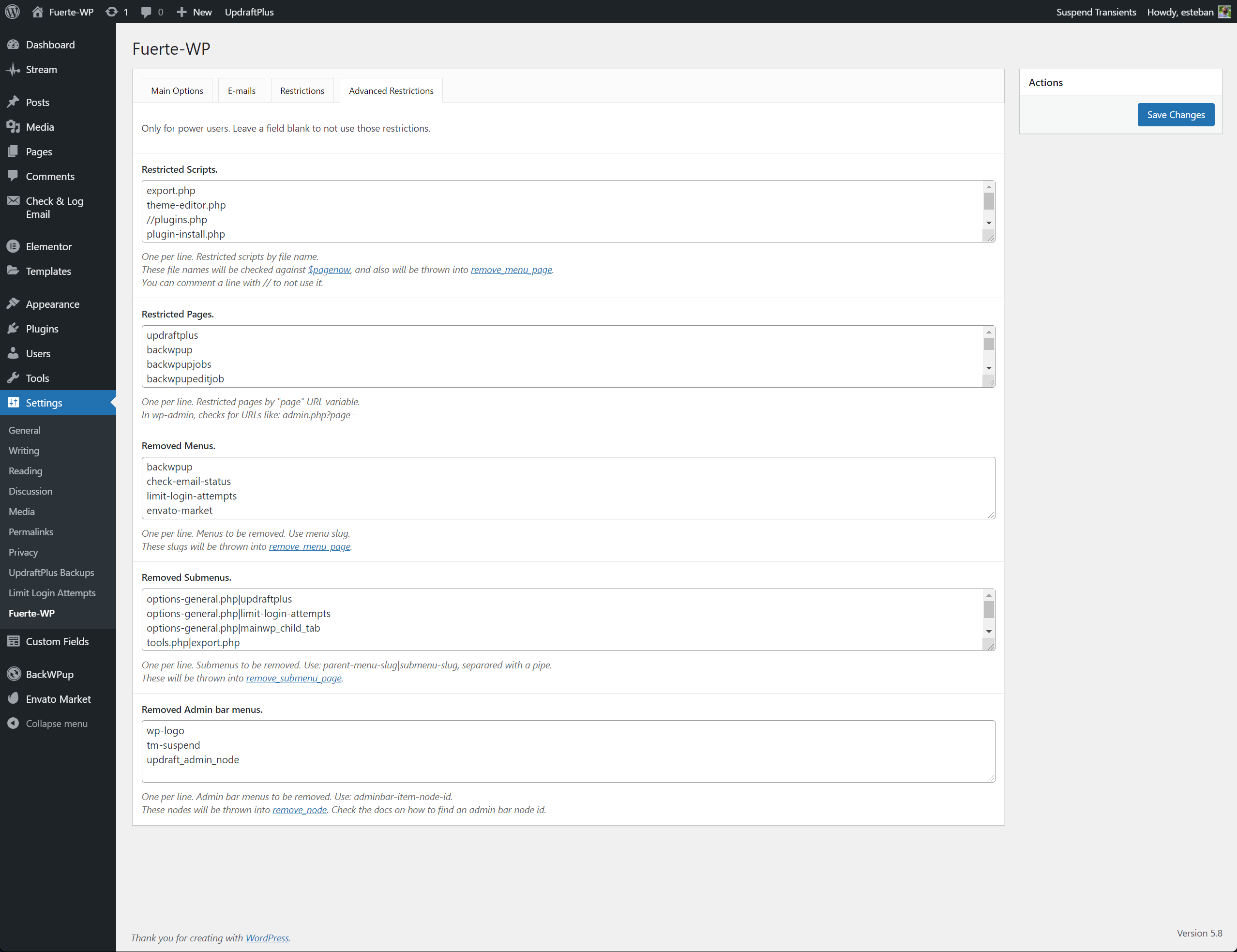
Login security dashboard with real-time monitoring
Gosod
- Install Fuerte-WP from the WordPress plugin directory
- Activate the plugin
- Visit Settings > Fuerte-WP to configure settings
- Add your email as a super user (you’ll bypass all restrictions)
- Set up your auto-update preferences
- You’re protected!
Cwestiynau Cyffredin
-
How does supply chain attack protection work?
-
When you learn that a plugin developer’s account has been compromised and malicious updates are being distributed, you can immediately block that plugin in Fuerte-WP. This freezes the plugin at its last safe version and prevents your site from auto-installing malicious code, even while thousands of other sites are being compromised.
-
What’s the difference between Deferred and Blocked updates?
-
Deferred Updates: The plugin won’t auto-update, but you can still manually update it when you’re ready. Good for testing updates before applying them.
Blocked Updates: The plugin cannot update at all – neither automatically nor manually. Essential during supply chain attacks when any update could contain malicious code.
-
Can other administrators disable Fuerte-WP?
-
No! Only super users can modify Fuerte-WP settings or disable the plugin. Other administrators are restricted from making changes that could compromise your site’s security.
-
Will this slow down my website?
-
Absolutely not. All maintenance tasks run in the background and don’t affect page load times. Fuerte-WP is optimized for performance.
-
Does this work with WordPress multisite?
-
Yes! Fuerte-WP is fully compatible with WordPress multisite installations and can be network-activated for centralized management.
-
Where can I find more documentation?
Adolygiadau
There are no reviews for this plugin.
Contributors & Developers
“Fuerte-WP” is open source software. The following people have contributed to this plugin.
Cyfranwyr
“Fuerte-WP” has been translated into 1 locale. Thank you to the translators for their contributions.
Translate “Fuerte-WP” into your language.
Interested in development?
Browse the code, check out the SVN repository, or subscribe to the development log by RSS.