
Popis
BP-Portfolio is a BuddyPress plugin that allows members to create their own portfolio (a set of projects : IT projects, recipes, achievements of designer, … ).
Right now each project includes a title, a description, an url and a screenshot of the project. The size of the description can be defined in the admin panel, as the template to be used.
The plugin provides the following features :
- a new tab in the user profile listing their projects
- a new page listing all projects,
- a widget listing the latest projects
- a new activity for each new project
In future versions, each project will have its own page and multiple captures can be uploaded for a project.
Snímky obrazovky

Interface that lists all projects 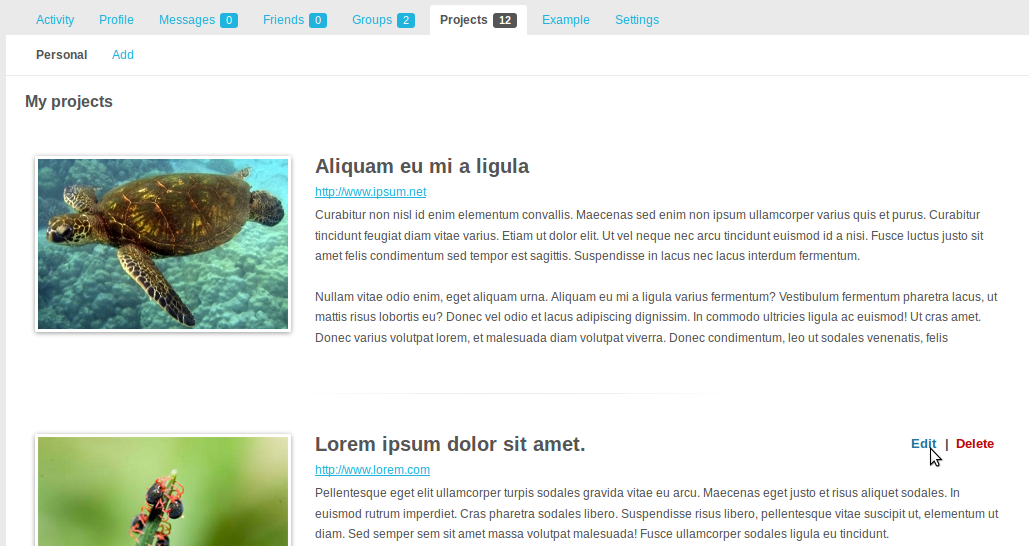
Interface on your profile that lists your projects 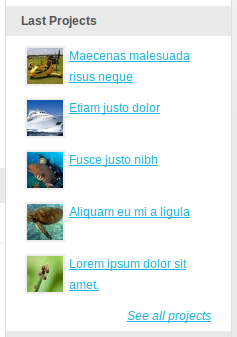
A widget that displays the latest projects 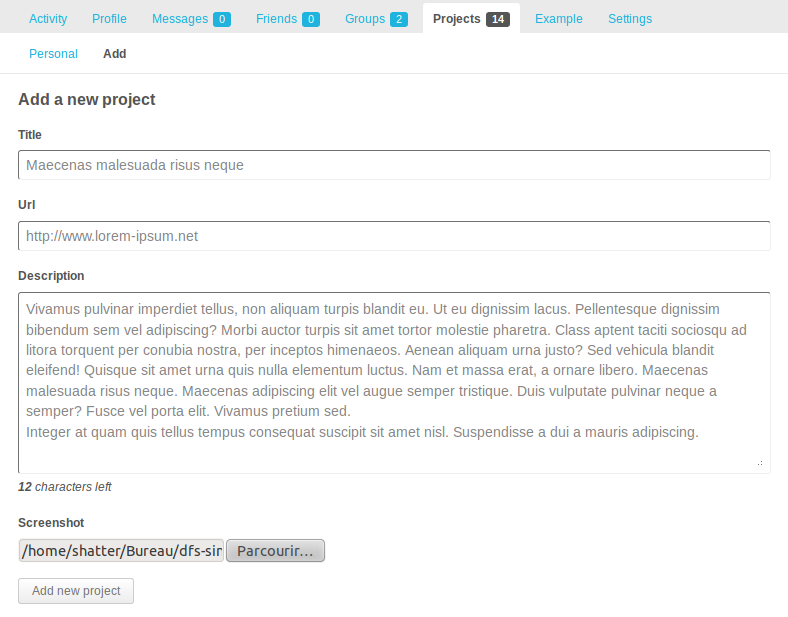
Interface for adding and editing projects
Instalace
- Upload the ‚bp-portfolio/‘ directory to the ‚/wp-content/plugins/‘ directory
- Activate the plugin through the ‚Plugins‘ menu in WordPress
- Settings can be configured in the ‚Buddypress > BP-Portfolio‘ area of your blog.
Nejčastější dotazy
- What is the size of the screenshot ?
-
Ideally, the size of the capture must be 250x170px. But anyway the plugin crop the image to fit the interface.
- How to change the plugin interface ?
-
The plugin incorporates a ‚template‘ directory where you place your new themes (use the default theme architecture for your own theme).
Recenze
Pro tento plugin nejsou žádné recenze.
Autoři
BuddyPress Portfolio je otevřený software. Následující lidé přispěli k vývoji tohoto pluginu.
Spolupracovníci
Přeložte “BuddyPress Portfolio” do svého jazyka.
Zajímá vás vývoj?
Prohledejte kód, podívejte se do SVN repozitáře, nebo se přihlaste k odběru protokolu vývoje pomocí RSS.
Přehled změn
1.0
- Add, edit and delete projects
- List all projects on a common page
- Create a widget that lists the latest projects
- Displays a new tab in the user profile