

描述
WM Simple Captcha for registration page, customize captcha image according to your theme. Change image width, height, background color, set possible characters, add space between two characters, adjust font size, change form label, add your custom css, enable/disable refresh button, change refresh button. Many think more on customization.
产品特点
- Enable/Disable Captcha for wordpress registration page
- Set the captcha image with
- Set the captcha image height
- Set the captcha possible characters length
- Adjust font size
- Enable space between characters
- Change font
- Set possible letters
- Set random Dots
- Set random Line
- Set text color
- Set dots color
- Set line color
- Change form label
- Enable captcha border
- Set captcha border color
- Enable/Disable refresh button
- Change refresh images as your theme
- Not case sensitive
In Short you can change captcha image style as your theme style.
屏幕截图
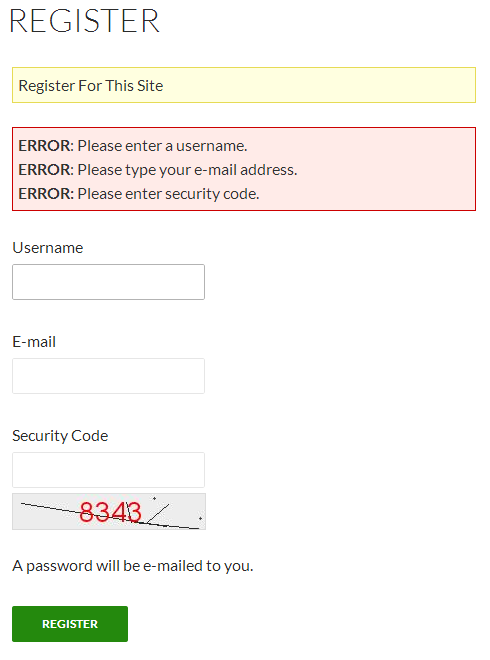
The overview screen registration. 
“WM Simple Captcha setting” page. 
Captcha Image Settings. 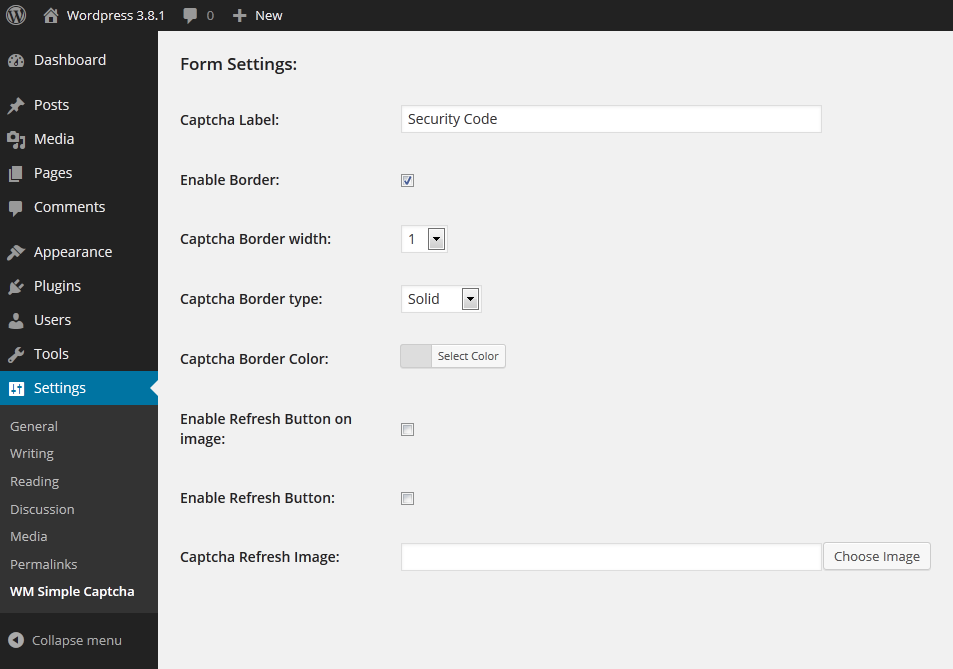
Form Settings. 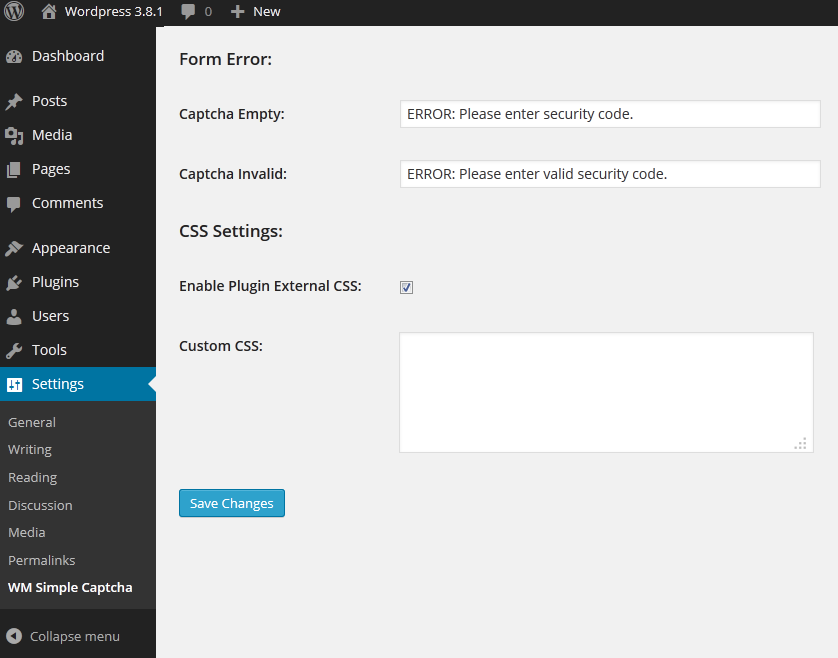
Form Error and custom CSS
安装
手动安装
- Download the plugin file to your computer and unzip it
- Using an FTP program, or your hosting control panel, upload
wm_simple_captchafolder to the/wp-content/plugins/directory - Login to your WordPress admin panel.
- 通过WordPress的的“Plugins”菜单激活插件
- Go To setting -> wm_simple_captcha change default setting according to your theme.
- Plugin is ready for work.
自动安装
Automatic installation is the easiest option as WordPress handles the file transfers itself and you don’t even need to leave your web browser. To do an automatic install,
- Login to your WordPress admin panel.
- Navigate to the Plugins menu and click Add New.
- In the search field type ” WM Simple Captcha” and click Search Plugins.
- Once you’ve found the plugin you can view details about it such as the the point release, rating and description.
- Most importantly of course, you can install it by clicking Install Now.
- 通过WordPress的的“Plugins”菜单激活插件
- Go To setting -> wm_simple_captcha change default setting according to your theme.
- Plugin is ready for work.
常见问题
- Any detail documentation available?
-
Yes, Web Mumbai Plugins coming soon detail documentation.
- If enable/disable registration, I loose my “WM Simple Captcha”
-
No, change your setting of captcha image, then enable this for registration page.
- Can I change background color?
-
Yes, see the plugin settings page.
- Can I change captcha text color?
-
Yes, see the plugin settings page.
评价

贡献者及开发者

更新日志
2.0.3 – 2016-01-03
- Tested: tested in latest wordpress 4.4
2.0.2 – 2015-08-22
- Tested: tested in latest wordpress 4.3
- Bugfix : We fixed
2.0.1 – 2015-07-12
- Bugfix : We fixed
2.0.0 – 2015-07-12
- Tested: tested in latest wordpress 4.2.2
- Added: Font Upload Functionality
1.1.1 – 2015-04-18
- Bugfix : We fixed error on activation.
- Tested : WordPress 3.8.1
- Tested : WordPress 3.8.2
- Tested : WordPress 3.8.3
- Tested : WordPress 3.9
1.1 – 2015-03-02
- Bugfix : We fixed error on activation.
1.0 – 2015-03-01
- Initial Version