

描述
Monnify Official WooCommerce Payment Gateway Plugin enables seamless integration to Monnify, a reliable and secure payment gateway, into your WordPress e-commerce website. With Monnify, you can accept payments through multiple payment methods, providing your customers with a smooth and secure checkout experience.
Key features include:
- Easy setup and configuration
- Support for multiple payment methods including card payments and bank transfers
- Real-time transaction monitoring and reporting
- Enhanced security features to protect your customers’ data
- Seamless integration with popular e-commerce plugins
- Supports WooCommerce block checkout
- Compatible with both single-site and WordPress Multisite
Whether you’re running a small online store or a large e-commerce platform, Monnify Official Plugin is the ideal solution for accepting payments and managing transactions with ease.
External Services
This plugin connects to Monnify’s external payment gateway API in order to securely process payments made through the WooCommerce checkout page. It uses Monnify’s JavaScript SDK to initiate and manage payment transactions.
What data is sent and when:
When a customer initiates payment at checkout, the plugin loads the Monnify JavaScript SDK (https://sdk.monnify.com/plugin/monnify.js) and sends necessary transaction details such as the amount, customer name, email address, and transaction reference to Monnify’s API. These details are required to initiate and validate the payment.
Why this data is sent:
The data is sent to facilitate real-time payment processing via Monnify’s secure infrastructure, enabling the customer to complete their order.
Service provider:
Monnify
– Monnify Terms of Service
– Monnify Privacy Policy
屏幕截图

Plugin settings screen 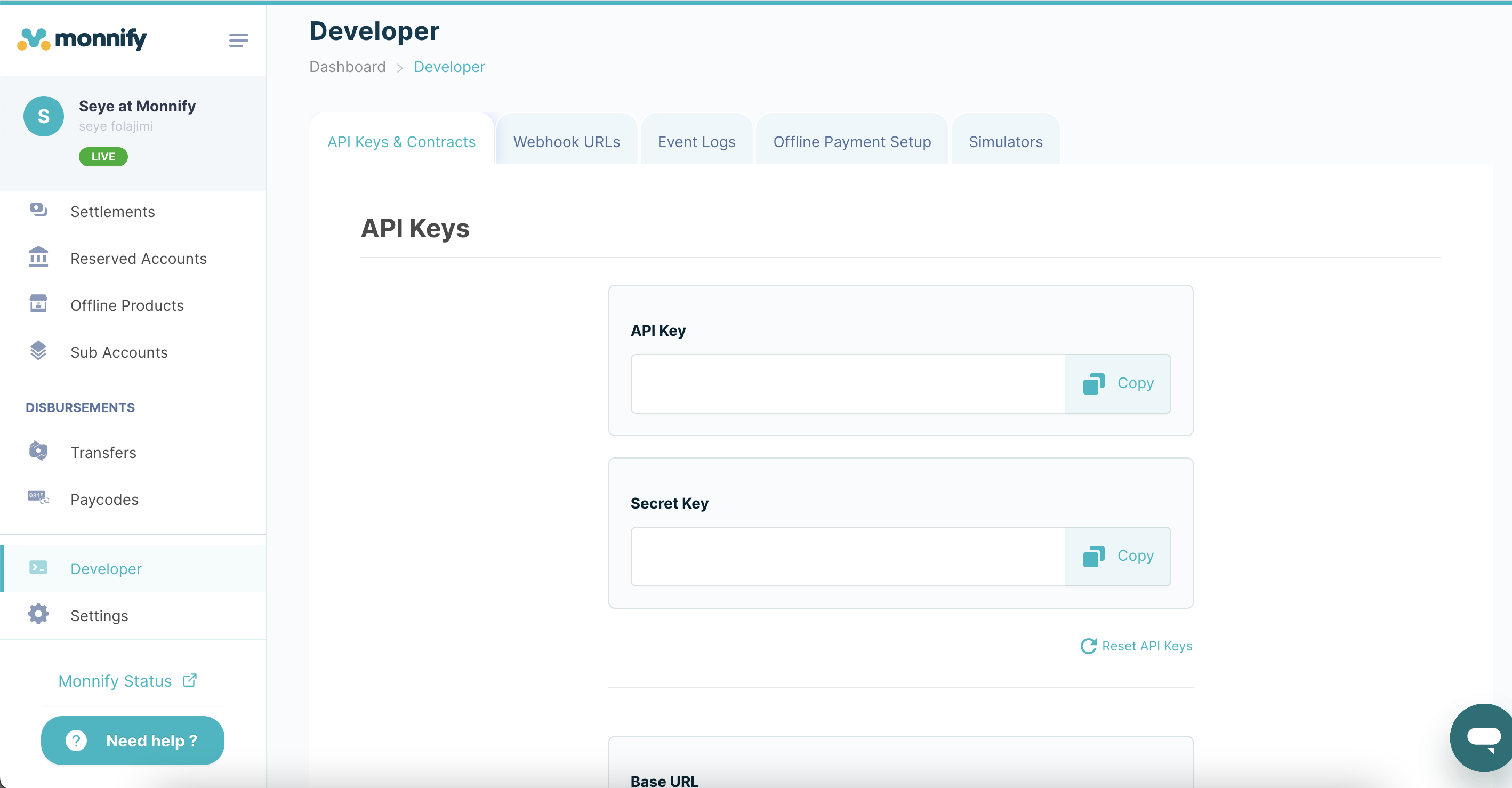
Dashboard with real-time transaction monitoring 
Configuration settings for Monnify payment gateway
安装
- Install the plugin via the WordPress plugin installer
- Activate the plugin through the ‘Plugins’ menu
- Navigate to WooCommerce Settings Payments Monnify
- Configure your API credentials and payment methods
常见问题
-
How do I install and configure the plugin?
-
- Install the plugin via the WordPress plugin installer
- Activate the plugin through the ‘Plugins’ menu
- Navigate to the plugin settings
- Select ‘Enable Test Mode’ if you would like to make test payments
- Enter your Monnify API credentials
- Select the payment methods you would like to support (hold SHIFT to select multiple in Live Mode)
For detailed instructions, please refer to Monnify documentation
-
What payment methods does Monnify support?
-
Monnify supports credit/debit card payments, USSD, Pay with Phone, Bank transfers and more. Configure your preferred methods in the plugin settings.
评价

贡献者及开发者

更新日志
1.0.3
- Added support for WordPress Multisite (works on both network and individual sites)
1.0.2
- Added IP address verification to improve webhook security
1.0.1
- Added webhook enhancement to allow asynchronous order confirmation in case of network failure
1.0.0
- Initial release of the Monnify Official Payment Gateway Plugin
- Added support for WooCommerce block checkout