

描述
The short description really says it all. No bullshit, no complex stuff, just a simple shortcode that you can copy and paste to save a few seconds. I really made this so that I wouldn’t have to glance at the date every time that I posted an article; quite lazy, I know, but automating stuff is cool, and now I at least know how to put up a plugin on the WordPress repository.
屏幕截图
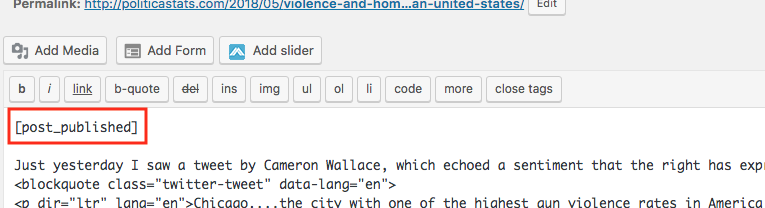
This is what your shortcode should look like. Really simple, just [post_published]. 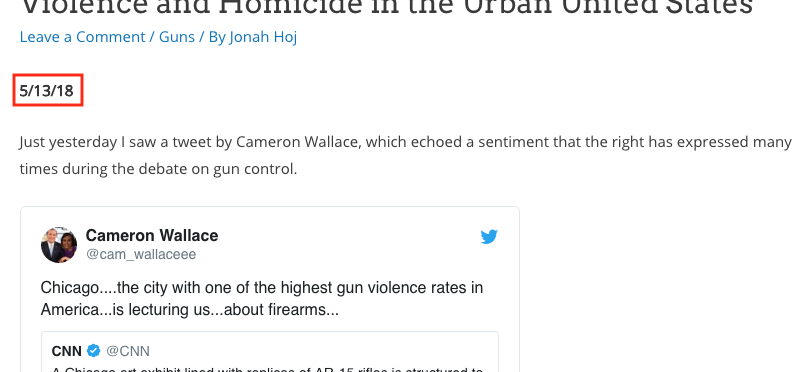
This is what it should look like on the front end.
安装
- Upload the plugin files to the
/wp-content/plugins/plugin-namedirectory, or install the plugin through the WordPress plugins screen directly. - Activate the plugin through the ‘Plugins’ screen in WordPress
- Use the Settings->Plugin Name screen to configure the plugin
评价

2018 年 7 月 29 日
I noticed this coding on a blog, but was paranoid about digging into code. I’m gratified to see it in plugin form. Gave me the motsy to open this up in the wp editor, so I could add my preferred date format ( ‘M j, Y’ ) for Jul 29, 2018. Happy camper! Thank you
贡献者及开发者

更新日志
0.1.0
The first, and probably last, change.
0.1.1
Fully up to date, thanks to a very nice tweet 🙂
<?php code(); // goes in backticks ?>