
描述
BM Grid is a WordPress grid plugin which allows you create unlimited layout. There is the unique Drag&Drop custom portfolio builder can help you create any kinds of image list or blog.
BM Grid WordPress Plugin Live Demo
Features
- Shortcode supported, insert everywhere you want
- Fully Responsive
- Layout template: Custom Grid(Metro) / Masonry / Standard Grid / Irregular
- Item Spacing: 0/10/20/30/40/
- Columns: 2/3/4/5/6 (for Custom Grid, there are 1-12)
- Filter: left/center/right/no filter
- What Thumbnail Does: Open the post item, Open lightbox and Open external link
- Pagination: Load more button and Infiniti scroll (not for Custom Rid)
屏幕截图

Go to BM Grid > Add New, Create a new gallery grid 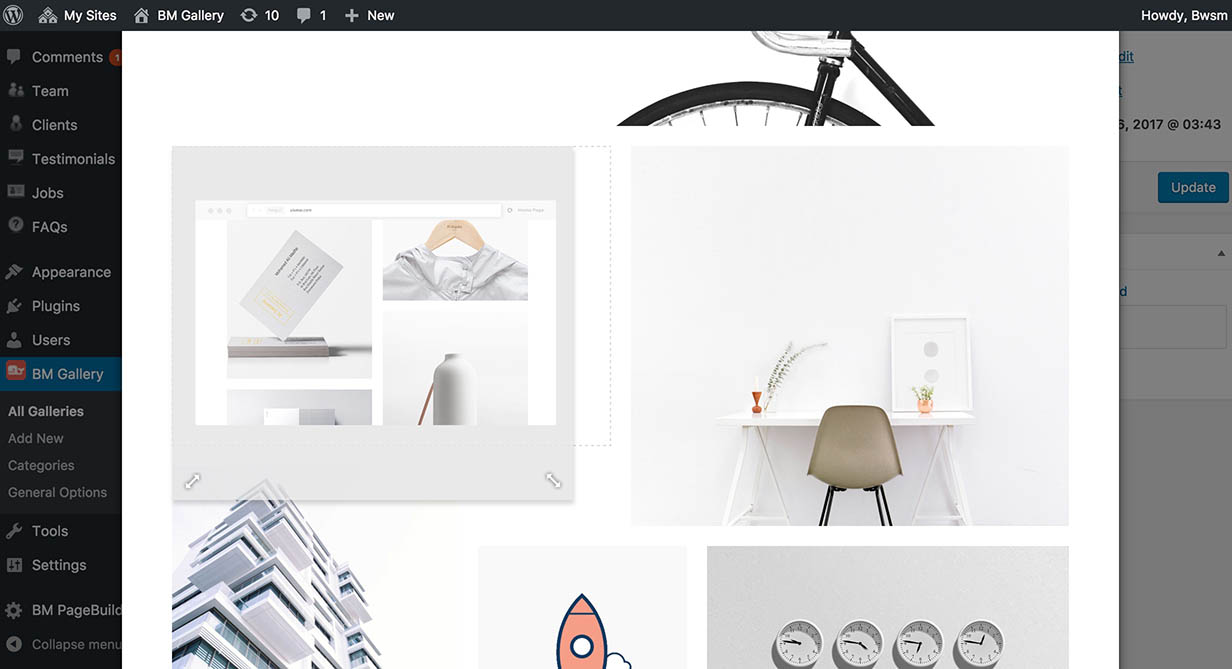
Activate Custom Grid Portfolio, Choose a category, click Edit Your Portfolio Layout 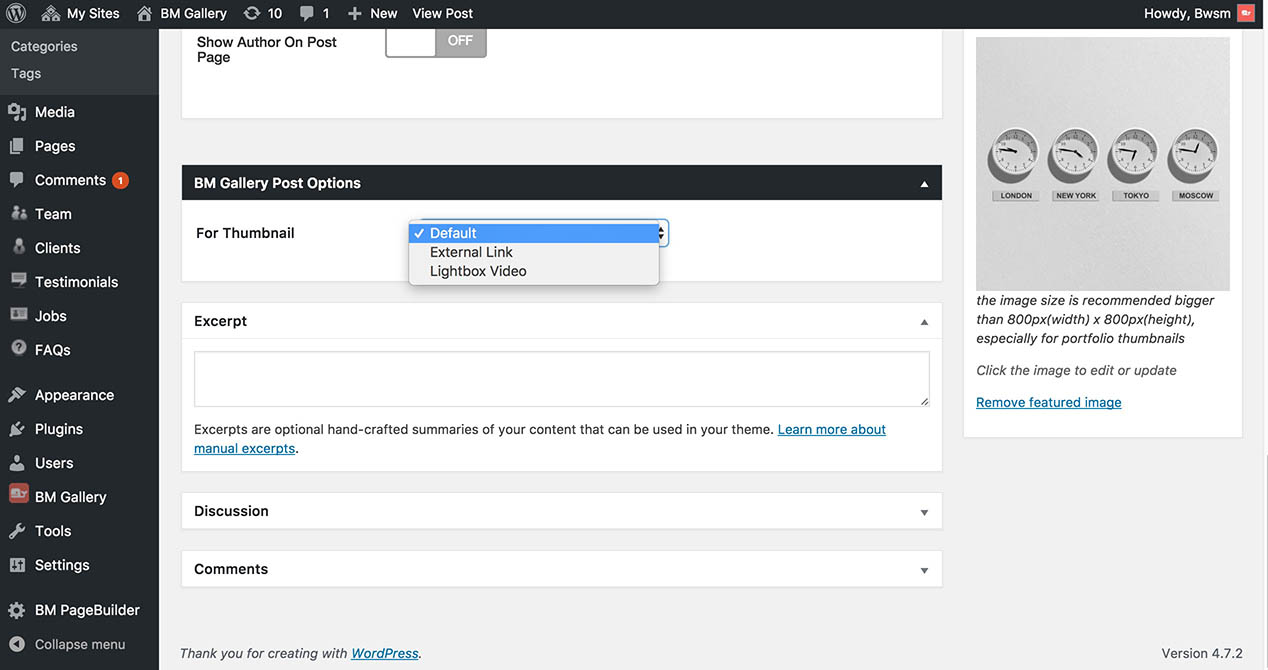
Set What Thumbnail Does in each posts
安装
- In your WordPress admin panel, go to Plugins > New Plugin, search for BM Grid and click “Install now”
- Alternatively, download the plugin installable file “bm-grid.zip”, un-zip it, upload the “bm-grid” folder to your plugins directory, which usually is /wp-content/plugins/.
- Activate the plugin
常见问题
- Why can’t see thumbnail?
-
The featured image should be set on each post in grid list.
评价
此插件暂无评价。
贡献者及开发者

更新日志
1.0.0 – February 27, 2017
Initial version