VM中Ubuntu16.04的下载以及ROS—kinetic的版本下载

VM中Ubuntu16.04的下载以及ROS—kinetic的版本下载

用户10922923
发布于 2024-05-28 08:32:47
发布于 2024-05-28 08:32:47
一、Ubuntu镜像地址
转载备份一下;
官方下载地址(不推荐)
https://www.ubuntu.com/download
https://www.ubuntu.com/download
中科大源
Index of /ubuntu-releases/16.04/
阿里云开源镜像站
兰州大学开源镜像站
北京理工大学开源
浙江大学
Index of /ubuntu-releases/16.04/
不知名镜像网站
各个版本下载网址:
mirrors.melbourne.co.ukMirrors for various projects that we use or find useful.
二、开始下载
这里用中科大源下载一下:选择:ubuntu-16.04.7-desktop-amd64.iso可点击下载
注意下载的位置记住;一会要用

三、创建虚拟机并装载光盘
1、打开VM,单击创建自定义虚拟机

2、典型就行

3、注意刚刚光盘的下载位置

4、密码简单一点1就行,简单一下,用户名英文开头或者_

5、这是这个虚拟机的安装位置

6、磁盘大小大一点(30G以上)要装ROS!

7、了解一下,虚拟机里面有什么
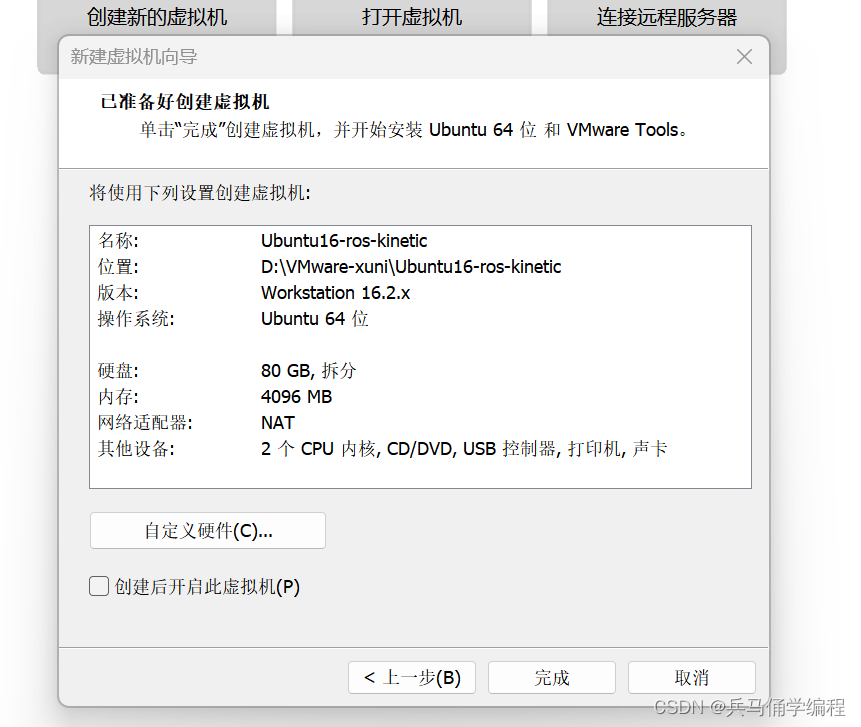
8、ok,安装成功;(AIT+ctrl切换鼠标)
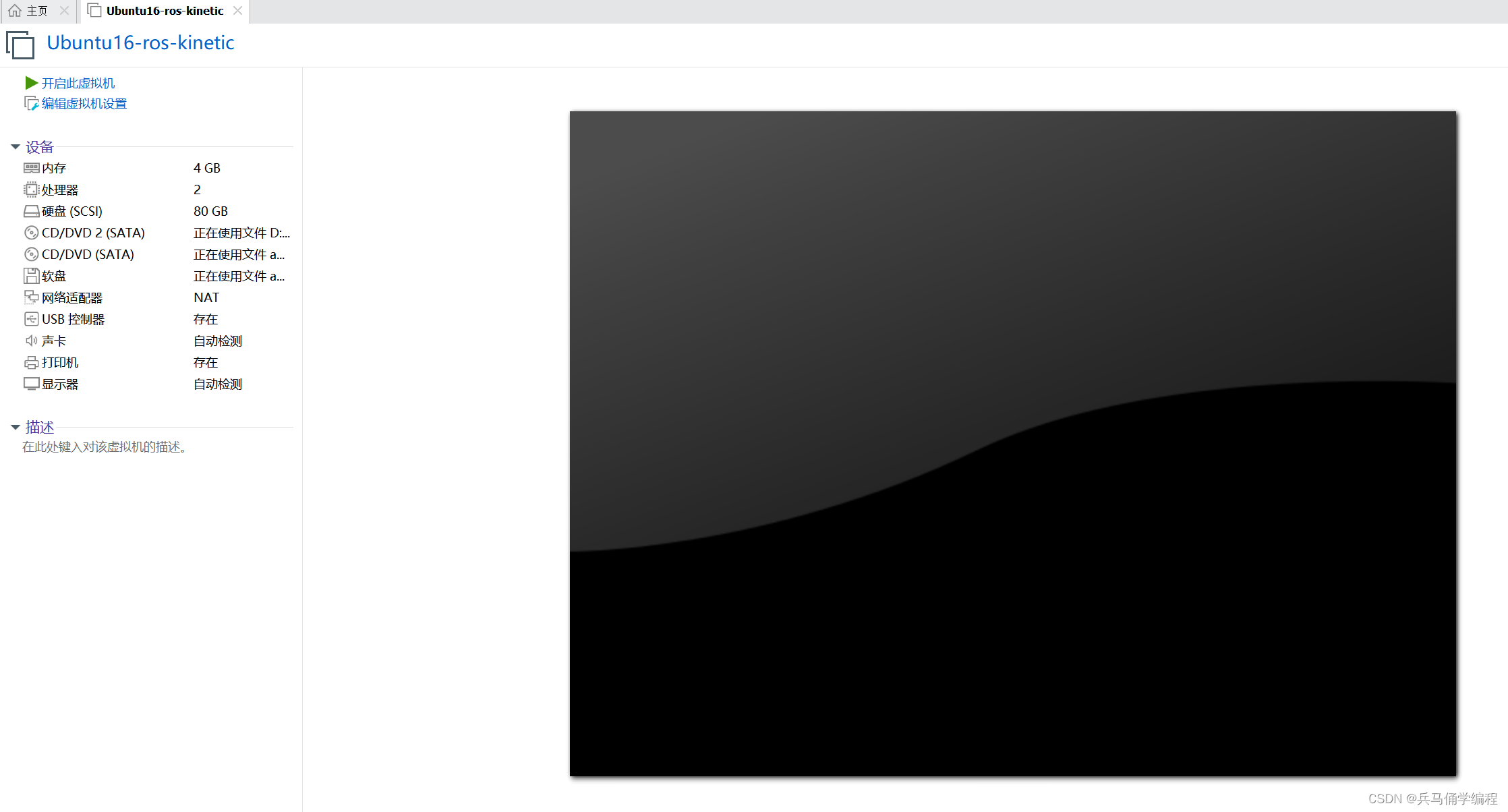
下载完,输入密码就行;
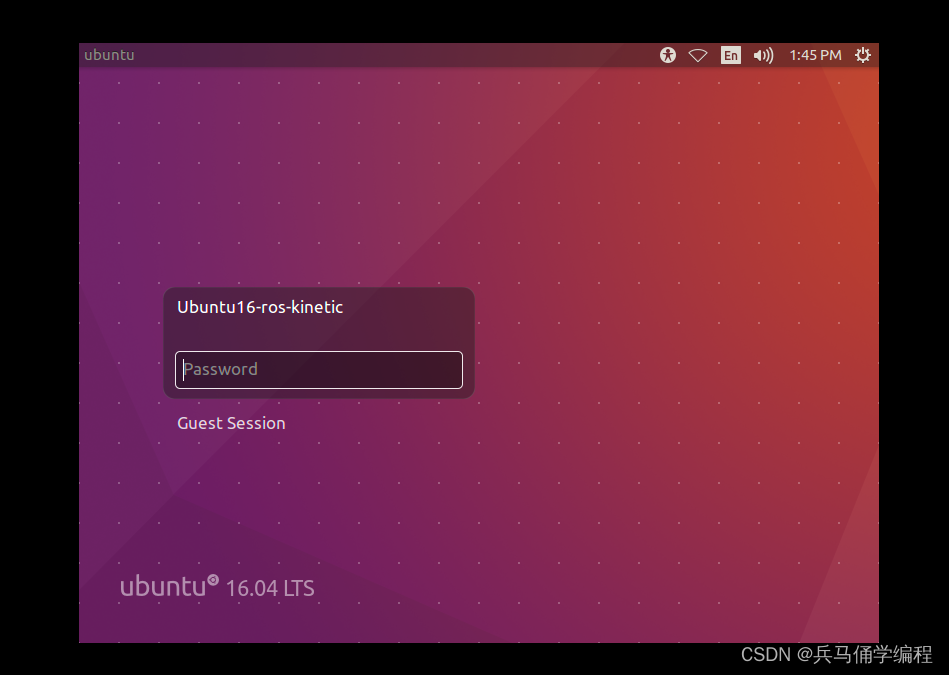
四、VM相关问题的解决
问题一、屏幕的大小适应调整
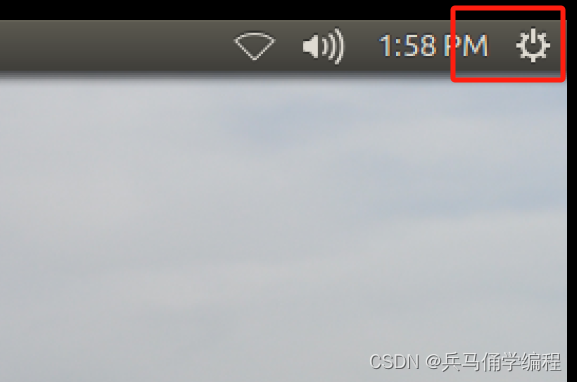
1280×768(看自己屏幕设置)

问题二、网络配置
sudo vim + /etc/network/interfaces 方法一
这里用的是NAT模式(点击跳转博客)看博客找三个相关联

方法二
虚拟机终端下执行
sudo vim + /etc/network/interfaces 不行就用
sudo nano + /etc/network/interfaces注释文件里面全部内容,改用下面的
注意address/geteway用自己的
auto lo
iface lo inet loopback
auto ens33
iface ens33 inet static
address 1.1.1.1
netmask 255.255.255.0
gateway 2.2.2.2
dns-nameserver 223.5.5.5
ctrl+s;ctrl+x,保存,退出
执行
/etc/init.d/networking restart 操作重启网卡

然后去配置 /etc/resolv.conf 文件。
sudo nano + /etc/resolv.conf 注释文件里面全部内容,改用下面的:
nameserver 223.5.5.5
dns-nameserver 223.5.5.5
保存退出
如果保存不了,执行下面命令,再修改。
chmod 777 /etc/resolv.confsudo nano + /etc/resolvconf/resolv.conf.d/base清空原有文件内容,改用下面的内容:
dns-nameserver 223.5.5.5五、ROS下载
终端运行选择ROS—kinetic
wget http://fishros.com/install -O fishros && . fishros(在这里感谢鱼香一键安装)
本文参与 腾讯云自媒体同步曝光计划,分享自作者个人站点/博客。
原始发表:2024-05-27,如有侵权请联系 [email protected] 删除
评论
登录后参与评论
推荐阅读
目录
腾讯云开发者

Copyright © 2013 - 2026 Tencent Cloud. All Rights Reserved. 腾讯云 版权所有
深圳市腾讯计算机系统有限公司 ICP备案/许可证号:粤B2-20090059  粤公网安备44030502008569号
腾讯云计算(北京)有限责任公司 京ICP证150476号 | 京ICP备11018762号