

Descripció
Smart Posts Grid is a Blog shortcode to query posts by many conditions and display in many pre-built layouts without any CSS. It just works seamlessly in your theme.
Main Features:
- Query posts by many conditions
- 9 Pre-built layouts, without any custom CSS
- Supports Visual Composer plugin
- Ajax query posts
Shortcode
[s_post_grid post_type=” count=” condition=” order=” cats=” tags=” ids=” layout=” show_category_tag=” filter_style=” show_meta=” column=” id=” title=” title_link=” heading_icon=” heading_bg=” layout=” heading_style=” view_all_text=”]
All parameters are optional
- post_type – string – Name of Custom Post Type to query. Default is ‘post’
- count – int – Number of posts to query. Default is 10
- condition – select – Condition to query posts. Default is ‘latest’. Support ‘comment’, ‘view’ (require Top 10 plugin), ‘like’ (require WTI Like Post plugin), ‘random’
- order – select – ASC or DESC
- cats – string – List of category slugs or IDs, separated by comma
- tags – string – List of tag slugs, separated by comma
- ids – string – List of post IDs to query. If this param is used, other params are ignored
- layout – select – Select default layout, from 1 to 9
- show_category_tag – 1/0 – Show category tag on post thumbnail
- filter_style – select – Choose style of category filter. Possible values: 1 (links), 2 (tags), 3 (carousel)
- show_meta – 1/0 – Show post meta information
- column – select – Choose number of columns to display. Possible values: 1, 2, 3, 4, 6
- id – string – CSS ID of the grid
- title – string – Title of the grid
- title_link – URL – Full URL of the title, or the View All button
- heading_icon – string – Name of CSS class for icon in heading
- view_all_text – string – Text of View All link/button
Checkout our premium themes and plugins
https://www.cactusthemes.com
Captures
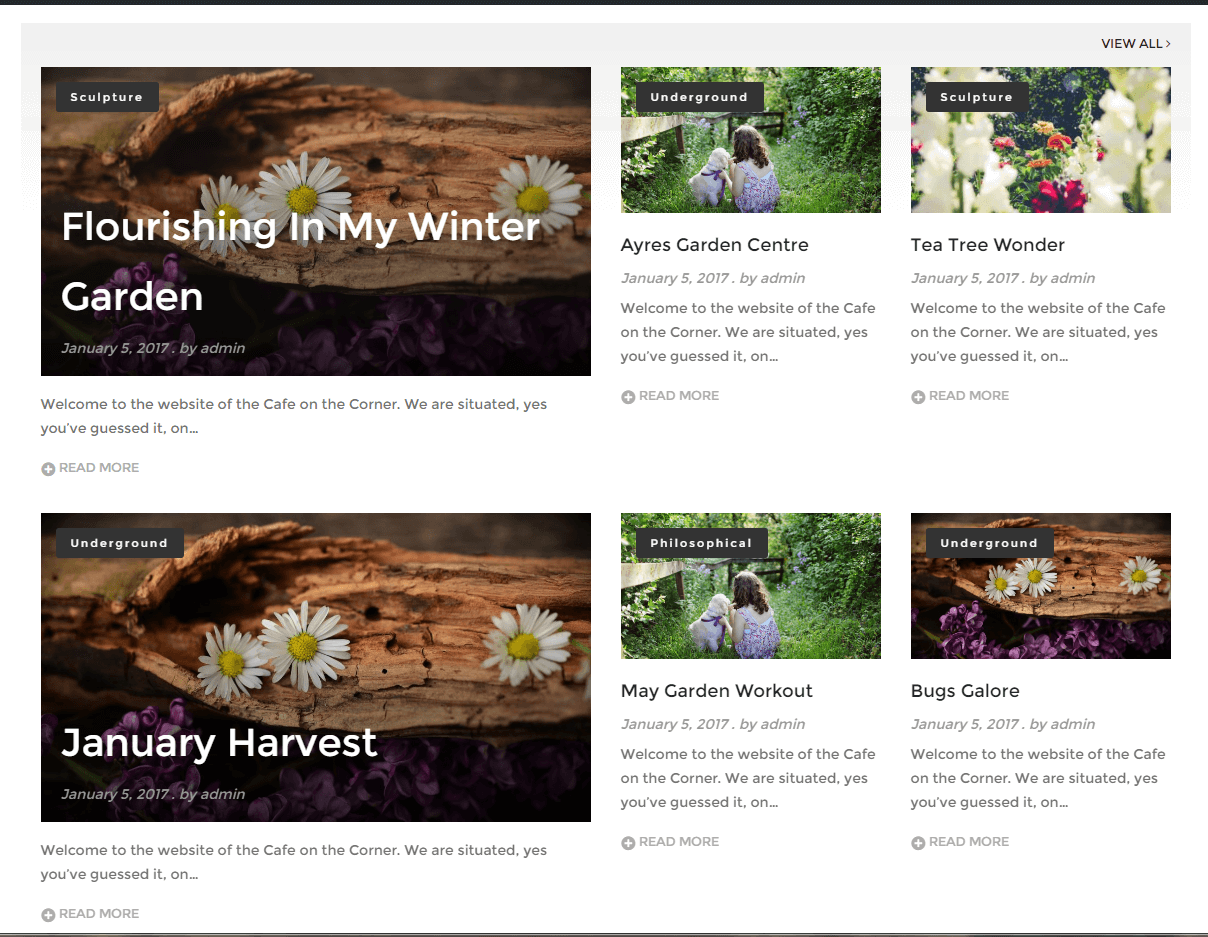
Layout 1 
Layout 2 
Layout 3 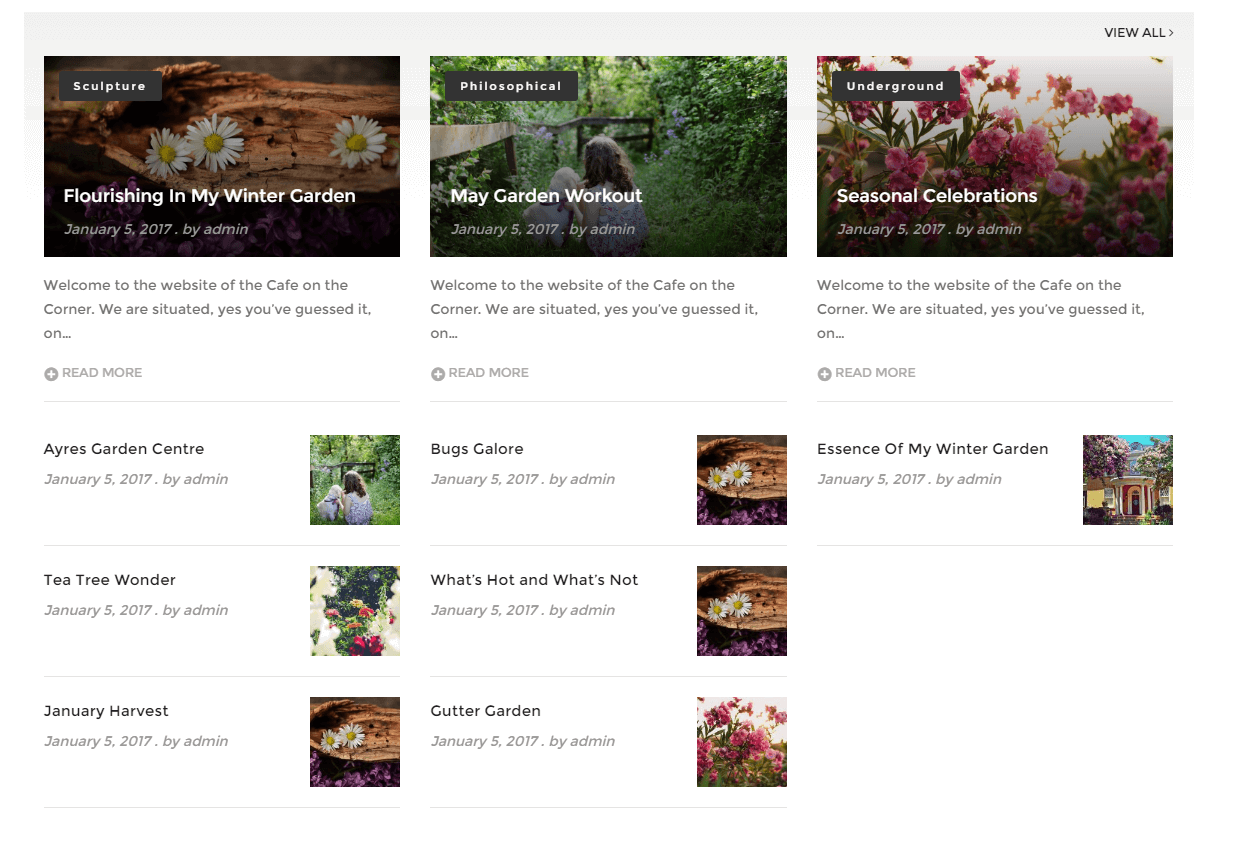
Layout 4 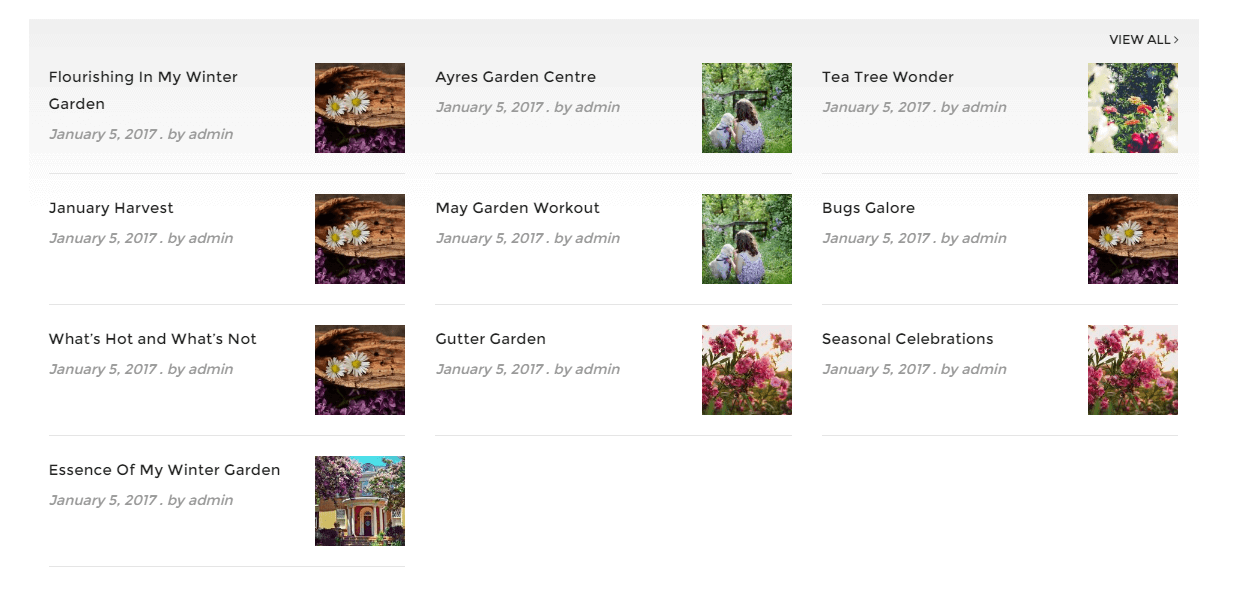
Layout 5 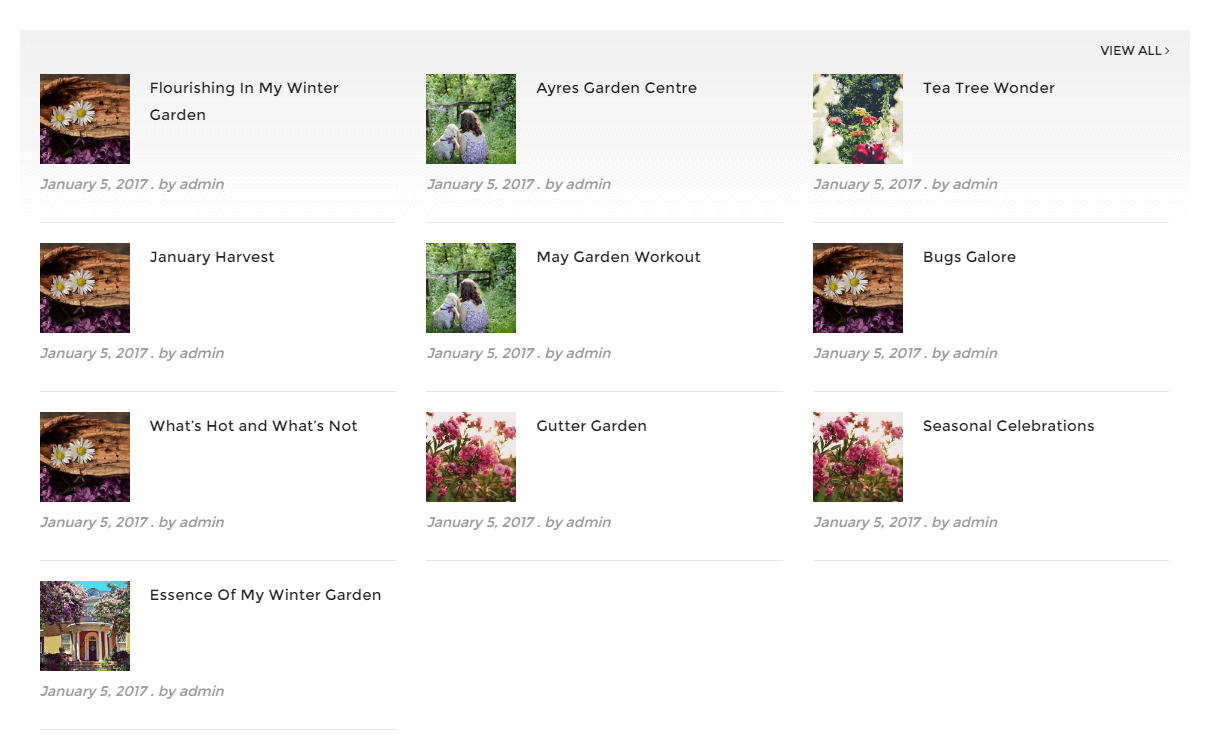
Layout 6 
Layout 7 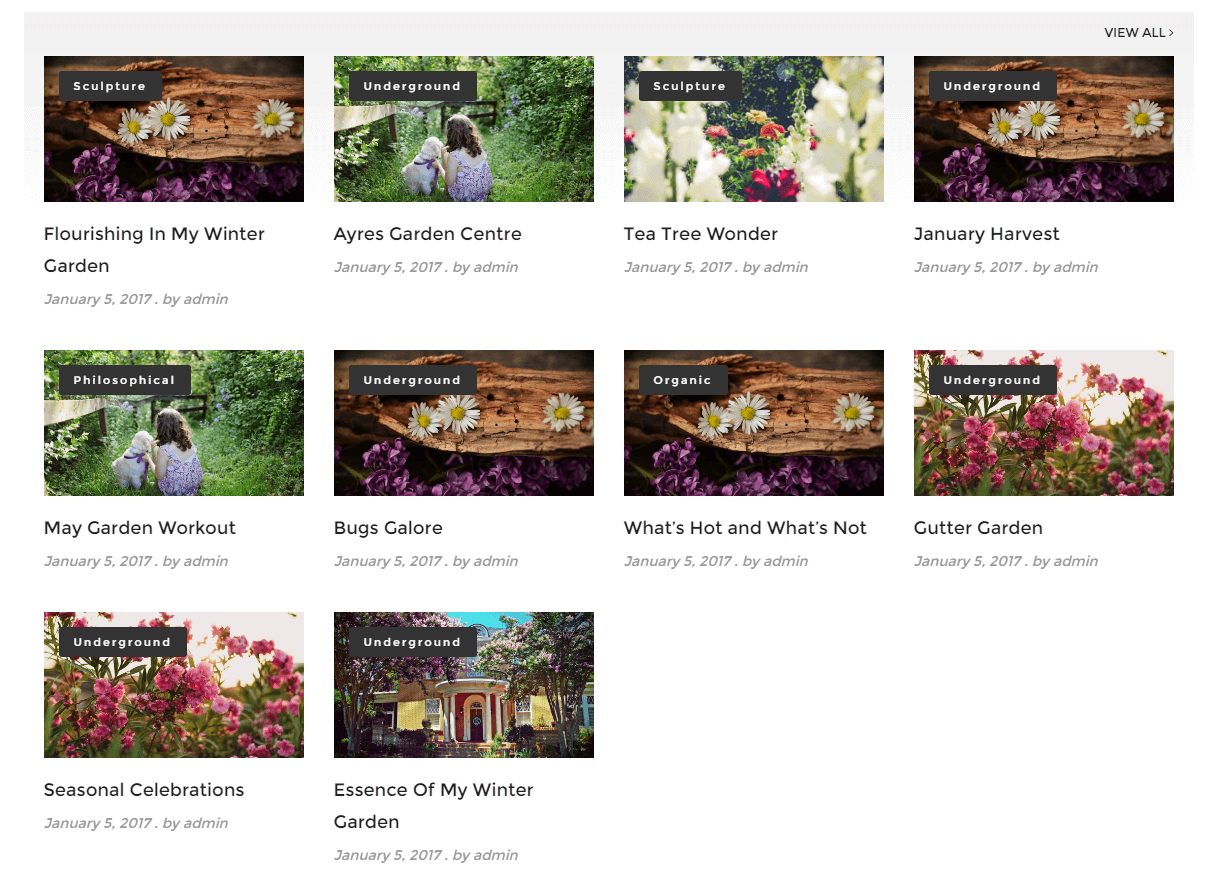
Layout 8 
Layout 9
Instal·lació
- Upload
smart-post-grid.zipto the/wp-content/plugins/directory - Activate the plugin through the ‘Plugins’ menu in WordPress
PMF
- Installation Instructions
-
- Upload
smart-post-grid.zipto the/wp-content/plugins/directory - Activate the plugin through the ‘Plugins’ menu in WordPress
- Upload
Ressenyes


Col·laboradors i desenvolupadors
«Smart Post Grid» és programari de codi obert. La següent gent ha col·laborat en aquesta extensió.
Col·laboradors

Traduïu «Smart Post Grid» a la vostra llengua.
Interessats en el desenvolupament?
Navegueu pel codi, baixeu-vos el repositori SVN, o subscriviu-vos al registre de desenvolupament per fisl de subscripció RSS.