

Add To Calendar
The Bricksable Add to Calendar element lets users save events to their preferred calendar in one click—making it easy to boost attendance and never miss important moments.

Add To Calendar Features
Turn your event details into one-click actions. Let users save events instantly and never miss important moments.

Multiple Calendar Support
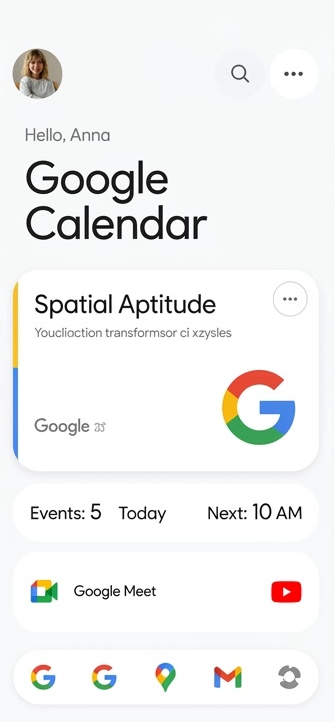
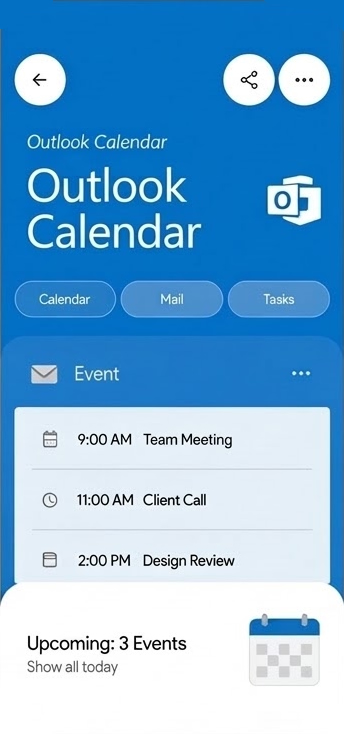
Give users the flexibility to choose their preferred platform—Google Calendar, Outlook, Yahoo, or iCal (ICS), all supported out of the box.
Fully Customizable Event Details
Control every aspect of your event, including title, timezone, start and end date & time, location, and description.
Design Without Limits
Customize every detail of your button—from size and colors to icons and styling—for a perfect visual fit.

Flexible Calendar Support



Fully Customizable Event Details
scale your SaaS in 2026 with
actionable, real-world insights.
Bricksable packs everything you need to create stunning, interactive websites with ease—no coding required. With 30+ premium elements, lightning-fast performance, and monthly updates, you’ll save hours per project and wow clients every time.
🚀 Plus, game-changing extensions launching soon—don’t miss out!