
Code Snippets Block
Code Snippets Block is a clean and responsive Gutenberg block for embedding beautifully styled code with one-click copy and syntax highlighting—perfect for tutorials, documentation, and code showcases.
Plus, the snippets are responsive, so they look good on any device.
Why Choose Code Snippets Block?
Display code snippets on your posts and pages in a beautiful, readable, and easy-to-use way.
This plugin makes code sharing more professional and user-friendly with built-in syntax highlighting and copy button.
The Problem with Traditional Contact Sections
- Hard to read plain code blocks
- No easy copying for visitors
- No formatting or highlighting
- Unprofessional layout
A Smarter Way to Present Profiles
- Single-click code copy
- Elementor + Gutenberg integration for easy placement
- Theme colors for syntax styles
- Fully Responsive on All Devices
- Unlimited Code Block anywhere
- Multiple Theme Colors for Syntax Styles
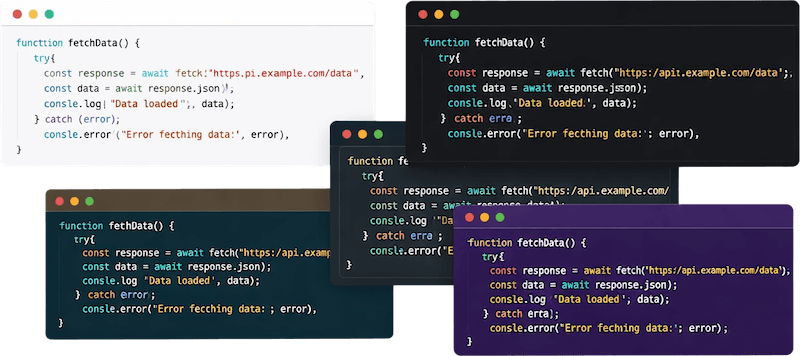
Multiple Modern Themes
Choose from multiple beautifully designed themes to enhance your code presentation. Create developer-friendly, professional layouts without writing custom CSS.
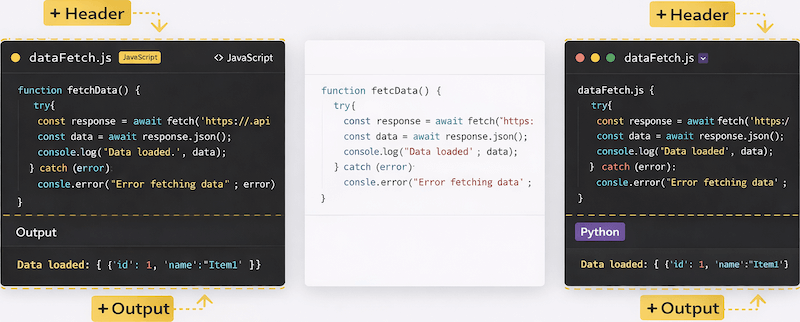
Header Output Show/Hide Option
Enable or disable the header & Output section of your code block.
Perfect for:
- Showing file name
- Displaying programming language label
- Displaying Output code
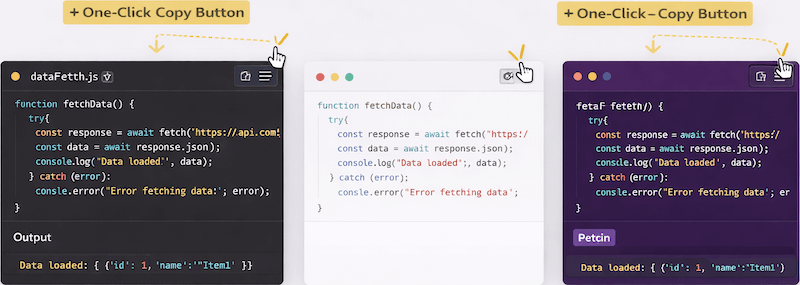
One-Click Copy Button
Allow users to copy code instantly with a single click, improving usability and making tutorials, documentation, and developer blogs more interactive.
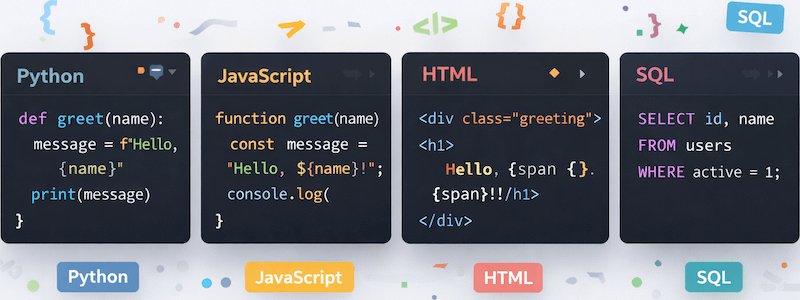
Syntax Highlighting Support
Supports syntax highlighting for multiple programming languages, making your tutorials and documentation easier to read and understand.
Smarter Code Block That Looks Great and Just Works
Easy Customization Options
Customize themes, colors, header visibility, copy button style, padding, and position directly from block settings.
Simple and Easy to Use
A clean and intuitive interface lets you add code block in minutes. No learning curve, no technical skills—just activate, configure, and start sharing.
Header Section Control
Easily enable or disable the header section, display the copy button, show programming language labels, and apply professional layouts.
Advanced Copy Button Controls
Customize color, typography, background, padding, and button position.
Gutenberg & Page Builder Compatible
Works seamlessly with Gutenberg and popular page builders like Elementor and Divi, ensuring effortless integration and flexible design control.
Output Section Display
Show formatted output below code blocks, perfect for HTML previews, JavaScript results or demonstration examples in a clean, readable layout.
Syntax Highlighting Support
Supports multiple programming languages like HTML, CSS, JavaScript, PHP, Python, ensuring code is readable and visually appealing.
Shortcode Integration
Use shortcodes to place code block anywhere—posts, pages, widgets, or custom template areas—with maximum flexibility.
Multiple Code block Styles & Themes
Choose from multiple ready-made code block themes, including light, dark, and minimal styles. All themes are modern, clean, and fully responsive for any device.
Priority Email Support
Get dedicated one-on-one email support with fast responses—trusted by over 90% of users for excellent service.
Explore the Interface,
Settings & Preview Screens


FAQs

 Save 90%