
Advance Custom HTML
Advance Custom HTML is the ultimate WordPress code editor plugin for developers, educators, and content creators. Write HTML, CSS, JavaScript, PHP, and Python with live preview, syntax highlighting, and professional formatting. Turn complex code into beautiful, interactive tutorials that engage your audience and boost your credibility.

Trusted by more than 10,000+
active users across the world
Customers


40+ Themes
Live Preview
Display Code Snippets
Suggest Code
Why Choose Advance Custom HTML?
Sharing code in WordPress shouldn’t feel messy. Advance Custom HTML transforms raw code snippets into professional, interactive displays that keep readers engaged and learning.
The Problem with Basic Code Sharing Tools
- Ugly, unreadable code blocks that turn readers away
- No live preview means readers can’t see results instantly
- Copy-paste nightmares with broken formatting and syntax errors
- Zero interactivity makes tutorials boring and hard to follow
- Mobile-unfriendly displays frustrate users on any device
- Lost credibility when your code looks unprofessional
A Better Way to Share Code in WordPress
Advance Custom HTML helps you:
- Display beautiful code with syntax highlighting and professional themes
- Show live results instantly as readers follow along
- Enable easy copying with one-click clipboard functionality
- Create responsive tutorials that work perfectly on all devices
- Build interactive experiences that keep readers engaged longer
- Establish authority with polished, professional code presentation
Write Code and See Results Instantly—No Guesswork
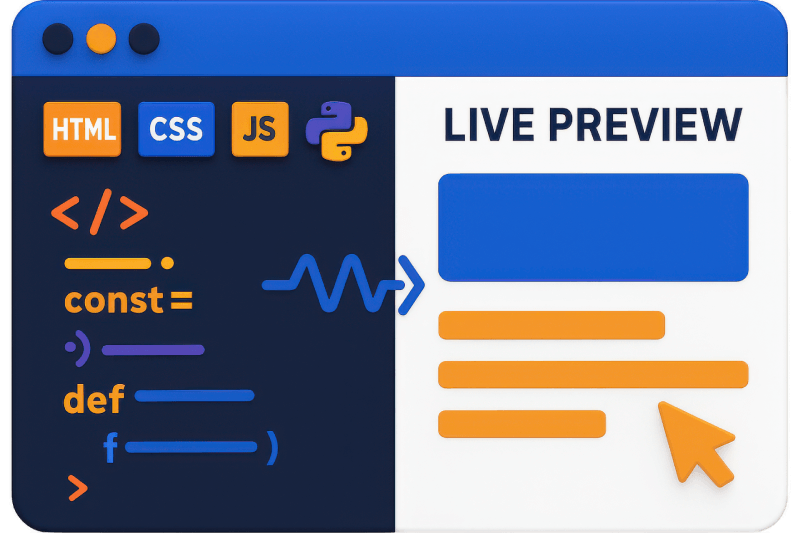
Code with confidence using our live preview editor. Write HTML, CSS, JavaScript, PHP, or Python and watch the output update in real-time. Split-screen editing eliminates guesswork, reduces errors, and speeds up development. Perfect for creating tutorials, testing snippets, and building interactive content that actually works.
Make Your Code Look Professional on Every Device
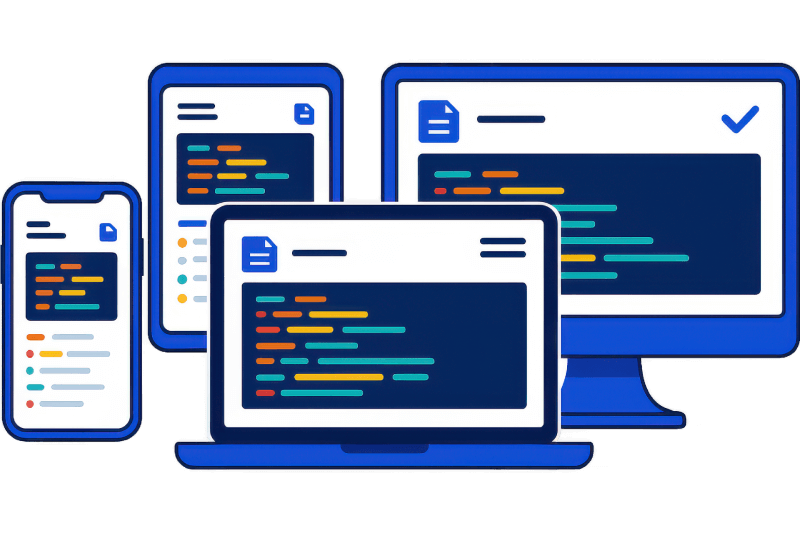
Transform ugly code blocks into beautiful, syntax-highlighted displays. Choose from 40+ editor themes, customize colors, and ensure perfect readability on phones, tablets, and desktops. Your code tutorials will look as professional as your expertise deserves, building trust with every visitor.
Let Readers Copy Code with One Click—No More Frustration
Eliminate copy-paste headaches with our smart clipboard button. Readers can grab your code instantly without formatting issues or missing characters. Customize the button style, position, and text to match your brand. Happy readers mean better engagement and more returning visitors.
Create Interactive Learning Experiences That Keep Readers Engaged
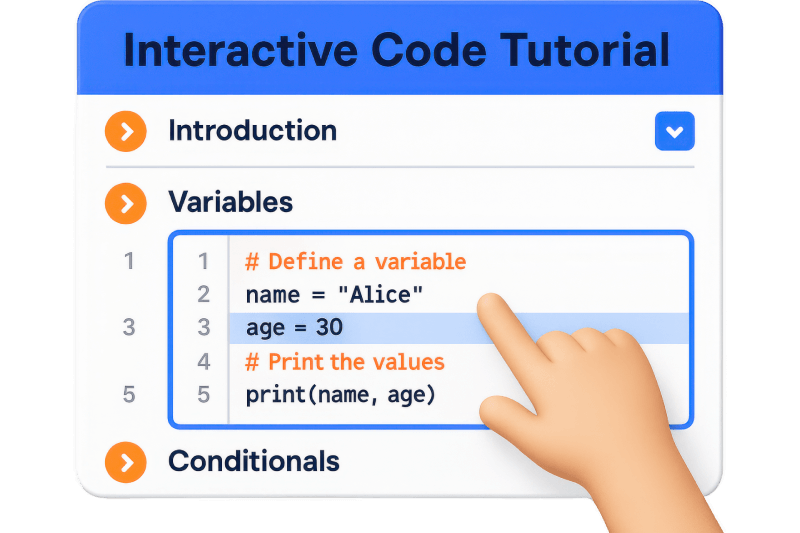
Turn boring code dumps into engaging tutorials. Collapsible sections, line numbering, and active line highlighting help readers follow along easily. Interactive features reduce bounce rates, increase time on page, and establish your authority as a trusted coding resource.
Powerful Features That Make Code Sharing Effortless
Live Output Preview
See your code results instantly in a split-screen layout. No more switching between editor and browser—watch HTML, CSS, and JavaScript come to life as you type.
40+ Beautiful Themes
Choose from dark, light, minimal, and colorful themes to match your brand. Professional styling makes your code tutorials look polished and trustworthy.
Syntax Highlighting
Support for HTML, CSS, JavaScript, PHP, Python, and more. Color-coded syntax makes code easier to read and understand for your audience.
One-Click Copy Button
Let readers copy your code instantly with a customizable clipboard button. No more frustrated users struggling with broken copy-paste formatting.
Draggable Preview Panel
Move the preview window anywhere on screen for optimal viewing. Flexible layout adapts to your workflow and content structure.
Mobile-Responsive Design
Your code displays perfectly on phones, tablets, and desktops. Responsive design ensures every reader gets a smooth experience regardless of device.
Autocomplete & Error Correction
Write code faster with intelligent suggestions and built-in error detection. Reduce typos and speed up your tutorial creation process.
Collapsible Code Blocks
Use fold gutter controls to collapse large code sections. Readers can expand what they need while keeping complex tutorials organized and scannable.
Custom Editor Sizing
Set exact height and width dimensions for your code editor. Control alignment (left, center, right) to fit perfectly in your content layout.
Line Numbers & Wrapping
Show or hide line numbers based on your needs. Enable text wrapping for long code lines or keep it clean with horizontal scrolling.
Active Line Highlighting
Highlight the current line for better focus during step-by-step tutorials. Helps readers follow along without getting lost in complex code.
Gutenberg & Classic Editor
Works seamlessly with both Gutenberg blocks and Classic Editor shortcodes. Choose your preferred editing method without limitations.
Font Size Control
Adjust code font size for optimal readability. Ensure your audience can read every character clearly, regardless of their screen or vision needs.
Tab Size Customization
Set custom tab spacing to match your coding style. Consistent indentation makes your code examples easier to understand and follow.
Lightweight Performance
Fast-loading plugin that won’t slow down your site. Clean, efficient code ensures your tutorials load quickly and rank better in search results.
Testimonials
What Our Customers Say to Us


Explore the Interface,
Settings & Preview Screens


Learning Materials
Looking for some learning materials. You will better understand how to use Advance Custom HTML.

FAQs

 Save 90%