

ཞིབ་བརྗོད།
Simply enable the plugin and go to the WP Live Debug tab to see your debug.log. The view is refreshed every 3 seconds.
གཏུབ་རེིས།
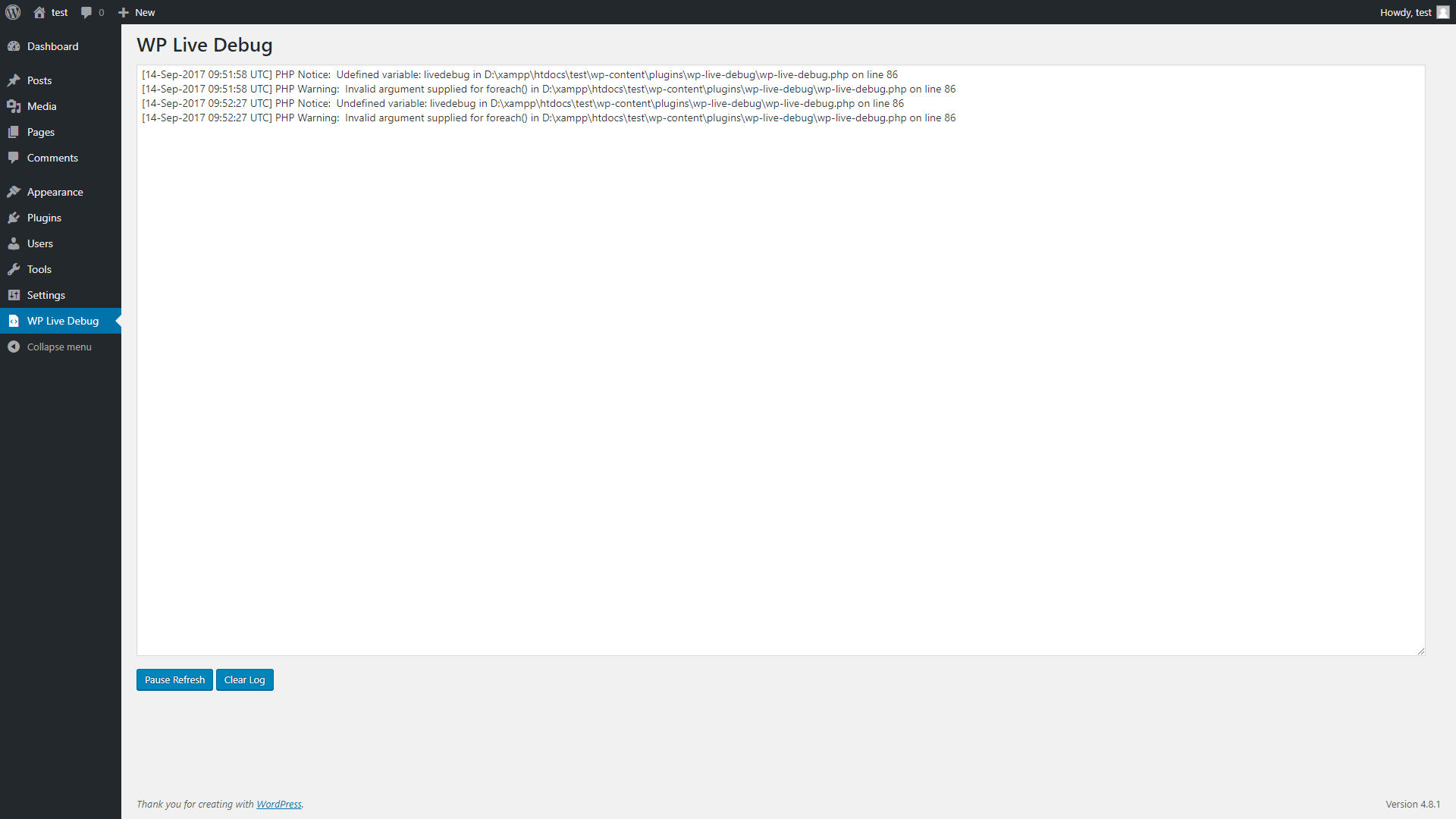
WP Live Debug
སྒྲིག་འཇུག
From within WordPress
- Visit Plugins > Add New
- Search for WP Live Debug
- Click the Install Now button to install the plugin
- Click the Activate button to activate the plugin
Manually
- Unzip the downloaded package
- Upload
wp-live-debugdirectory to the /wp-content/plugins/ directory - Activate the plugin through the ‘Plugins’ menu in WordPress
FAQ
- Installation Instructions
-
From within WordPress
- Visit Plugins > Add New
- Search for WP Live Debug
- Click the Install Now button to install the plugin
- Click the Activate button to activate the plugin
Manually
- Unzip the downloaded package
- Upload
wp-live-debugdirectory to the /wp-content/plugins/ directory - Activate the plugin through the ‘Plugins’ menu in WordPress
གདེང་འཇོག
There are no reviews for this plugin.
བྱས་རྗེས་འཇོག་མཁན། & གསར་འབྱེད་པ།
“WP Live Debug” is open source software. The following people have contributed to this plugin.
བྱས་རྗེས་འཇོག་མཁན།
ཁྱེད་ཀྱི་སྐད་ཡིག་ནང་ལ་ “WP Live Debug” ཡིག་སྒྱུར་བྱོས།
Interested in development?
Browse the code, check out the SVN repository, or subscribe to the development log by RSS.
དག་བཅོས་ཉིན་ཐོ།
4.9.4.2
- Update required PHP to 5.3.
- Update required WordPress version to 4.8.
4.9.4.1
- Fixed removing ‘n’ from the debug view.
4.9.4
- Code refactoring.
- Minor fixes.
4.9.2.1
- Fixed faulty Plugin URI.
4.9.2
- Checks if file exists first to avoid errors.
- Bumping version to follow WordPress releases.
1.0.1
- Fixed
No such file or directorywarning
1.0.0
- Initial Release