

ཞིབ་བརྗོད།
Masking a part of content by [memorizer] shortcode, and unmask it by click.
You can make word books, quizzes and exams by using this plugin.
How to use
- In post edit screen, enclose some words where you want to hide in [memorizer] shortcode. The words will be shown as ‘●●●’.
◯demo shortcode
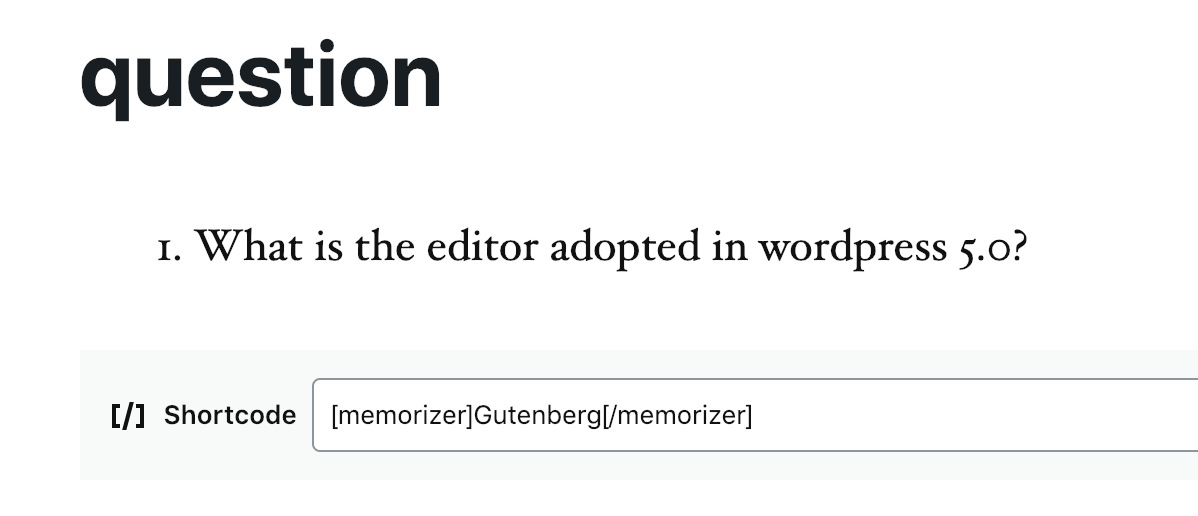
[memorizer]text[/memorizer] - By a first click on a cetain ‘●●●’, the hidden words would be displayed. After that, each click alternates ‘●●●’ with the hidden.
- By clicking ‘Mask’ icon in the bottom right of a page, all enclosed words’ display condition would be switched at once.
གཏུབ་རེིས།


སྒྲིག་འཇུག
- Upload the ‘memorizer’ folder to the ‘/wp-content/plugins/’ directory.
- Activate the plugin through the Plugins menu in WordPress.
གདེང་འཇོག

2019 ལོའི་ཟླ 12 ཚེས 11 ཉིན།
Easy to use and fun!

2018 ལོའི་ཟླ 11 ཚེས 18 ཉིན།
Good plugin
བྱས་རྗེས་འཇོག་མཁན། & གསར་འབྱེད་པ།
“Memorizer” is open source software. The following people have contributed to this plugin.
བྱས་རྗེས་འཇོག་མཁན།


“Memorizer” has been translated into 1 locale. Thank you to the translators for their contributions.
ཁྱེད་ཀྱི་སྐད་ཡིག་ནང་ལ་ “Memorizer” ཡིག་སྒྱུར་བྱོས།
Interested in development?
Browse the code, check out the SVN repository, or subscribe to the development log by RSS.
དག་བཅོས་ཉིན་ཐོ།
1.0.3
- Add a block to automatically input [memorizer] shortcode
1.0.2
- readme update Tested up to 5.0.1
1.0.1
- Refactoring
1.0.0
- First commit.