
ཞིབ་བརྗོད།
Answer Engine Optimization – AEO – Audit is a lightweight WordPress plugin that helps you prepare your website for answer engines, AI Optimization, AI search, and voice assistants. Unlike traditional SEO audits, this plugin focuses only on AEO/AIO elements that improve your chances of ranking in Position Zero, featured snippets, and voice search results. Answer Engine Optimization also called Generative Engine Optimization (GEO), Artificial Intelligence Optimization(AIO), Google AI Overview, AEOSEO, SEO Audit, AISEO, ASEO, AI SEO, Generative AI Optimization (GAIO) etc..
The plugin performs 10 strict checks on your homepage, including:
✅ Title & Meta Description (like SEO Audit)
✅ FAQ, HowTo, and Speakable Schema
✅ Structured Data (JSON-LD)
✅ Featured Snippet & Quick Answer readiness
✅ Readable H1 heading
✅ Alt text for images
✅ Open Graph & Twitter tags
✅ Language tag
✅ Internal & external links
✅ Robots.txt presence
Each element shows Pass/Fail status with color-coded rows and a final score out of 10, along with remarks to explain why it matters for AEO.
This plugin not only helps you audit your website for AEO (Answer Engine Optimization), but also enhances your AI Optimization by enabling powerful content features:
AI Optimization Features:
✅ Easily add structured FAQs
✅ Generate JSON (structured data) automatically
✅ Create Quick Answers to improve featured snippet chances
✅ Enhance your website’s discoverability in search and Generative AI tools
This plugin assist you to audit your website and provide feedback based on audit report to help for following engines:
✅ ChatGPT
✅ Google AI Overview
✅ Google Gemini
✅ Microsoft Copilot / Bing
✅ Perplexity AI
✅ Meta AI and many more
How To Use
✅ After setup go to ‘AI Optimization Audit’ menu in your WordPress Admin dashboard.
✅ For individual Page / Post go to add / edit of page / post
✅ To Add FAQs, JSON and Quick Answer go to add / edit of page / post
གཏུབ་རེིས།

Color-coded Pass/Fail results. 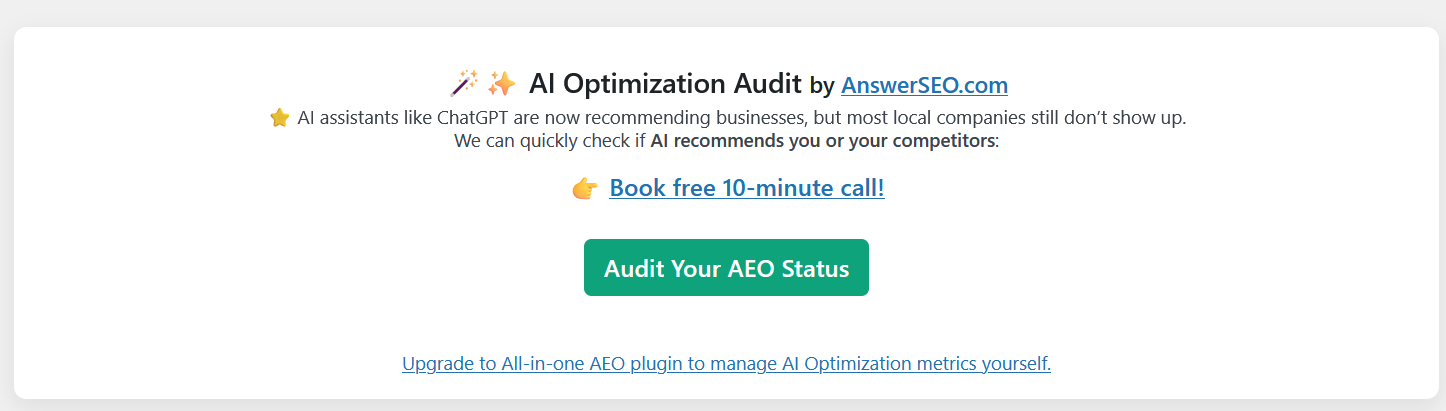
Initial screen 
Each page summary report 
To Add FAQs, Quick Answer for betterment of AI Optimization
སྒྲིག་འཇུག
- Upload the plugin files to the
/wp-content/plugins/answer-engine-optimization-aeo-audit/directory, or install it directly from the WordPress plugin dashboard. - Activate the plugin through the Plugins menu in WordPress.
- Go to AI Optimization Audit in your WordPress dashboard.
- Click Run Audit to check your homepage for AEO readiness.
- Go to Post / Page Compose for each post / page audit.
FAQ
-
Does this replace SEO plugins like Yoast or Rank Math?
-
No. This plugin is not a traditional SEO tool. It focuses only on Answer Engine Optimization (AEO) elements like schemas, snippets, and voice-readiness that most SEO plugins don’t cover in detail.
-
Can I use this alongside other SEO plugins?
-
Yes. It is lightweight and runs independently of other SEO tools.
-
Does it change my site content?
-
No. This plugin is read-only. It scans your homepage and shows audit results, but it does not modify your content.
-
Will this help me rank in Position Zero?
-
It provides actionable feedback on factors that increase your chances of being featured in Google’s featured snippets and voice search results.
གདེང་འཇོག

བྱས་རྗེས་འཇོག་མཁན། & གསར་འབྱེད་པ།
“Answer Engine Optimization – AEO, AIO, AISEO, AI SEO, GEO Audit” is open source software. The following people have contributed to this plugin.
བྱས་རྗེས་འཇོག་མཁན།
Interested in development?
Browse the code, check out the SVN repository, or subscribe to the development log by RSS.
དག་བཅོས་ཉིན་ཐོ།
1.0
- Initial release with strict 10-point AEO audit.
- Clean UI with color-coded Pass/Fail results.
- Score out of 10 with explanations for each element.
1.1
- Added individual Post / Page audit feature
1.2
- Upgraded UI / UX of plugin
1.3
- Added options to add FAQs, Quick Answer
- Improved few description