

Description
Warning: After updating from pre-2.0.7 to the lastest version, the plugin cannot reactivate itself. Please reactivate the plugin manually.
Allows you to automatically / dynamically add hierarchical categories ( with sub-categories ) to WordPress navigation menus using shortcode.
HTML and CSS knowledge may be required depending on the theme.
Visit my blog for support request and feedback.
Please comment 💬, rate ⭐ and share 👍
↪ X (Twitter)
↪ Tumblr
Screenshots
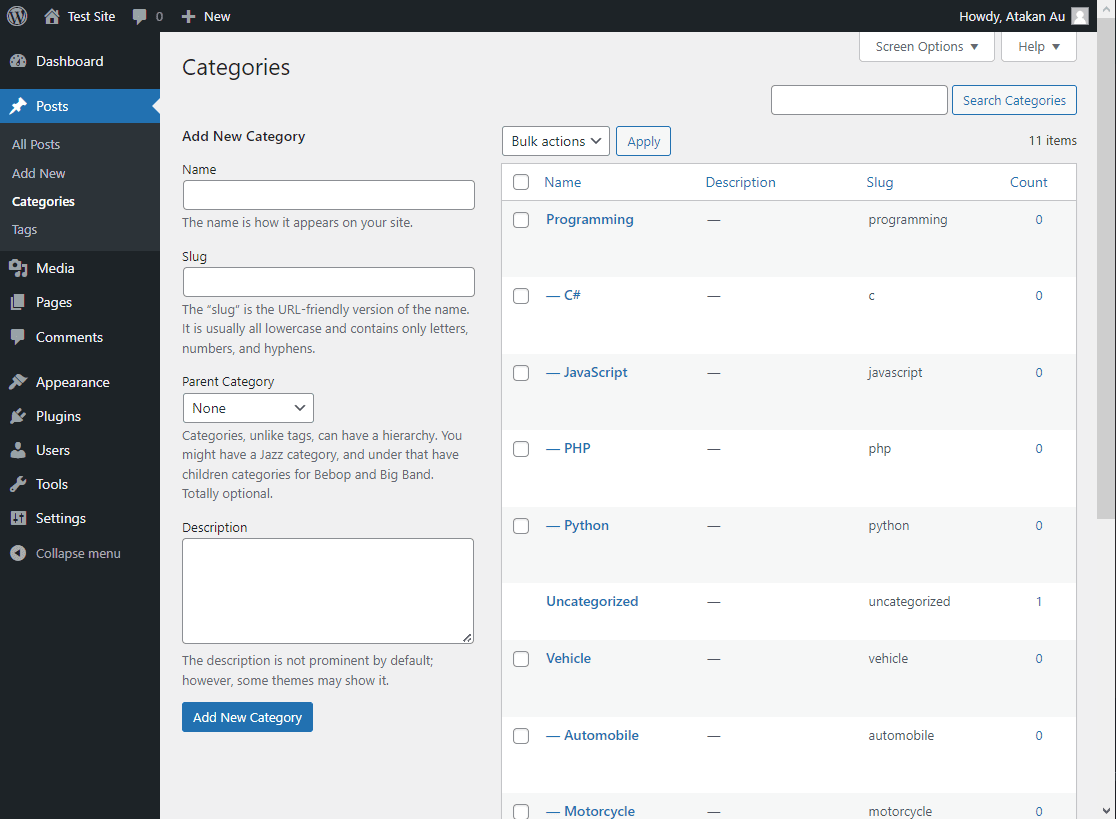
Define post categories 
Open input area 
Add shortcode to menu 
Add shortcode to menu on “Block Editor – Beta” 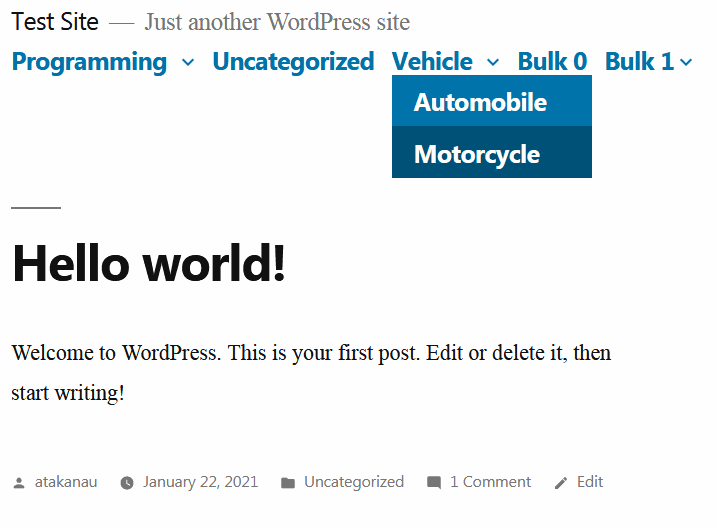
Twenty Nineteen 1.8 on WordPress 5.0.2 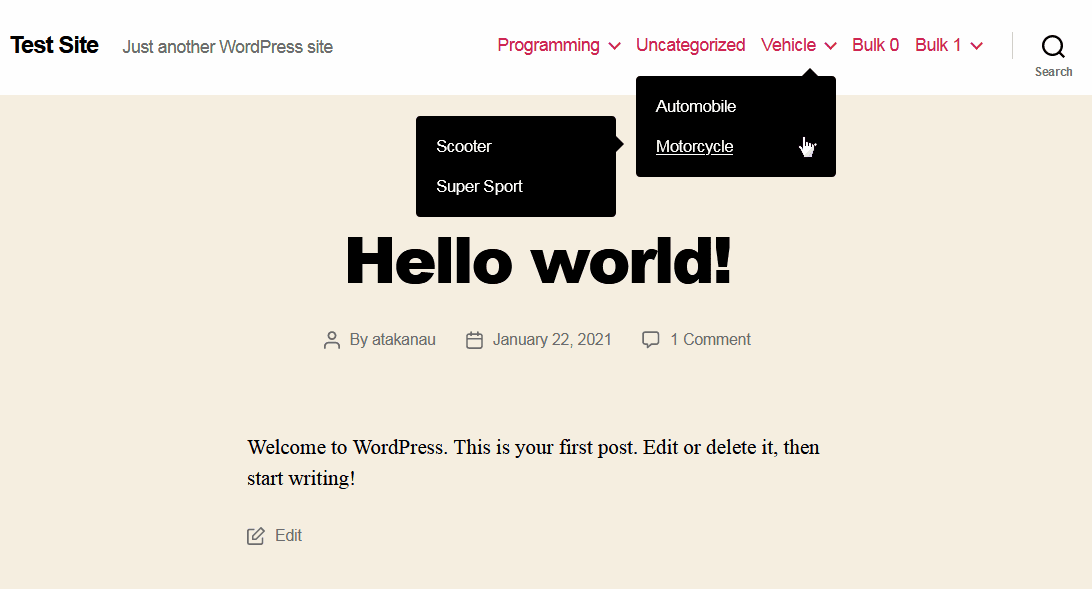
Twenty Twenty 1.6 on WordPress 5.0.2 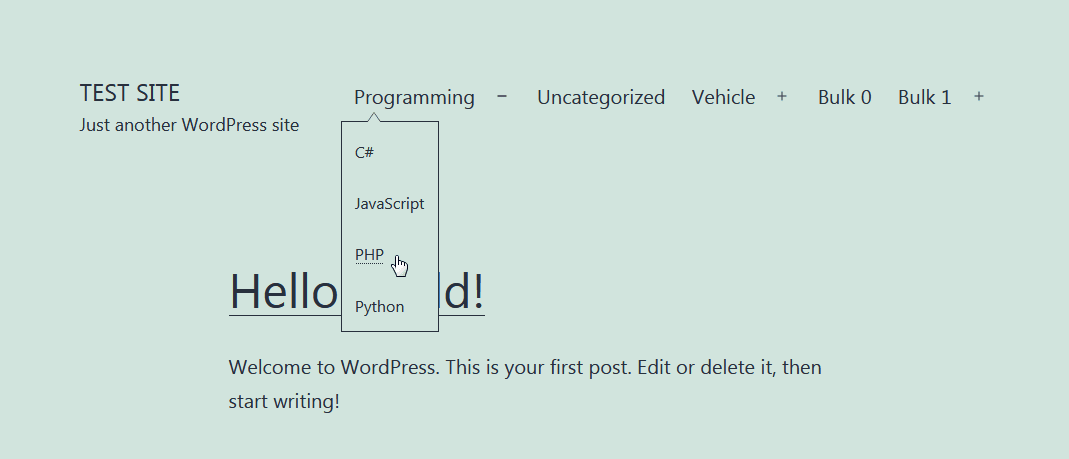
Twenty Twenty-One 1.1 on WordPress 5.6 
Astra 3.0.1 on WordPress 5.6 
PopularFX 1.2.0 on WordPress 5.6 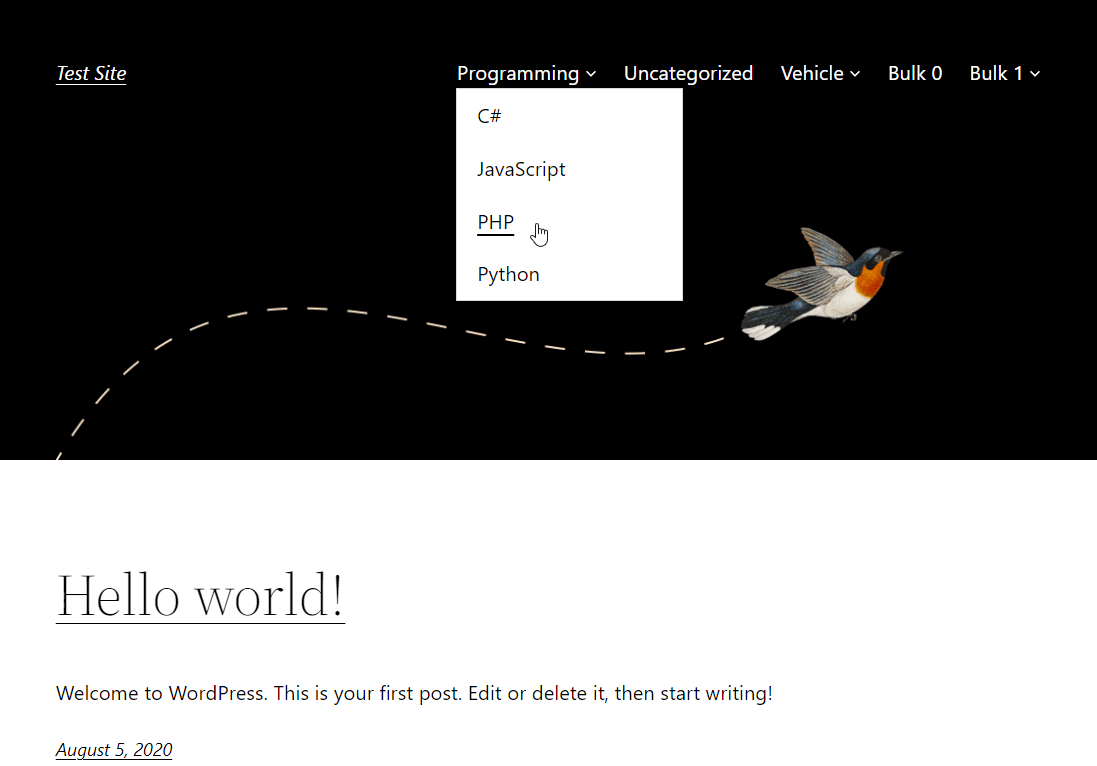
Twenty Twenty-Two 1.2 on WordPress 6.0.1 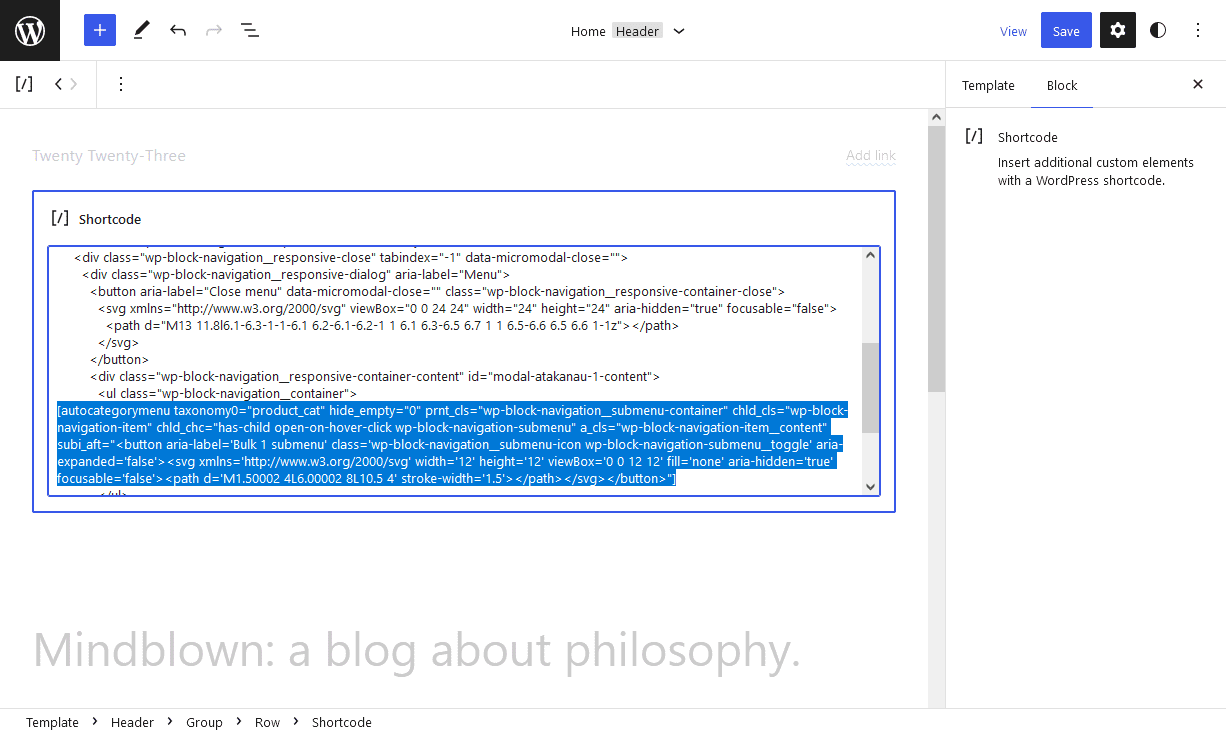
Twenty Twenty-Three 1.0 “Block Editor – Beta” 
Twenty Twenty-Three 1.0 on WordPress 6.1.1 
Enwoo (EnvoThemes) on WordPress 6.1.1
Installation
- Add the plugin’s folder in the WordPress’ plugin directory, or install the plugin through the WordPress plugins screen directly..
- Activate the plugin through the ‘Plugins’ screen in WordPress.
Usage
- Go to Apperarance -> Menus
- Click ‘Screen Options’ on the top right
- Check and open ‘Auto Category Shortcode’ option
- Type your shortcode with parameters, e.g. [autocategorymenu hide_empty=”0″]
Reviews


ডেভেলপার এবং কন্ট্রিবিউটর
“Automatically Hierarchic Categories in Menu” is open source software. The following people have contributed to this plugin.
কন্ট্রিবিউটর

“Automatically Hierarchic Categories in Menu” has been translated into 2 locales. Thank you to the translators for their contributions.
Translate “Automatically Hierarchic Categories in Menu” into your language.
ডেভেলপমেন্ট এ আগ্রহী?
Browse the code, check out the SVN repository, or subscribe to the development log by RSS.
Changelog
Version 2.0.10
- Parameter values escaped.
For the changelog of earlier versions, please refer to changelog section on blog.