

Описание
Unlocking Payment Ecosystem.
Streamline and enhance your WooCommerce store’s payment processing with our Payment Orchestration Plugin – the ultimate plugin designed to elevate your online business.
This comprehensive solution empowers you to effortlessly manage and optimize multiple payment gateways, ensuring seamless transactions for your customers.
Key Features:
- Multi-Gateway Integration
- Dynamic Routing
- Failover Protection
- Smart Retry Logic
- Payment Analytics Dashboard
- Fraud Prevention
- Customizable User Interface
- Automatic Currency Conversion
Upgrade your WooCommerce store with our Payment Orchestration Plugin and revolutionize the way you handle payments.
Want to learn more?
Privacy notices
- It’s important to clarify that our plugin relies on a external services. These additional services are required for specific plugin features.
- To learn more about the external services our plugin uses, we provide you with the following link: https://orkestapay.com/.
- To ensure transparency and regulatory compliance, we recommend reviewing the terms of use and privacy policies of OrkestaPay service. You can access these documents via the following links:
Terms of Use: https://orkestapay.com/politica-de-privacidad/
Privacy Policy: https://orkestapay.com/terminos-y-condiciones/
Снимки на разширението

Configuration screen. 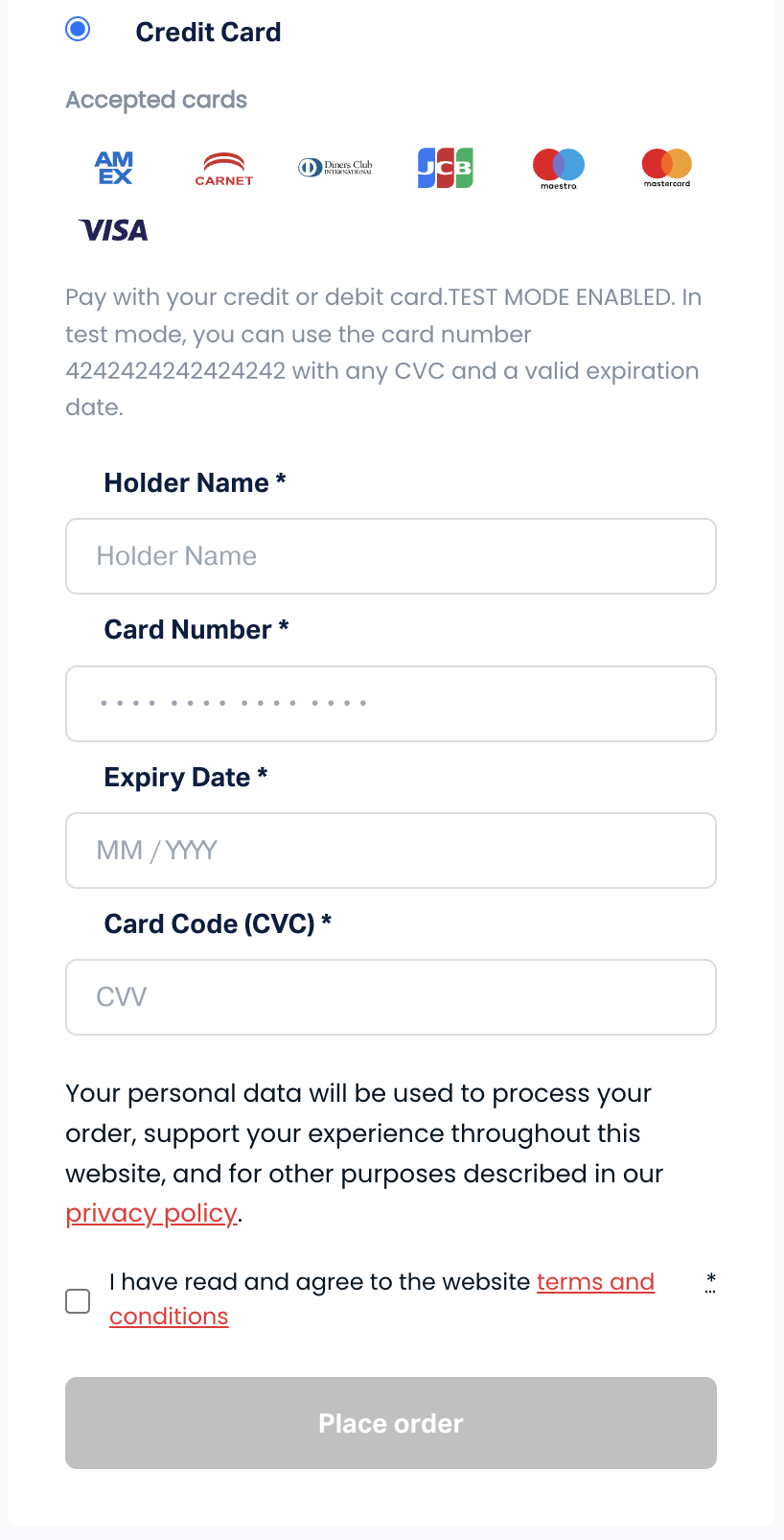
Credit card payment form.
Инсталиране
Requirements
To install OrkestaPay, you’ll need:
- WordPress Version 5.8 or newer (installed).
- WooCommerce Version 6.8 or newer (installed and activated).
- PHP Version 7.1 or newer.
- OrkestaPay merchat account.
Instructions
- Log in to WordPress admin.
- Go to Plugins > Add New.
- Search for the OrkestaPay plugin.
- Click on Install Now and wait until the plugin is installed successfully.
- You can activate the plugin immediately by clicking on create your OrkestaPay account here.
- Now on the success page. If you want to activate it later, you can do so via Plugins > Installed Plugins.
Setup and Configuration
Follow the steps below to connect the plugin to your OrkestaPay account:
- After you have activated the OrkestaPay plugin, go to WooCommerce > Settings.
- Click the Payments tab.
- The Payment methods list will include one OrkestaPay options. Click on OrkestaPay .
- Enter your keys. If you do not have a OrkestaPay merchant account, click Create your OrkestaPay account here
- After you have successfully obtained you plugin keys, click on the Enable OrkestaPay checkbox to enable the plugin.
- Click Save changes.
Отзиви
There are no reviews for this plugin.
Сътрудници и разработчици
“OrkestaPay Card” е софтуер с отворен код. Към разширението са допринесли следните хора:
Сътрудници
Превеждане на “OrkestaPay Card” на вашия език.
Имате интерес към разработване?
Преглеждане на кода, разглеждане на SVN хранилище, или абонамент към програмната история (log) чрез RSS.
Списък с промени
1.2.0
- Added support for saved cc
1.1.3
- Fix: Failed payments weren’t rejected
1.1.2
- Fix: Discounts for orders
1.1.1
- Code refactoring
1.1.0
- Payment flow was changed
1.0.2
- Added checkout form validations before processing payment
1.0.1
- Handling status for virtual and downloadable products
1.0.0
- HPOS and Checkout Blocks support
0.4.0
- Validation of automatic refunds
0.3.0
- Support for refunds
0.2.1
- Fix: AMEX verification code
0.2.0
- Support for 3DS
0.1.0
- Initial release.