
Описание
When you have your website set to use a static front page, you may want to show a list of your most recent blog posts, too.
This plugin will show the title, excerpt, and link of your most recent blog posts at the bottom of your front page. You can customize the following options:
- The number of posts to show
- The category to show posts from (default: „All Categories“)
- Whether the posts should display horizontally or vertically
- The text of the „Read More“ link
- The title of the section (default: „Latest Posts“)
CSS can be used to adjust styling. The following IDs and classes are used:
- mbdslp (ID) – wraps the entire Latest Posts output
- mbdslp_title (ID) – title of the section (ie „Latest Posts“)
- mbdslp_table (ID) – the table used for horizontal display
- mbdslp_post_title (class) – title of the individual post
- mbdslp_post_text (class) – excerpt of the individual post
- mbslp_read_more (class) – individual „Read More“ link
Снимки на разширението

The settings screen. 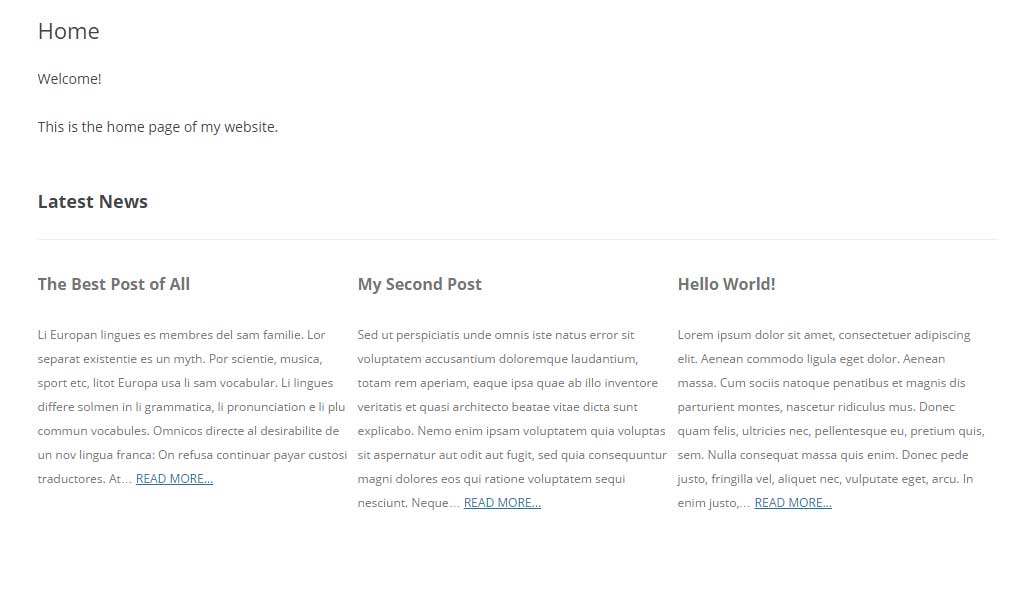
The posts displayed horizontally. 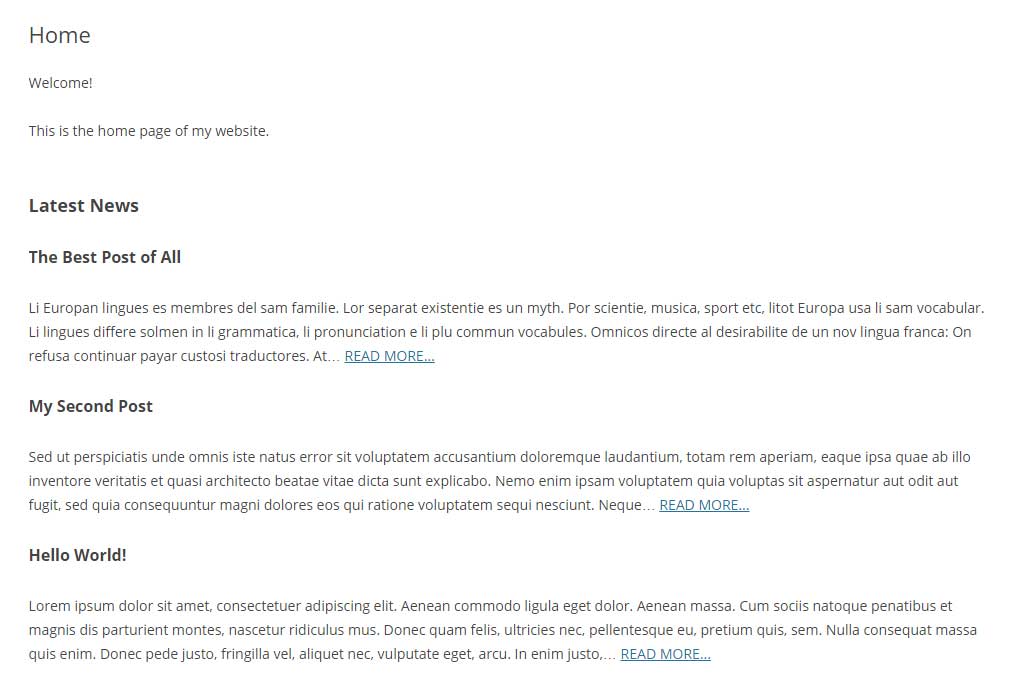
The posts displayed vertically.
Инсталиране
- Upload
mooberry-show-latest-postsdirectory to the/wp-content/plugins/directory - Activate the plugin through the ‘Plugins’ menu in WordPress
- Go to
Settings->Show Latest Poststo change the settings
Отзиви

03.09.2016
There are plenty of plug-ins that require multiple levels of integration to get your blog posts to populate a static front page. This plug-in cuts out all the hassle. It was incredibly easy to install and get my posts onto my static front page. Not to forget, the provided CSS classes/IDs leaves the creativity in your hands, without the cumbersome UI that many plug-ins like to have.
Moving forward: In future versions, it would be wonderful to have the option to populate different pages with the most recent posts as well.
In short, just what I was looking for. Thanks Mooberry!
Сътрудници и разработчици
“Mooberry Show Latest Posts” е софтуер с отворен код. Към разширението са допринесли следните хора:
Сътрудници
Превеждане на “Mooberry Show Latest Posts” на вашия език.
Имате интерес към разработване?
Преглеждане на кода, разглеждане на SVN хранилище, или абонамент към програмната история (log) чрез RSS.
Списък с промени
1.3
- Added number of words option
1.2
- Added ability to filter by category
1.1
- Wrapped entire output in a div
- Added IDs to individual elements
1.0
- Initial Version