
Снимки на разширението
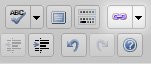
The Button. 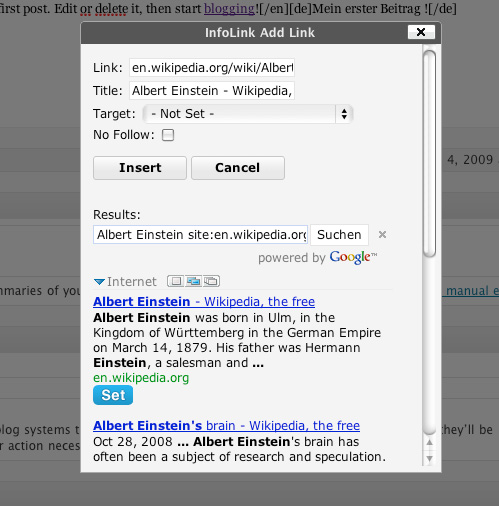
The Window.
Инсталиране
- Upload all the files in
/wp-content/plugins/infolink/directory. - Activate the plugin through the ‘Plugins’ menu in WordPress.
- Start writing posts with a mutch easier way to get Links.
ЧЗВ
- How to use ?
-
Select a Word or Sentence or anything else you want to link.
Select the service you want to use by pressing the arrow on the right side of the button. the Service would be saved to the button itself until you chose another.
A window will open, if you direktly click „Insert“ the best search result for the word will be taken.At the bottom you will see the search results, with one click on the „Set Button“ you can change link and title.
Finaly click on Insert.
Your Word is now linked to the site you wanted.
Отзиви
There are no reviews for this plugin.
Сътрудници и разработчици
“InfoLink” е софтуер с отворен код. Към разширението са допринесли следните хора:
Сътрудници
Превеждане на “InfoLink” на вашия език.
Имате интерес към разработване?
Преглеждане на кода, разглеждане на SVN хранилище, или абонамент към програмната история (log) чрез RSS.
Списък с промени
1.3.1
- Changed some Code, it wont will change the header any more to get bookmarks
1.3
- Added new Feature. You can now insert Your Bookmarks with 1 Click.
1.2
- Minor adjustments.
1.1
- Added new languages to the Wiki Menu: es, fr
- Minor code changes.
1.0
- Bump up to 1.0
- Simplified some Code.
- Fixed url to Google News results.
- Fixed little bugs.
- Added IGN.com & Rotten Tomatoes to the Menu.
0.1
- Inital Release.