

Description
Collaborative Post Notes is a simple but powerful internal communication tool for WordPress teams.
It adds a clean, threaded note system inside the post/page editor, allowing editors, authors, and content teams to communicate directly while working on content — with no external tools (Telegram, WhatsApp, etc.) needed.
This plugin improves your editorial workflow, reduces miscommunication, and keeps all discussions connected to the content they belong to.
🟦 Why use Collaborative Post Notes?
Managing content in a team often leads to scattered messages across multiple platforms.
This plugin solves that problem by keeping all notes, replies, and discussions inside WordPress, right inside the editor.
✨ Key Features
- Threaded (nested) notes — reply inside discussions like a mini comment system
- Internal-only — notes never appear on the frontend
- Lightweight — uses minimal database space, optimized for speed
- Auto-recorded username & timestamp
- Perfect for editorial and content teams
- Supports posts and pages
- Clean, distraction-free UI
- No configuration required — works instantly
🟩 Ideal For:
- Editorial teams
- Multi-author blogs
- News websites
- Agencies with content workflows
- SEO/content strategy teams
- Anyone who collaborates inside WordPress
🧩 How It Works
- Open any post or page
- Scroll to the Team Notes metabox
- Add a top-level note or reply to existing ones
- Notes automatically store user + time
- Everything is saved with the post
🔒 Private & Secure
These notes are not public, not accessible through template files, and never appear on the frontend.
Screenshots
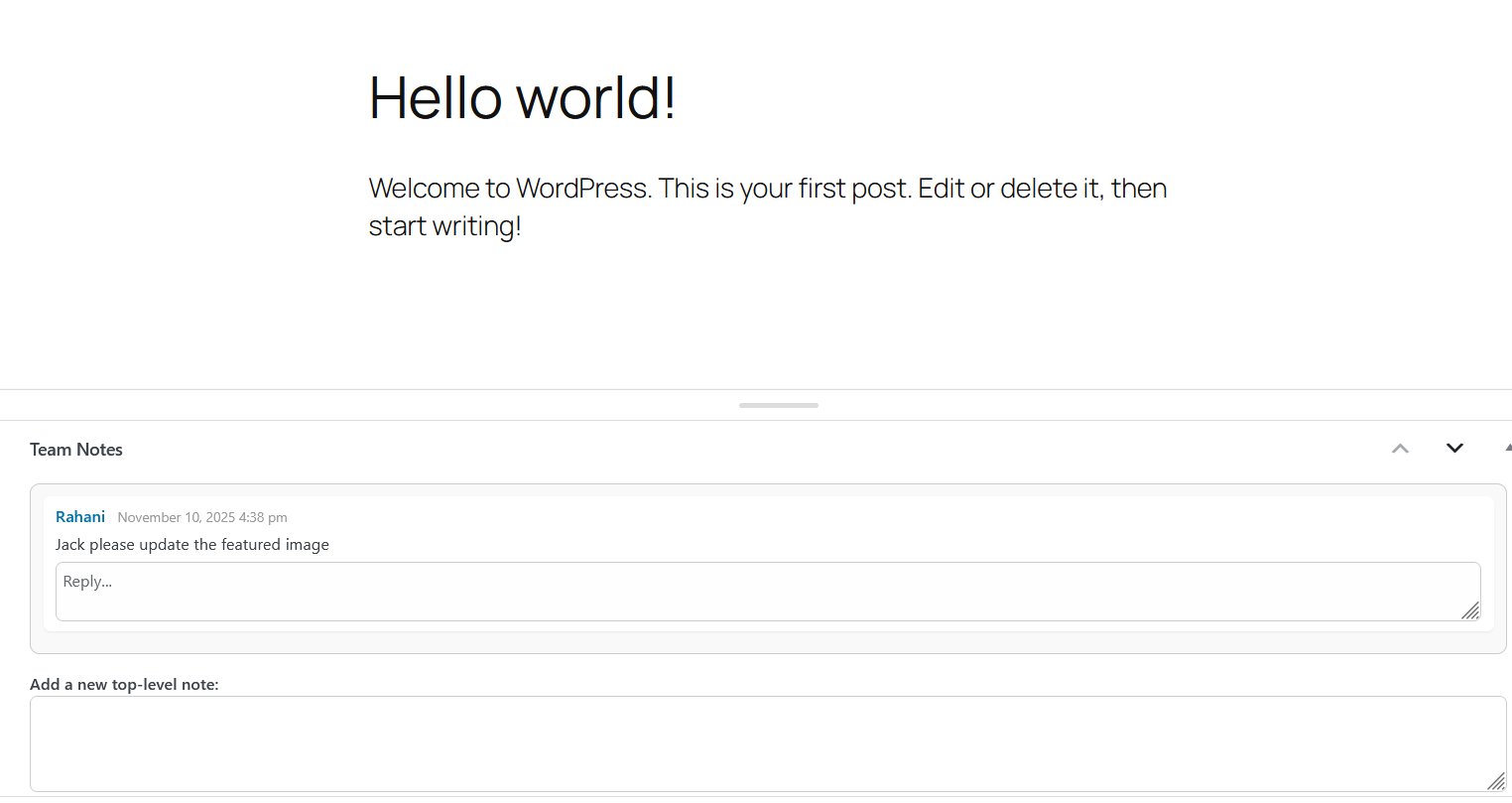
Replying to a message 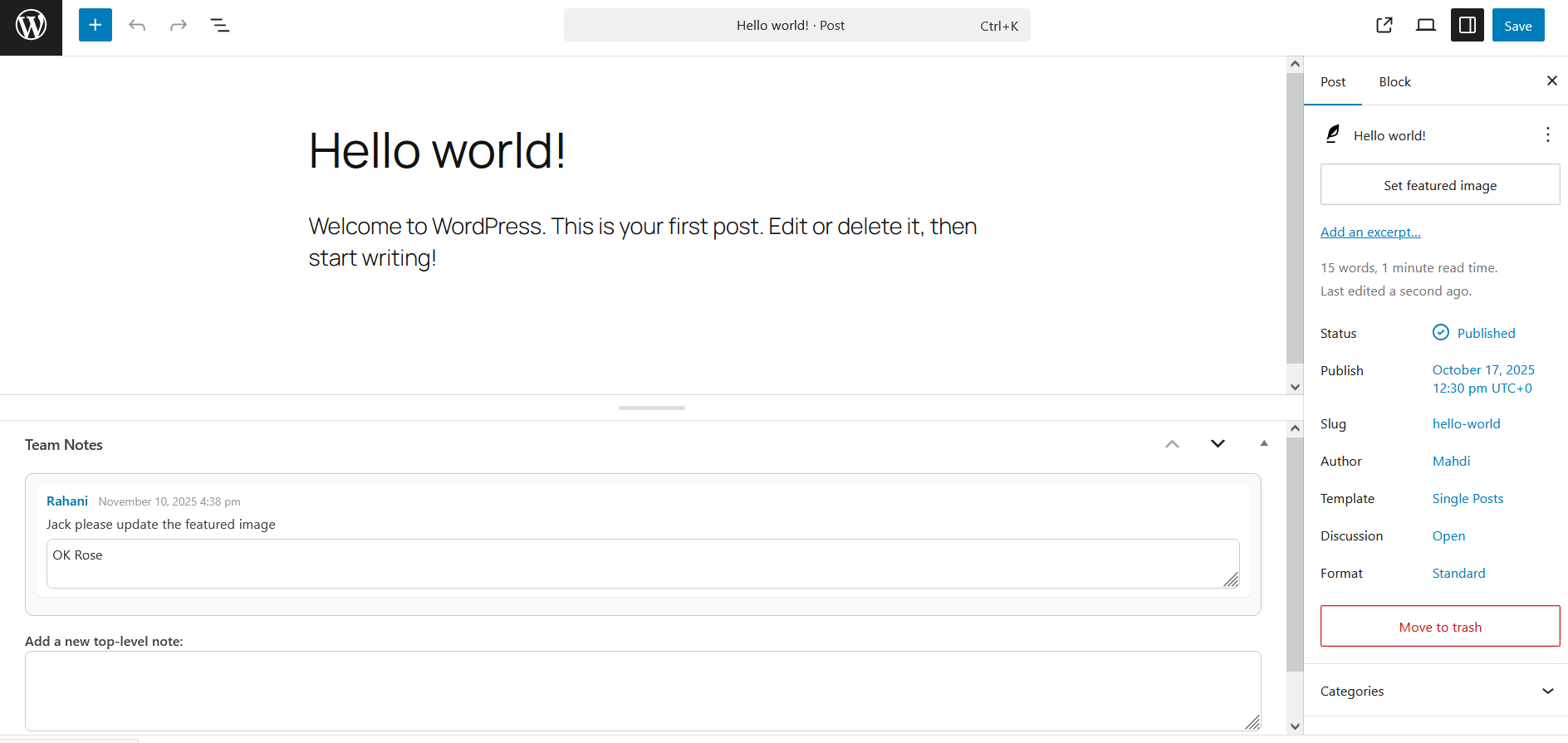
Adding new top-level notes
Installation
- Upload the plugin to
/wp-content/plugins/ - Activate it in Plugins > Installed Plugins
- Open any post and scroll to Team Notes
- Start collaborating!
No settings required.
FAQ
-
Are the notes visible on the frontend?
-
No. Notes are strictly internal and cannot be displayed publicly.
-
Does the plugin work with custom post types?
-
Not yet — support will be added in upcoming updates.
-
Does this slow down my website?
-
No. The plugin is extremely lightweight and optimized.
-
Can I export or migrate notes?
-
Not in version 1.0, but planned for future releases.
Reviews
There are no reviews for this plugin.
Contributors & Developers
“Collaborative Post Notes” is open source software. The following people have contributed to this plugin.
Contributors
Translate “Collaborative Post Notes” into your language.
Interested in development?
Browse the code, check out the SVN repository, or subscribe to the development log by RSS.
Changelog
1.0
- Initial release.