
The “Generate a random email” action lets you generate an email and use it in your automations.
This action includes 2 ways to generate the email, making it completely random, or providing a group of options to build the email from.
Completely random email
When you edit the “Generate a random email” action it looks like:
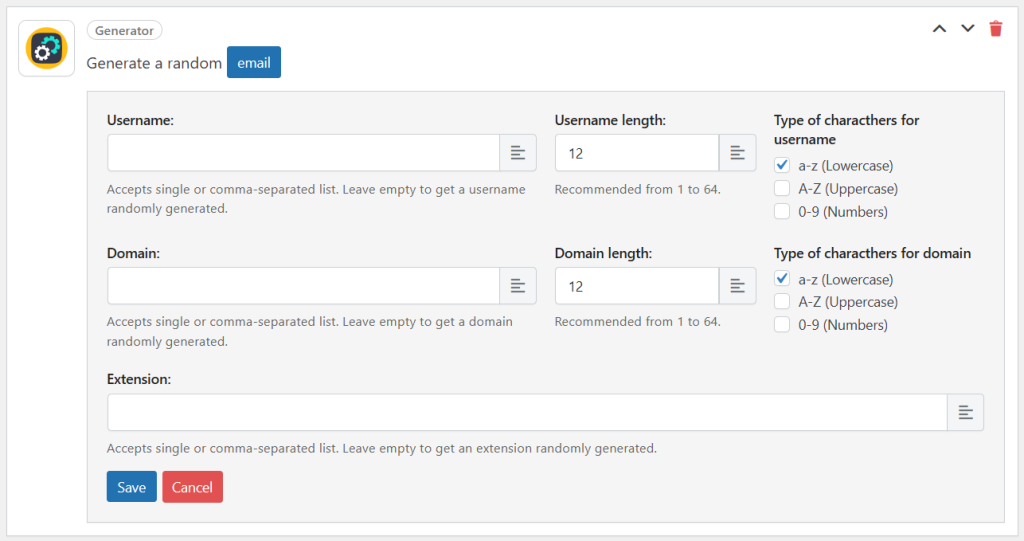
Here you have options for the username, domain and extension. If you leave all or some of them blank, the action will generate that part completely randomly.
Random email from a group of options
In addition, you can provide a group of options to build the email. Here is an example providing options in the username, domain and extension:
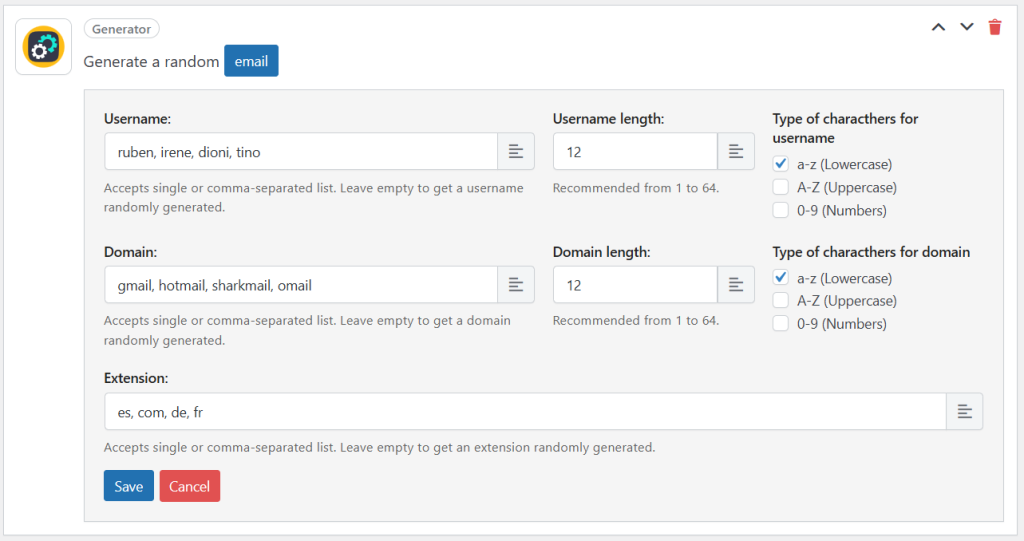
The “Generate a random email” action will take those options and will select one of them randomly to build the email. Here are a few examples of the emails that it could generated based on the options from the screenshot:
[email protected]
[email protected]
[email protected]
[email protected]
If you provide only 1 option in any of the fields, the generator will get it always.
If you do not provide any option (eg: you leave the username empty), then the generator will generate a random one.