Cursor
Cursor animation
Section titled “Cursor animation”
AnimatedCursor
A timer is used to switch cursors, creating a looping animation for the mouse pointer.
Creating a Cursor object
Section titled “Creating a Cursor object”
Change Cursor to hourglass
Section titled “Change Cursor to hourglass”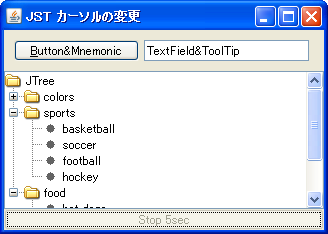
WaitCursor
While processing is running in the background, the Cursor will enable a GlassPane with an hourglass icon.
Use a transparent JDialog in a Modal to block input to the parent JFrame.
Section titled “Use a transparent JDialog in a Modal to block input to the parent JFrame.”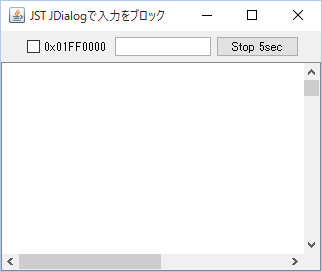
BlockingDialog
By displaying a transparent JDialog using a Modal, input operations on the entire parent JFrame are blocked.
Get the mouse’s position on the screen.
Section titled “Get the mouse’s position on the screen.”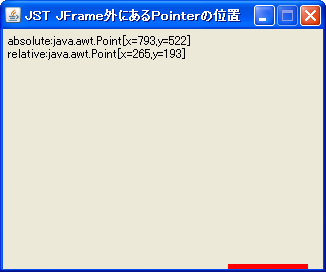
MouseInfo
The absolute position of the mouse on the screen is obtained, and the racket in the panel is moved accordingly.
JToolTip display position
Section titled “JToolTip display position”
ToolTipLocation
This sets the JToolTip's display position to follow the mouse cursor when dragged.
Prohibit input to components specified in JLayer.
Section titled “Prohibit input to components specified in JLayer.”
DisableInputLayer
This code uses JLayer, introduced in JDK7, to block input to a specified component.
The cursor changes for each component placed within a JList cell.
Section titled “The cursor changes for each component placed within a JList cell.”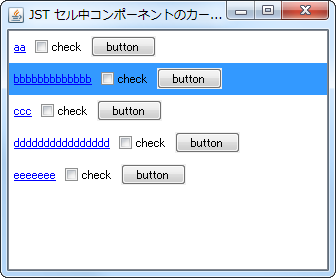
CursorOfCellComponent
Search for the component placed in a JList cell based on the mouse coordinates, and apply the cursor set on that component to the JList.
Change the resize cursor for JSplitPane and TableColumn.
Section titled “Change the resize cursor for JSplitPane and TableColumn.”
ResizeColumnCursor
This modifies the mouse cursor displayed when resizing components in JSplitPane's Divider or JTableHeader's TableColumn.