
Description
Statistics for WordPress:
With Statistics For WordPress you can know your website statistics without any need to send your users data anywhere. You can know how many people visit your personal or business website, where they’re coming from, what browsers and search engines they use, and which of your contents and users get more visits.
ACT BETTER BY KNOWING WHAT YOUR USERS ARE LOOKING FOR
- Visitor Data Records including IP, Referring Site, Browser, Search Engine, OS, Country and language
- Stunning Graphs and Visual Statistics
- Visitor’s Country Recognition
- The number of Visitors coming from each Search Engine
- The number of Referrals from each Referring Site
- Top 10 common browsers; Top 10 countries with most visitors; Top most-visited pages
- And much more information represented in graphs & charts along with data filtering
- Maps: Users location, users language, Bots location
Features
- Plug and play: After installing and activating the plugin, stats will automatically be collected.
- Data ownership: No external services are used. Data about visits to your website is yours and yours alone.
- Performance. Handles sudden bursts of traffic without breaking a sweat.
- Metrics: All the essentials: visitors, pageviews and referrers.
- Cookies: not use any cookies.
Contributing
You can contribute to Stats4wp in many different ways. For example:
- Write about the plugin on your blog or share it on social media.
- Vote on features in the GitHub issue list.
- Translate the plugin into your language using your WordPress.org account.
Please Note
Adding an additional customization option to help us personalize our sites is a help for everyone. We all seek to hide or personalize options or displays; that’s why your feedback is important to me. Thank you for helping me make WordPress the best blogging platform in the world.
Disclaimer
This plugin doesn’t require technical knowledge or to be a web developer. The activation or the modification of an option is not definitive, the deactivation of the option or the deletion of the plugin allows a return to the standard.
Active Contributors
Licenses
Composer
License: MIT License
Source: https://github.com/composer/composer/blob/master/
Which Browser
License: Copyright (c) 2010-2017 Niels Leenheer
Source: https://github.com/WhichBrowser/Parser-PHP/
Maxmind-db
License: licensed under the Apache License, Version 2.0
Source: https://github.com/maxmind/MaxMind-DB-Reader-php
GeoLite2 Country
License: Creative Commons Attribution 4.0 License
Source: https://www.maxmind.com/en/geolite2/eula
Chart.js
License: MIT license
Source: https://opensource.org/licenses/MIT
jVectorMap
License: The GNU AGPL is an open-source license
Source: https://jvectormap.com/
Screenshots

Logo, 
Dashboard, 
Visitors, 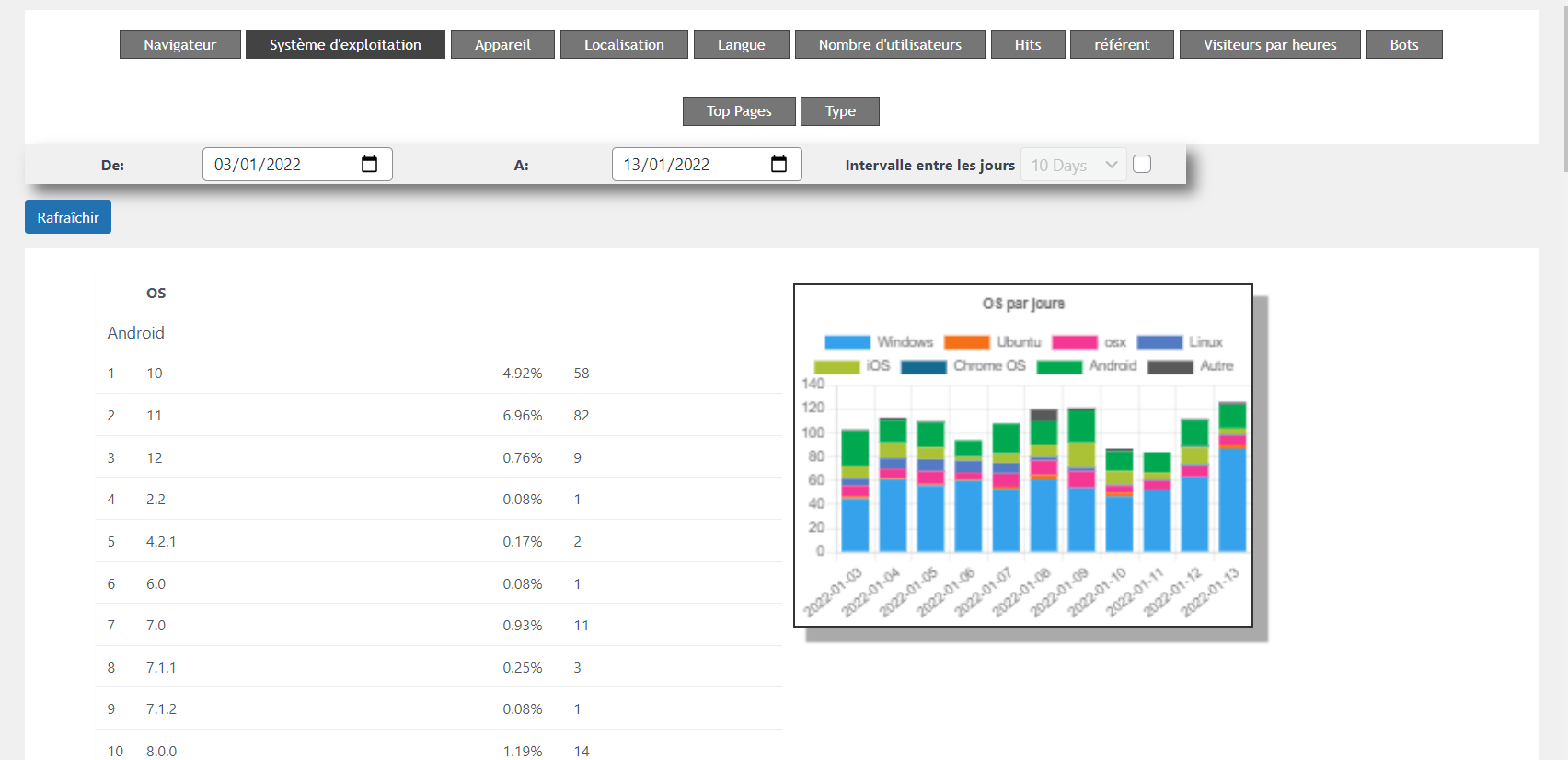
Exemple Operating System 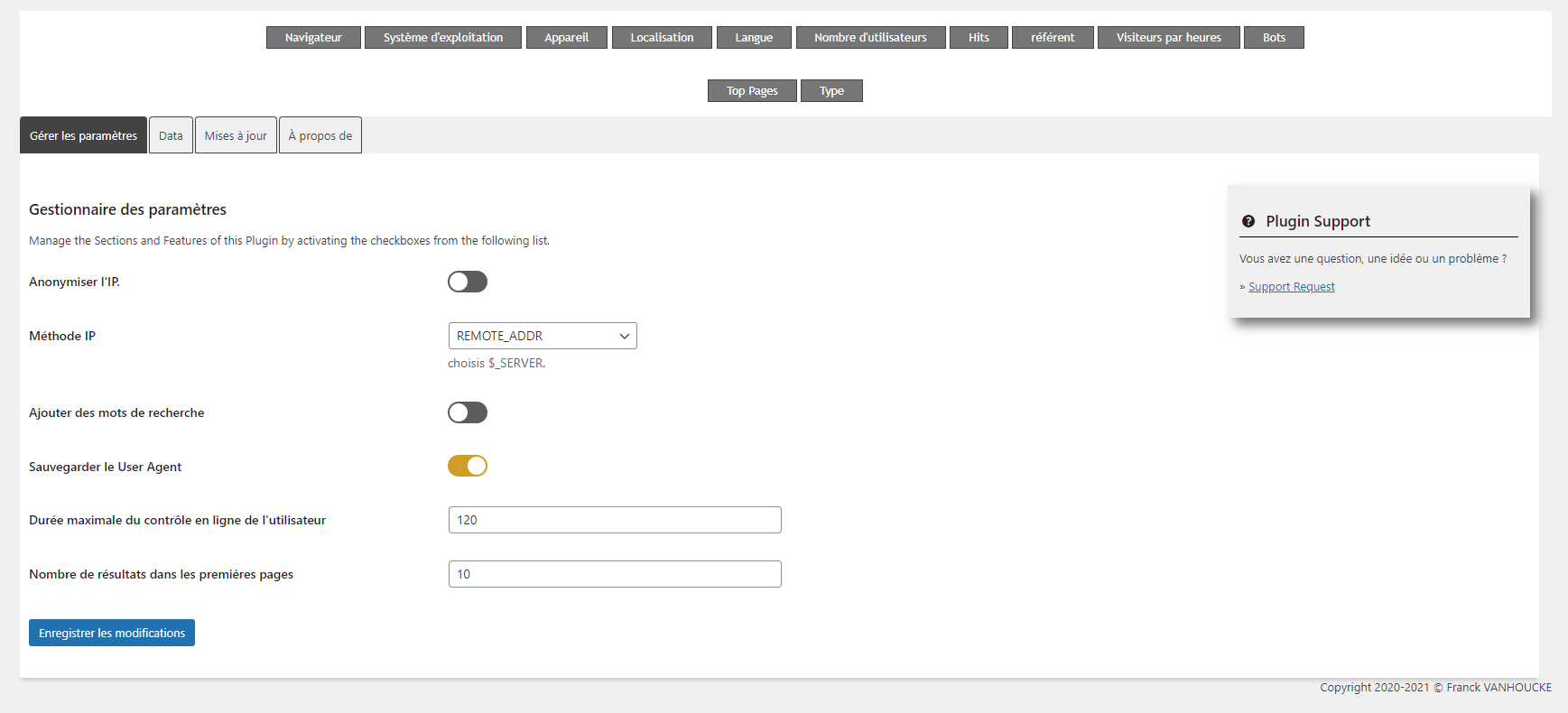
Options 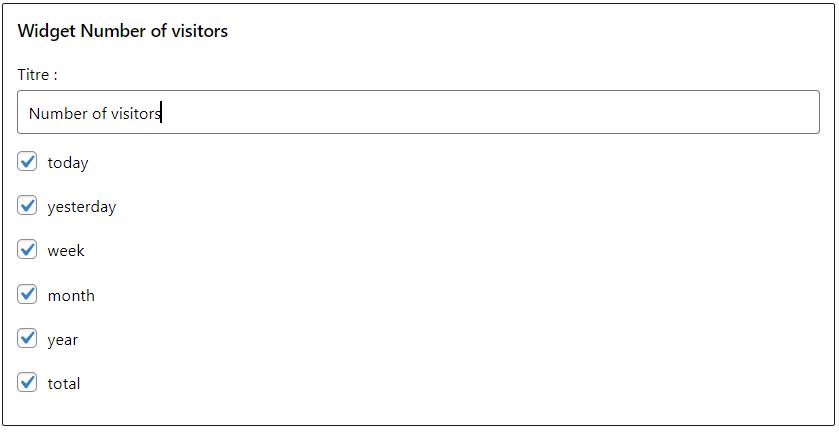
Widget Number of visitors – parameters 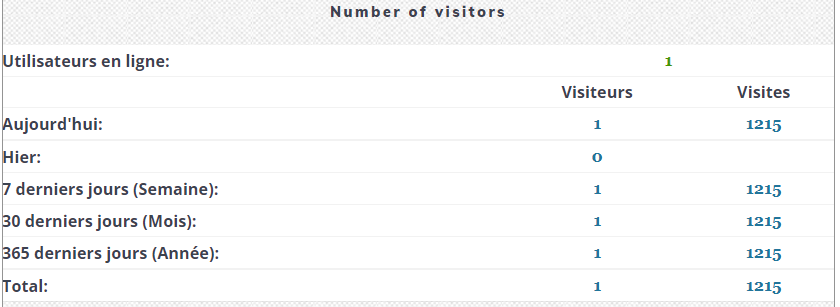
Widget Number of visitors – display 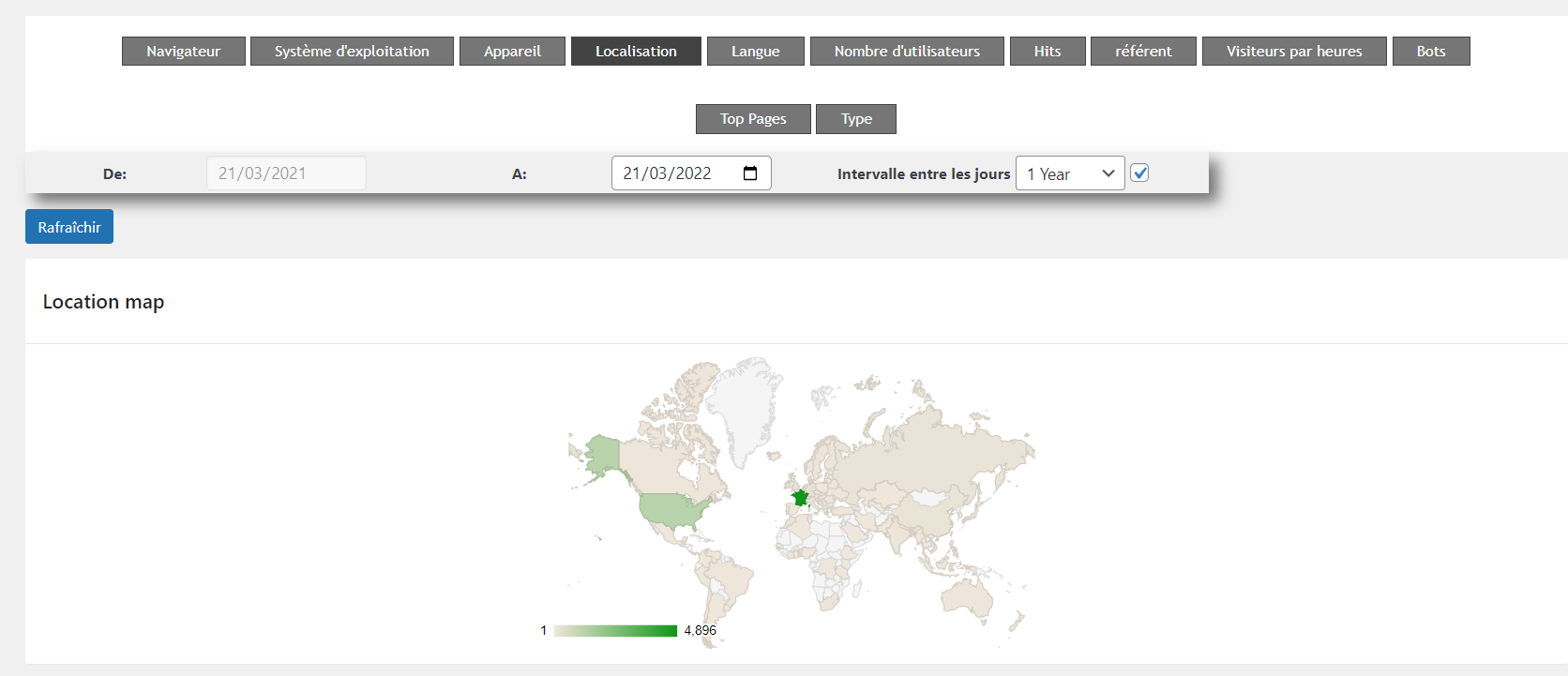
Maps – Users Location
FAQ
-
Installation Instructions
-
- Upload
stats4wpfolder to the/wp-content/plugins/directory - Activate the plugin through the ‘Plugins’ menu in WordPress
- Click on the stats4wp link from the main menu
The stats4wp requires php 8.0 or higher.
- Upload
-
Is this plugin compatible with WordPress multisite (MU)?
-
stats4wp is multisite compatible, in case of problem contact me.
Reviews


Contributors & Developers
“stats4wp” is open source software. The following people have contributed to this plugin.
Contributors
Translate “stats4wp” into your language.
Interested in development?
Browse the code, check out the SVN repository, or subscribe to the development log by RSS.
Changelog
1.4.23 (2601-SFP2)
Release Date – 17 January 2026
- Update GeoIP Database 20260116,
- Error – Icon not display into Admin menu,
- SQL optimisation,
- Design – Update table css,
- Error: Uncaught Error: feof(): Argument #1 ($stream) must be of type resource, string given (templates-part/settings/options.php),
- Error – You have an error in your SQL syntax; check the manual that corresponds to your MariaDB server version for the right syntax to use near ”wp_stats4wp_visitor’ WHERE device IN (‘bot’,”) AND locati…’ at line 1,
- Error – Export CSV didn’t work,
- DAnn2012 – Fixed Functions (inc/Api/Callbacks/ManagerCallbacks.php & templates-part/settings/tables.php),
- Function _load_textdomain_just_in_time was called incorrectly. Translation loading for the stats4wp domain was triggered too early. This is usually an indicator for some code in the plugin or theme running too early. Translations should be loaded at the init action or later. Please see Debugging in WordPress for more information. (This message was added in version 6.7.0.).
See changelog.txt for older changelog