

Description
URL Autolinker by Jerin.ca helps you automatically add hyperlinks in your WordPress content, in a controlled and SEO-friendly way.
Instead of manually linking the same terms repeatedly across dozens (or hundreds) of posts, you define your URLs and their aliases (keywords) once. The plugin then scans your post/page content and converts matching keywords into clickable links when the content is displayed—while protecting existing manual links and keeping link frequency under control using flexible limits.
This is especially useful when you’re building:
– a blog with recurring topics,
– an internal knowledge base,
– a business website with service pages,
– an affiliate site with repeated product mentions,
– an educational platform (e.g., safety training portals like https://ohse.ca),
– or any site where consistent internal linking improves user navigation.
Learn more about the creator and tools at: https://jerin.ca
Why this plugin exists
Internal linking is one of the most practical on-page SEO habits—but it’s also one of the easiest tasks to skip when you’re publishing often. URL Autolinker by Jerin.ca makes internal (and external) linking repeatable, consistent, and faster, without turning your posts into a “link farm.”
Core idea (simple workflow)
1) Save a URL (destination)
2) Add one or more aliases (keywords/phrases) that should link to it
3) Choose optional settings (new tab / nofollow)
4) Set limits (per alias per paragraph, and total links per post)
5) Publish content normally—auto-linking happens automatically
🚀 Coming soon: URL Autolinker Pro with advanced features like exclusion rules, link reports, caching, and more.
Features
Unlimited URL + alias entries
Create as many link rules as you want. Each entry can include a URL and one or more aliases (keywords/phrases). This makes it ideal for large sites with many topics, products, brand terms, services, or glossary-style terms.
Automatic linking inside post content
When a saved alias appears in your post or page content, the plugin converts it into a hyperlink pointing to the saved URL. This improves discoverability of important pages without having to manually edit old posts.
Per-link “Open in new tab” option
For each saved URL entry, you can choose whether the generated links open in a new browser tab/window. This is useful for external resources, partner pages, references, and citations.
Per-link “nofollow” option
You can add rel="nofollow" on a per-link basis. This is helpful when:
– linking to sponsored/affiliate sources (depending on your policy),
– linking to external references you don’t want to endorse,
– or reducing crawl priority to low-value external destinations.
(For background reading: https://developer.mozilla.org/en-US/docs/Web/HTML/Attributes/rel/nofollow)
Smart limits to prevent over-linking
URL Autolinker by Jerin.ca includes two important guardrails:
– Per-alias per-paragraph limit: prevents the same keyword from being linked too many times inside one paragraph.
– Total links per post limit: prevents a post from becoming overloaded with auto-links.
These limits help keep your content readable and natural for humans, while also reducing the risk of “over-optimized” linking patterns.
Does not break existing manual links
The plugin skips content that is already inside <a> tags. This means:
– your manual links remain exactly as you wrote them,
– you can manually override linking where needed,
– and the plugin won’t nest links or corrupt your HTML structure.
Works across post types that use the_content
If a post type outputs content via the_content, it will be processed. This includes most standard WordPress post types and many themes/builders that rely on WordPress content filters.
Lightweight and SEO-friendly
Designed to be straightforward, practical, and safe. Link limits + clean output make it a good fit for long-form content sites and structured internal linking strategies.
How It Helps SEO
While no plugin can “guarantee rankings,” URL Autolinker by Jerin.ca supports common on-page SEO best practices in a few strong ways:
1) Stronger internal linking structure
Internal links help users (and search engines) discover related pages. When your cornerstone pages and important categories get consistent internal links from relevant posts, it can improve crawl paths and page importance signals.
2) Better topical clustering
By consistently linking related terms to their main pages, you create clearer topical clusters. Example:
– Blog posts that mention “Workplace Hazard Assessment” can automatically link to your main hazard assessment page.
– Training pages and reference articles become more connected, which can reduce orphan pages.
3) Improved user experience
Users who can quickly click terms and navigate to deeper resources spend more time exploring your site. Better navigation can reduce confusion, increase session depth, and help readers find the “next step” (service page, signup page, course page, etc.).
4) Cleaner linking consistency across old + new posts
When you add a new rule (URL + alias), older posts automatically benefit without you editing them one by one. This is helpful when:
– launching new service pages,
– publishing new course pages,
– expanding a glossary,
– or updating your site architecture.
5) Avoids “link spam” patterns using limits
Over-linking can hurt readability and look unnatural. The built-in limits help you keep a balanced linking style that’s useful to people first.
If you want to learn more about content + linking practices in WordPress, the official Plugin Handbook is a good general reference: https://developer.wordpress.org/plugins/
Who This Plugin Is Best For
Bloggers & niche site owners
If you publish content frequently and reference the same topics repeatedly, this plugin saves time and keeps internal linking consistent.
Business websites
Link your services, locations, and key pages automatically when they are mentioned in blog posts, FAQs, and landing page content.
Affiliate & review sites
Auto-link product names to review pages or category hubs. Use nofollow for selected external links if needed, and control link density with limits.
Educational platforms & course sites
If you run training content (for example, OHSE resources at https://ohse.ca), you can link important definitions, modules, and supporting resources consistently across lessons.
Agencies & content teams
Reduce repetitive editorial work and keep a standardized internal linking approach across multiple authors.
Support
For updates and more tools by Jerin, visit:
https://jerin.ca
Privacy
This plugin does not intentionally collect personal data. It processes post content on display to insert links based on your saved settings. Any data stored is limited to plugin configuration and your saved URL/alias entries within your WordPress database.
License
This plugin is licensed under the GPLv2 or later.
See https://www.gnu.org/licenses/gpl-2.0.html for details.
Screenshots
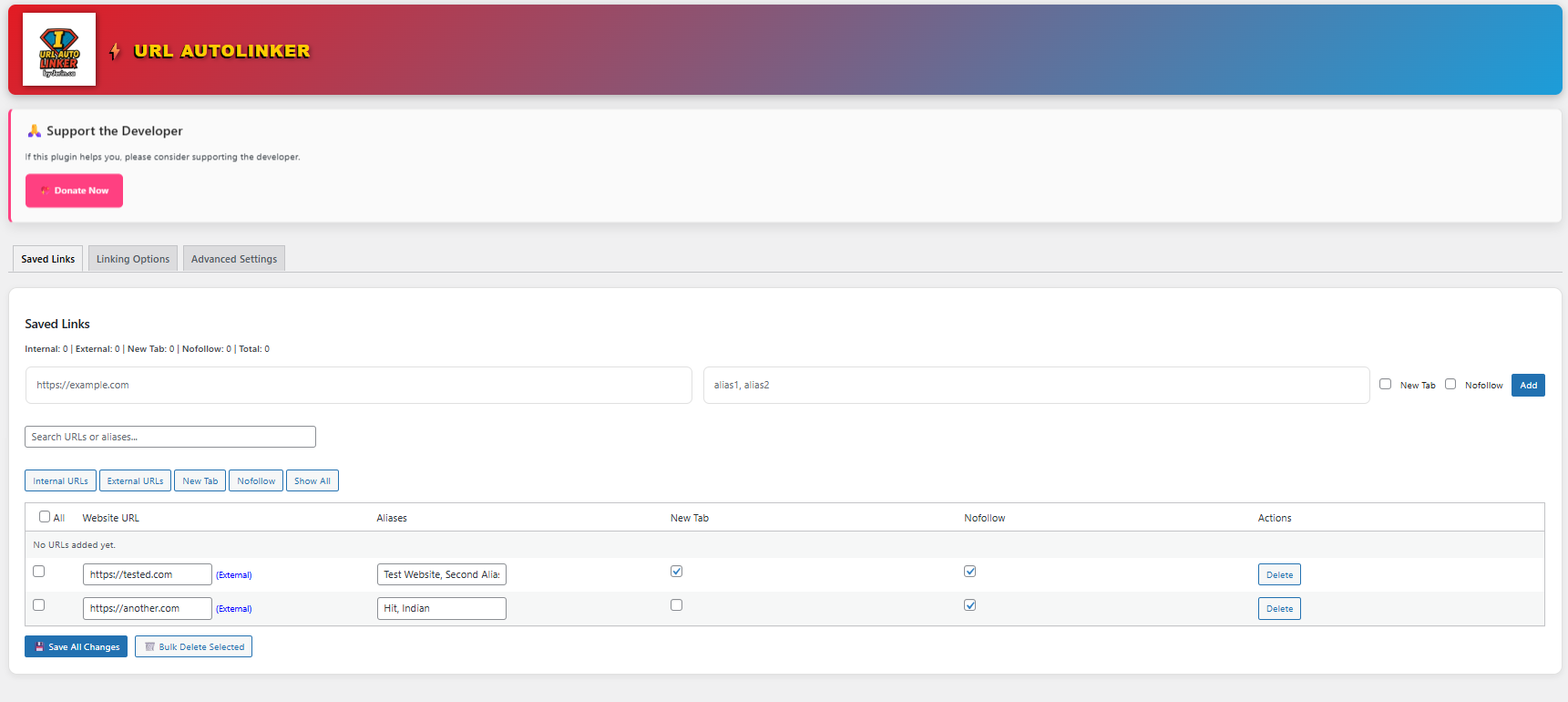
Admin settings page where you add and manage URLs/aliases. 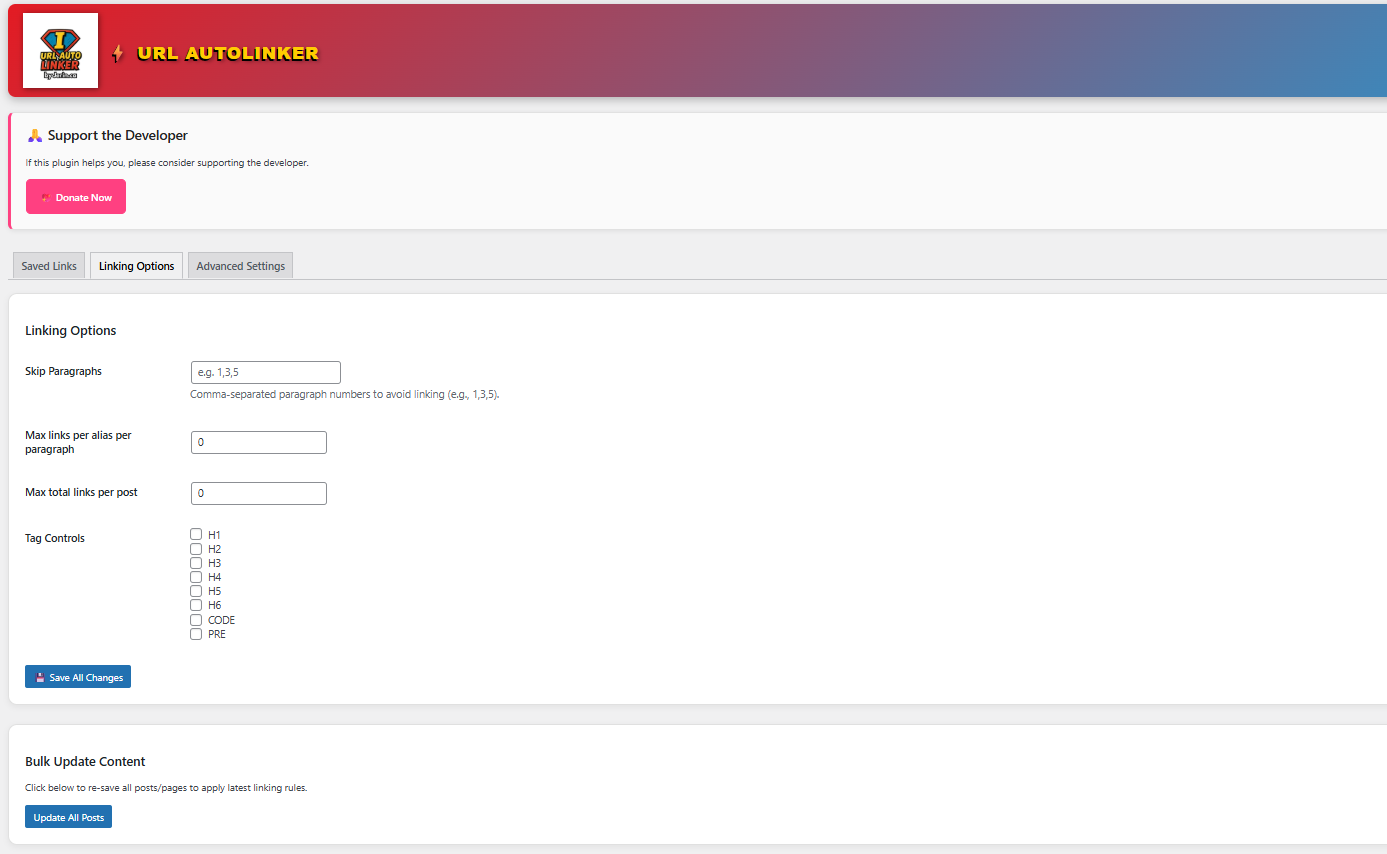
Example of saved links table with edit/delete options. 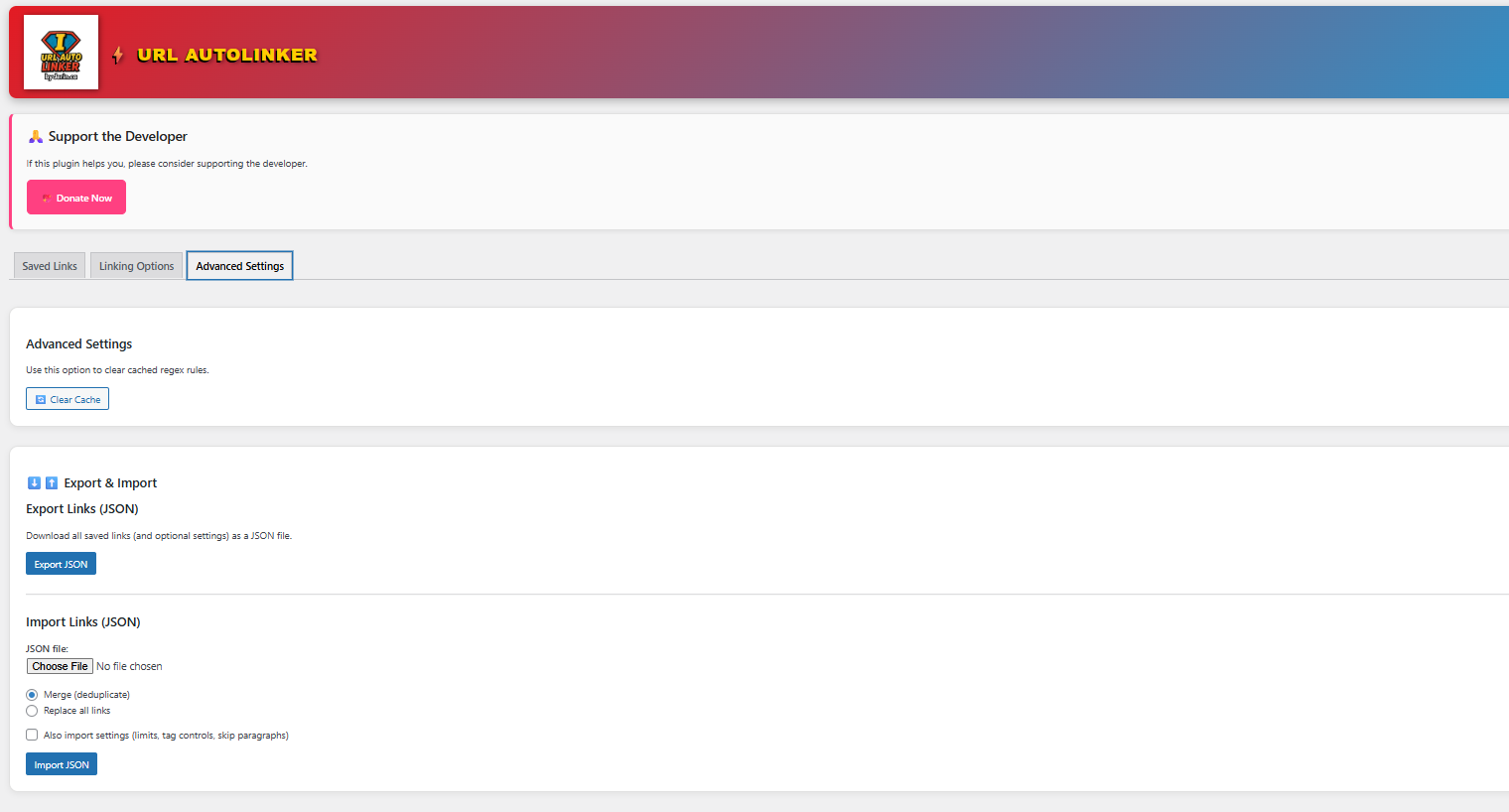
Pro features banner inside the admin panel.
Installation
- Upload the plugin files to the
/wp-content/plugins/url-autolinker/directory, or install the plugin through the WordPress plugins screen directly. - Activate the plugin through the ‘Plugins’ screen in WordPress.
- Navigate to URL Autolinker in the WordPress admin menu.
- Add your URLs, aliases, and set your linking preferences (new tab / nofollow / limits).
- Save changes — done! Your content will now auto-link according to your settings.
FAQ
-
Can I limit the number of links per post?
-
Yes. You can set both per-alias per-paragraph limits and a total links per post limit so your content stays readable and controlled.
-
Will this plugin affect existing links?
-
No. The plugin skips text already inside
<a>tags, so manually added links remain untouched. -
Does this work with custom post types?
-
Yes. It hooks into
the_content, so any post type that uses it will be processed. -
Can I use it for internal links and external links?
-
Yes. You can link to your own pages (internal linking) and also link to external resources. Use per-link settings like new tab and nofollow when needed.
-
Does it support phrases (multi-word aliases) or only single words?
-
You can use aliases as keywords or short phrases. Choose aliases that match naturally in your content.
-
Is there a Pro version?
-
A Pro version is in development with additional features like exclusions, reporting, and faster processing.
-
Why does the changelog mention wp_parse_url()?
-
WordPress provides
wp_parse_url()as a WordPress-friendly alternative toparse_url()in some contexts. If you’re curious, you can review WordPress developer references here:
https://developer.wordpress.org/reference/functions/wp_parse_url/
Reviews
There are no reviews for this plugin.
Contributors & Developers
“URL Autolinker by Jerin.ca” is open source software. The following people have contributed to this plugin.
Contributors
Translate “URL Autolinker by Jerin.ca” into your language.
Interested in development?
Browse the code, check out the SVN repository, or subscribe to the development log by RSS.
Changelog
2.12.4
- Security hardening: added nonce verification and stricter sanitization.
- Compatibility: replaced parse_url() with wp_parse_url() and removed PHP 7.4-only syntax.
- Admin UI: bundled local icon and improved escaping/output handling.
- Misc: updated “Tested up to” and aligned readme stable tag.
2.0
- Added searchable, sortable admin table.
- Added per-paragraph and total post limits.
- Added nofollow and new tab options per link.
- Improved sanitization and validation.
- Introduced Pro banner for upcoming features.
1.0
- Initial release with basic alias-to-URL auto-linking.