

Description
Album Gallery helps you organize and display your photos and videos in attractive album layouts. Whether you’re showcasing travel memories, event photos, or product galleries, this album gallery makes it simple to create organized collections that visitors can browse easily.
Free Version Demo: Album Gallery
Pro Version Demo: Album Gallery Premium
Where to Buy: Buy Flickr Album Premium
Why Use Album Gallery?
Managing multiple images on your website can get messy. Album Gallery solves this by letting you group related photos into albums, similar to how you’d organize a physical photo album. Each album displays as a cover image, and when visitors click on it, they see all the photos inside with a smooth lightbox viewer.
The album gallery works on all devices – desktops, tablets, and phones. Your albums automatically adjust to fit any screen size, so your photos always look good no matter how visitors access your site.
What You Can Create
- Photo Albums – Group vacation photos, family events, or any image collection
- Video Albums – Organize video content with thumbnail previews
- Mixed Media Albums – Combine photos and videos in the same album
- Portfolio Galleries – Showcase your work with hover effects
Free Features
- Responsive album gallery design
- Flexible column layouts (1-6 columns)
- Lightbox image viewer
- Video support with embedded players
- Multiple hover effects
- Animation effects on load
- Widget support for sidebars
- Title bar customization
- Shortcode for easy embedding
- Works with all themes
- Import and export galleries
Pro Features
Upgrade to Album Gallery Pro for additional capabilities:
- Advanced column layout options
- Custom gallery thumbnail sizes
- Extended animation effects library
- More hover effect styles
- Video autoplay settings
- Loop and slideshow settings
- Color picker for full customization
- Custom CSS support
- Priority support
How It Works
- Create a new album from the Album Gallery menu
- Upload your photos or add video URLs
- Configure display settings (columns, effects, lightbox)
- Copy the shortcode and paste it into any page or post
- Your album gallery is live
You can also add album galleries to sidebars using the text widget with shortcodes.
Screenshots
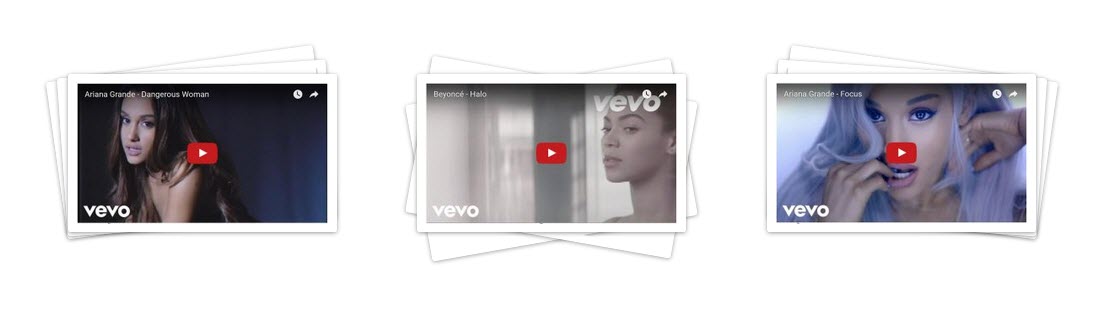
Video Gallery Album 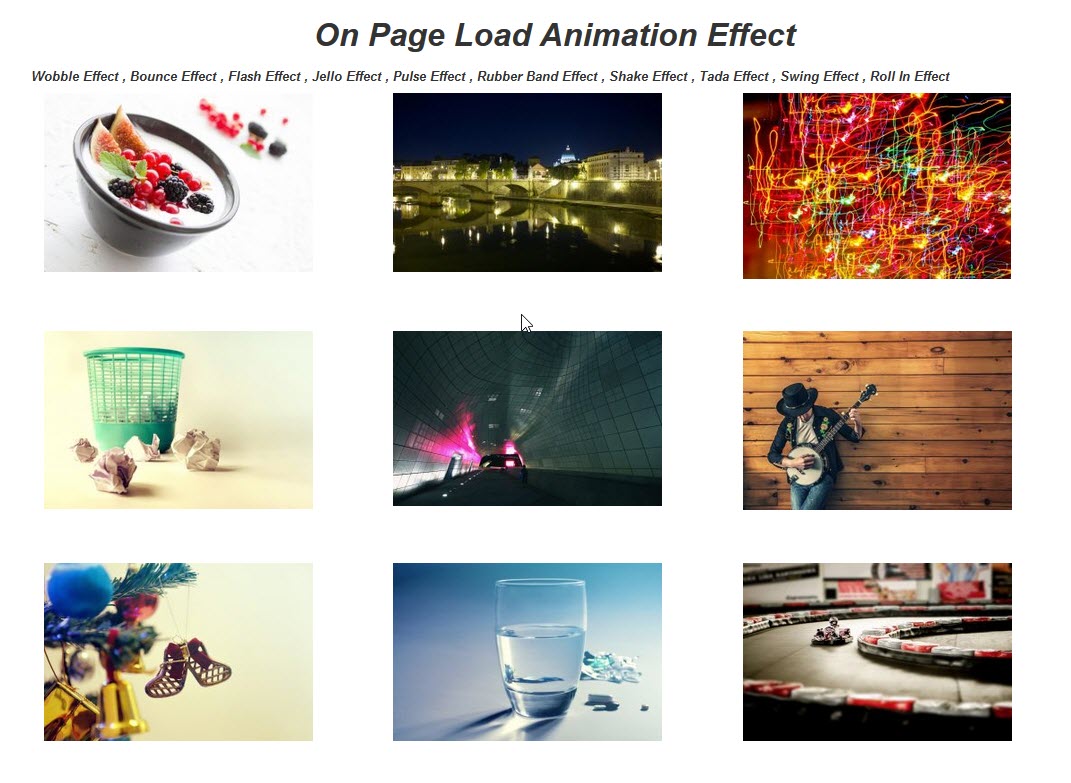
Animation Effect 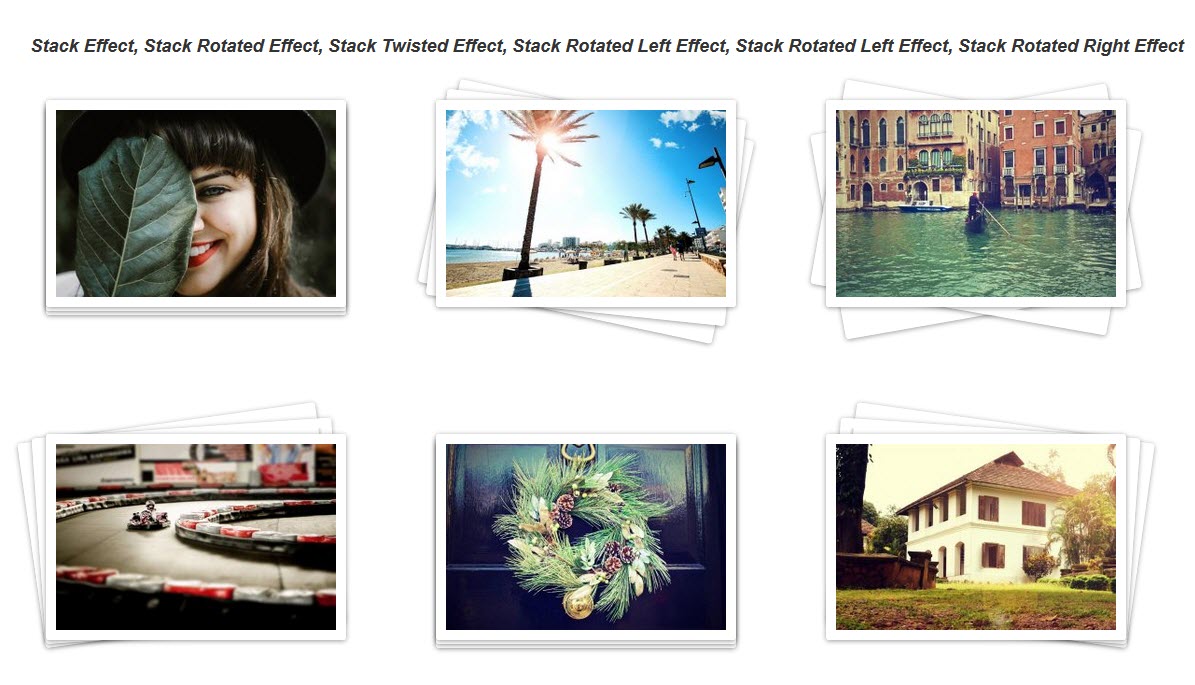
Stack effect 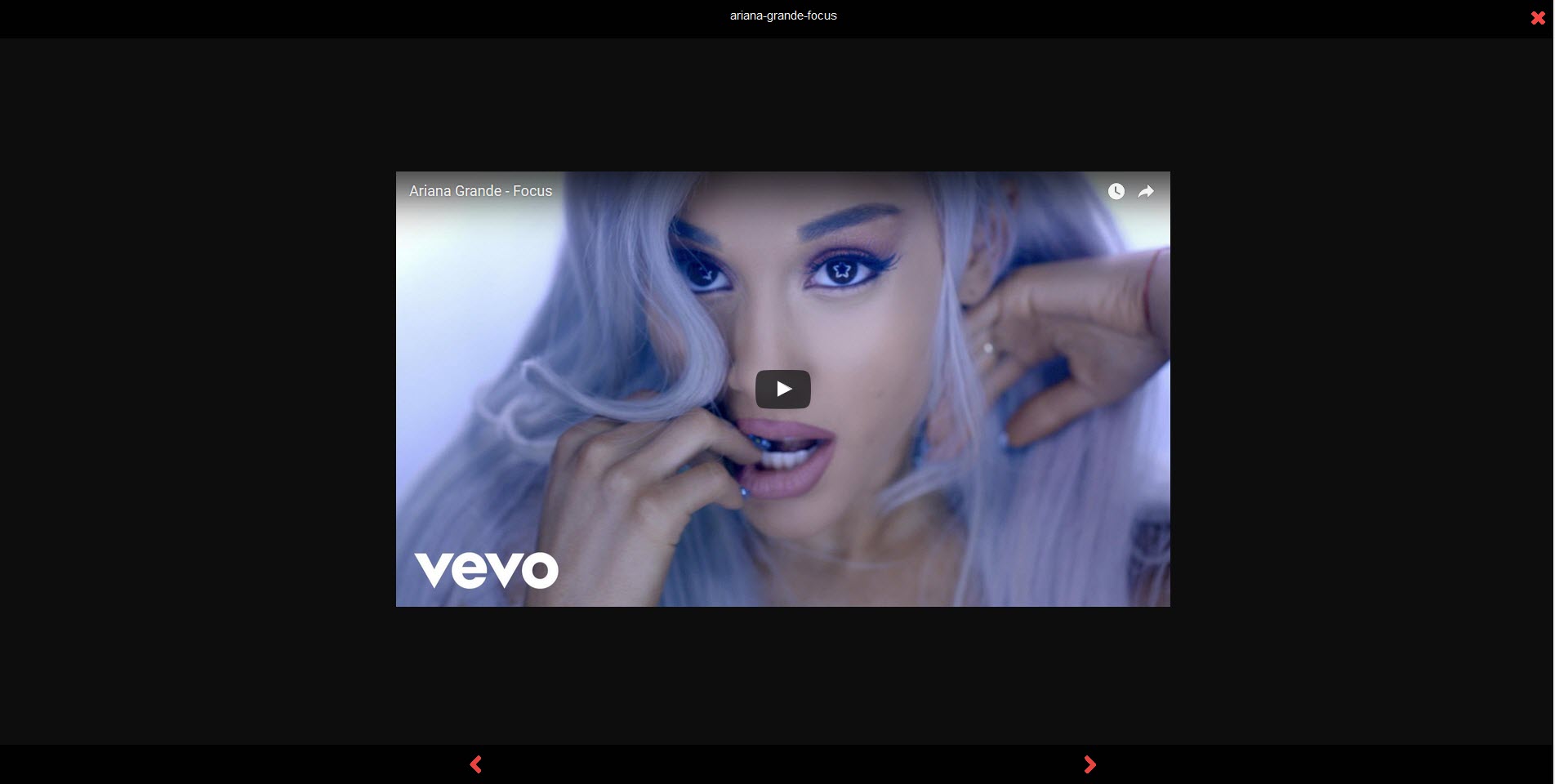
Lightbox 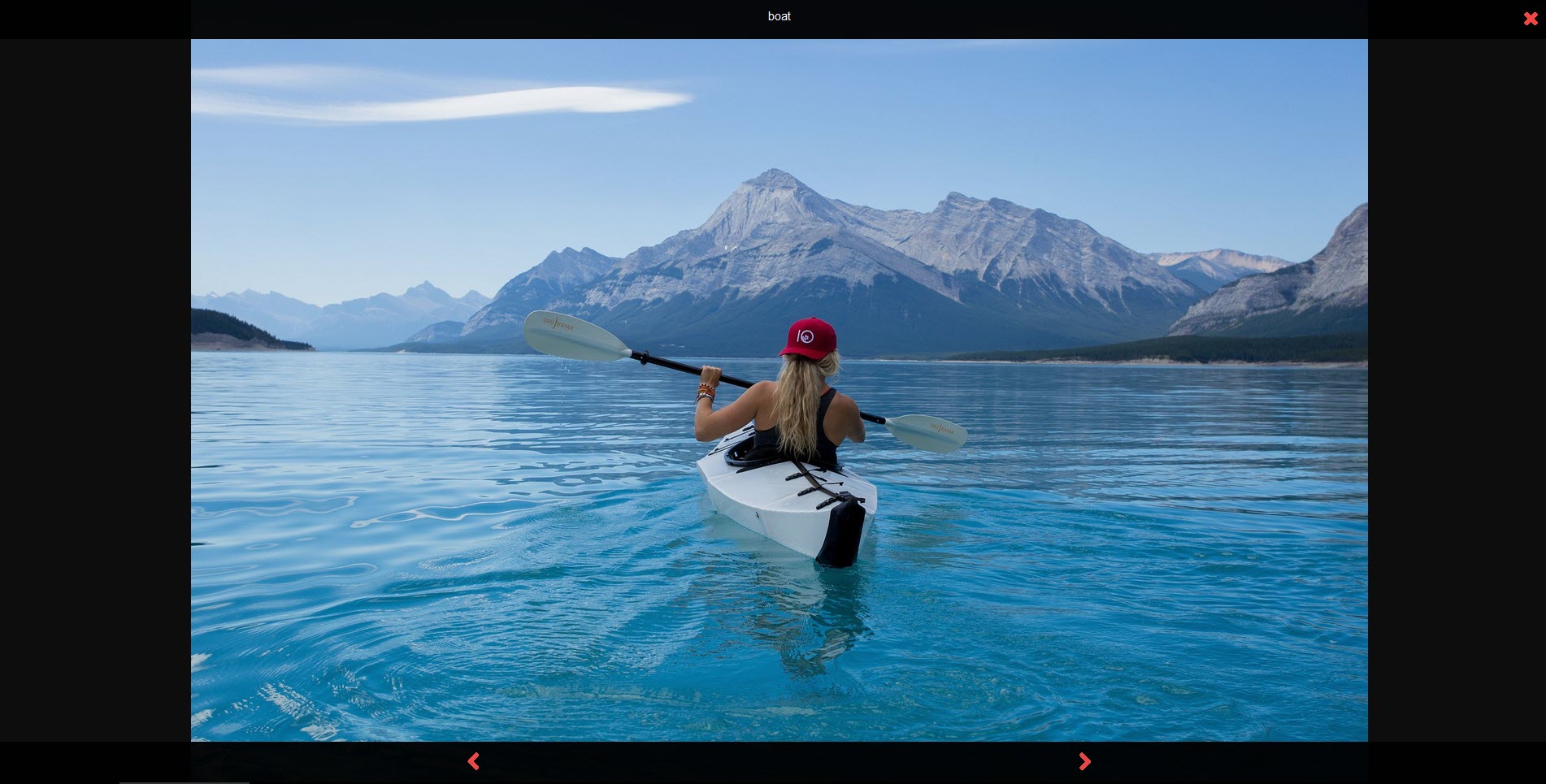
Lightbox Image Preview 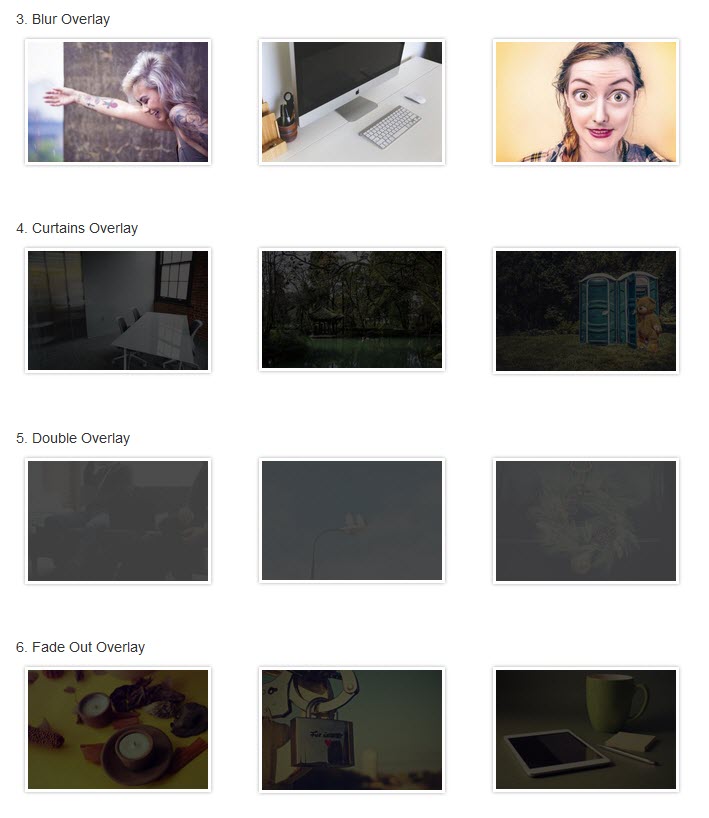
Overlay Effect 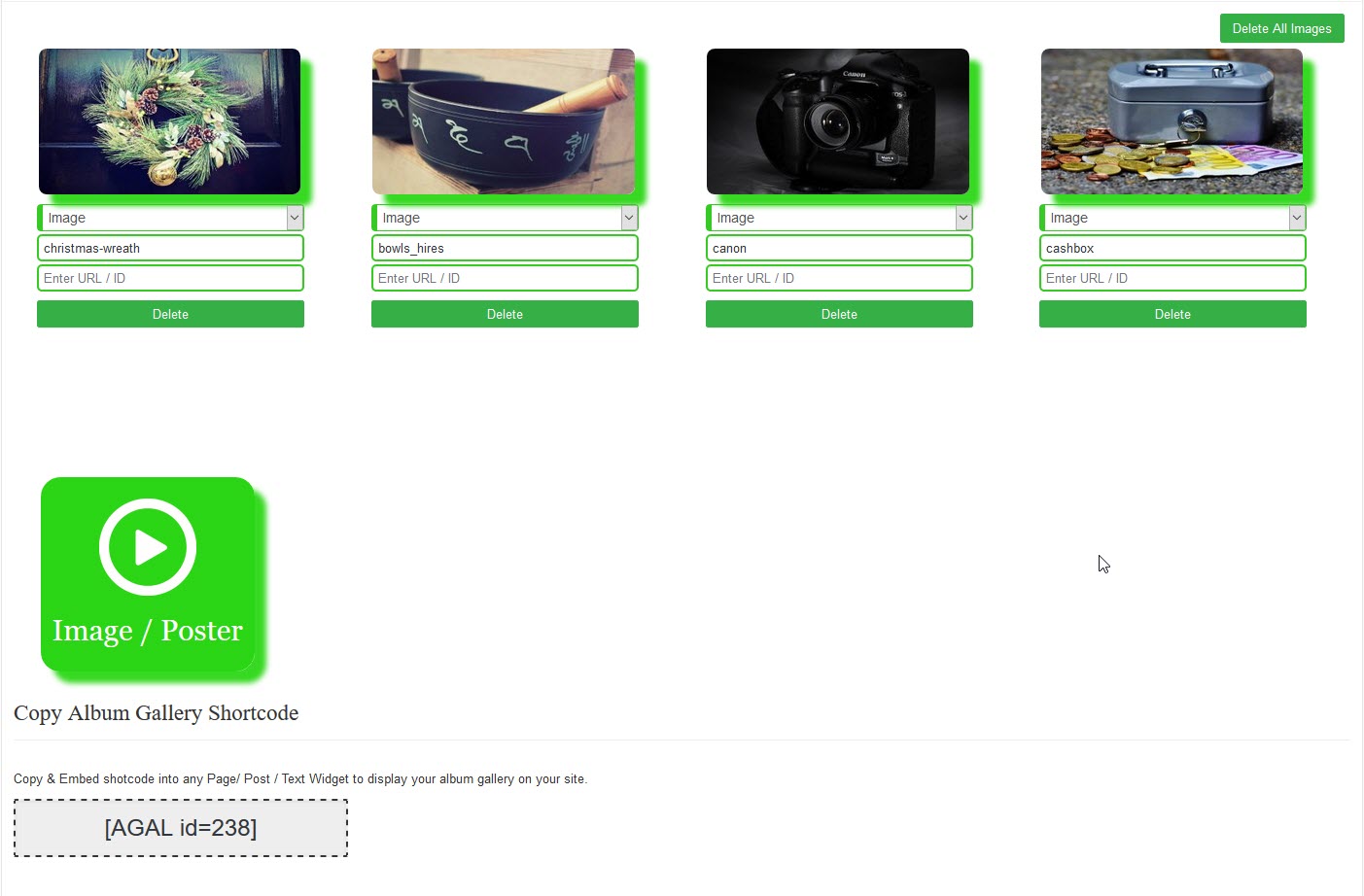
Setting Page Images 
Gallery Setting Page 
Icon
Installation
- Go to Plugins > Add New in your WordPress admin
- Search for “Album Gallery”
- Click Install Now and then Activate
- Navigate to Album Gallery in the admin menu
- Click Add New to create your first album
- Upload images and configure settings
- Copy the shortcode and add it to any page or post
FAQ
-
How do I create my first album?
-
After activating the plugin, go to Album Gallery in your WordPress admin menu. Click “Add New” to create a new album. Give your album a title, then click “Add Images” to upload or select photos from your media library. Once you’ve added your images, publish the album and copy the shortcode to use on any page or post.
-
Can I add videos to my albums?
-
Yes, Album Gallery supports video content. You can add YouTube and Vimeo videos to your albums. Simply paste the video URL when adding media, and the plugin will display a thumbnail that opens the video in a lightbox when clicked.
-
Is the album gallery mobile responsive?
-
Absolutely. The album gallery automatically adjusts to fit any screen size. On smaller screens, the columns reduce to ensure your images display properly without horizontal scrolling.
-
How many albums can I create?
-
There’s no limit on the number of albums you can create with the free version. Create as many albums as you need to organize your content.
-
Can I use Album Gallery with page builders?
-
Yes, Album Gallery works with page builders like Elementor, Gutenberg, and others. Simply use the shortcode block or text/HTML widget to add your album gallery shortcode.
-
How do I customize the lightbox?
-
In the album settings, you’ll find lightbox configuration options. You can adjust settings like navigation arrows, close button position, and overlay color to match your site’s design.
-
What’s included in the Pro version?
-
The Pro version includes advanced column layouts, custom thumbnail sizes, additional animation and hover effects, video autoplay options, color customization, custom CSS support, and priority support. View the Pro demo to see all features in action.
-
You can add album galleries to sidebars using a text widget. Go to Appearance > Widgets, add a Text widget to your sidebar, and paste the album shortcode. The gallery will display in your sidebar area.
-
Where can I get support?
-
For support questions, visit the plugin support forum. For Pro version support, contact us through our website.
Reviews


Contributors & Developers
“Album Gallery” is open source software. The following people have contributed to this plugin.
Contributors


“Album Gallery” has been translated into 1 locale. Thank you to the translators for their contributions.
Translate “Album Gallery” into your language.
Interested in development?
Browse the code, check out the SVN repository, or subscribe to the development log by RSS.
Changelog
1.6.9
- Testing plugin for WordPress 6.9
1.6.8
- Testing plugin for WordPress 6.8.3
1.6.7
- Text domain error fixed.
1.6.6
- Testing plugin for WordPress 6.8.1
1.6.5
- Bug Fix: Fixed.
1.6.4
- Removed Update galleries Notice
- Fixed vernal abily by add Json encode
1.6.3
- Update galleries Notice added
- Testing plugin for WordPress 6.7.2
1.6.2
- Bug Fix: Fixed.
- Testing plugin for WordPress 6.7.1
- New plugin icons and banner updated.
1.6.1
- Bug Fix: Fixed.
- Testing plugin for WordPress 6.6.2
1.6.0
- Testing plugin for WordPress 6.6.2