

الوصف
Link Shortner helps you generate short links and share any URL on or off your WordPress website.
With this plugin, you can:
- Create short links for posts.
- Share short links on social media, emails, or anywhere online.
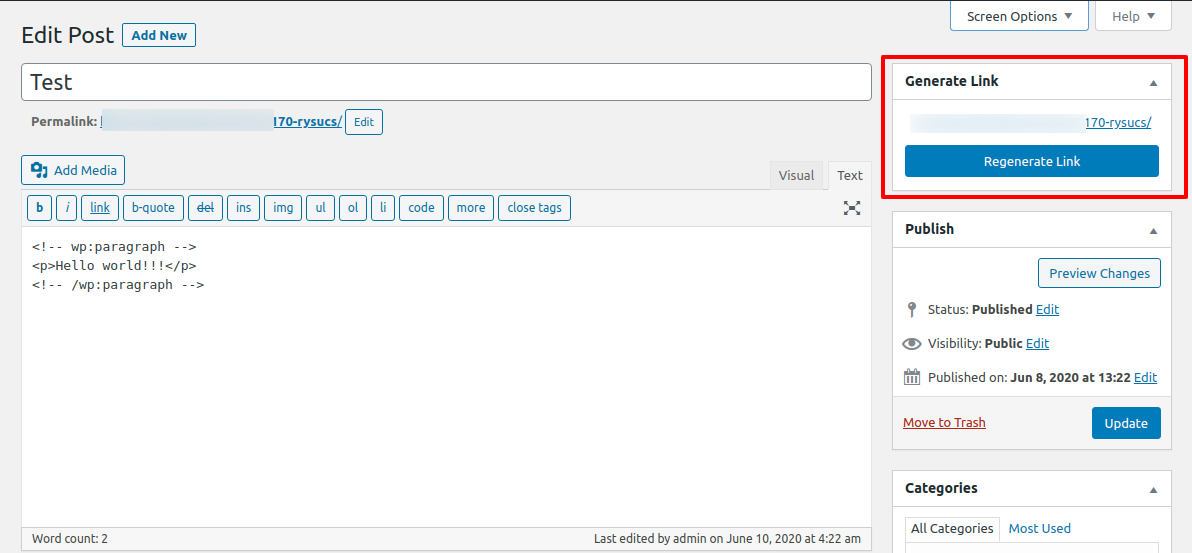
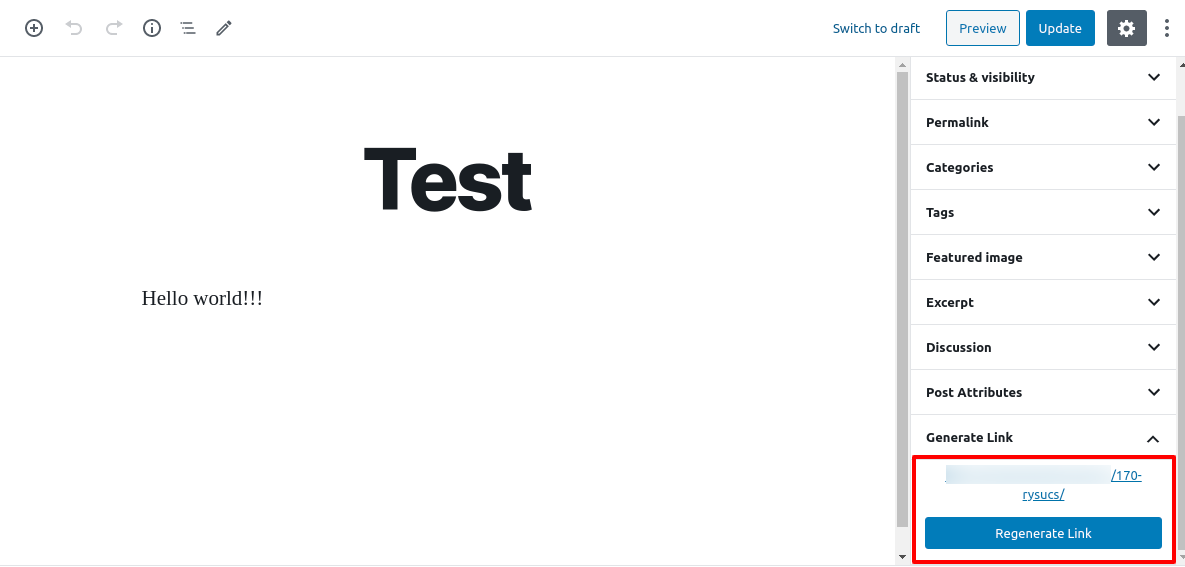
- Quickly regenerate links with one click from your WordPress admin.
Whether you’re managing content, marketing campaigns, or just want neat and professional URLs, Link Shortner makes it simple and effective.
لقطات الشاشة
التنصيب
-
From your WordPress dashboard, go to Plugins Add New.
Search for Link Shortner, then click Install and Activate. -
Or upload manually:
Upload thelink-shortnerfolder to the/wp-content/plugins/directory and activate it from the Plugins menu in WordPress.
الأسئلة المتكررّة
-
How do I generate a short link?
-
After installing Link Shortner, go to the Posts section.
There you’ll see a Regenerate Link button that creates a short URL for your post.
المراجعات


المساهمون والمطوّرون
“Link Shortner” هو برنامج مفتوح المصدر. وقد ساهم هؤلاء الأشخاص بالأسفل في هذه الإضافة.
المساهمون

لقد تم ترجمة ”Link Shortner“ إلى 3 لغات. شكراً إلى جميع المُترجمين لمُساهماتهم.
ترجمة ”Link Shortner“ إلى لغتك.
مُهتم بالتطوير؟
تصفّح الشفرة، تحقق من مستودع SVN، أو الاشتراك في سجل التطوير بواسطة RSS.
سجل التغييرات
1.1
- Small improvements and bug fixes
1.0
- Initial release.